10 Best AI Tools for Job Seekers in 2026
Find the best AI tools for job seekers in 2026. We review 10 top platforms for resume building, interview prep, and application tracking to land a job faster.

Job seekers who use AI well are not just writing faster. They are making better decisions at each stage of the search.
The primary benefit stems from workflow. One tool helps you build and tailor resumes. Another checks alignment against a job description. Another tracks applications, interview notes, and follow-ups. The strongest setup usually combines an all-in-one system like CV Anywhere with specialist tools where extra depth improves results.
That distinction matters because many candidates waste time with disconnected tools. They generate a resume in one app, paste it into another for keyword checks, save job links in a spreadsheet, then lose track of which version went to which employer. AI helps, but only if the process stays organised.
This guide focuses on 10 tools that are useful in 2026. I am not treating them as a random list. I am looking at where each one fits in a practical job search stack, what problem it solves, and what trade-off comes with using it. Some are stronger for resume tailoring. Others are better for tracking and pipeline management. Some are worth adding only for interview prep or ATS analysis.
If you're also using AI in adjacent parts of your work, this guide on how to create a presentation with AI is a useful companion.
1. CV Anywhere
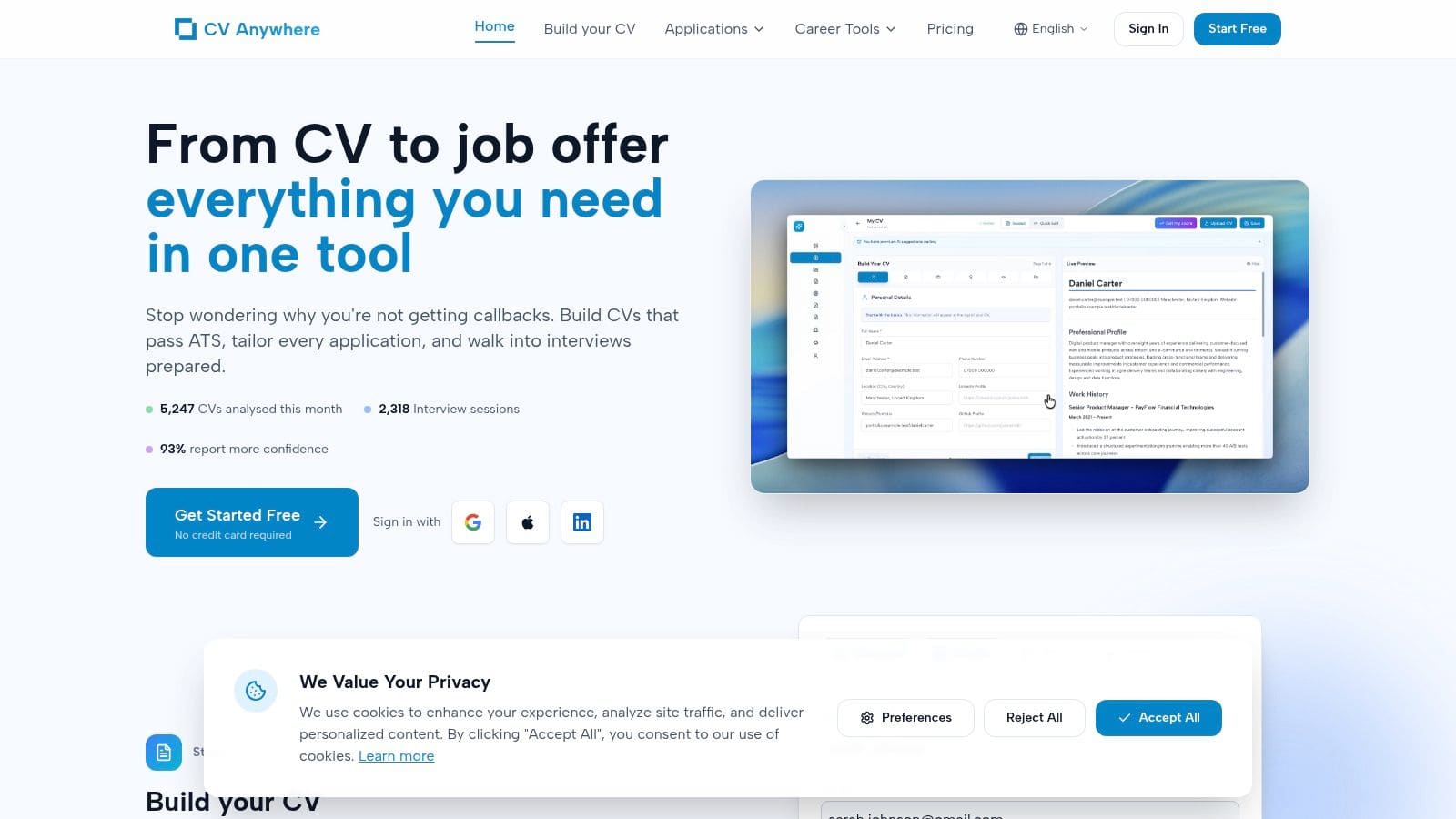
CV Anywhere makes the strongest case for keeping your job search in one system. That matters once you stop sending a single generic resume and start managing customized versions, target roles, notes, and follow-ups at the same time.
Its value is operational. You can build an ATS-friendly resume, check it against a job description with the JD Fit Checker, and keep that version tied to the application record. For job seekers testing multiple directions, such as product marketing, growth, and customer success, that setup reduces a common failure point: sending the wrong resume to the wrong company or losing track of what you already changed.
Where it works best
CV Anywhere fits job seekers who want a central workspace instead of a stack of disconnected tools.
- Best for end-to-end workflow: Resume drafting, tailoring, and application tracking happen in one place.
- Best for career pivots: The JD Fit Checker helps identify missing skills, phrasing gaps, and role-specific keywords.
- Best for longer searches: Lifetime pricing will appeal to candidates who do not want another recurring subscription during an extended search.
Practical rule: If your search is breaking down at the version-control stage, fix the system before you polish another bullet point.
The trade-off is straightforward. CV Anywhere is more focused than older platforms with bigger ecosystems, browser extensions, or wider third-party integrations. In practice, that focus is useful for candidates who want a cleaner workflow, but power users may still pair it with a specialist tool later for deeper ATS analysis or interview prep.
The shareable CV pages are a smart extra. They do not replace a formal application, but they are useful for recruiter outreach, networking follow-ups, and situations where a live profile is easier to review than another PDF attachment.
Is your resume actually getting responses?
Your resume might be missing something important
Upload your resume → see its weakest areas → fix them, one by one.
Free. Takes less than 2 minutes.
2. Teal
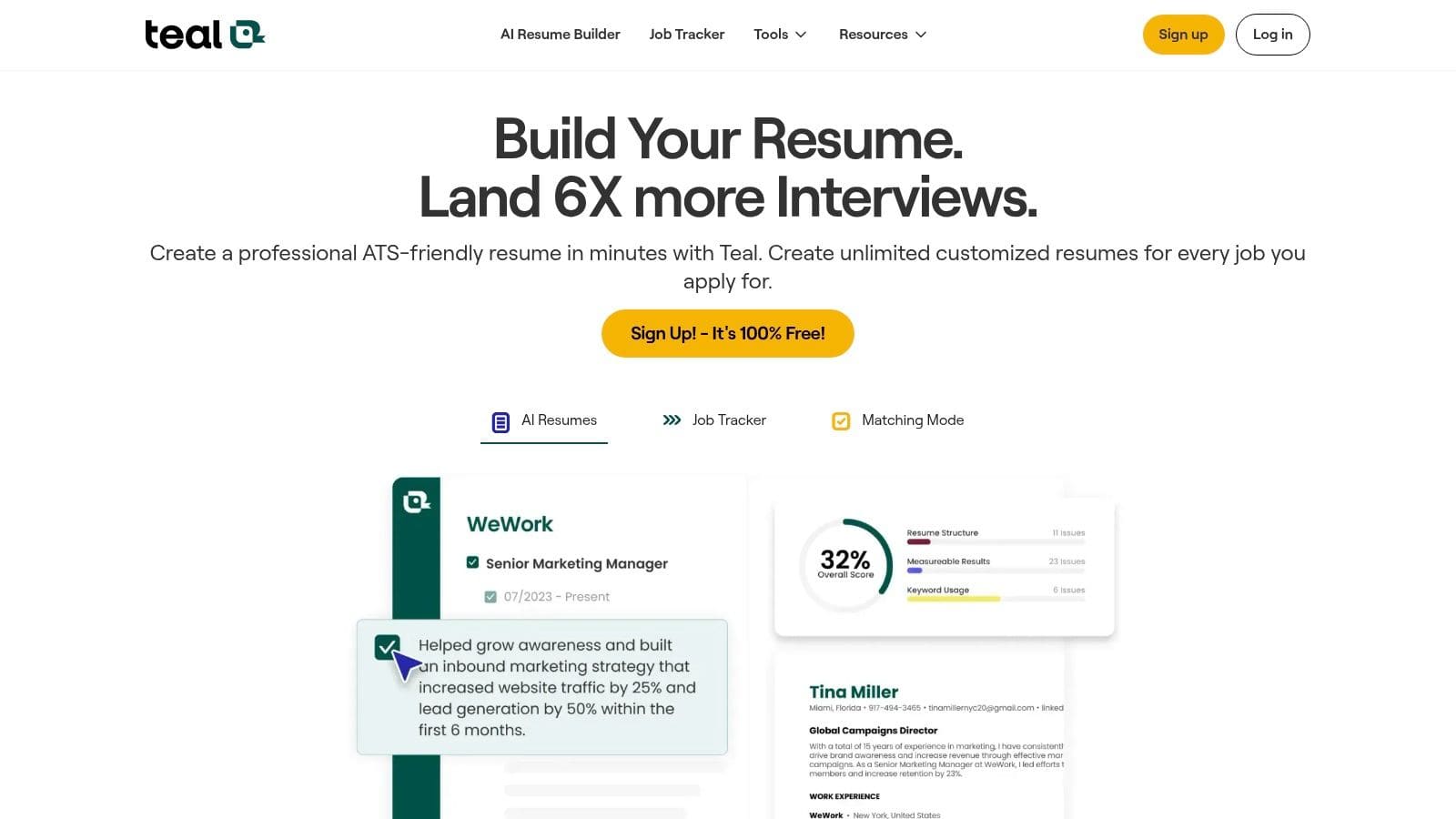
Teal is a strong choice for job seekers who need process discipline more than another writing assistant. I've found its real value is operational. It helps you capture openings, track status changes, and keep customized materials tied to the right role before your search turns into a mess of duplicated resumes and forgotten follow-ups.
That makes Teal useful at a specific stage of the workflow. Use it when job discovery and application management are becoming the problem. If CV Anywhere is the cleaner home base for building and tailoring documents, Teal is the heavier system for candidates who want a more developed tracking environment and do not mind extra complexity.
Where Teal is strongest
Teal works well for candidates running a high-volume or multi-track search.
- Job tracking: The Chrome extension makes saving roles fast, which matters if you review listings in bursts and need a reliable pipeline.
- Resume targeting: Match scores and keyword prompts give you a practical way to adjust resumes and cover letters for each opening.
- Guided usage: Teal explains its features better than many competing tools, which helps first-time users build a repeatable routine.
The trade-off is the interface. Teal has a lot going on, and that can slow down candidates who want a simpler workflow. I usually recommend it to people applying across several functions, locations, or seniority levels, because they benefit most from the added structure. For a narrower search, the setup can feel heavier than necessary.
Teal is not the tool I'd choose for every stage of the search. It is the one I'd choose when consistency is slipping and you need a system that keeps applications, versions, and follow-ups under control over weeks or months.
3. Jobscan
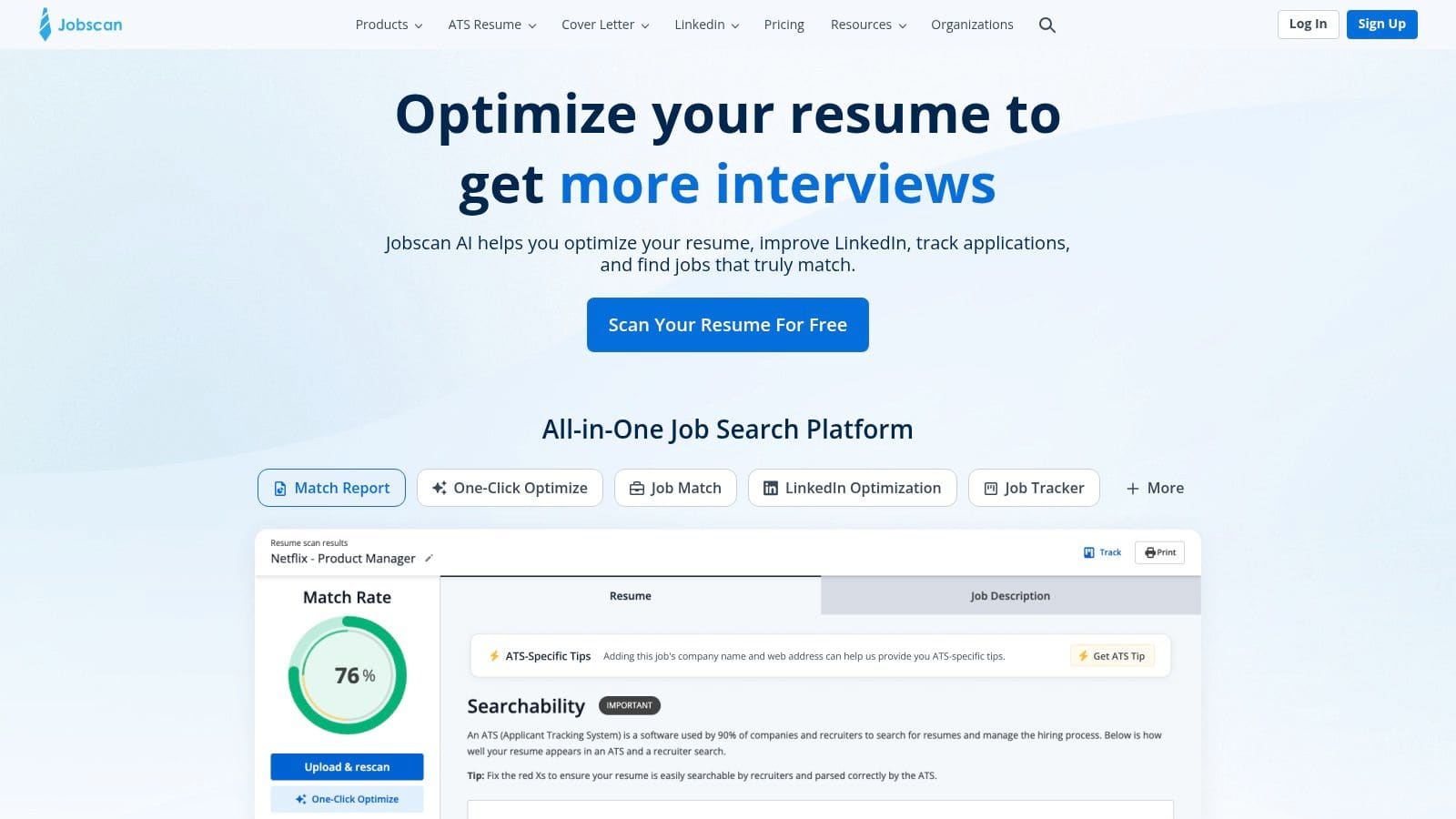
Jobscan earns its place in a serious job search for one reason. It is very good at resume-to-job matching.
That narrow focus matters. In a workflow built around stages, Jobscan fits after you've chosen a target role and before you submit the application. I use it as a checkpoint tool, not a home base. If CV Anywhere or your preferred editor is where you build and tailor documents, Jobscan is where you pressure-test whether the language actually lines up with the posting.
What it's best at
Jobscan is most useful for candidates whose experience is relevant but not framed clearly enough for screening systems or busy recruiters.
- Match rate reports: The resume-to-job comparison gives you a practical list of missing terms, weak alignment, and sections that need revision.
- LinkedIn checks: You can review whether your profile supports the same target direction as your resume.
- Additional scans: Cover letter and profile optimisation can help if you are applying into crowded processes where small relevance gaps hurt.
The main advantage is speed. You can take a solid draft, compare it against a live job description, and spot the disconnects in minutes. That makes Jobscan more valuable for targeted applications than for broad career planning.
There is a trade-off. Keyword matching can push candidates toward over-editing. I've seen people chase a higher score and weaken the resume by stuffing in repeated phrases or copying the posting too closely. The better approach is to use the scan to find missing evidence, then rewrite bullets so the experience stays specific and credible.
Good optimisation improves translation. It should not strip out judgment, results, or your own language.
The other limitation is workflow friction. Jobscan diagnoses well, but many candidates still do the actual writing somewhere else, then come back to rescan. If you want one tool to manage drafting, tailoring, tracking, and follow-up, this will feel incomplete. If you want a specialist layer inside a broader system, it does its job well.
4. Resume Worded
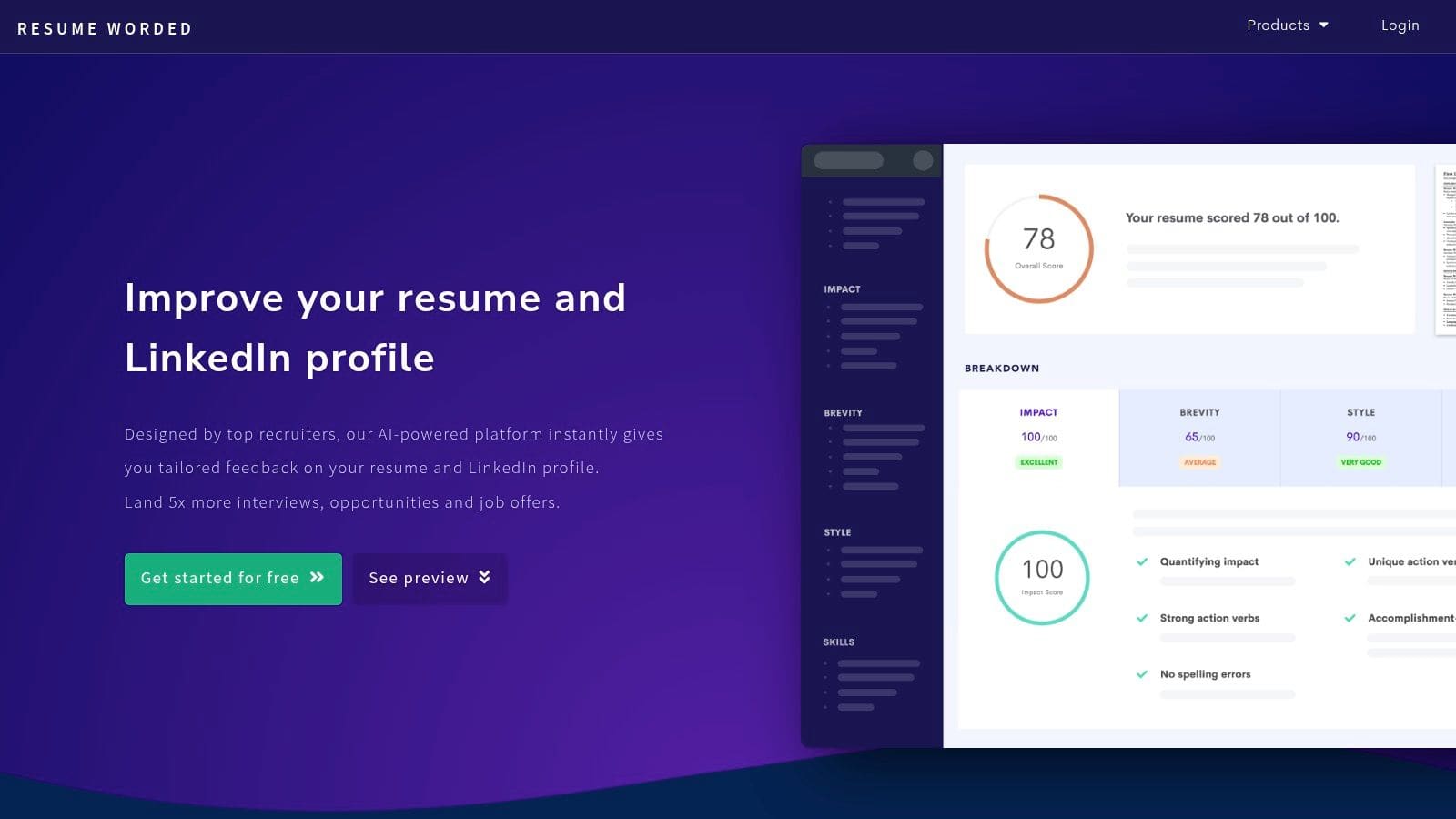
Resume Worded is one of the quickest tools for improving phrasing. It's especially useful when your resume is technically solid but reads flat, generic, or underpowered. The line-by-line feedback tends to be more actionable than broad advice like "show impact" or "improve clarity".
Its Score My Resume feature is where most users get value. You upload what you already have and get itemised feedback that points to weak bullets, missing context, and vague wording.
Why people keep using it
Resume Worded works well for editing and polishing, especially if LinkedIn matters in your search.
- Fast diagnostic feedback: You can improve wording without rebuilding the document from scratch.
- LinkedIn checks: This is one of its strongest differentiators.
- Magic Write support: Helpful when you know a bullet is weak but can't phrase it cleanly.
I'd use it when the raw content exists, but the presentation is underselling the candidate. It's less compelling if you need a full search system or robust application management.
The biggest trade-off is that the builder itself is fairly basic. Many users still write in Word or Google Docs, then use Resume Worded as a feedback engine. That workflow works. You just need to know you're paying for analysis and optimisation, not a full platform.
5. Rezi
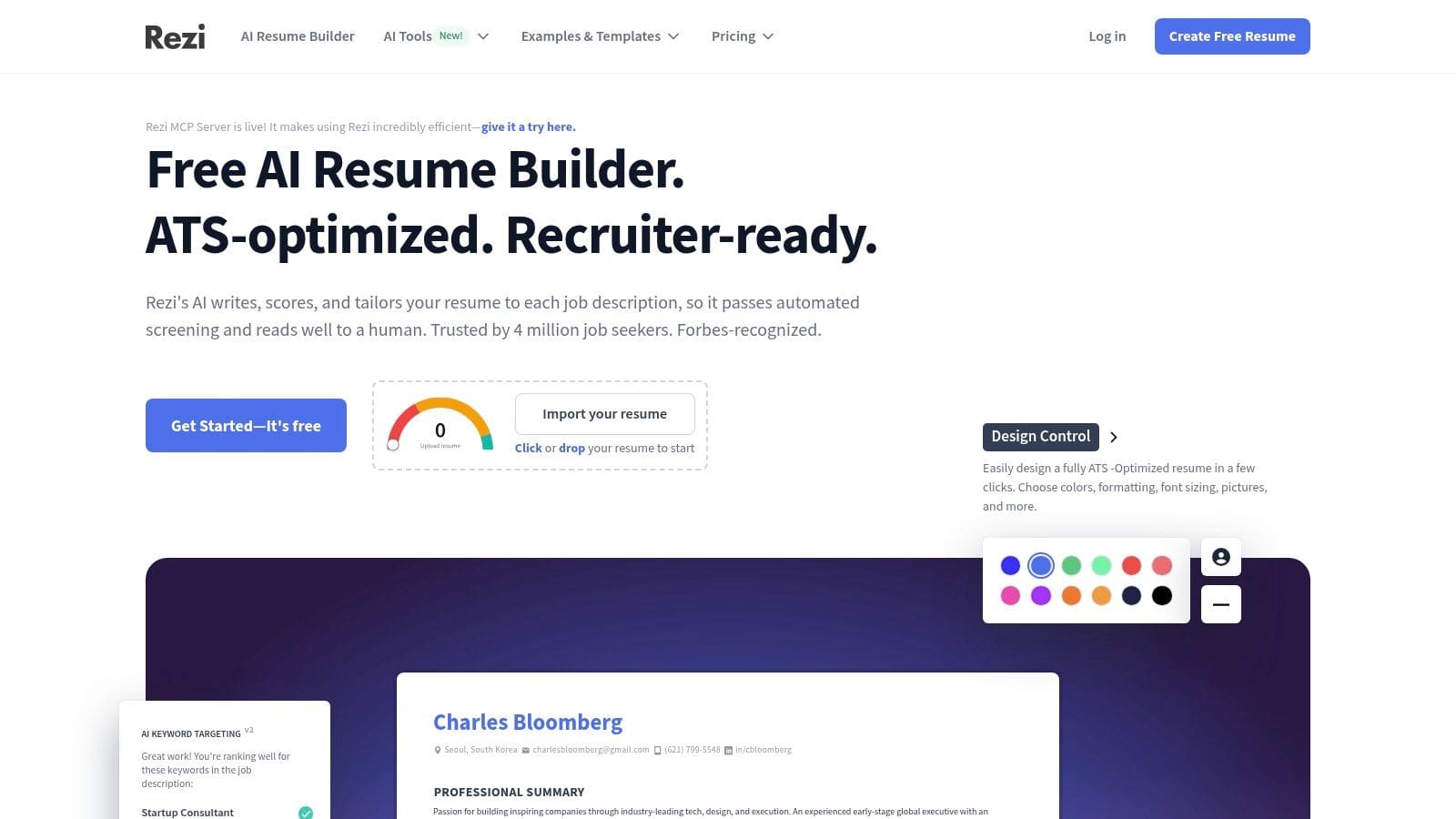
Rezi is built for people who want an ATS-first resume builder and don't care much about flashy design. That's a sensible priority. Attractive layouts don't help if your resume gets filtered out or becomes hard to parse.
The platform gives real-time guidance while you write, which lowers the friction of tailoring. Instead of writing the full draft first and diagnosing problems later, you can improve bullets, summaries, and keywords as you go.
Best use case for Rezi
Rezi is a practical choice if your main concern is producing clean, targeted resumes quickly.
- AI writing support: Good for summaries, bullet points, and cover letters.
- Scoring system: Rezi Score gives live feedback on content and keyword alignment.
- Export flexibility: Useful if you need both PDF and DOCX versions depending on employer preference.
Its pricing structure also appeals to people who expect a longer search. A lifetime option can make more sense than recurring costs if you're planning a careful transition rather than a short burst of applications.
The downside is the feel of the platform. Rezi can feel template-led, and some users will want more design freedom than it offers. That's the trade. If your priority is passing screening, it's strong. If your priority is visual customisation, it will feel constrained.
6. Huntr
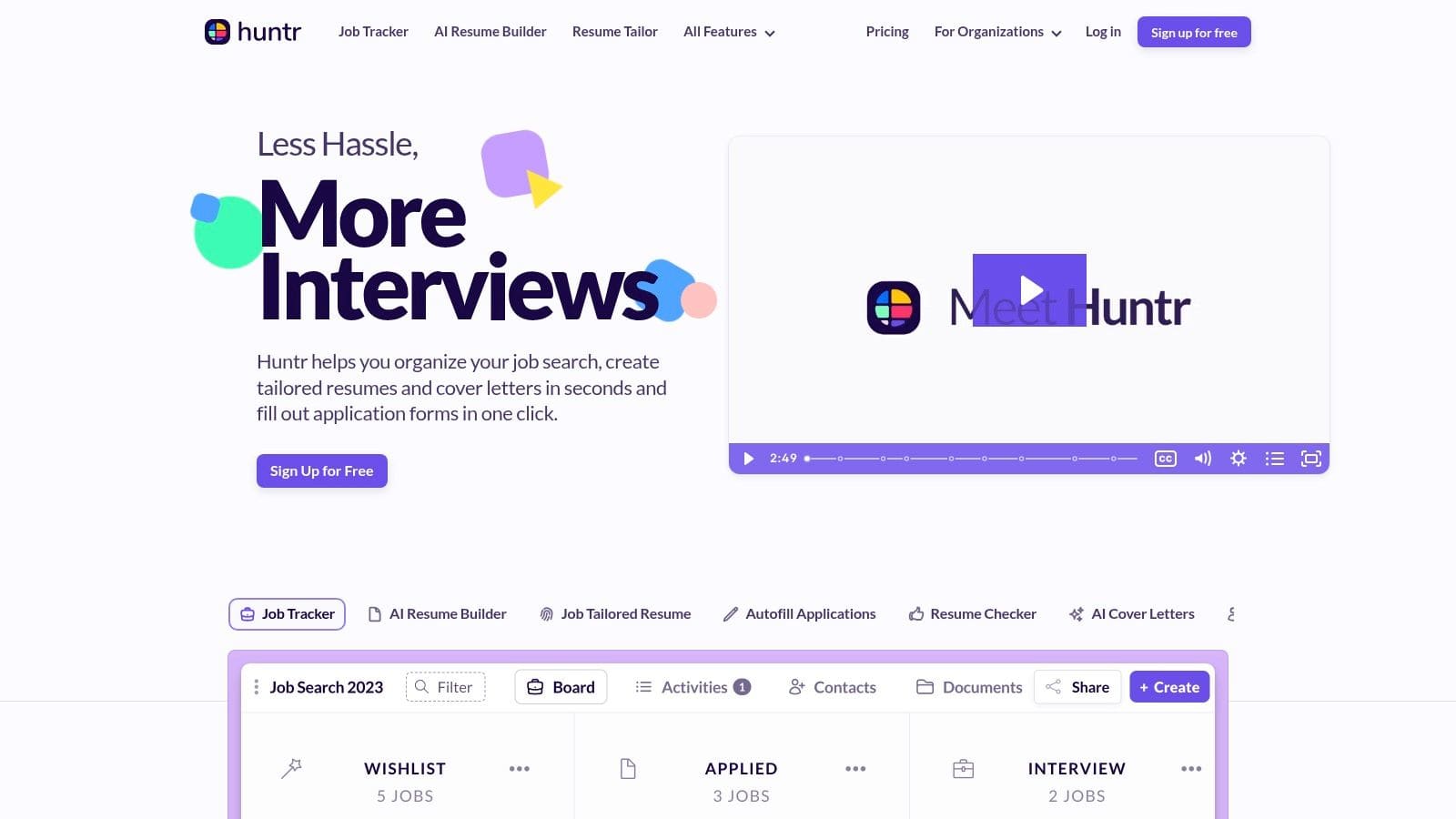
Huntr solves a different problem than most tools in this category. It keeps your job search organised once you have enough targets, versions, notes, and follow-ups to lose track of them.
That makes it useful for people managing a real pipeline, not a casual search. I've found Huntr works best when you are applying across several companies at once and need one place to track role status, store customized resumes, save job descriptions, and note who you spoke to.
Where Huntr fits in your workflow
Huntr is strongest in the middle of the process, after targeting and before interview prep.
- Pipeline tracking: Manage applications by stage, deadline, company, and contact.
- Job clipping extension: Save roles from job boards quickly, with less copy-paste admin.
- Document storage: Keep the right resume and cover letter attached to each application.
- Light AI features: Helpful for drafting or adapting materials, though not as strong as specialist writing tools.
This is the primary trade-off. Huntr is better at search operations than content quality. If you want deeper resume optimisation, Jobscan, Resume Worded, or Rezi will usually give stronger feedback. If you want one system to keep the process under control after those tools have done their job, Huntr makes more sense.
That is also where the broader workflow matters. A practical setup is to build and tailor documents in specialist tools or an all-in-one platform like CV Anywhere, then use Huntr to manage submissions, notes, and follow-ups. Used that way, it saves attention, which is often the first thing high-volume applicants run out of.
Its limitation is clear. The interface is functional, and the AI layer feels secondary to the tracking system. For job seekers who need structure more than polish, that is usually a fair trade.
7. Simplify Copilot
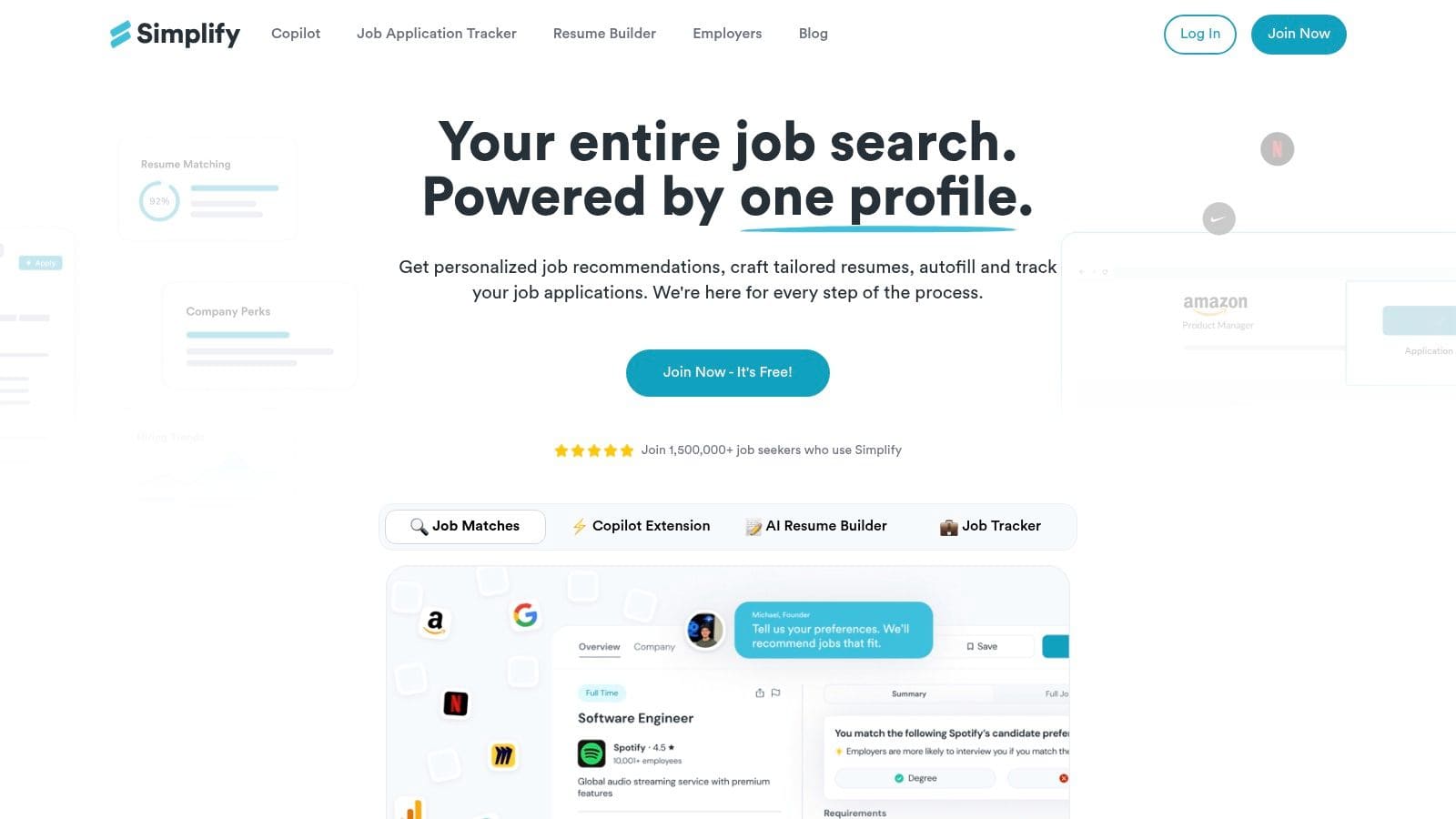
Simplify Copilot is the speed tool on this list. If you're tired of retyping the same work history, dates, locations, and profile details into endless ATS forms, this extension can remove a lot of friction.
That matters because repetitive admin is where many searches lose momentum. You don't quit because one application is hard. You quit because the process becomes boring and inefficient after the twentieth one.
What it does well
Simplify Copilot is for application speed, not deep strategy.
- One-click autofill: Saves time across many career sites and ATS flows.
- Basic tracking: Good enough for lightweight monitoring.
- Keyword hints: Helpful, but not as deep as a specialist optimiser.
Use autofill for data entry, not for judgement. You should still review every application before you submit it.
Its weakness is also obvious. Coverage varies by site, and some forms still need manual fixes. Privacy-conscious users should also review permissions carefully before letting any browser extension handle sensitive job search data.
This is one of the best ai tools for job seekers who are already doing the strategic part well and want to remove repetitive form-filling from the process.
8. Careerflow.ai
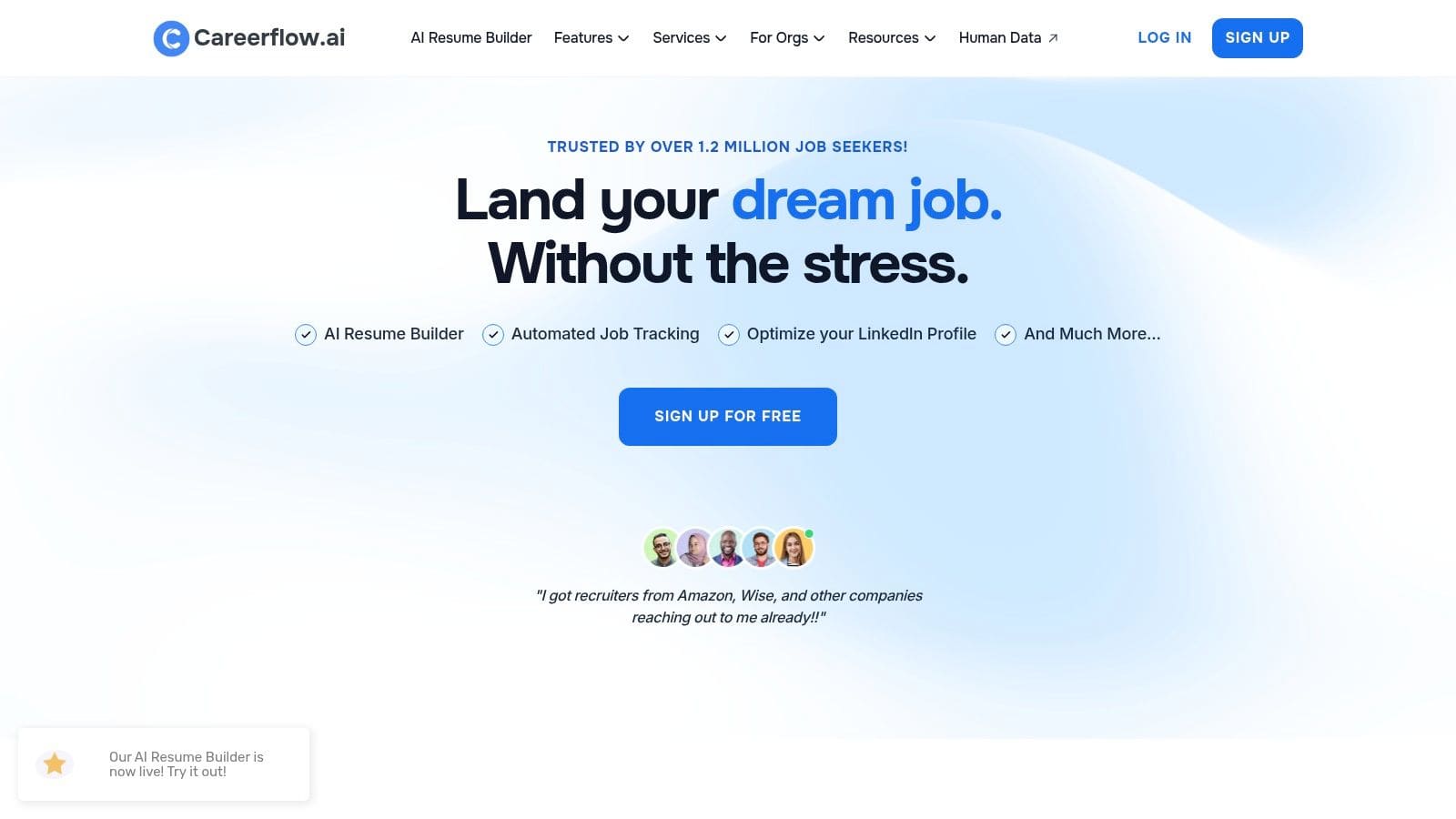
Careerflow.ai is one of the few tools here that puts LinkedIn optimisation near the center of the workflow instead of treating it like a side feature. That matters for job seekers who get traction through recruiter searches, profile views, and networking, not just cold applications.
I see Careerflow as a middle-ground platform. It does more than a specialist resume checker, but it is less focused than a tool built for one job search task. That trade-off works well for early-career candidates, career changers, and anyone whose search is still messy. If your resume, LinkedIn profile, application tracking, and interview prep all need attention at once, having them in one place can reduce context switching.
Where Careerflow earns its place
Careerflow is strongest when profile positioning is part of the plan, not an afterthought.
- LinkedIn optimiser: Useful for improving headlines, summaries, and keyword alignment with target roles.
- Resume support: Good for drafting, reviewing, and making fast revisions.
- Job tracker and interview tools: Helpful if you want one account to cover multiple stages of the search.
The upside is convenience. The downside is depth. Its resume and interview features are useful, but they do not replace stronger specialist tools if you are pushing for a highly competitive role and need tighter feedback.
That is why I would use Careerflow as part of a workflow, not as the whole system. Pair it with a specialist tool when you need sharper resume optimisation or more rigorous interview practice, and use an all-in-one platform like CV Anywhere if your priority is running the broader search process efficiently across documents, applications, and follow-up.
Some users will also notice the usual all-in-one friction. Parts of the experience can feel uneven, and occasional bugs in optimisation flows are not unusual. Still, if LinkedIn visibility is a real channel in your search, Careerflow fills a gap that many other job seeker AI tools leave open.
9. Big Interview
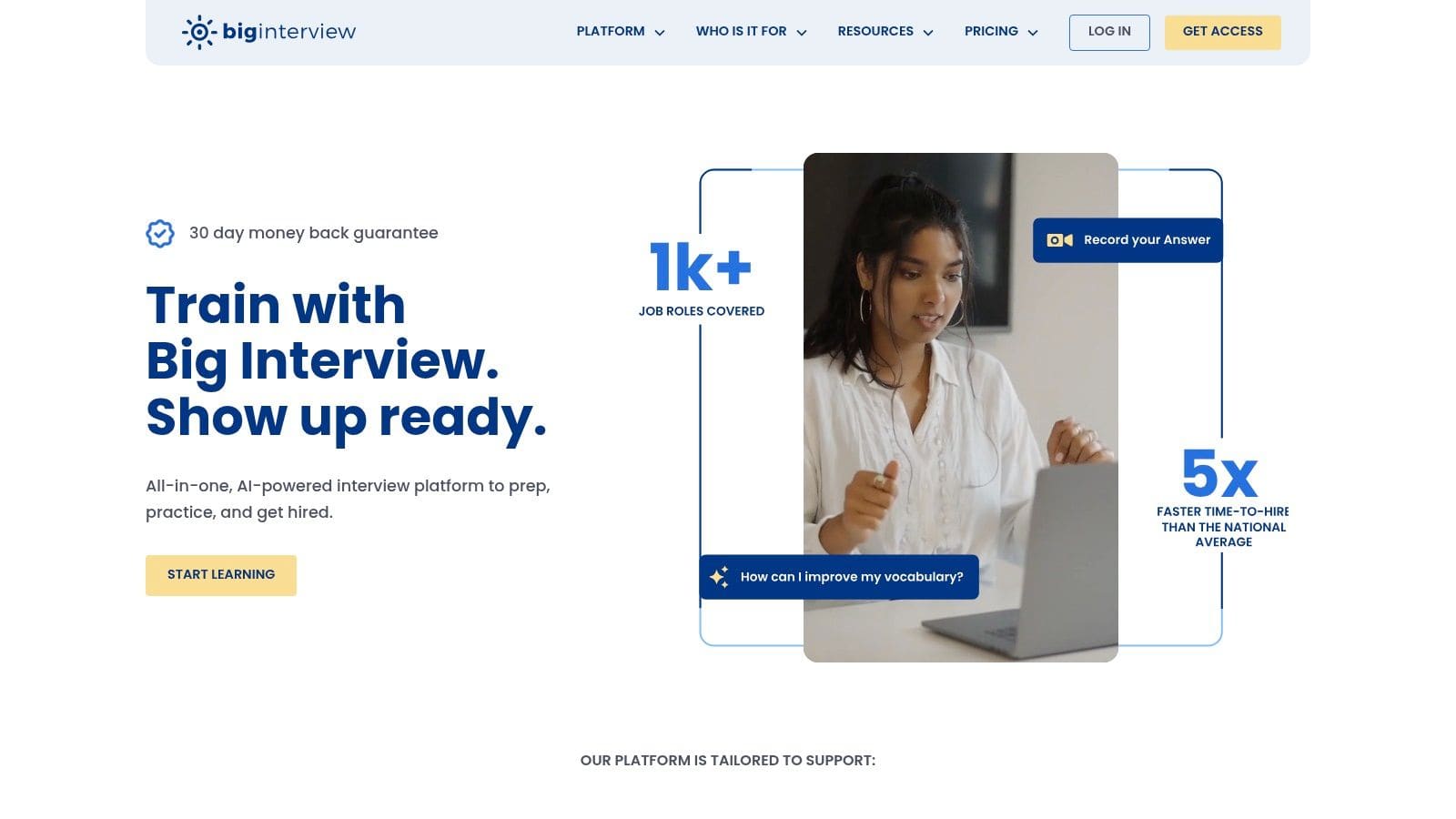
Big Interview is the best specialist tool here for structured interview preparation. Many job seekers prepare too late and too loosely. They skim common questions, rehearse a few answers in their head, then get exposed when a hiring manager asks for clear examples under pressure.
Big Interview fixes that with more structure than lightweight AI role-play apps. It isn't just a chatbot asking questions. It gives a curriculum, role-specific question libraries, and AI feedback on how you deliver answers.
Why it works
This platform is for people who want disciplined practice rather than casual rehearsal.
- AI mock interviews: Useful for reviewing pace, clarity, and delivery.
- Structured training: Better than ad hoc Q&A if interviews make you ramble.
- Role and industry coverage: Helps you prepare for context, not just generic prompts.
I'd recommend it most to professionals targeting competitive interviews, returners who feel rusty, and candidates who know their content but struggle with delivery and structure.
The limitation is scope. Big Interview doesn't try to run your entire search. If you need resume tailoring, application management, and JD analysis, you'll still want another tool in the stack.
10. Yoodli
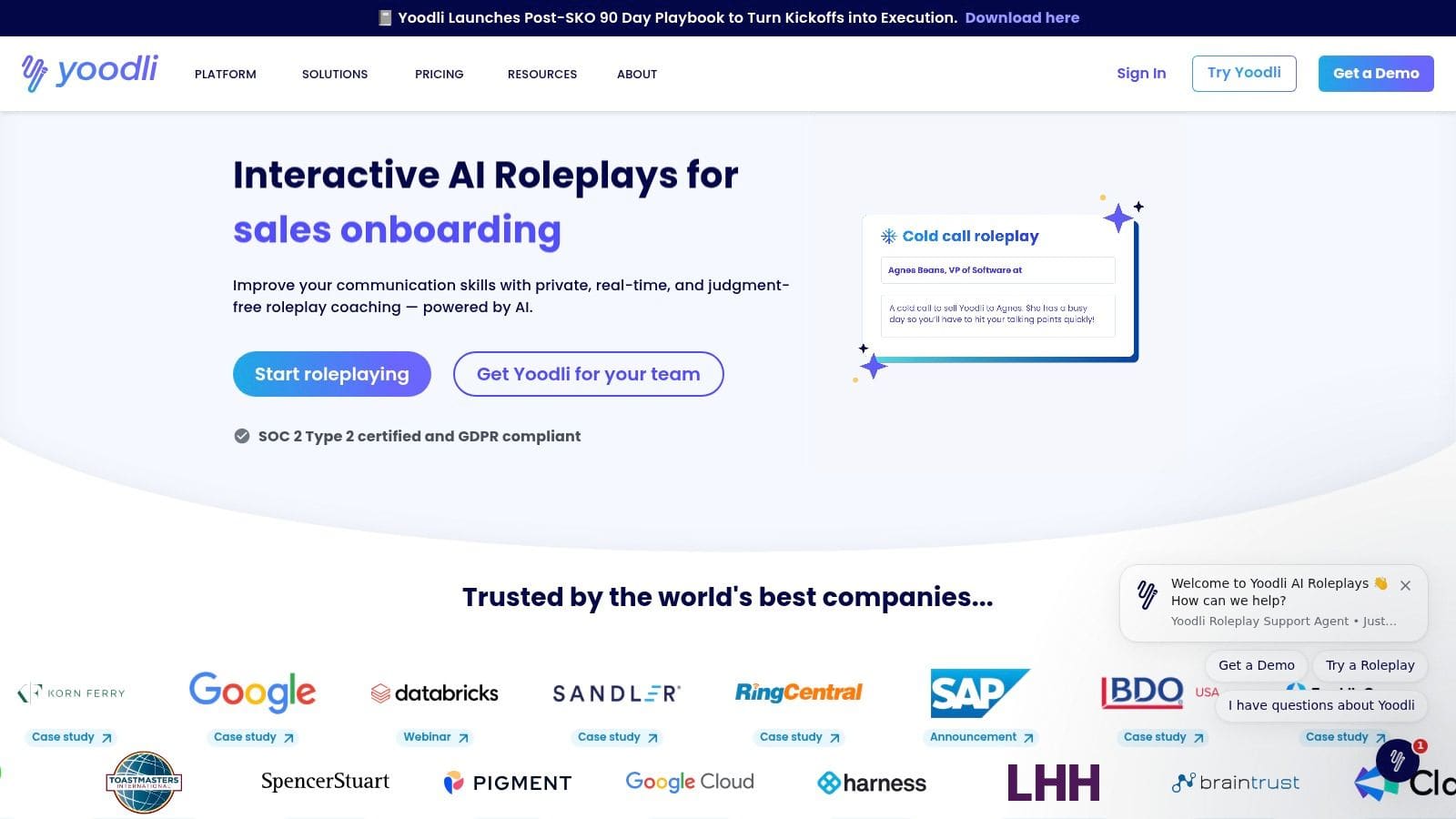
Yoodli is one of the fastest ways to spot interview habits that weaken otherwise strong answers. It focuses on spoken delivery, not interview strategy, which makes it useful for candidates who already have solid examples but still sound rushed, unfocused, or over-rehearsed on camera.
That specialization is the point.
I've found Yoodli most helpful late in the workflow, after the resume is customized, target roles are clear, and core stories are already drafted in a tool like Big Interview or mapped inside a broader system like CV Anywhere. At that stage, the problem usually is not what to say. It is how you sound saying it.
Best way to use Yoodli
Use Yoodli as a delivery checkpoint before real interviews, especially for recorded screens, recruiter calls, and final-round conversations where polish matters.
- Delivery analytics: Tracks pace, filler words, and verbal habits that are easy to miss on your own.
- Targeted drills: Helps rehearse intros, behavioral answers, and concise story structure.
- Low-friction testing: The free tier is enough to see whether the feedback is useful for your style.
The trade-off is clear. Yoodli will not tell you whether your STAR example is persuasive, whether your answer matches the role, or whether your interview plan is strategically strong. It helps you tighten delivery once the substance is there.
That makes it a strong specialist tool, not an all-in-one solution. In a practical job search stack, Yoodli fits near the end. Use an end-to-end platform to manage resumes, applications, and job targeting. Then use Yoodli to refine how you come across when the interview starts.
Top 10 AI Tools for Job Seekers, Comparison
| Product | Core features ✨ | UX quality ★ | Pricing & value 💰 | Best fit / USP 👥 |
|---|---|---|---|---|
| 🏆 CV Anywhere | Smart CV builder, JD Fit Checker, App tracker, Shareable CV pages | ★★★★★ | Free tier · Next Move monthly · Lifetime option 💰 | Job seekers wanting end-to-end builder + tailoring + tracker 👥 |
| Teal | AI resume & cover writer, Resume Analyzer, JD match, Chrome clipper | ★★★★☆ | Generous free tier · Teal+ for advanced features 💰 | Resource-rich career toolkit + education materials 👥 |
| Jobscan | Resume↔JD keyword matching, LinkedIn scans, Formatting checks | ★★★★☆ | Free basics · Premium paid (can be pricey) 💰 | Deep ATS intelligence for precise tailoring 👥 |
| Resume Worded | Line-by-line feedback, ATS targeting, Magic Write suggestions | ★★★★ | Free insights · Pro for full features 💰 | Fast wording & LinkedIn optimization for impact 👥 |
| Rezi | AI writer, Rezi Score (real-time), export flexibility, interview practice | ★★★★ | Free limited · Paid with unlimited downloads · Lifetime options 💰 | ATS-first resumes with flexible exports 👥 |
| Huntr | Job CRM/pipelines, AI tailoring, Chrome clipper, doc storage | ★★★★ | Free · Pro for unlimited AI & advanced matching 💰 | Organizing high-volume applications and notes 👥 |
| Simplify Copilot | One-click ATS autofill, job tracker, keyword hints | ★★★★ | Completely free 💰 | Speeding repetitive form fills across ATS sites 👥 |
| Careerflow.ai | LinkedIn optimizer, AI resume checks, job tracker, mock interviews | ★★★☆ | Generous free tier · Premium for full value 💰 | Early-career & career changers needing broad tools 👥 |
| Big Interview | AI mock interviews (VideoAI), question libraries, structured lessons | ★★★★ | Paid (pricier for few sessions) 💰 | Deep interview curriculum for serious prep 👥 |
| Yoodli | AI role-plays, delivery analytics (pace, fillers, clarity), drills | ★★★★ | Free tier · Paid tiers for advanced features 💰 | Communication & on-camera confidence coaching 👥 |
Build Your AI-Powered Career Strategy
The strongest AI job search setup is a workflow, not a pile of subscriptions.
Candidates who get traction usually run a tighter system. They keep one base for resumes and applications, add specialist tools only when a clear gap appears, and review every AI draft before sending it. That approach cuts down on version confusion, weak tailoring, and missed follow-ups.
A stage-based process works better than switching between disconnected tools. Start with one platform for resume creation, version control, and application tracking. Then add specialist tools where they earn their place. Use Jobscan when a role is competitive and you need closer keyword alignment. Use Careerflow to improve LinkedIn positioning if recruiters are viewing your profile but not reaching out. Use Big Interview or Yoodli once interviews start, because that is where practice produces a visible return.
I have found that job seekers waste the most time when they use AI in the wrong order. They generate new resumes too early, test too many tools at once, and end up with inconsistent stories across their resume, LinkedIn, and interview answers.
The better sequence is simple:
- Build from one source of truth: Keep your master resume, customized versions, job descriptions, and application status in one system.
- Use specialist tools for specific bottlenecks: Add ATS matching, LinkedIn optimization, or interview coaching only when you know what is underperforming.
- Edit every output for proof and context: AI can draft structure and phrasing. It cannot supply your judgment, achievements, or a credible explanation for a career pivot.
- Track what works: Save each version with the role, date, and result so you can see which changes lead to callbacks.
This matters even more for career changers, international candidates, and applicants targeting multiple role types. Generic AI output often smooths over the exact details hiring teams care about. It weakens transferable accomplishments, overstates fit, and makes pivots sound vague. In those cases, tool choice matters less than tool sequence.
CV Anywhere is useful as the central system in that workflow because it combines resume creation, job matching, and application tracking in one place. That reduces admin work and makes it easier to keep documents consistent. If you want to test that kind of setup, start here: CV Anywhere.
Use fewer tools. Use them in the right order. That is how AI helps a job search instead of adding noise.
Tags
Related articles
AI CV Guide: Create a Smarter CV with Examples
You're probably looking at an old CV, a job description, and a blank cursor, wondering whether an ai cv tool will help or just produce polished nonsense. The short answer is yes, it can help, if you u...
What Is a CV Generator? A Step-by-Step Guide for 2026
A cv generator is a tool that helps you turn rough career notes into a clean, structured CV quickly. If you're staring at an old Word file, copying bullet points from one version to another, or wonder...
How to Write a CV Quickly: A 60-Minute Guide
You’re probably here because a job has landed in your inbox and you need to write a CV quickly without sending something sloppy. The good news is that speed isn’t the problem. Bad priorities are. A fa...
How to Improve My CV: A Step-by-Step UK Guide for 2026
If you're searching "improve my CV", you probably already know something's off. Your CV may look busy but say very little, or it may list plenty of duties without showing why anyone should interview y...
Popular Articles
You're probably looking at an old CV, a job description, and a blank cursor, wondering whether an ai cv tool will help or just produce polished nonsense. The short answer is yes, it can help, if you u...
A cv generator is a tool that helps you turn rough career notes into a clean, structured CV quickly. If you're staring at an old Word file, copying bullet points from one version to another, or wonder...
You’re probably here because a job has landed in your inbox and you need to write a CV quickly without sending something sloppy. The good news is that speed isn’t the problem. Bad priorities are. A fa...
If you're searching "improve my CV", you probably already know something's off. Your CV may look busy but say very little, or it may list plenty of duties without showing why anyone should interview y...