Picking the right resume templates is your first—and most important—move in getting a recruiter's attention. It's not just about looks; a great template is a strategic tool. It organizes your career story in a way that shines a spotlight on your biggest strengths, whether you're fresh out of college, a seasoned pro, or switching fields entirely. A clean, professional format makes sure the good stuff is impossible to miss.
Choosing Resume Templates That Get You Noticed
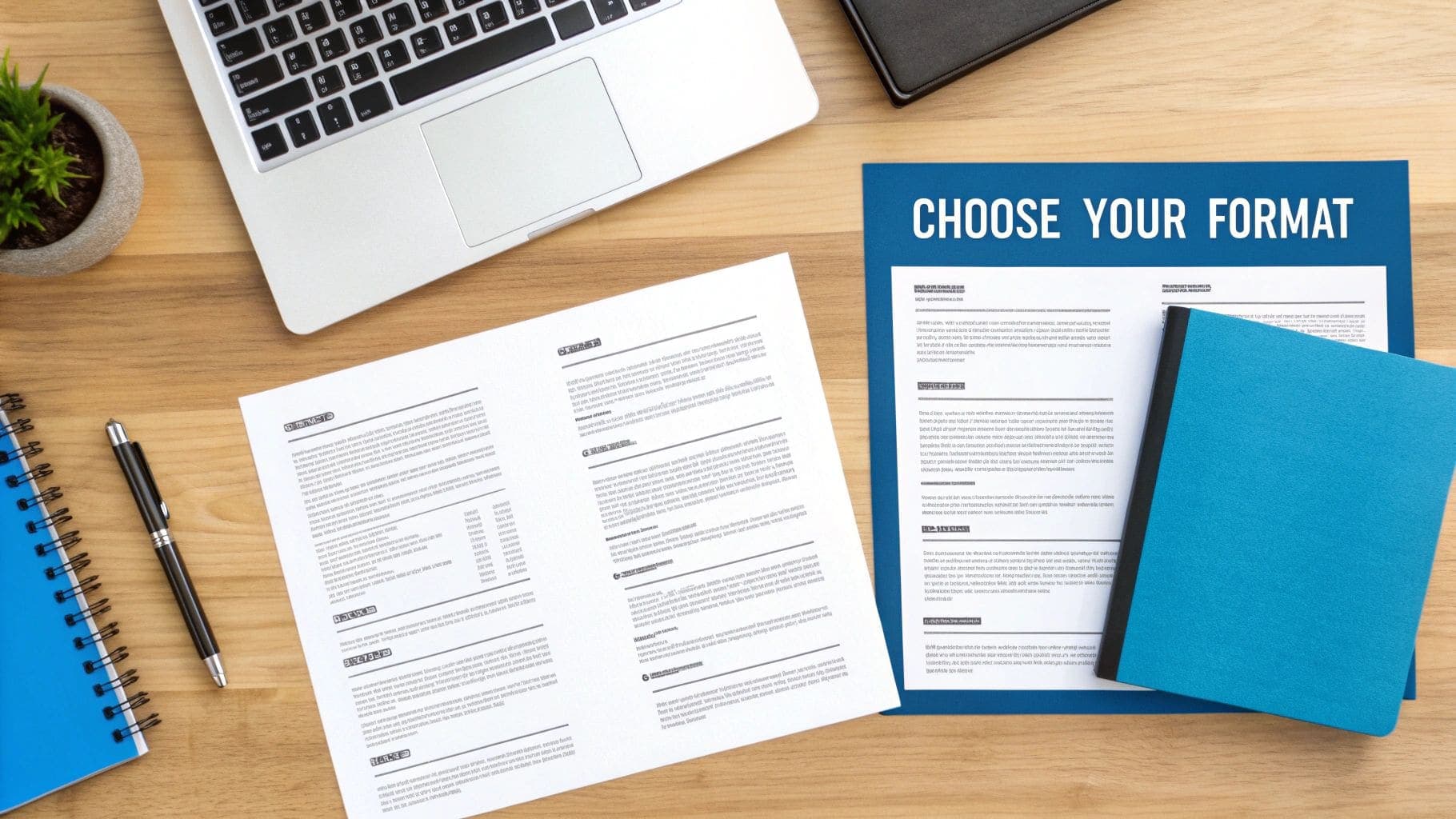
Forget flashy designs for a moment. The best resume is all about smart communication. You need a layout that fits your industry, your experience level, and the specific job you're chasing. The structure you choose directly shapes how a hiring manager sees you in those first few critical seconds. This is why getting to grips with the three main resume formats is a non-negotiable part of your job search.
The Three Core Resume Formats
Your career path is unique, and your resume format should reflect that. There's no magic bullet here; the right choice is all about your personal history and what you want to do next.
Here's a quick rundown to help you figure out which format is best for your situation.
| Template Type | Best For | Key Feature |
|---|---|---|
| Chronological | Professionals with a steady, upward career path. | Lists work history from most recent to oldest, highlighting growth. |
| Functional | Career changers, or those with employment gaps. | Emphasizes transferable skills over a non-linear work history. |
| Hybrid | Most professionals who want to highlight skills and experience. | A powerful skills summary at the top, followed by a work history. |
Let's break down when to use each one.
Chronological: This is the classic for a reason. It lists your jobs in reverse-chronological order (newest first). It's perfect if you have a solid work history and a clear career ladder you've been climbing. It screams stability and progression.
Functional: This one flips the script, focusing on what you can do rather than where you've been. It's a lifesaver for career changers or anyone with gaps in their employment. For instance, a project manager gunning for a marketing role could use a functional resume to showcase "Campaign Management" skills instead of irrelevant job titles.
Hybrid (or Combination): Exactly what it sounds like—the best of both worlds. It usually kicks off with a punchy skills summary, followed by a slightly condensed work history. This format is incredibly versatile and works well for almost anyone.
The right template doesn't just list facts; it tells your story. A recent grad should probably stick to a chronological layout to play up those internships. But someone pivoting careers needs a functional format to prove their skills are transferable.
Aligning Your Template with the Job Description
Before you even think about fonts, dig into the job description. Is the company a creative agency or a buttoned-up finance firm? A graphic design role might welcome a more visual template, while a corporate job pretty much demands a clean, conservative layout.
A smart CV builder can be a huge help here, offering different formats designed for specific professional needs. As you can see, modern resume templates are built to present your info clearly and professionally. The key is to pick a format that's not just easy on the eyes, but also strategically sound. If you want to dive deeper, our guide on the best template for your CV has even more insights to help you choose.
Build a resume that actually gets interviews
Start from your current resume — or from scratch — with step-by-step guidance so you do not get stuck.
Free. No blank page. No templates to wrestle with.
Optimizing Your Template for Applicant Tracking Systems
Before your resume ever has a chance to impress a hiring manager, it first has to get past a machine. We're talking about Applicant Tracking Systems (ATS)—the software that scans, sorts, and scores applications long before a human sees them. Your choice of resume template is absolutely critical to passing this first test.
These systems are built to parse simple text, which means those ultra-creative layouts with fancy columns, tables, or weird fonts can be completely unreadable to the software. The result? An automatic rejection, and you'll never even know why.
It's a harsh reality that many job seekers don't realize: a massive chunk of resumes get screened out by these bots. Industry estimates suggest that up to 60–75% of resumes are initially rejected by an ATS. This has forced a major shift toward templates that prioritize clean layouts, standard section headers, and keyword-rich phrasing just to survive the initial automated screening.
Formatting That Beats the Bots
The key to an ATS-friendly resume is all about simplicity and structure. The software needs to instantly identify who you are, what you've done, and what you're capable of doing for the company.
Think of it like feeding data into a spreadsheet. If the data is messy and all over the place, the output is going to be useless. Here's how to keep your formatting clean so the bots can read it perfectly:
- Stick to a Single-Column Layout: Multi-column designs are notorious for confusing an ATS, causing it to read sections completely out of order. A linear, top-to-bottom flow is always your safest bet.
- Use Standard Fonts: Pick something universally recognized like Arial, Calibri, or Georgia. Ditch the scripts or highly stylized fonts that might not render correctly.
- Avoid Graphics and Tables: As cool as they look, things like skill bars, logos, and tables are often invisible to an ATS. You need to present all your information as plain text.
Your goal is to make it as easy as possible for the software to read your resume. If the ATS can't parse your contact info or work history, it's as if they don't even exist on your application.
Weaving in the Right Keywords
An ATS doesn't just read your resume; it scores it based on how relevant it is to the job description. This is where keyword optimization becomes your secret weapon. The system is literally scanning for specific terms—skills, qualifications, and software—that are mentioned in the job posting.
Your job is to mirror that language naturally throughout your resume.
Let's walk through a real-world scenario.
Imagine a job description for a Marketing Coordinator that asks for experience with "email marketing campaigns," "social media management," and "SEO principles."
- Before (Too Generic): "Responsible for marketing tasks." This is far too vague and won't trigger any keyword matches.
- After (Optimized): "Managed data-driven email marketing campaigns and executed social media management across three platforms, applying fundamental SEO principles to increase blog traffic." See the difference? This version directly incorporates the exact keywords.
This kind of optimization is crucial for getting your resume noticed by the system. To double-check your template's compatibility and fine-tune your keyword strategy, it's a smart move to use a dedicated resume analyzer tool. You can also dive deeper with our detailed guide on building the perfect ATS-friendly resume template for more advanced tips.
Customizing Sections to Highlight Your Achievements

A great template gives you a solid foundation, but it's your achievements that will get you the job. Think of the template as the frame and your accomplishments as the masterpiece inside it. To stand out, you have to move beyond just listing your old job duties and start telling a compelling story about the value you delivered.
Let's be honest, hiring managers have seen "Managed social media" a thousand times. It's vague. It's forgettable.
Now, compare that to: "Grew social media engagement by 45% in six months by launching a data-driven content strategy." This one sentence tells a powerful story of skill, strategic thinking, and—most importantly—measurable results. This is how you turn a passive resume into an active sales pitch for your career.
Strategically Ordering Your Sections
Don't just fill in the blanks. The order of your resume sections is a strategic choice that should be tailored to your specific situation. For most professionals, the standard flow works just fine: Professional Summary, Work Experience, Skills, and then Education. It's what recruiters expect to see.
But sometimes, breaking from the norm is the smartest move you can make.
- For recent graduates: Your education is your biggest asset right now. Put that section right after your summary, especially if you have a relevant degree or graduated from a well-regarded university.
- For career changers: You need to bridge the gap between your past and your future. Lead with a strong Professional Summary or a dedicated "Key Skills" section at the top to highlight your transferable abilities before a recruiter gets to your less-related work history.
- For project-based roles: This is a game-changer for developers, designers, and consultants. Adding a "Projects" section lets you showcase specific, impactful work that might otherwise get buried in a standard job description.
Customizing the order like this ensures your most relevant and impressive qualifications are the first thing a recruiter sees, hooking them right from the start.
From Duties to Data-Driven Impact
Recruiters don't really care what you were responsible for; they want to know what you accomplished. The trick is to infuse every bullet point with numbers, context, and results. This isn't just a good idea—it's what modern hiring managers are trained to look for.
A resume filled with achievements is a marketing document for your career. A resume filled with duties is just a job description.
To make this shift, go through your past roles and start asking the right questions:
- How much money did I save the company or help generate in revenue?
- By what percentage did I increase efficiency, output, or customer satisfaction?
- How many people was I in charge of managing or training?
- Did my work directly improve a process or the customer experience? How?
Answering these questions will help you uncover the data you need to write powerful, achievement-oriented bullet points. If you need more inspiration, check out our guide on how to list examples of accomplishments on your resume.
The right resume templates will give you the perfect layout to present this information clearly, making your contributions impossible for any hiring manager to ignore.
Weave Your Resume into a Smarter Job Search
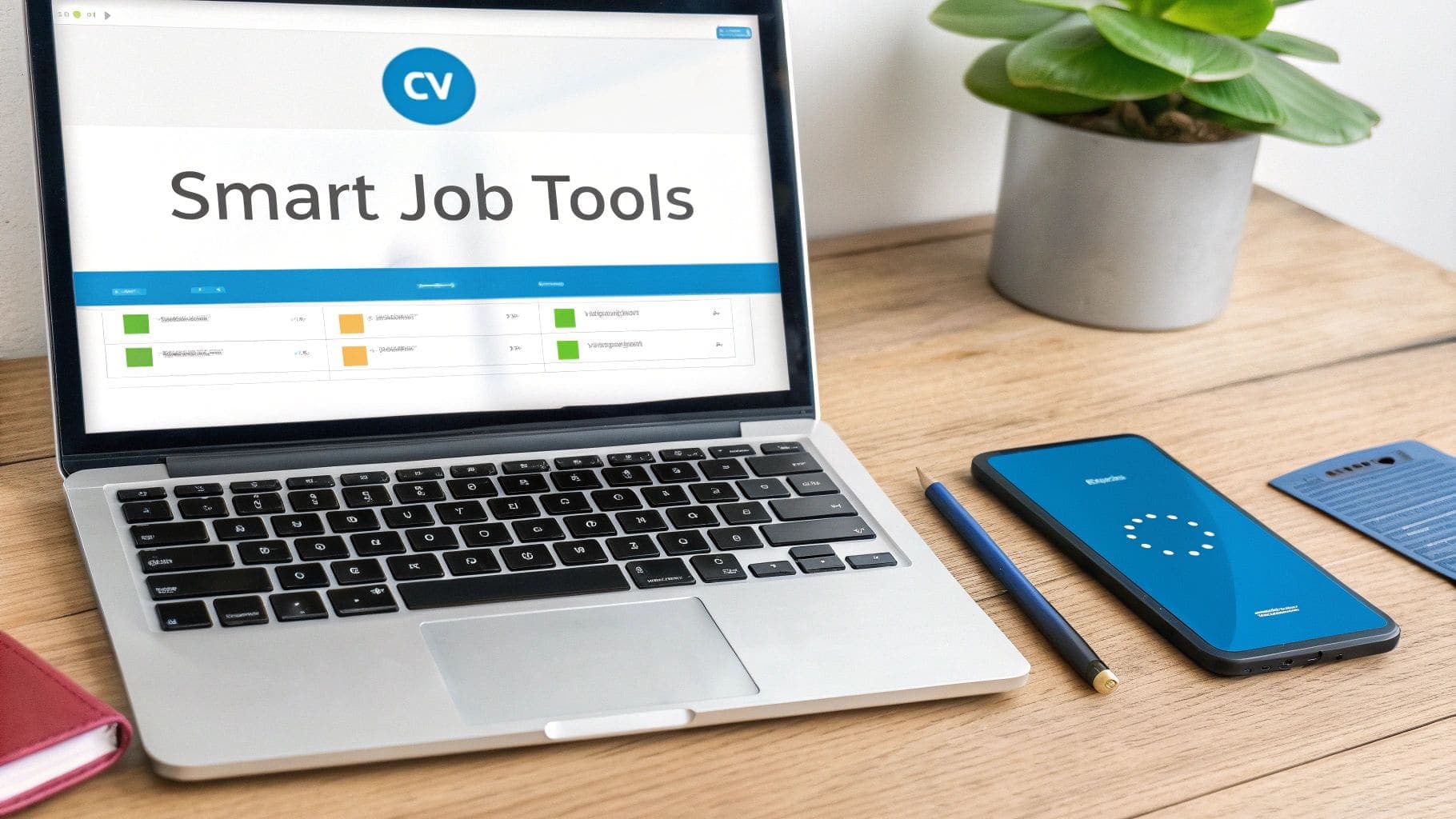
Your resume is perfected. Now what? Don't let it just sit there as a static file on your desktop. The real magic happens when you connect that document to a suite of smart tools, turning your job search from a manual grind into an efficient, data-driven strategy.
Think of it less like sending out applications and more like running a targeted campaign. Modern platforms now offer a whole ecosystem of tools designed to give you an edge. A Smart CV Builder, for example, isn't just about templates; it's about speed. It lets you spin up multiple, highly tailored versions of your resume in minutes, not hours, so every single application feels custom-built for the role.
See Exactly Where You Stand with a JD Fit Checker
One of the most powerful tools in this arsenal is the JD Fit Checker. This is your secret weapon against the dreaded Applicant Tracking System (ATS). It takes all the guesswork out of tailoring your resume by instantly analyzing it against a job description.
The checker gives you a "fit score" and, more importantly, shows you exactly where the keyword gaps are. It tells you precisely which skills and phrases the employer's software is scanning for.
For instance, the job description might be asking for experience with "agile methodologies," but your resume just says "project management." The JD Fit Checker flags this instantly. You can then tweak your experience section to include that specific terminology, dramatically improving your odds of getting past the initial automated screening.
By methodically aligning your resume with each job description using a JD Fit Checker, you're no longer just applying; you're strategically positioning yourself as the ideal candidate before a recruiter even sees your name.
An integrated dashboard like this becomes your command center, letting you build your resume, check its fit, track applications, and even prep for interviews, all in one place.
Get Organized and Get Ready for Success
Creating a great resume is one thing; managing the follow-up is another. Juggling messy spreadsheets or digging through old emails is a recipe for missed opportunities. This is where a dedicated tracker makes all the difference. It centralizes every role you've applied for, keeping track of the status, contact info, and follow-up reminders.
You get a bird's-eye view of your entire job search pipeline, ensuring nothing falls through the cracks. To see how this can transform your process, check out the benefits of a dedicated job application tracker that works in sync with your other tools.
And the support doesn't stop when you land the interview. An AI-powered Interview Coach can run you through mock interviews, asking realistic questions based on your resume and the job description. It gives you instant, private feedback on your answers, your pacing, and even how often you use filler words. It's an incredible way to build confidence and walk into the real thing feeling prepared.
Finally, remember that your resume is just one piece of your professional brand. A well-maintained LinkedIn profile is its dynamic, ever-evolving counterpart. Learning how to optimize your LinkedIn profile for maximum impact is a crucial step that complements all your other efforts. By bringing all these smart tools together, your perfected resume becomes the solid foundation of a job search that's smarter, not harder.
Your Pre-Flight Check Before Hitting "Submit"
Sending out the same generic resume for every single job is one of the fastest ways to get ignored. The final, most critical step before you hit that "submit" button is a focused review where you tailor everything to the specific role you're targeting.
Think of it as a pre-flight check. You've already built a powerful resume and packed it with your best achievements. Now, you need to make absolutely sure it connects directly with what this particular hiring manager actually cares about. This isn't just about catching typos; it's about strategically confirming your most relevant skills are front and center.
Use the T-Method for a Perfect Match
There's a simple but incredibly effective technique I always recommend for this final check: the T-method.
Grab a piece of paper and draw a giant "T" on it. On the left side, list the most important requirements and keywords you pulled from the job description. On the right, jot down exactly where on your resume you've addressed each of those points.
This visual check immediately shows you where the gaps are. Did the job ad specifically ask for "stakeholder management," but your resume only says "client communication"? Now's your chance to tweak the language for a much better fit. The T-method forces you to see your resume through the recruiter's eyes, ensuring you've ticked every single one of their boxes.
Your final resume review isn't just about catching errors; it's about confirming your message. Each application should feel like a direct answer to the company's specific needs, not a generic broadcast.
Don't Skip the Small Stuff
Once the core content is perfectly aligned, it's time to nail the small details that signal you're a professional who cares about quality. These finishing touches can make a bigger difference than you think.
- Read It Out Loud: This feels awkward, but trust me, it works. Reading your resume aloud forces you to slow down, helping you catch clumsy phrases and sneaky grammar mistakes your eyes would normally just skim over.
- Check for Consistency: Is your formatting consistent from top to bottom? Make sure all your dates are in the same format (e.g., MM/YYYY), all job titles are bolded, and your spacing is uniform. A clean, consistent look is a polished look.
- Use a Pro File Name: Nothing screams "amateur" like a file named
resume_final_v2.pdf. Save your document as FirstName-LastName-Resume.pdf. It looks professional and makes it much easier for a recruiter to find on their computer.
Taking these last few minutes ensures your resume is polished, targeted, and ready to make a powerful first impression. For an even more detailed checklist, check out our complete guide on how to conduct a thorough resume review before you send anything out.
Your Top Resume Template Questions, Answered
When you're deep in the job search, a lot of little questions can pop up, especially around resume templates. Getting these details right can feel overwhelming, but it's often the small things that make a big difference.
Let's clear up some of the most common points of confusion I see job seekers run into. A few simple tweaks can ensure all your hard work doesn't get overlooked for a preventable reason.
How Long Should My Resume Be?
For the vast majority of professionals with under 10 years of experience, the answer is simple: one page. Sticking to a single page is the undisputed gold standard. It forces you to be ruthless with your editing and highlight only your most powerful, relevant accomplishments.
So, when is a two-page resume okay? It's really only acceptable for senior-level executives or those in academic or scientific fields who have extensive lists of publications, patents, or complex projects. The guiding principle is always relevance—every single word has to earn its spot.
Should I Put a Photo on My Resume?
This is a big one, and the answer depends entirely on geography.
If you're applying for jobs in the United States, the UK, or Canada, you should never include a photo. It's a firm professional standard that helps prevent unconscious bias during the screening process, making sure you're judged solely on your skills and experience.
However, in other parts of the world, particularly in parts of Europe and Asia, including a professional headshot is common and sometimes even expected. My advice? If you're applying for a job internationally, do a quick search on the local customs. When in doubt, always play it safe and leave it out.
What's the Best File Format for a Resume?
Always, always, always save and send your resume as a PDF. The only exception is if an application system specifically demands a different format, like a .docx file. A PDF is the professional standard for a few critical reasons.
Think of a PDF as a digital snapshot of your document. It perfectly preserves all your careful formatting—the fonts, the spacing, the layout. What you see on your screen is exactly what the recruiter sees on theirs, no matter what device or operating system they're using.
This simple step prevents the weird compatibility issues or accidental formatting shifts that can happen with Word documents. Using a PDF for your resume presents a polished, professional image and is one of the easiest ways to sidestep a technical glitch that could undermine your entire application.
--- Ready to build a resume that gets results? The CV Anywhere Smart CV Builder helps you create a professional, ATS-friendly resume in minutes. Start building your future today at cvanywhere.com.