Looking for a free resume maker that actually works? This guide compares 12 options so you can find the right tool without wasting time on paywalls or limited exports.
Ready to build now? Create your CV free in 5 minutes → (UK) or start directly in the CV builder.
We tested each platform's free tier to show you exactly what you get: how many templates, whether you can download as PDF, if it works with Applicant Tracking Systems (ATS) and any hidden limitations. Some tools are genuinely free. Others lock key features behind a subscription.
Quick comparison of what matters:
- Fully free with PDF export: CV Anywhere, Google Docs, Canva (with limits), Resume.com
- Free to build, paid to download: Resume.io, Novorésumé (multi-page)
- Best for ATS compatibility: CV Anywhere, Jobscan, Standard Resume
Below you will find a detailed breakdown of each option, starting with tools that offer the most value on a free plan. If you want to check how well your finished resume matches a specific job, try the JD Fit Checker after you build it.
1. CV Anywhere
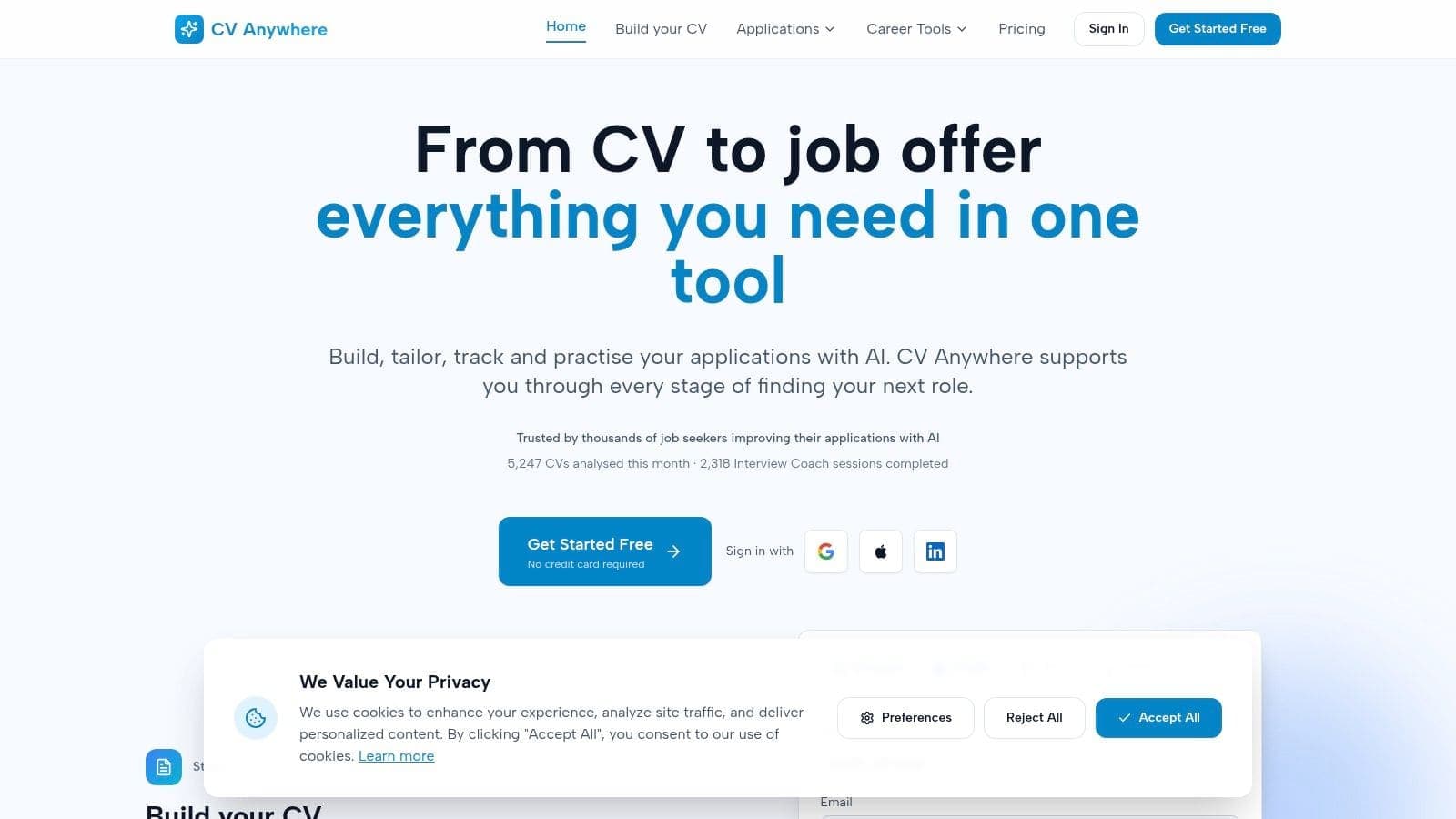
CV Anywhere positions itself as the best all-in-one resume maker for free by integrating powerful AI tools across the entire job application lifecycle. It moves beyond simple document creation to offer a complete job search workspace, designed to help candidates build, tailor, and track their applications efficiently whilst preparing for interviews. This integrated approach fundamentally streamlines a process that often requires juggling multiple tools like spreadsheets, document editors, and separate practice platforms.
The platform's core strength lies in its AI-powered features. The Smart CV Builder creates polished, ATS-friendly resumes and modern web CV pages, ensuring your application is both visually appealing and machine-readable. This is a critical first step, and you can learn more about CV Anywhere's resume builder. What truly sets it apart is the JD Fit Checker, which scores your resume against any job description, highlighting specific gaps and suggesting targeted keywords. This transforms resume tailoring from a guessing game into a data-driven strategy.
Why It's Our Top Choice
CV Anywhere earns the top spot because it addresses the entire job search workflow, not just one piece of it. After creating your resume, you can manage all your applications with the integrated Application Tracker, simulate realistic interviews with the AI Interview Coach, and even generate professional follow-up emails.
Key Features & User Experience
- All-in-One Workspace: A unified dashboard to build, tailor, track applications, and practise for interviews.
- AI Smart CV Builder: Creates ATS-optimised resumes and professional web CV pages.
- JD Fit Checker: Scores your resume's match to a job description and provides actionable feedback.
- Interview Coach: Simulates interviews and offers instant, personalised performance critiques.
Pricing and Access
The platform offers a robust Free tier that includes core builder tools and two Interview Coach sessions. For unlimited access, the Next Move plan is priced at an accessible $9/month, or you can opt for a one-time Lifetime unlock for $99. This flexible model makes its advanced tools available to everyone.
Pros:
- Comprehensive, all-in-one job search management.
- Actionable, AI-driven feedback for resume tailoring and interview prep.
- Generous and highly functional free tier.
Cons:
- AI suggestions may need human refinement for highly specialised roles.
- Unlimited access to some tools requires a paid subscription.
Website: https://cvanywhere.com
Build a resume that actually gets interviews
Start from your current resume — or from scratch — with step-by-step guidance so you do not get stuck.
Free. No blank page. No templates to wrestle with.
2. Google Docs – Template Gallery
Google Docs provides a surprisingly effective and completely free resume maker through its built-in template gallery. For users who prioritise simplicity and control over flashy design, this is an excellent starting point. It requires only a Google account, granting you access to several clean, professional resume templates that you can edit directly in your browser. The platform stands out because it's 100% free, with no hidden fees, watermarks, or download restrictions, a rarity amongst dedicated resume builders.
The user experience is straightforward for anyone familiar with word processors. You can easily collaborate with a mentor by sharing the document for comments and suggestions. Once finished, exporting to PDF or DOCX is a simple one-click process, ensuring your resume maintains its formatting when sent to recruiters.
Whilst the design options are more limited than specialised tools, the templates provide a solid, ATS-friendly foundation. For the best results, stick to simple formatting and standard fonts. To get the most out of this tool, explore the different layouts in the gallery and choose one that aligns with your industry standards.
- Best For: Job seekers who want a truly free, no-strings-attached solution and value full editing control.
- Key Feature: Collaborative editing allows for real-time feedback from peers or mentors.
- Limitation: Fewer creative templates and no advanced features like AI summaries or keyword optimisation.
- Website: https://docs.google.com/
- Further Reading: Learn how to make the most of a Google Docs resume template to create your resume.
3. Microsoft Create (Word templates online)
Microsoft Create offers a vast library of professional templates that serve as an excellent free resume maker, especially for those comfortable with the Microsoft Word ecosystem. Similar to its Google counterpart, it requires only a free Microsoft account to access and edit templates directly in Word for the web. This platform is a go-to for job seekers who want a classic, universally accepted format without learning a new tool, providing dozens of designs from minimalist to more creative layouts. It stands out by offering completely free downloads with no paywalls or watermarks.
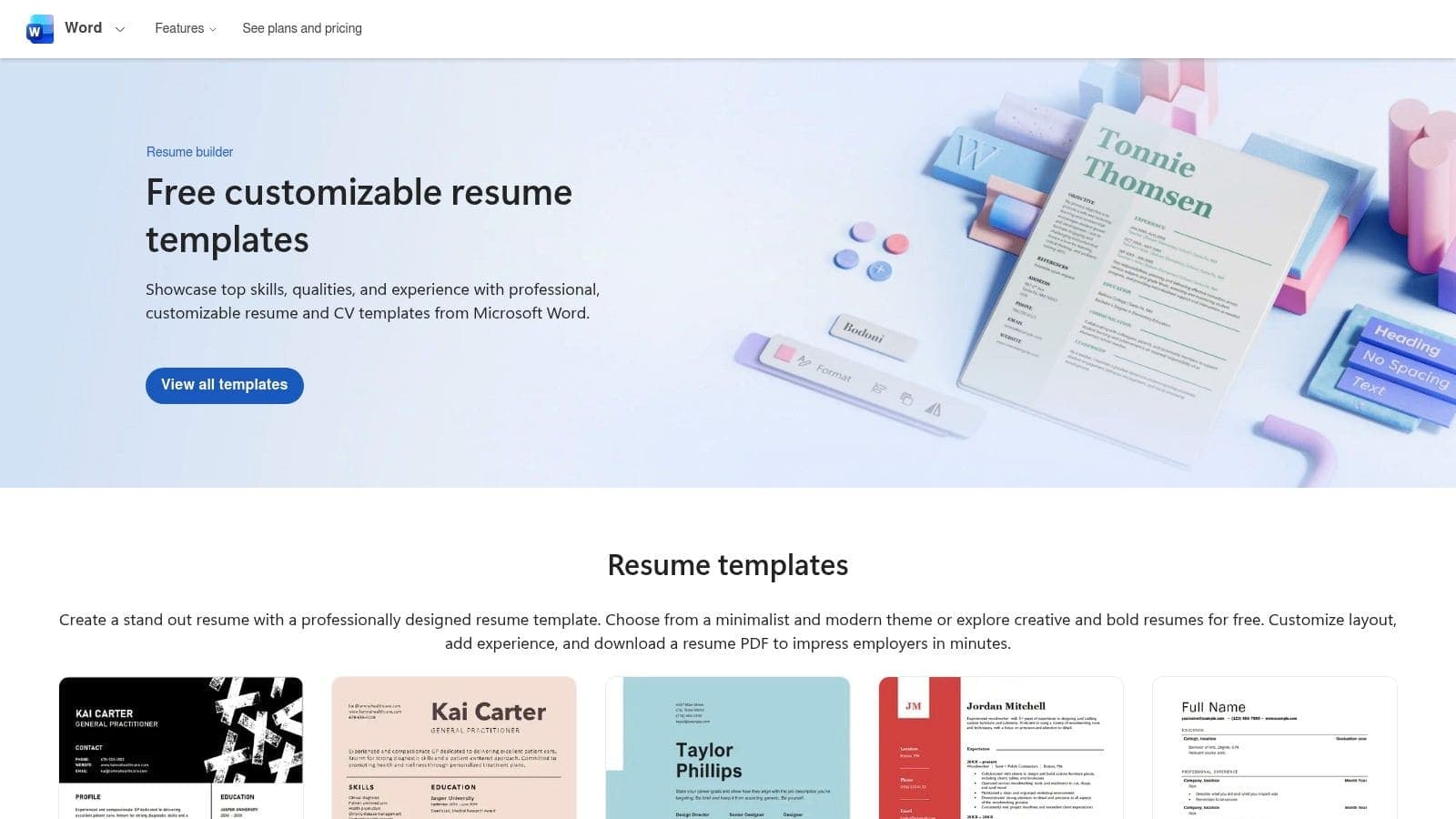
The user experience is seamless if you've ever used Microsoft Word. You can select a template, open it online, and begin editing immediately. One of its key advantages is the availability of matching cover letter templates, allowing you to create a cohesive and professional application package. Exporting your final document as a PDF or DOCX is straightforward, ensuring compatibility with virtually all applicant tracking systems and hiring managers' software.
Whilst it lacks the guided, AI-driven features of dedicated resume builders, its strength lies in its familiarity and robust formatting control. For the best results, choose a clean, ATS-friendly design and focus on tailoring the content to the job description. Microsoft Create provides a reliable and cost-effective path to a polished resume.
- Best For: Individuals who prefer the familiar Microsoft Word editing environment and want matching cover letter templates.
- Key Feature: A large collection of professionally designed templates that are fully editable in Word for the web or desktop.
- Limitation: Customising layouts can be more manual and less intuitive than dedicated drag-and-drop resume builders.
- Website: https://create.microsoft.com/en-us/templates/resumes
- Further Reading: Discover tips for writing a professional resume with Microsoft's guidance.
4. Canva – Free Online Resume Builder
Canva has become a go-to platform for design, and its resume maker for free lives up to that reputation with a vast library of visually appealing templates. Its strength lies in a user-friendly, drag-and-drop editor that makes it incredibly simple for anyone to create a modern, polished resume in minutes. The platform is excellent for roles where a creative touch matters, such as in marketing, design, or media, allowing you to incorporate colours, icons, and unique fonts effortlessly.
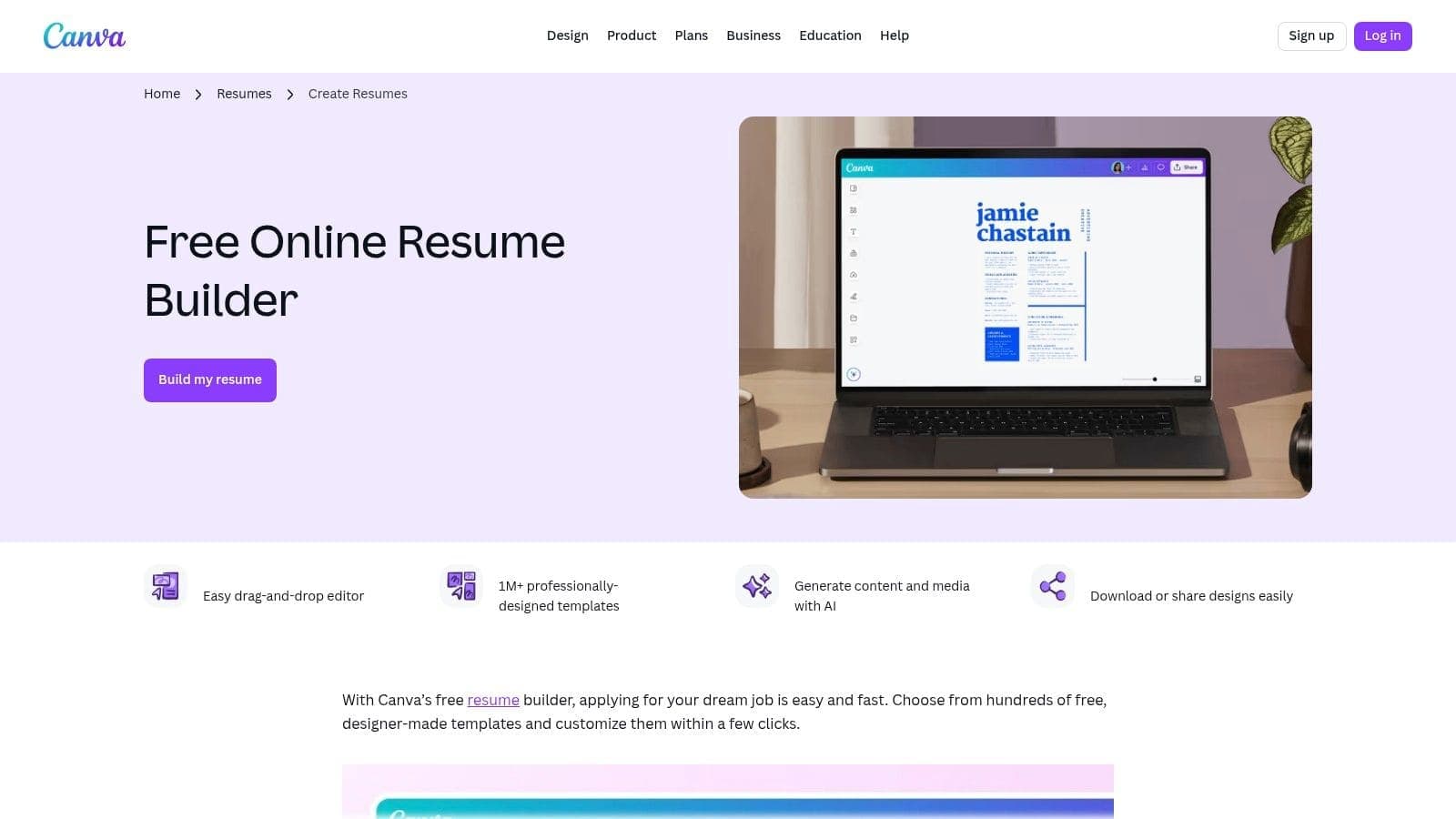
The experience is intuitive, with hundreds of free templates that you can customise and download as a high-quality PDF. Whilst many assets are free, some premium elements are marked with a crown icon, requiring a Pro subscription. For optimal results with applicant tracking systems (ATS), it's best to choose one of Canva's more minimalist, single-column templates to ensure scannability.
This tool is a powerful free resume maker for users who prioritise aesthetics and ease of use. Just be mindful of over-decorating your document to maintain a professional and ATS-friendly format.
- Best For: Creatives, students, and professionals who want a visually striking resume without a steep learning curve.
- Key Feature: An extensive library of modern, customisable templates with an intuitive drag-and-drop editor.
- Limitation: Highly stylised designs can be less compatible with ATS; some premium design assets are behind a paywall.
- Website: https://www.canva.com/create/resumes/
- Further Reading: Discover more options with this review of other free resume builders.
5. Adobe Express – Simple Resume Builder
Adobe Express offers a visually impressive and intuitive resume maker for free, leveraging Adobe's design expertise to provide polished, professional templates. For those who want a resume that looks professionally designed without the complexity of graphic design software, this is an ideal choice. The platform integrates a simple drag-and-drop editor with a surprisingly powerful generative AI assistant that can help rephrase bullet points or adjust the tone of your content, all within its free tier.
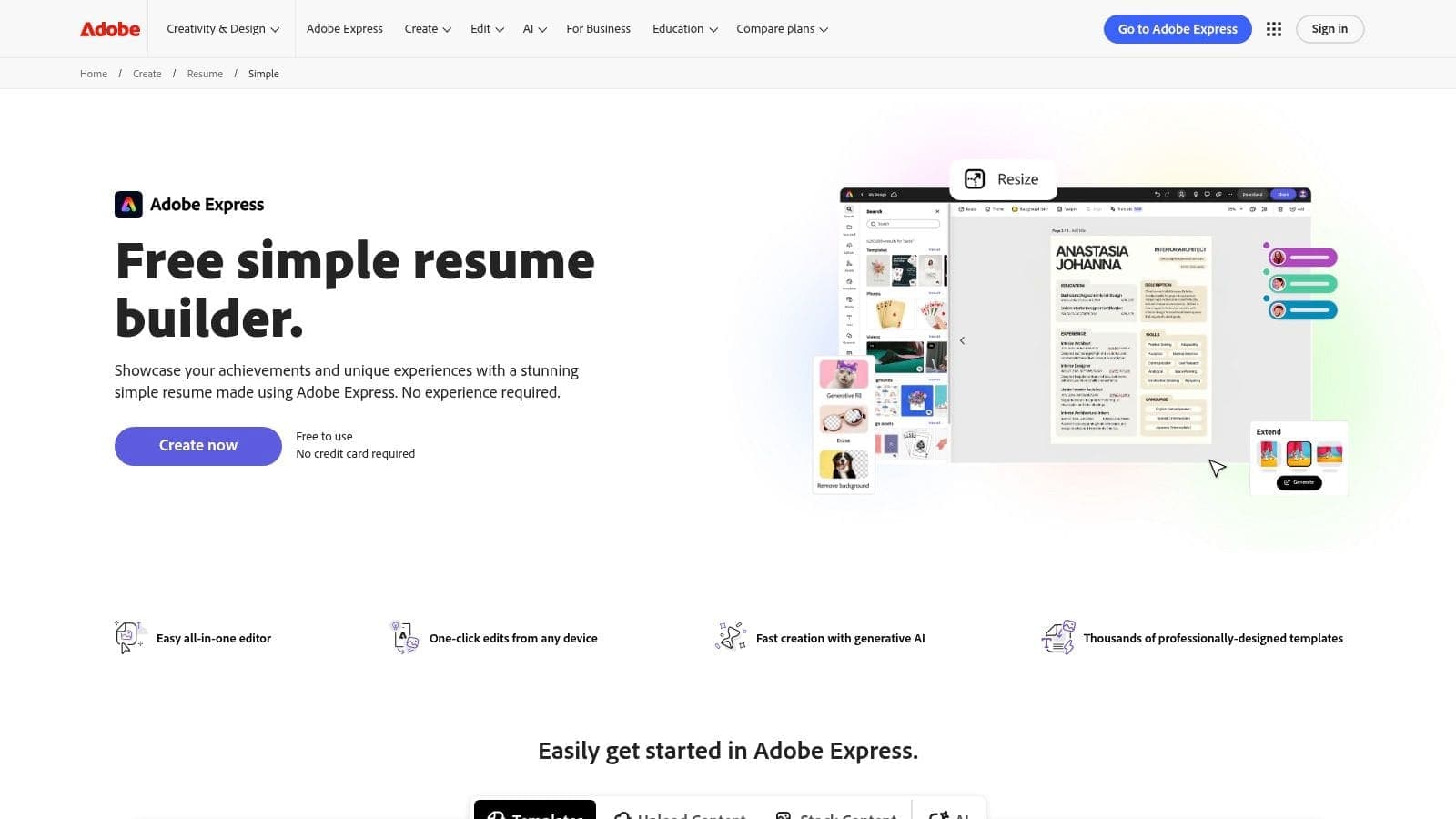
The user experience is seamless across both desktop and mobile devices, allowing you to make quick edits on the go. Once your resume is complete, you can download it as a high-quality PDF with a single click, ensuring it looks perfect when it reaches a hiring manager.
Whilst it excels in design, it offers fewer resume-specific content prompts compared to dedicated builders. To get the most out of it, have your content ready and use Adobe Express primarily for its layout and AI-powered text refinement capabilities. This is a fantastic resume maker for free when aesthetics and ease of use are top priorities.
- Best For: Creatives and professionals who want a design-forward resume without needing advanced design skills.
- Key Feature: Generative AI assistance for rephrasing content and refining text directly within the editor.
- Limitation: The free version has a more limited selection of premium assets and templates, which require a paid plan.
- Website: https://www.adobe.com/express/create/resume/simple
6. Teal – Free AI Resume Builder
Teal provides a comprehensive and genuinely free AI resume builder that acts as a central hub for your entire job search. It stands out by offering unlimited resumes and downloads without hitting a paywall, a significant advantage over many competitors. The platform allows you to import your existing resume or LinkedIn profile and then use its tools to tailor your content for specific job applications, making it an excellent resume maker for free for active job seekers.
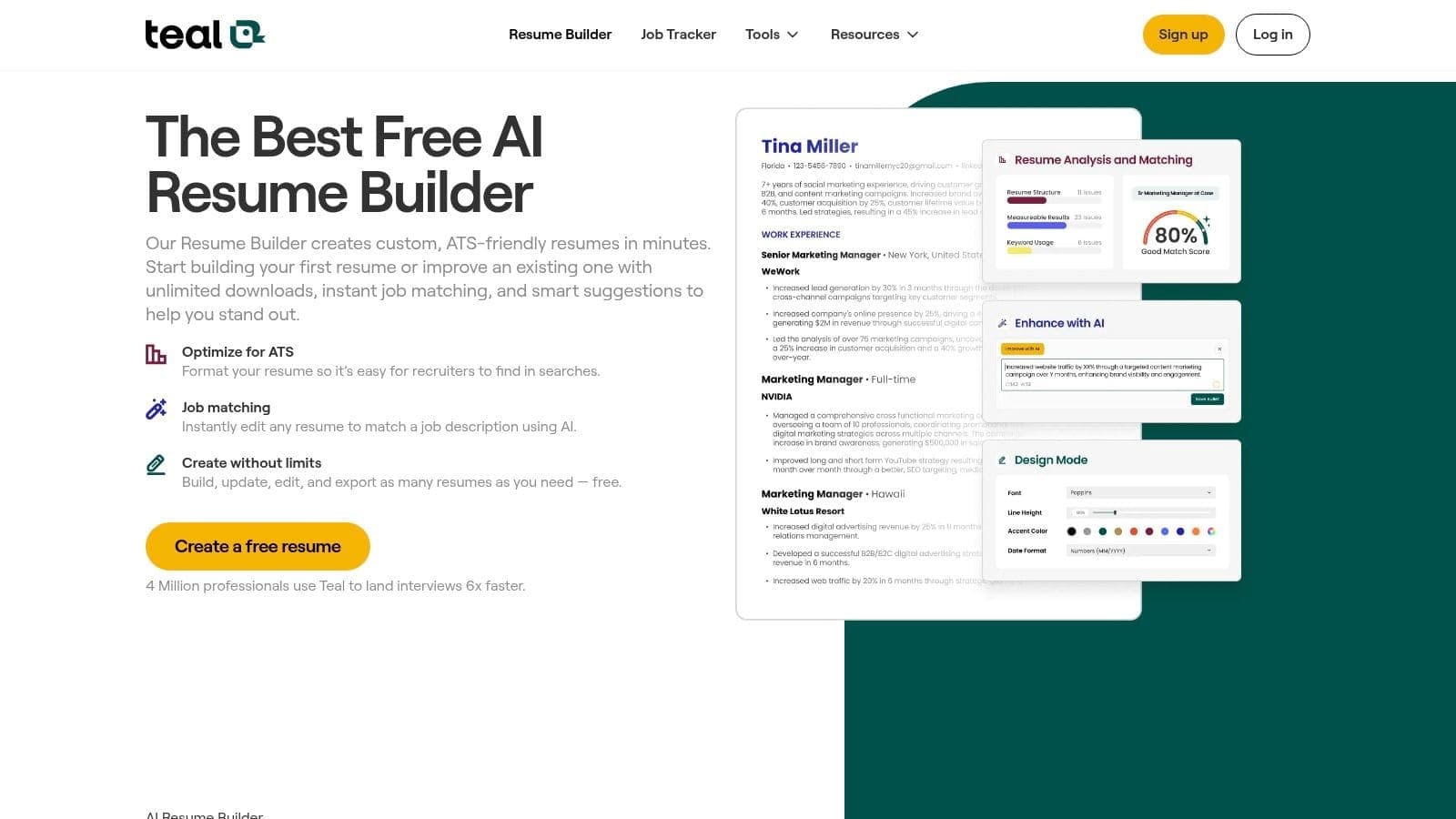
The user experience integrates resume building with a powerful job tracker, allowing you to manage applications and resume versions in one place. Whilst Teal offers a powerful AI builder, other platforms like Parakeet AI's resume tool also leverage artificial intelligence to streamline your resume creation process. The free tier provides ATS-friendly templates and essential tailoring aids, giving you a robust foundation for your job hunt. For best results, use the built-in job tracker to save roles and customise your resume for each one.
- Best For: Active job seekers who want an all-in-one platform to build, tailor, and track their resumes and applications.
- Key Feature: The free plan includes unlimited resumes and PDF/Word downloads, removing the common frustration of a final-step paywall.
- Limitation: Advanced AI-driven optimisations and premium templates are reserved for the paid Teal+ subscription.
- Website: https://www.tealhq.com/tools/resume-builder
- Further Reading: Discover more options by exploring this guide to the best free AI resume builders.
7. FlowCV – Free Online Resume Builder
FlowCV is a modern, privacy-focused online resume maker for free that offers a uniquely transparent and generous single-resume plan. Its core promise is simple: your first resume is completely free to create, customise, and download as a PDF, forever, without any watermarks or export paywalls. This straightforward approach makes it an excellent choice for users wary of hidden fees or aggressive upselling tactics common in other builders.
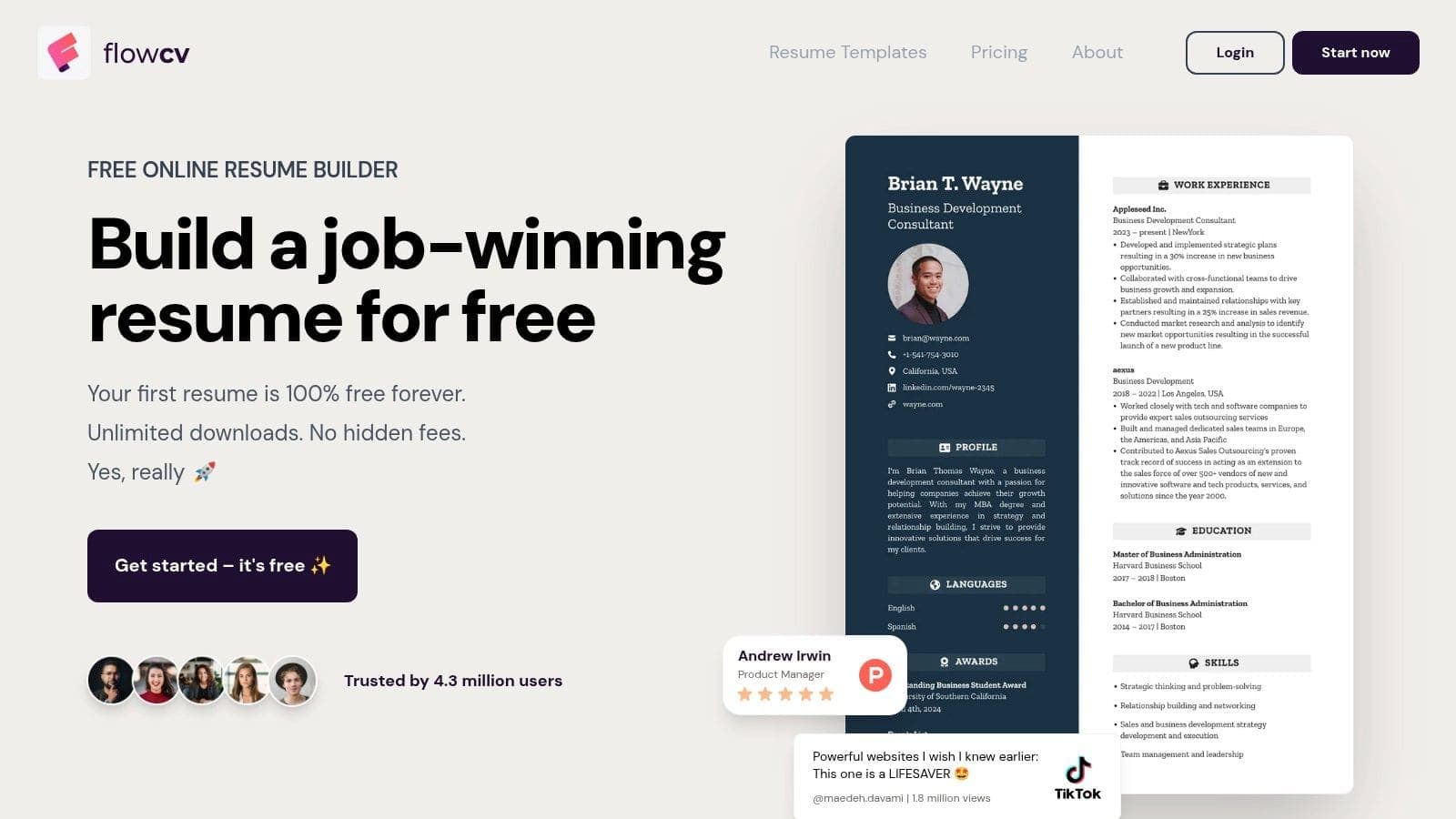
The user experience is clean and intuitive, offering over 50 sleek, ATS-friendly templates that are easily customisable with different fonts, colours, and layouts. The platform is also GDPR-compliant, ensuring your data is handled securely. You can also generate a shareable online link to your resume, providing a modern alternative to PDF attachments. For best results, use the design customisation options to tailor the template to your industry's aesthetic whilst maintaining a professional look.
- Best For: Privacy-conscious job seekers and those who need one high-quality resume without signing up for a trial.
- Key Feature: Your first resume is 100% free forever, with unlimited watermark-free PDF downloads.
- Limitation: The free plan is limited to one editable resume; creating multiple versions requires upgrading.
- Website: https://flowcv.com/
- Further Reading: Discover how to build a professional resume with FlowCV's guidance.
8. Resume.com
Resume.com is a straightforward and dependable resume maker for free that has been a long-standing option for job seekers. Its primary appeal lies in its commitment to being 100% free for core features, allowing users to create, edit, and download an unlimited number of resumes without facing a paywall. The platform, which is part of the Indeed family, offers a simple sign-in process and a clean, no-frills interface that gets the job done quickly. It's an ideal choice for anyone needing a professional document without the complexity of advanced design tools.
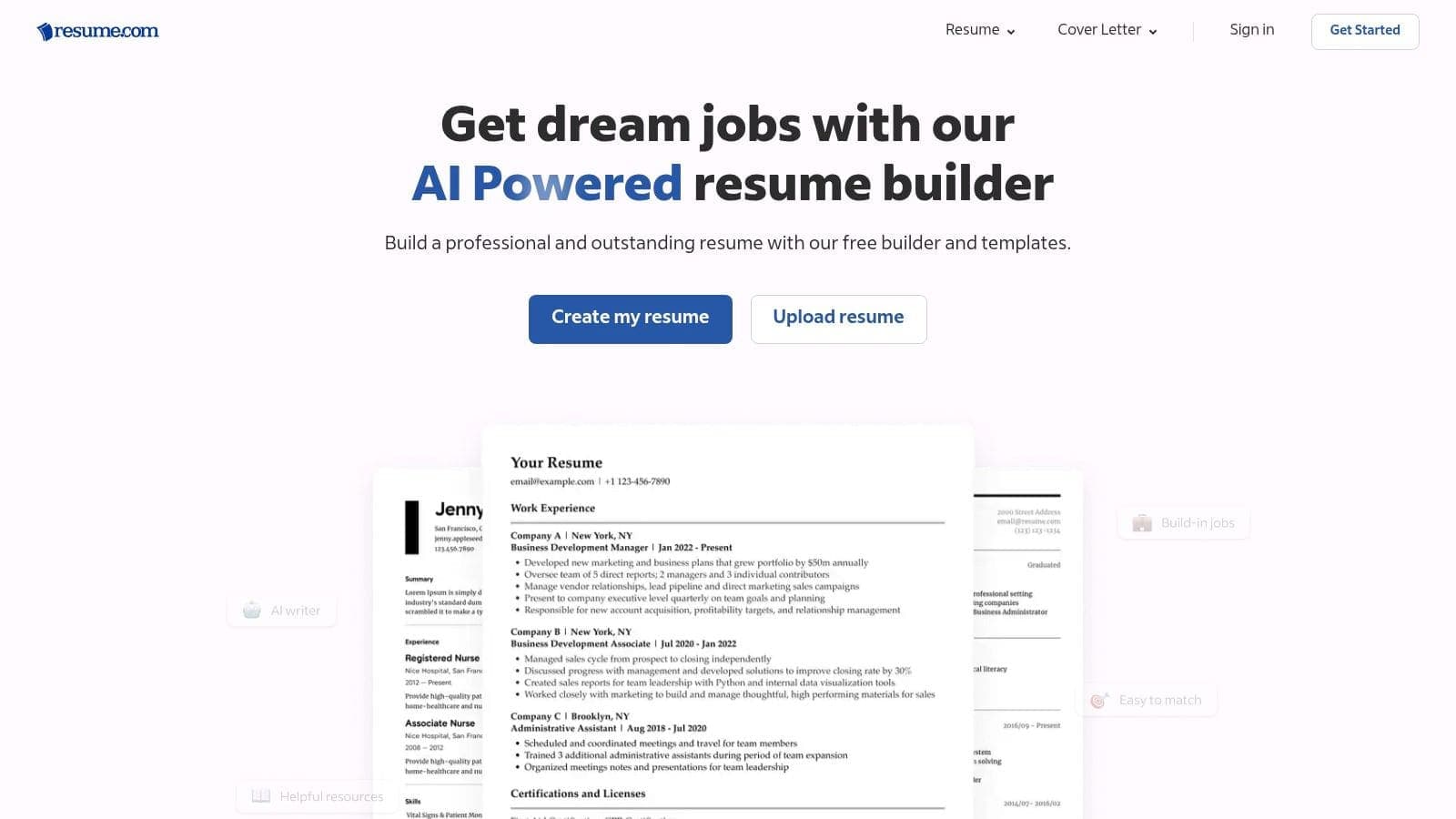
The user experience is built for speed and simplicity. You can create multiple versions of your resume tailored to different job applications and download them as either a PDF or a plain TXT file, which is useful for pasting into online application forms. The platform avoids the common "bait-and-switch" tactic where you build a resume for free only to be charged for the download.
Whilst its template selection is more traditional and less visually adventurous than other tools, the designs are professional and ATS-friendly. For best results, choose a classic layout and focus on clearly articulating your skills and experiences. This resume maker for free is a reliable workhorse for creating a solid resume with minimal hassle.
- Best For: Users who need a quick, truly free tool to create and download multiple resumes without any payment friction.
- Key Feature: Unlimited resume creation and free PDF/TXT downloads without watermarks or subscriptions.
- Limitation: Template designs and editor features are more basic compared to premium or design-focused competitors.
- Website: https://www.resume.com/
9. Resume.io – Freemium Resume Builder
Resume.io offers a polished and intuitive platform with a collection of recruiter-approved templates, making it a popular choice for job seekers aiming for a professional look. The builder guides you through each resume section with helpful prompts and AI-powered phrase suggestions, which can be a lifesaver when you're struggling to find the right words. Its standout feature is the clean, modern aesthetic of its templates, which are designed to be both visually appealing and ATS-compliant.
The platform operates on a freemium model. You can build your entire resume, access all templates, and use the AI writer for free. However, the catch is the export option. The truly free resume maker functionality is limited to a plain text (TXT) file download. To unlock PDF downloads and full template access, you must subscribe to a short-term trial. A key tip is to cancel the trial immediately after downloading to avoid automatic renewal charges. This approach provides temporary access to premium features at a very low cost.
This tool is a strong contender if you are willing to navigate the trial system for a high-quality PDF or if a simple TXT file is sufficient for your initial application needs. The built-in analytics, which track views and downloads, are a nice bonus for paid users.
- Best For: Users who want a premium-looking resume and are willing to use a short, low-cost trial to access it.
- Key Feature: AI-powered phrase suggestions and pre-written content to help overcome writer's block.
- Limitation: The free plan restricts downloads to a plain TXT file; PDF exports require a paid subscription or trial.
- Website: https://resume.io/
10. Novorésumé – Basic Free Plan
Novorésumé offers a highly polished experience with its sleek, ATS-aware templates, making it an excellent free resume maker for those needing a concise, single-page document. The platform is designed around visual balance and clarity, helping you create a professional-looking resume without needing design skills. Its free Basic plan is generous enough for many job seekers, especially students or professionals with focused experience, as it allows for the creation of one one-page resume. The platform is transparent, clearly marking premium features so you know exactly what is available for free.
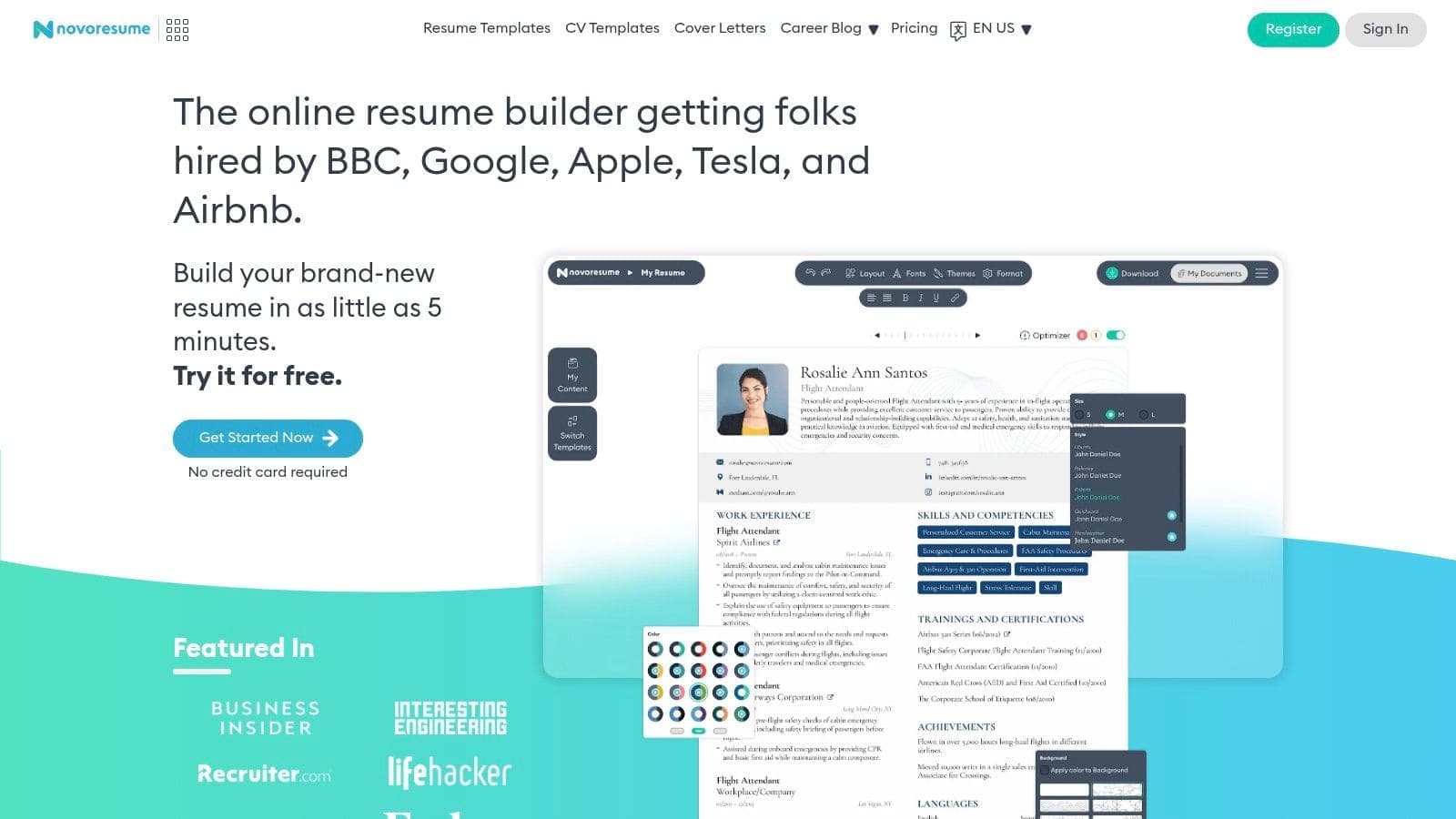
The user interface is intuitive, guiding you through each section with helpful tips and examples. You can choose from several well-designed templates that are optimised for readability by both humans and applicant tracking systems. The main limitation of the free tier is its restriction to a single page; if your content exceeds this, you will be prompted to upgrade to a Premium plan to download. This makes it a great choice for a targeted, modern resume but less ideal for those with extensive careers requiring multiple pages.
To get the most out of the free plan, focus on creating a powerful, condensed resume. Be selective with your content and use the provided layouts to maximise space effectively. If you do use a premium feature by mistake, the tool will highlight it, allowing you to easily remove it before downloading your final PDF without a watermark.
- Best For: Students, recent graduates, and professionals who need a polished, single-page resume.
- Key Feature: Sleek, ATS-aware templates that balance modern design with professional standards.
- Limitation: The free plan is strictly limited to one-page resumes; multi-page documents and advanced customisation require an upgrade.
- Website: https://novoresume.com/
11. Standard Resume – Free Basic + Optional Pro
Standard Resume champions a minimalist philosophy, offering exceptionally clean, recruiter-approved templates that prioritise content and clarity over flashy graphics. This free resume maker is ideal for professionals, especially in tech and corporate fields, where a straightforward, readable format is highly valued. The platform's free plan is quite generous, allowing users to import data from LinkedIn, edit their content, share a web version, and download a professional, watermark-free PDF.
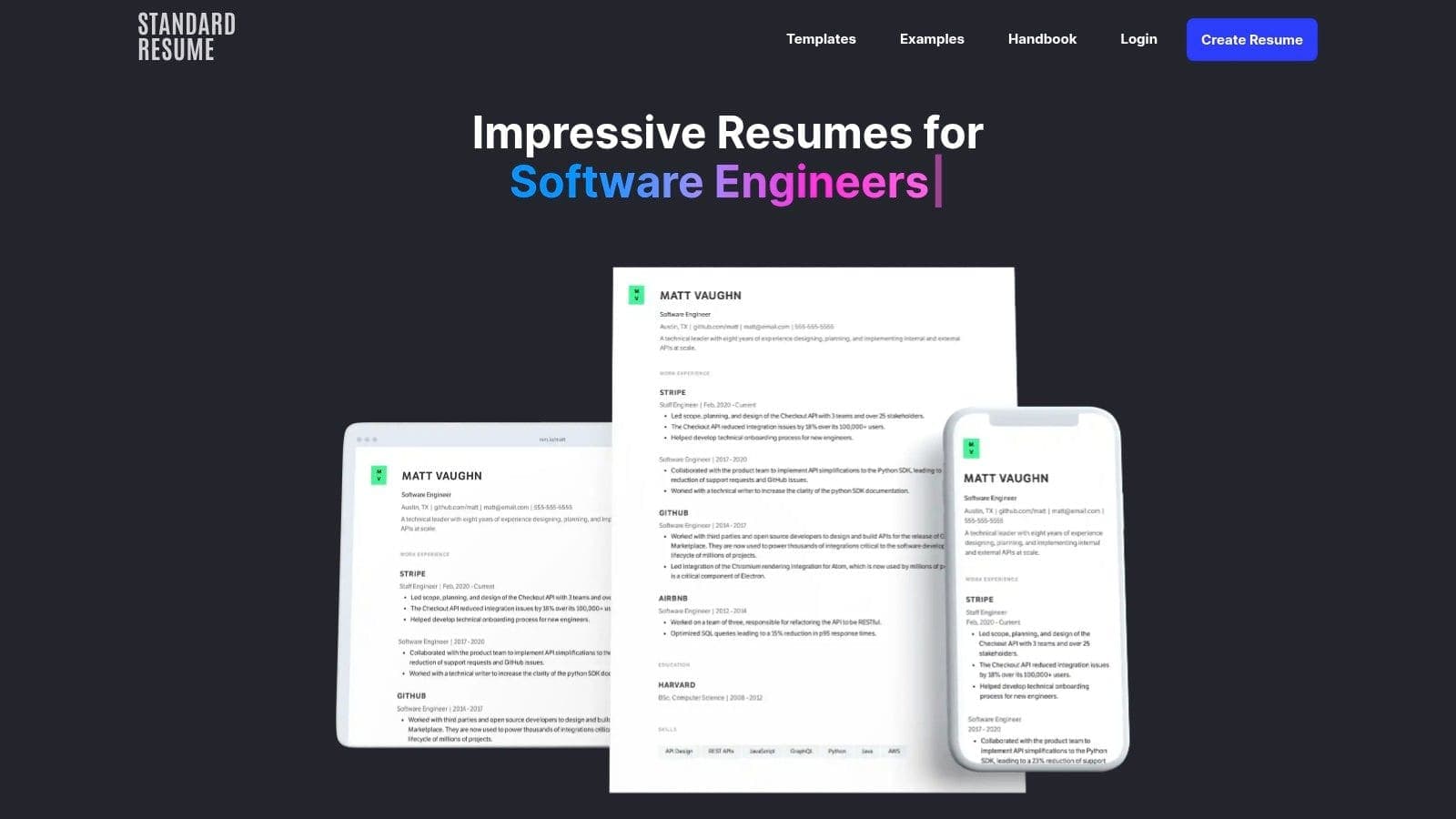
The user experience is clean and intuitive, focusing on a single-column layout that is inherently ATS-friendly. This approach ensures your information is presented logically and can be easily parsed by automated screening systems. You can get started quickly by importing your LinkedIn profile, which significantly cuts down on initial setup time.
Whilst the free version is robust, upgrading to Pro unlocks features like AI-powered feedback, view tracking, and the ability to remove Standard Resume branding from your online version. However, for a high-quality, no-cost PDF, the free tier is more than sufficient and stands out for its professional polish.
- Best For: Professionals in tech, finance, or corporate roles who need a clean, ATS-optimised, and highly respected layout.
- Key Feature: The ability to import your LinkedIn profile to instantly populate your resume with your existing experience.
- Limitation: The free web resume includes platform branding, and creative design options are intentionally limited.
- Website: https://standardresume.co/
12. Jobscan – Free ATS-Friendly Resume Builder
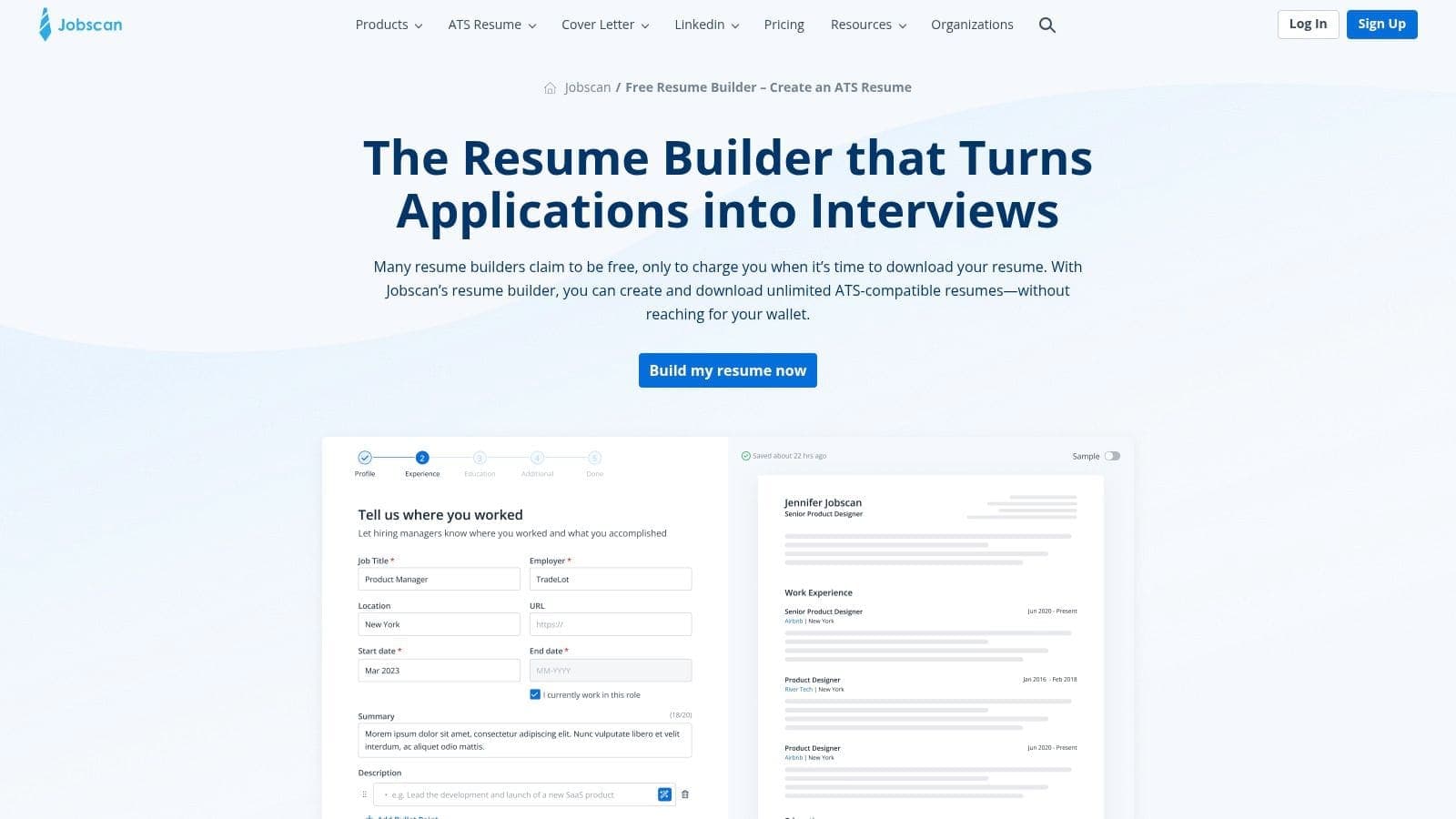
Jobscan offers a focused and highly effective free resume maker designed specifically to beat Applicant Tracking Systems (ATS). Whilst Jobscan is widely known for its paid resume scanning and optimisation tools, its builder provides a solid, completely free foundation for creating a professional, ATS-compliant document. The platform allows for unlimited free PDF downloads and lets you import data from an existing resume or your LinkedIn profile, streamlining the initial setup process. It's a standout 100% free tool for building the resume itself.
The user interface is clean and straightforward, guiding you through each section without unnecessary complexity. The strength of this builder lies in its synergy with Jobscan's broader ecosystem. You can build a great-looking, ATS-friendly resume for free, and if you decide you need more advanced keyword optimisation or a detailed analysis against a specific job description, you can easily upgrade to their premium tools.
This makes Jobscan an excellent starting point for any serious job seeker. To maximise your chances, build your resume here and then run it through an ATS resume checker to test its compatibility to ensure it's perfectly optimised.
- Best For: Job seekers who are primarily concerned with passing through ATS and want a pathway to advanced optimisation tools.
- Key Feature: All templates are specifically designed to be ATS-friendly, prioritising content and readability for software.
- Limitation: Advanced features like one-click optimisation and detailed keyword analysis require a separate paid subscription.
- Website: https://www.jobscan.co/resume-builder
Top 12 Free Resume Builders Comparison
| Product | Core features | Quality (★) | Price & Value (💰) | Target audience (👥) | Unique selling points (✨) |
|---|---|---|---|---|---|
| CV Anywhere 🏆 | Smart CV Builder, JD Fit Checker, App Tracker, Interview Coach, Follow-ups | ★★★★☆ | 💰 Free tier · $9/mo Next Move · $99 Lifetime | 👥 Active jobseekers, career-changers, time-pressed pros | ✨ All-in-one workflow; actionable JD gap scores; interview simulation |
| Google Docs – Template Gallery | Browser templates, collaboration, PDF/DOCX export | ★★★☆☆ | 💰 Free with Google account | 👥 Budget users, collaborators, students | ✨ Real-time collaboration; no watermarks |
| Microsoft Create (Word templates) | Word templates, cover letters, export to PDF | ★★★☆☆ | 💰 Free with Microsoft account | 👥 Word users, corporate applicants | ✨ Wide template library; familiar DOCX workflow |
| Canva – Free Online Resume Builder | Drag-and-drop templates, fonts, icons, AI aids | ★★★★☆ | 💰 Free; Pro for premium assets | 👥 Visual designers, creatives | ✨ Polished designer-first layouts; easy styling |
| Adobe Express – Simple Resume Builder | Clean templates, generative AI assist, mobile edits | ★★★★☆ | 💰 Free; paid for premium assets | 👥 Creatives, mobile editors | ✨ Generative AI for content & formatting |
| Teal – Free AI Resume Builder | Unlimited resumes/exports, ATS templates, job tracker | ★★★★☆ | 💰 Free; Teal+ for advanced AI | 👥 Organised jobseekers, active applicants | ✨ Unlimited free exports; integrated job tracker |
| FlowCV – Free Online Resume Builder | 50+ ATS-friendly templates, shareable link, GDPR | ★★★☆☆ | 💰 Free (one resume free); upgrades avail. | 👥 Privacy-conscious users | ✨ Strong privacy/GDPR compliance; watermark-free |
| Resume.com | Unlimited resumes, PDF/TXT downloads, simple editor | ★★★☆☆ | 💰 Free | 👥 Non-technical users, fast applicants | ✨ Truly free downloads; Indeed SSO sign-in |
| Resume.io – Freemium Resume Builder | 30+ templates, AI phrases, cover letters, analytics | ★★★★☆ | 💰 Freemium (TXT free; PDFs paid/trial) | 👥 Users wanting polished, recruiter-friendly resumes | ✨ AI phrase suggestions; short trial for full access |
| Novorésumé – Basic Free Plan | ATS-aware templates, free one-page resume, premium upgrades | ★★★★☆ | 💰 Free basic; Premium for multi-page/features | 👥 Professionals seeking a concise one-pager | ✨ Sleek one-page templates; clear upgrade path |
| Standard Resume – Free Basic + Optional Pro | Minimalist templates, LinkedIn import, web sharing | ★★★★☆ | 💰 Free; Pro adds AI review & custom URL | 👥 Applicants favouring clean, recruiter-friendly layouts | ✨ Very clean ATS-friendly designs; LinkedIn import |
| Jobscan – Free ATS-Friendly Resume Builder | ATS-optimised templates, imports, free PDF downloads | ★★★★☆ | 💰 Free builder; paid optimisation tools available | 👥 Applicants focused on ATS pass rates | ✨ Direct path to deeper ATS keyword optimisation |
How to Choose and Use Your Free Resume Maker
Navigating the landscape of free resume builders can feel overwhelming, but the right tool is within your reach. This guide has showcased a dozen powerful options, each with distinct strengths tailored to different job seekers. Your final decision on which resume maker for free to use should hinge on your career goals, technical needs, and personal workflow preferences. The perfect tool is not a one-size-fits-all solution; it's the one that best empowers you to tell your unique professional story.
Key Takeaways for Making Your Choice
When selecting a tool, move beyond just aesthetics. Whilst a visually appealing document is important, its true value lies in its effectiveness. Your primary goal is to create a resume that is both human-readable and machine-scannable, ensuring it gets past Applicant Tracking Systems (ATS) and impresses hiring managers.
Reflect on the key differences we've covered:
- For Design-Centric Roles: If you're a graphic designer or marketer, platforms like Canva and Adobe Express offer unparalleled creative freedom. However, you must prioritise ATS compatibility by choosing clean, single-column layouts and avoiding complex graphics that can confuse automated screeners.
- For ATS Optimisation: If your main concern is beating the bots, especially in corporate or tech roles, tools like Jobscan or Teal are purpose-built for this. They help you integrate keywords and follow formatting best practices.
- For Simplicity and Speed: When you just need a professional, no-fuss document, the template galleries in Google Docs and Microsoft Create are excellent starting points. They are universally accessible and straightforward to use.
- For an Integrated Job Search Hub: For those seeking more than just a document builder, an all-in-one platform is ideal. CV Anywhere stands out by combining its AI-powered builder with a comprehensive suite of tools for tracking applications, checking job description fit, and even preparing for interviews.
From Tool Selection to Application Success
Once you've chosen your preferred resume maker for free, the real work begins. The platform is merely the vehicle; the content is what drives your success. Focus meticulously on tailoring your resume for every single application. Use the job description as your guide, identifying essential keywords and skills to incorporate into your bullet points and professional summary.
Remember to quantify your achievements with concrete data. Instead of saying you "improved efficiency," state that you "streamlined a key workflow, reducing project completion time by 15%." This transforms a vague claim into a powerful, evidence-based accomplishment. When using your free resume maker, selecting a robust template can be crucial; for instance, you might find an Ultimate Product Manager Resume Template for ATS systems particularly useful for structuring your content effectively.
Ultimately, the best resume maker for free is the one that you feel comfortable using and that helps you build a document you are proud of. Use these resources to craft a compelling resume that not only highlights your past achievements but also positions you as the perfect candidate for your future role.
Ready to build a resume that opens doors? Move beyond a simple document creator and manage your entire job search with CV Anywhere. Use our powerful AI builder, track your applications, and prepare for interviews, all for free. Sign up for CV Anywhere today and take control of your career journey.