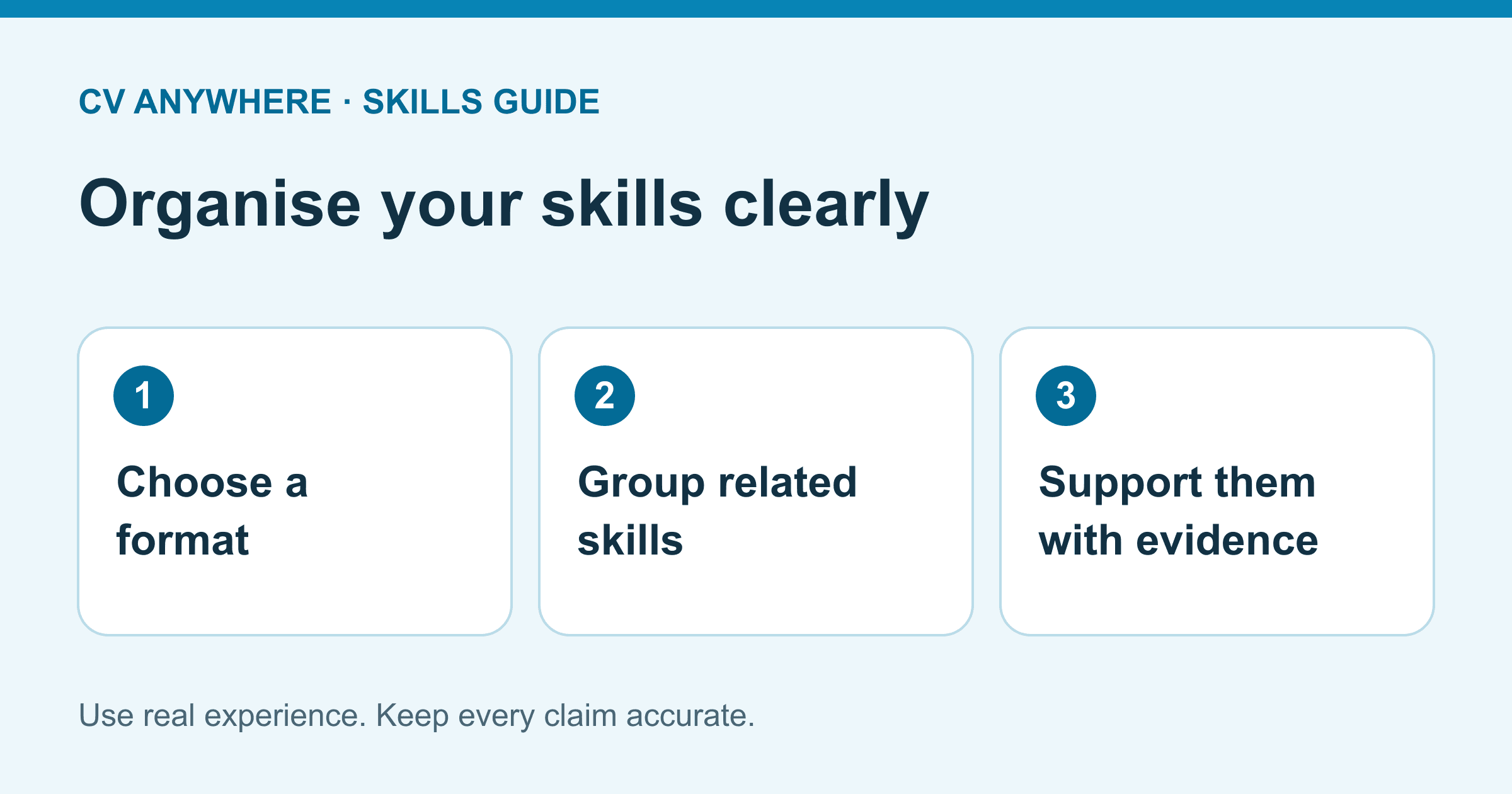
A resume skills section should help a reader find the abilities relevant to the job quickly. Choose a simple format that fits your evidence: a short list, grouped technical tools or a small set of skills supported by project experience.
This guide covers section layout and organisation. All examples are fictional. Select only skills you actually have; use our selection worksheet if you are still deciding what belongs.
1. Compact skills list
Useful when a small set of practical skills covers the role and you do not need several categories.
Skills
Diary coordination; customer enquiries; invoice checks; Excel filters and SUMIF; Word document formatting.
This keeps an administrative candidate's skills in one readable block. Support the important items in experience bullets rather than adding adjectives such as “excellent” to every item.
Does your resume clearly show results for each role?
Turn a weak resume into a stronger one
Upload your resume → get stronger wording instantly → fix the weakest parts first.
No need to rewrite. Start with your current resume.
2. Grouped technical skills
Useful when the reader needs to distinguish languages, tools and working practices.
Technical skills
Languages: JavaScript, TypeScript, HTML, CSS
Interfaces: React, responsive layouts, keyboard interaction
Delivery: Git, unit testing, code review
Keep categories meaningful and omit tools you cannot discuss. Do not add every library from a tutorial. A grouped list should still reflect the vacancy and your current experience.
3. Customer service skills
Useful when practical service tasks matter more than a software inventory.
Customer service skills
Order enquiries and returns; clear case notes; complaint escalation; stock availability checks; point-of-sale transactions.
The section names tasks; your experience explains where you performed them. Avoid claiming independent complaint resolution if your responsibility was to refer cases to a supervisor.
4. Data and reporting skills
Useful when methods and outputs help clarify proficiency.
Data and reporting
Excel: pivot tables, XLOOKUP, reconciliation
SQL: joins, grouped summaries, validation queries
Reporting: Power BI dashboards and written commentary
Pair this with a project or job example explaining the dataset, your checks and the output. Do not include confidential data or imply access to systems you did not use. For more tool wording, see computer skills on a resume.
5. First-job or student section
Useful when your evidence comes from study, clubs or volunteering.
Relevant skills
Research: compared sources for a college assignment
Organisation: coordinated bookings for a student society event
Digital: formatted shared documents and maintained a spreadsheet task list
Keep the educational context visible. This section can summarise evidence that appears in projects below; it should not turn a short activity into an invented job. See the complete first-job CV example.
6. Career-change section
Useful when a reader needs help connecting your earlier work to a new role.
Relevant skills for operations support
Scheduling: maintained a rota and recorded availability changes
Record accuracy: checked delivery logs and reported discrepancies
Customer communication: explained delays and recorded agreed next steps
This highlights transferable tasks without hiding employment history. Keep your previous job titles and dates accurate, and do not claim sector-specific qualifications you do not hold.
Choose a format
| Your situation | Start with | Avoid |
|---|---|---|
| A few closely related abilities | Compact list | Padding the list to reach an arbitrary count |
| Several technical categories | Grouped tools | Too many headings with one item each |
| Limited paid experience | Skills with project context | Claiming employment-level responsibility |
| Changing career | Relevant transferable tasks | Removing chronology to conceal your background |
Where the section should go
Place it where it helps the reader understand your fit. A technical role may benefit from a concise skills section near the top; strong relevant work experience may deserve that space instead. Follow any application-specific instructions.
Use selectable text and conventional headings. Avoid skill bars, logos that replace tool names and dense multi-column layouts. Check the exported file for reading order and follow the employer's requested file type. No layout guarantees an ATS pass; our ATS layout checks explain practical verification.
Final section check
Can you explain every item? Are the categories easy to scan? Does the experience section support the key claims? Have you removed duplicated labels and unsupported proficiency levels?
For stronger supporting bullets, use skills evidence examples. When the wording is ready, add it to your draft in the CV builder.