Best AI CV Generator: Your 2026 Guide to Creating an Interview-Winning CV
Learn how to use an AI resume generator to create a professional, ATS-friendly resume. This guide covers prompts, optimization, and final edits for job seekers.

Table of Contents
- How AI Transforms Your CV Writing
- Step 1: Prepare Your Information for the AI
- Step 2: Guide the AI with Smarter Prompts
- Step 3: Optimise Your CV with a JD Fit Score
- Step 4: Finalise Formatting and Track Your Applications
- Common AI CV Generator Mistakes to Avoid
- AI CV Generator FAQs
An AI CV generator uses artificial intelligence to help you write, format, and tailor your CV to get past Applicant Tracking Systems (ATS) and capture a recruiter's attention. The best tools, like CV Anywhere, analyse job descriptions, suggest keywords, and help you rephrase responsibilities into measurable achievements.
This guide provides a step-by-step process for using an AI CV generator to create a polished, effective CV that secures more interviews.
How AI Transforms Your CV Writing
Forget outdated templates. A modern AI CV generator is a strategic partner in your job search. It helps you:
- Beat the ATS: It scans job descriptions to identify the keywords and skills an employer's Applicant Tracking System is looking for, then helps you naturally include them in your CV.
- Write a Powerful Profile: The AI can draft a compelling professional profile by synthesising your work history and the specific role you're targeting, saving you hours of writer's block.
- Turn Duties into Achievements: It excels at helping you reframe a simple list of tasks into high-impact, quantifiable achievements that demonstrate your value to a recruiter.
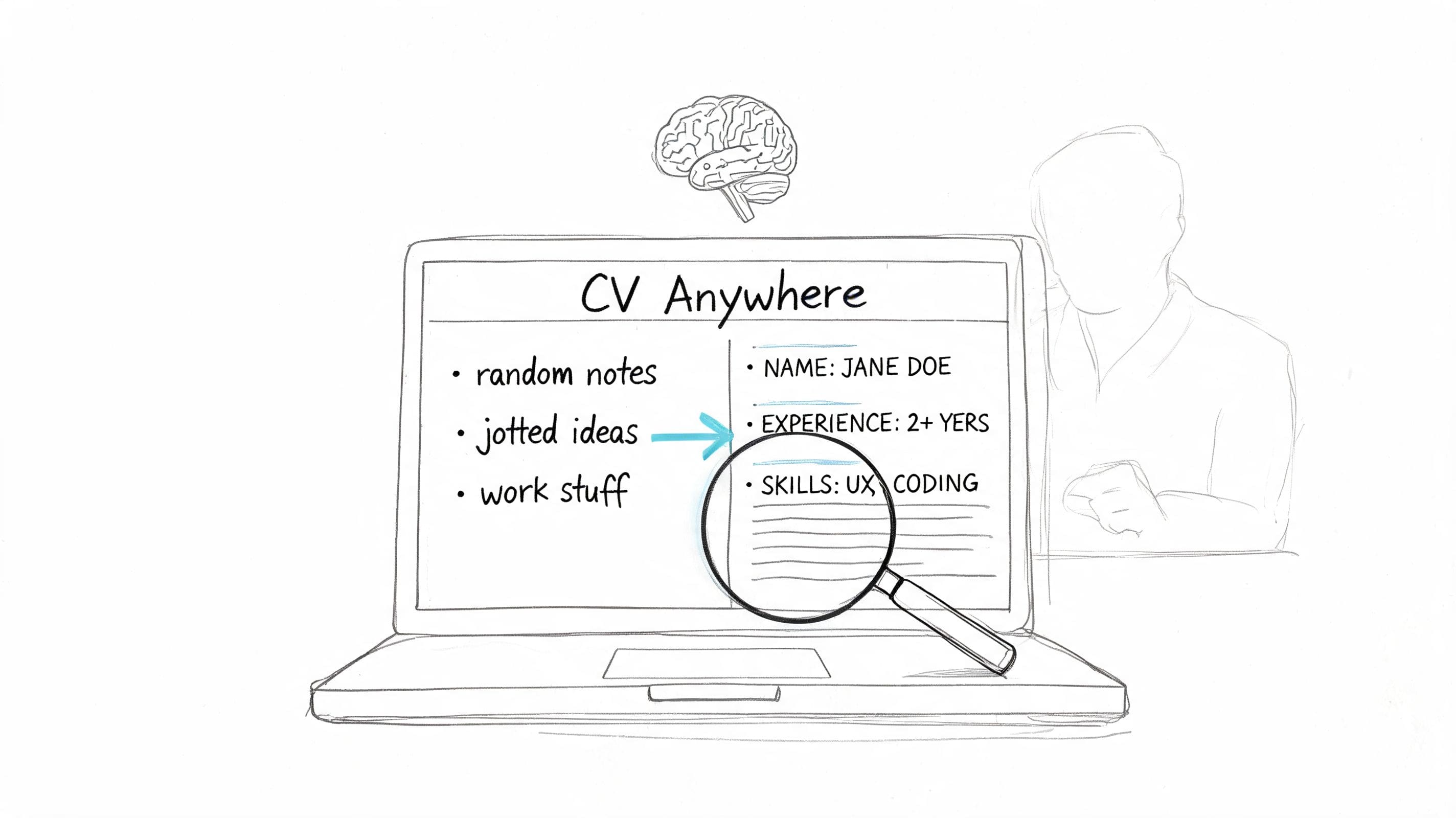
Think of it as turning your scattered notes into a focused, professional career story designed for one purpose: getting you noticed.
Step 1: Prepare Your Information for the AI
An AI CV generator is powerful, but it's not a mind reader. The quality of the CV it produces depends entirely on the quality of the information you provide. To get standout results, you need to prepare your career history first.
Think of it like a chef preparing their ingredients. Your roles, skills, and achievements are the raw materials. A little organisation upfront is the single most important step you can take to get a great result.
Build Your Master Document
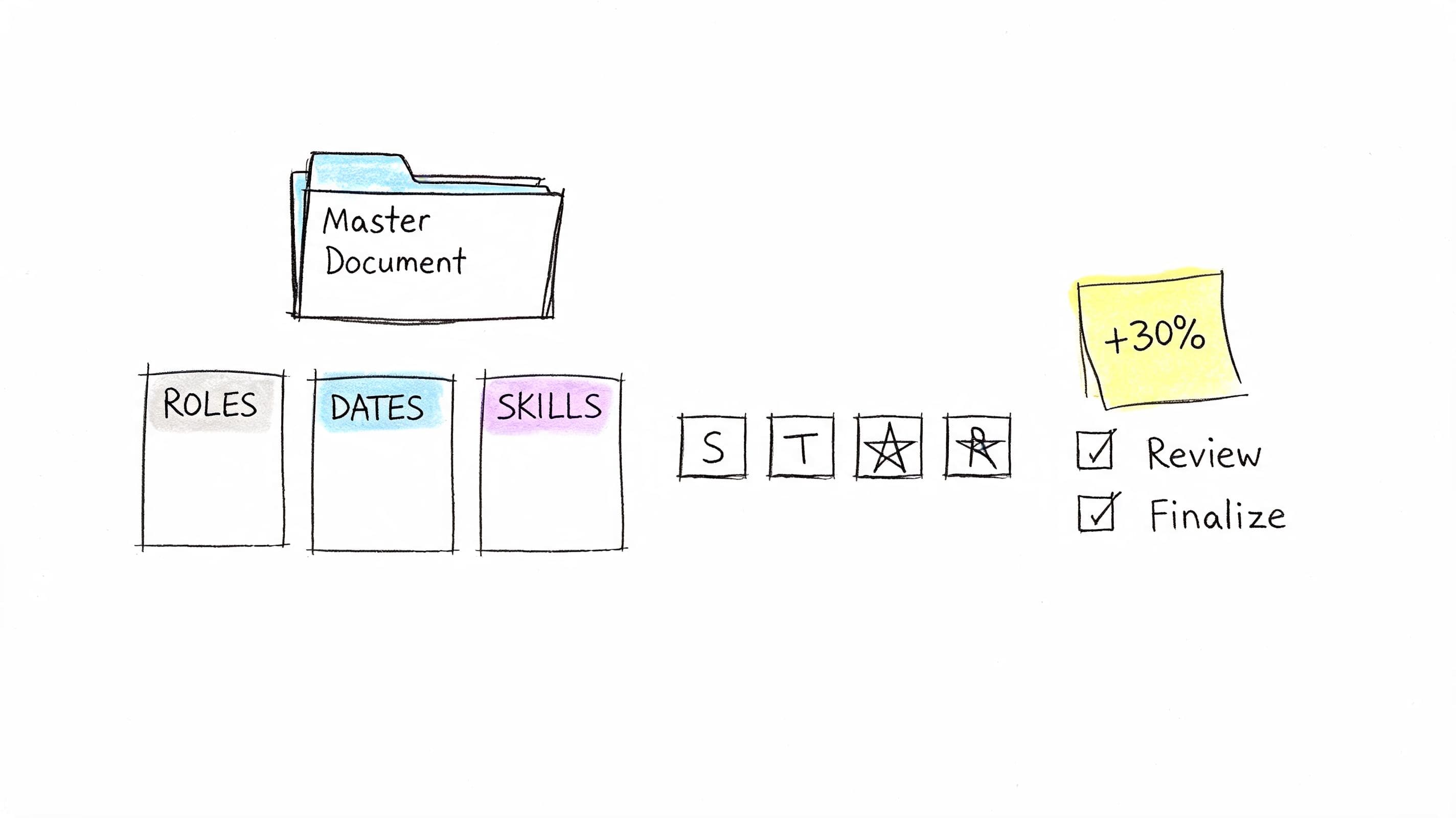
Create a single 'master document'—a comprehensive brain dump of your entire professional life. Don't worry about length or formatting; just get all the information down.
Your master document should include:
- Every role you’ve had: List the company, your job title, and the exact start and end dates. Be precise.
- A raw list of your skills: Brainstorm everything, including technical skills (e.g., Python, AutoCAD), software (e.g., Salesforce, Adobe Creative Suite), languages, and any professional certifications.
- Your biggest wins: For each job, list 3–5 significant accomplishments. Focus on measurable results where possible.
This document becomes your single source of truth, making it much easier to feed the AI the right details for different job applications.
Frame Your Wins with the STAR Method
To give the AI the best material for crafting powerful bullet points, structure your achievements using the STAR method. This gives the AI clear, impactful information to work with.
The STAR Method
- Situation: Briefly set the scene. What was the challenge? (e.g., "The company's online engagement was stagnant.")
- Task: What was your specific goal? (e.g., "I was tasked with growing our social media presence.")
- Action: What exact steps did you take? Use strong verbs. (e.g., "I designed and rolled out a new content strategy across three platforms.")
- Result: What was the final outcome? Quantify it. (e.g., "This drove a 40% increase in followers and a 25% jump in engagement within six months.")
AI-powered document parsing tools are built to recognise structured information. It’s the same technology that helps businesses enhance data accuracy for finance teams by pulling information from invoices. By providing your achievements in a STAR format, you give the AI exactly what it needs to produce a brilliant CV.
Step 2: Guide the AI with Smarter Prompts
Just telling an AI CV generator to 'write my CV' will result in a bland, generic document. The magic happens when you treat the AI like a capable but very literal writing assistant. You are in the driver's seat.
Think of it as a conversation. The more context, detail, and direction you give in your prompts, the better the AI's response will be. A sharp, focused prompt produces a CV that mirrors your experience and targets the job you want.
Nail Your Professional Profile
Your profile is the first thing a recruiter reads. To get a great one from the AI, your prompt must combine your experience, top skills, and the specific role you're targeting.
A weak prompt: "Write a profile for a project manager."
A better prompt:
"Write a professional profile for a Prince2 certified Project Manager with 7 years of experience in the UK construction sector. I'm applying for a Senior Project Manager role. Highlight my skills in budget management, stakeholder communication, and my track record of delivering projects on time and under budget. The tone should be professional and confident."
This detail allows the AI to draft a profile that is tailored and compelling.
Turn Duties Into Achievements
This is where you make your experience section shine. Transform a dry list of responsibilities into a powerful narrative of your accomplishments.
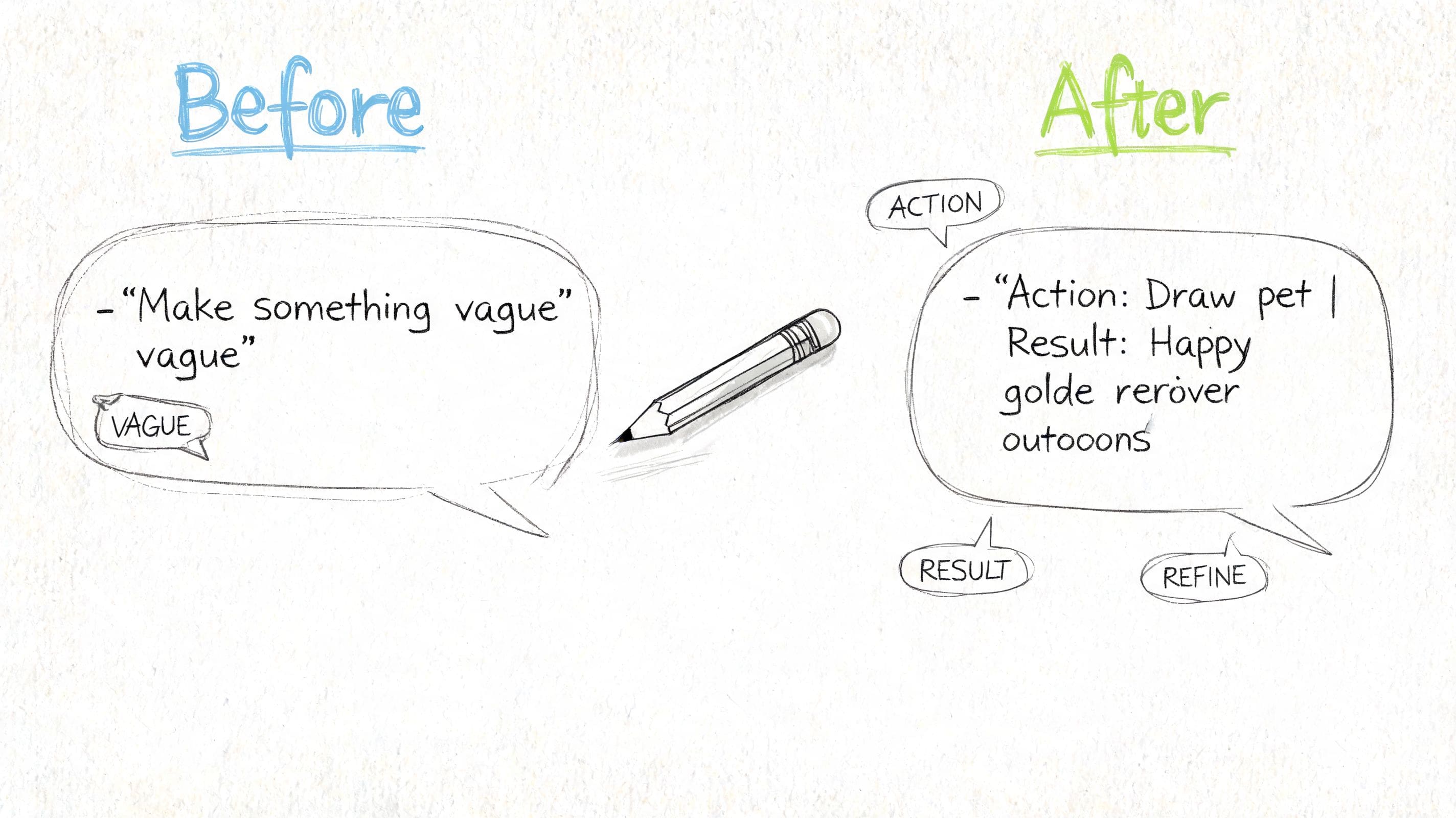
Here's how to refine a bullet point using iterative prompts:
- Your starting point: "Managed a marketing campaign."
- Your first prompt: "Rewrite this bullet point to sound more dynamic using a strong action verb: 'Managed a marketing campaign.'"
- The AI's first attempt: "Spearheaded a multi-channel marketing campaign from conception to execution."
Good, but it lacks metrics.
- Your second prompt: "Now, add these results: the campaign generated a 20% increase in leads and £50,000 in revenue. Mention it was for a B2B SaaS product."
- The final AI output: "Spearheaded a multi-channel marketing campaign for a B2B SaaS product, generating a 20% increase in qualified leads and securing £50,000 in new revenue within a single quarter."
This process turns a flat statement into a high-impact achievement that recruiters notice. For a deeper dive, explore our guide on how to use AI to write a resume.
Example AI Prompts for Each CV Section
| CV Section | Example Prompt |
|---|---|
| Professional Profile | "Write a 3-sentence profile for a [Your Job Title] with [X] years of experience in the [Industry] sector. I am targeting a [Target Job Title] role. Emphasise my skills in [Skill 1], [Skill 2], and my ability to [Key Achievement]. Use a confident, professional tone." |
| Work Experience | "Rewrite this bullet point to focus on results: '[Your Original Bullet Point].' Incorporate the following metrics: [Metric 1] and [Metric 2]. Use a strong action verb to start the sentence." |
| Skills Section | "Create a 'Core Competencies' section for a [Your Job Title]. Based on my experience and the job description, list the top 10 most relevant technical and soft skills. Group them into categories like 'Project Management,' 'Software,' and 'Communication.'" |
| Project Highlight | "Write 2-3 bullet points describing a key project. The project was [brief project description]. My role was [Your Role]. The outcome was [Key Result]. Highlight my use of [Tool/Methodology]." |
Using clear prompts ensures the AI's output is relevant and aligned with your career goals.
Step 3: Optimise Your CV with a JD Fit Score
Once you have a solid draft, it's time to tailor it with data. A Job Description (JD) Fit Checker is an essential tool for any serious job seeker in 2026.
Modern AI CV builders let you paste in a job description, and the software analyses what the employer wants against what your CV says, providing a clear, actionable report.
From Good to Great: How to Interpret Your Score
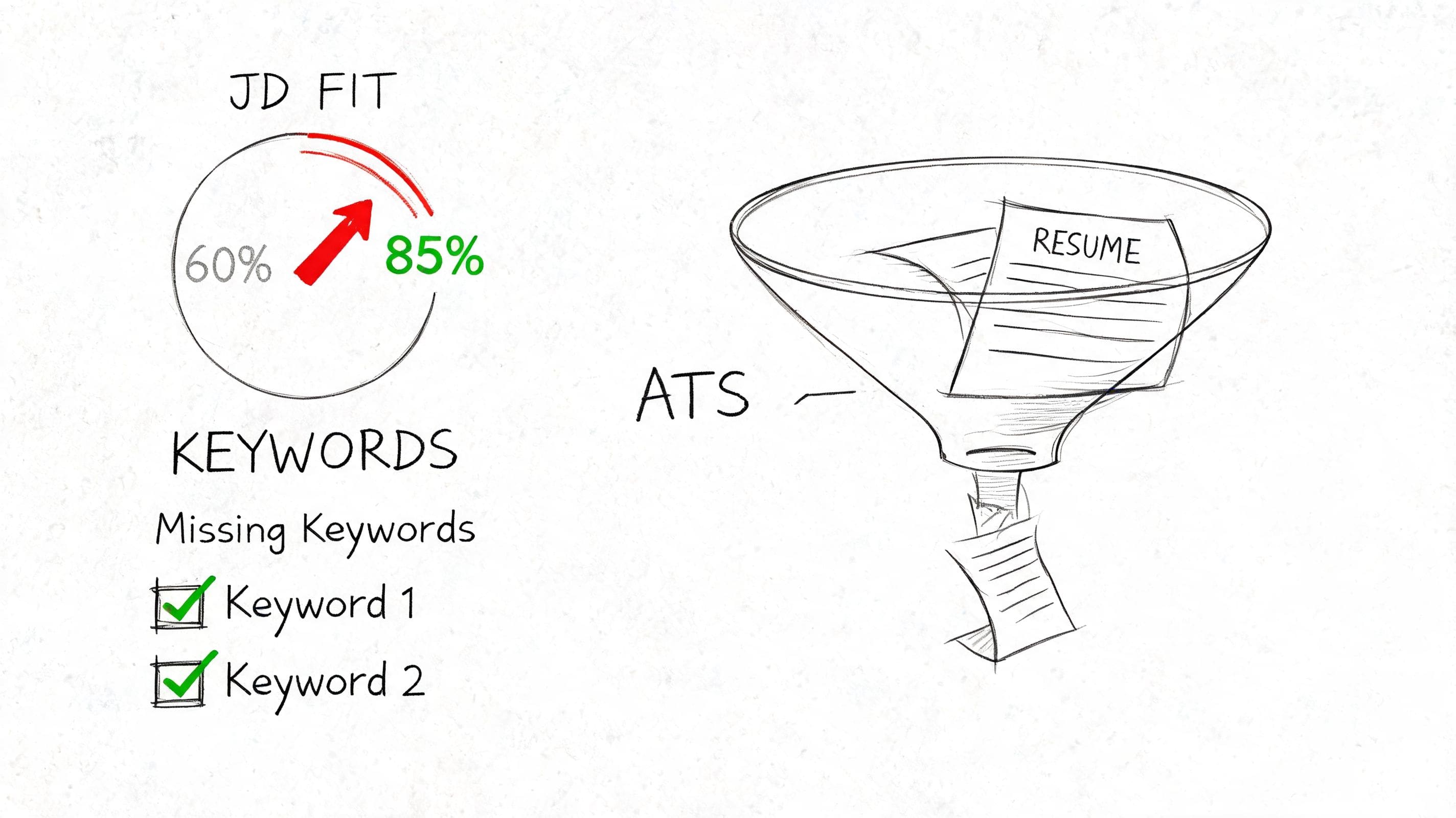
The analysis provides a match score (as a percentage) and a list of missing keywords or skills. Aim for a score over 85% to pass most ATS filters.
The real value isn't the score itself, but the specific, data-backed suggestions that show you exactly what language and skills the employer has prioritised.
With an estimated 70-75% of CVs filtered out by ATS before a human sees them, optimising your document is no longer optional. This is why tools like CV Anywhere integrate a JD Fit Checker directly into the builder.
Weaving in Keywords Naturally
Avoid "keyword stuffing." The skill is to weave keywords from the job description into your achievements organically.
- Revisit Your Bullet Points: Swap a generic term for a specific keyword. Instead of "Managed project timelines," say, "Oversaw project delivery using Agile methodologies" if 'Agile' is a key requirement.
- Sharpen Your Profile: If the job ad calls for "stakeholder engagement," ensure that exact phrase appears in your opening statement.
- Update Your Skills Section: This is an easy win. If the analysis flags hard skills like "Power BI" or "Google Analytics" as missing, add them to your technical skills list if you are proficient.
Let's walk through an example. The checker flags "omnichannel marketing" and "customer retention strategies" as missing for a Marketing Manager role.
Before:
- Led successful digital marketing campaigns across various online channels.
After:
- Spearheaded a full-funnel omnichannel marketing initiative that integrated digital and offline channels, directly contributing to improved customer retention strategies and a 15% uplift in repeat business.
This single edit works in essential keywords and transforms a vague duty into a powerful, quantifiable achievement. Repeating this process systematically boosts your fit score and dramatically increases your chances of landing an interview.
Step 4: Finalise Formatting and Track Your Applications
You've crafted the content; now it's time for presentation and organisation. A polished CV gets you noticed, and a smart tracking system keeps your job search organised.
A good AI CV generator like CV Anywhere provides ATS-friendly templates, but you must do a final check.
Polish Your Final Document
Consistency is key. Use this final checklist:
- Font: Use one professional font (e.g., Arial, Calibri) at 10-12pt.
- Headings: Ensure section headings are identical in size, font, and style.
- Margins: Use standard margins, around 2.5cm (1 inch).
- Proofread: Read through one last time purely for formatting errors like odd spacing or misaligned bullet points.
Always export your CV as a PDF. This locks the formatting, ensuring it looks exactly as intended on any device.
Replace Spreadsheets with Smart Tracking
Managing multiple applications in a spreadsheet is chaotic. A purpose-built application tracker makes all the difference. The screenshot below shows how a central dashboard can unite your CV creation and job tracking.
This single view lets you manage every opportunity without a clunky spreadsheet.
A dedicated tracker allows you to:
- Link the specific CV version to each application.
- Move roles through a clear pipeline from "Applied" to "Interviewing."
- Set reminders for follow-up emails.
- Store notes on interviews and contacts in one place.
By bringing your applications into a single dashboard, you transform your job hunt from a reactive, stressful process into a proactive, manageable project.
This level of organisation is a game-changer. Learn more about the benefits of a dedicated job application tracker and how it helps you stay ahead.
Common AI CV Generator Mistakes to Avoid
- Vague Input: The "garbage in, garbage out" principle applies. Provide detailed, structured information (like using the STAR method) to get high-quality output.
- Accepting the First Draft: Never use the AI's first version without reviewing and personalising it. Your human touch is essential to inject personality and ensure accuracy.
- Failing to Tailor: Do not send a generic CV. Use the AI to create a strong master document, then use features like a JD Fit Score to tailor it for every single application. This final step is what gets results.
AI CV Generator FAQs
Can recruiters tell if a CV was written by AI?
Unlikely, and most don't care. As long as your CV is accurate, professional, and clearly tailored for the role, the tool you used is irrelevant. The goal is to produce a high-quality CV that lands an interview. An AI tool is simply a modern, efficient way to get there. Always review and personalise the final document to ensure it reflects your authentic voice.
Is it worth paying for an AI CV generator?
While free options exist, a paid AI CV generator is a smart investment for a serious job search. Premium features provide a competitive edge, often including advanced ATS optimisation (like a JD Fit Score), unlimited CV versions, integrated application tracking, and cover letter generation. The small cost often pays for itself by shortening the time it takes to land a new role.
How do I stop my CV from sounding robotic?
Treat the AI as your co-pilot, not the autopilot. Start by feeding it specific, detailed information about your achievements using a framework like STAR. Then, use the AI's output as a first draft. Your job is to step in, inject your voice, add unique context, and ensure the tone fits your personality and industry. The best results come from this blend of machine optimisation and human nuance.
Ready to create a CV that beats the bots and impresses recruiters? The CV Anywhere Smart CV Builder combines powerful AI features with a JD Fit Checker and an integrated Application Tracker. Move from CV to job offer faster.
Tags
Related articles
How to Write a Resume for a Job (Step-by-Step Guide)
Most CVs fail before their content gets a fair reading. Research analysing 125,000+ resumes found candidates include only 51% of relevant keywords from the job description, and 75% of resumes are reje...
Your Ultimate Guide to a Winning Resume Resume in 2026
The key to a winning resume resume in the US job market is creating a document that beats automated filters and impresses a human in seconds. The most effective approach is to build a one-page, ATS-fr...
Resume Action Verbs: 150+ Words That Make Your CV Stand Out
The best resume action verbs for the US job market are dynamic, results-oriented words like 'Spearheaded,' 'Optimized,' and 'Implemented' that demonstrate your direct impact on a business. Replacing p...
Customer Service CV: A Step-by-Step Guide with Examples
Most customer service CVs don’t fail because the candidate lacks people skills. They fail because the document is hard for software to read and too vague for recruiters to trust. In the UK, 76% of CVs...
Popular Articles
Most CVs fail before their content gets a fair reading. Research analysing 125,000+ resumes found candidates include only 51% of relevant keywords from the job description, and 75% of resumes are reje...
The key to a winning resume resume in the US job market is creating a document that beats automated filters and impresses a human in seconds. The most effective approach is to build a one-page, ATS-fr...
The best resume action verbs for the US job market are dynamic, results-oriented words like 'Spearheaded,' 'Optimized,' and 'Implemented' that demonstrate your direct impact on a business. Replacing p...
Most customer service CVs don’t fail because the candidate lacks people skills. They fail because the document is hard for software to read and too vague for recruiters to trust. In the UK, 76% of CVs...