Using the best ats resume checker free of charge is the single most effective action you can take to get your application past the initial screening bots and into human hands. The reality for US job seekers is stark: up to 75% of resumes are automatically rejected by an Applicant Tracking System (ATS) before a recruiter ever sees them. A reliable, free ATS checker analyzes your resume against a specific job description, identifies missing keywords and formatting errors, and gives you an instant score, providing a clear roadmap to beat the bots and land more interviews.
Your Secret Weapon in the Modern Job Hunt
If you've ever felt like you're sending applications into a black hole, you're probably right—and the ATS is likely the culprit. The vast majority of companies rely on this software to manage the flood of applications they get. These systems scan for specific keywords, skills, and formatting, automatically filtering out anyone who doesn't match their programmed criteria.
This is where most job seekers get stuck. It's rarely about being unqualified; more often, it's about simple formatting glitches or failing to use the same language as the job description. This is exactly why running your resume through a dedicated ats resume checker free tool is non-negotiable for anyone serious about their job search in 2026.
Why Your Resume Gets Ignored
The reasons an ATS might reject your resume can be frustratingly simple. These systems are powerful, but they aren't smart. They often choke on the very things that look visually appealing to a human reader.
We see the same mistakes over and over again. To help you sidestep these common traps, here's a breakdown of the top rejection triggers and how to fix them in minutes.
Top ATS Rejection Triggers and Quick Fixes
| Rejection Trigger | Why It Fails | Your Quick Fix |
|---|---|---|
| Complex Formatting | Tables, text boxes, and columns confuse the parsing software. It can't read the information in the right order, so it just gets jumbled or ignored. | Stick to a clean, single-column layout. Use standard bullet points and avoid any fancy graphical elements. |
| Headers & Footers | Information placed in the header or footer section of a Word doc (like your name or contact info) is often completely skipped by the ATS. | Keep all your essential information within the main body of the document. |
| Unusual Fonts | Custom or "creative" fonts might look cool, but if the ATS can't recognize the characters, it can't read your resume. | Use standard, universally recognized fonts like Arial, Calibri, Georgia, or Times New Roman. |
| Missing Keywords | The ATS is programmed to look for specific keywords from the job description. If they aren't in your resume, you're flagged as a poor match. | Carefully read the job description and weave the exact keywords (skills, software, qualifications) throughout your resume. |
| Images or Graphics | Logos, photos, and skill rating bars are invisible to the ATS. They can even cause the system to discard your file entirely. | Remove all images, logos, and graphics. Let the text speak for itself. |
These small adjustments can make a world of difference in your pass rate. Getting this right is about making your resume machine-readable first, so a human has a chance to see it later.
A specialized tool like a Resume AI Checker is built to spot these exact issues before you hit "apply."
The numbers don't lie. Research shows that resumes with photos have an 88% rejection rate, and those missing job-specific keywords have a 76% chance of getting filtered out. It's not just about what you include, but also what you leave out.
Understanding the pitfalls is step one. The next is to take action with a reliable tool. A good ats resume checker free platform, like the JD Fit Checker from CV Anywhere, does more than just scan for errors. It analyzes your resume against a specific job description to give you an instant match score.
This score isn't just a number; it's a roadmap. It shows you exactly where the gaps are, turning a frustrating guessing game into an actionable strategy. You can learn more by understanding your ATS score. This immediate feedback helps you make the small but critical tweaks that ensure your resume finally gets the attention it deserves.
Is your resume actually getting responses?
Your resume might be missing something important
Upload your resume → see its weakest areas → fix them, one by one.
Free. Takes less than 2 minutes.
A Real-World Workflow for Your First Free ATS Check
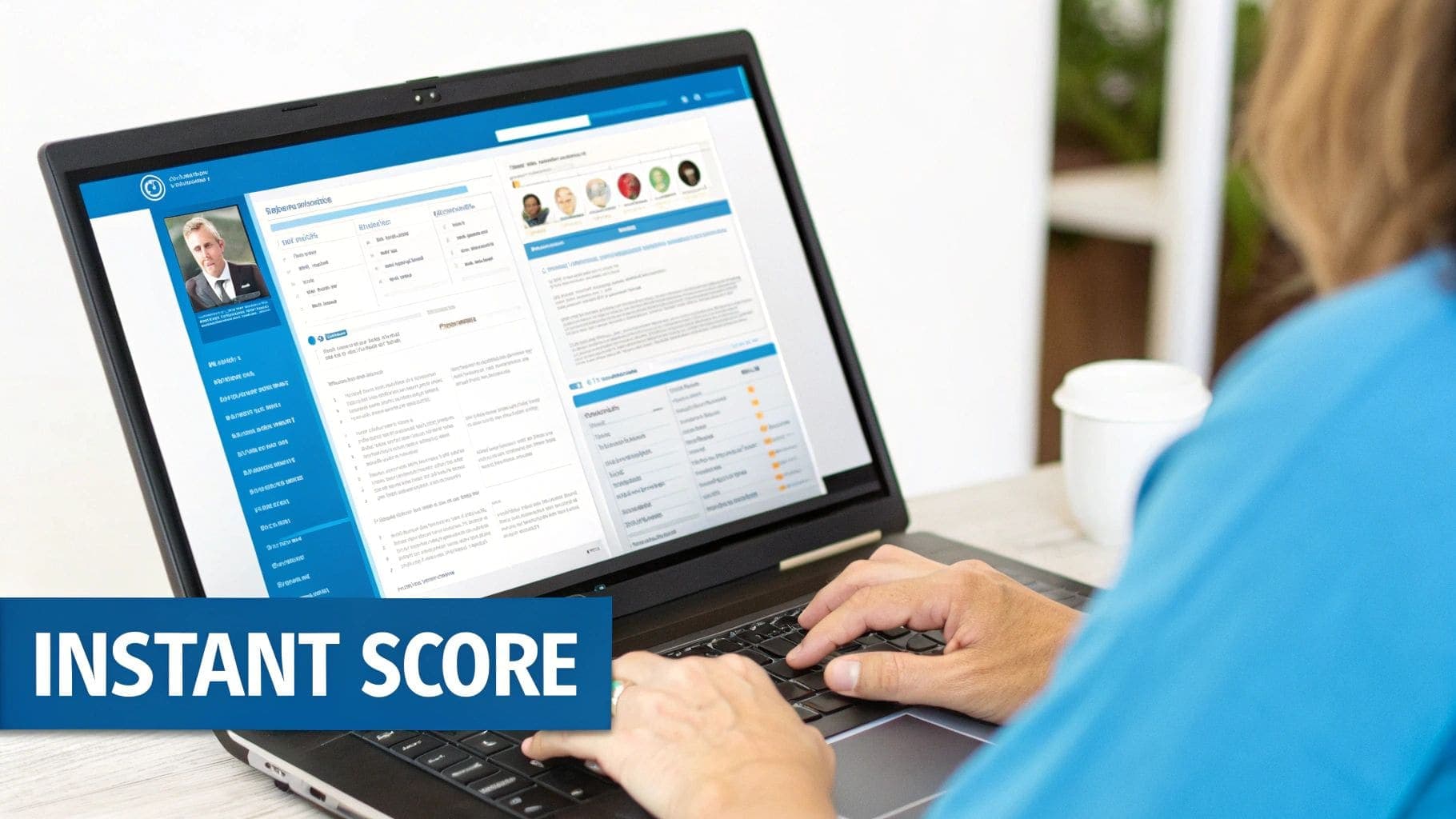
Running your resume through a free ATS checker is the first step, but a score is just a number without a plan. Let's walk through a practical workflow to show you how to turn that data into a resume that actually gets interviews. This isn't just about spotting errors; it's about building a repeatable process to tailor your application for any role you want.
Imagine you're a project manager with five years of experience. You've found a great Senior Project Manager role at a tech company. Your current resume is solid, but you have a hunch it's not optimized. Here's how you can transform it in under 30 minutes.
The Initial Scan and Triage
First, you need a baseline. Using a tool like CV Anywhere's JD Fit Checker, upload two things: your current resume and the job description for the Senior Project Manager role. The tool will instantly give you a match score. Let's say it comes back at a lukewarm 68%.
This initial score tells you there's a significant gap between what the company wants and what your resume is communicating. Don't panic—this is actionable intelligence. The report will likely break down missing keywords, skills, and potential formatting red flags. Your job now is to triage these gaps.
Focusing on High-Impact Keywords
The report highlights that your resume is missing several key phrases mentioned multiple times in the job description, like "agile methodologies," "stakeholder management," and "risk mitigation." These aren't just buzzwords; they are the core competencies the ATS is programmed to find.
Your next move is to weave these terms naturally into your work experience bullet points. Instead of a generic line like, "Managed project timelines," you can revise it to:
- "Led cross-functional teams using agile methodologies to deliver projects 15% ahead of schedule."
This simple rephrase accomplishes two goals: it directly incorporates a high-value keyword and adds a quantifiable achievement, making the bullet point much stronger for the human who will eventually read it. You don't need to stuff every keyword into a summary; weaving them into your accomplishments is far more effective.
It's a common myth that you need to just cram in as many keywords as possible. The reality is that your focus should always be on impressing the human who reads your resume after it passes the scan. A keyword-stuffed resume that makes no sense will get you rejected just as quickly.
Bridging Skill and Qualification Gaps
Next, look at the required qualifications. The job description explicitly asks for "PMP certification" and experience with "Jira and Asana." Your resume mentions you have project management experience, but you haven't explicitly listed these specifics.
This is an easy fix. Add a dedicated "Certifications" section to prominently display your PMP. Then, in your "Skills" section, make sure you have a subsection for "Project Management Tools" that lists Jira and Asana. This makes it impossible for the ATS—or a human skimmer—to miss these critical qualifications.
After making these targeted adjustments, run your updated resume through the checker again. You'll likely see your score jump significantly, putting you in a much stronger position to land that interview. For a deeper dive into crafting your document from the ground up, explore how a dedicated resume maker for free can help you build an ATS-friendly foundation from the start.
Turning Your ATS Report into a Winning Resume
So, you've run your resume through a checker and have a report in front of you. Don't just see it as a grade; think of it as a personalized roadmap showing you exactly where to make improvements. The real skill is turning that feedback from a free ats resume checker into a document that impresses both the software and the human on the other side.
This means focusing on the actionable gaps—the specific, fixable areas where your resume isn't quite hitting the mark.
The feedback usually boils down to two critical areas: keywords and formatting. Getting these right is non-negotiable. With nearly 98% of Fortune 500 companies using an ATS, a staggering 75% of resumes get filtered out before a recruiter even lays eyes on them. This is why optimizing your resume based on a detailed report isn't just a good idea; it's essential.
Identifying and Closing Keyword Gaps
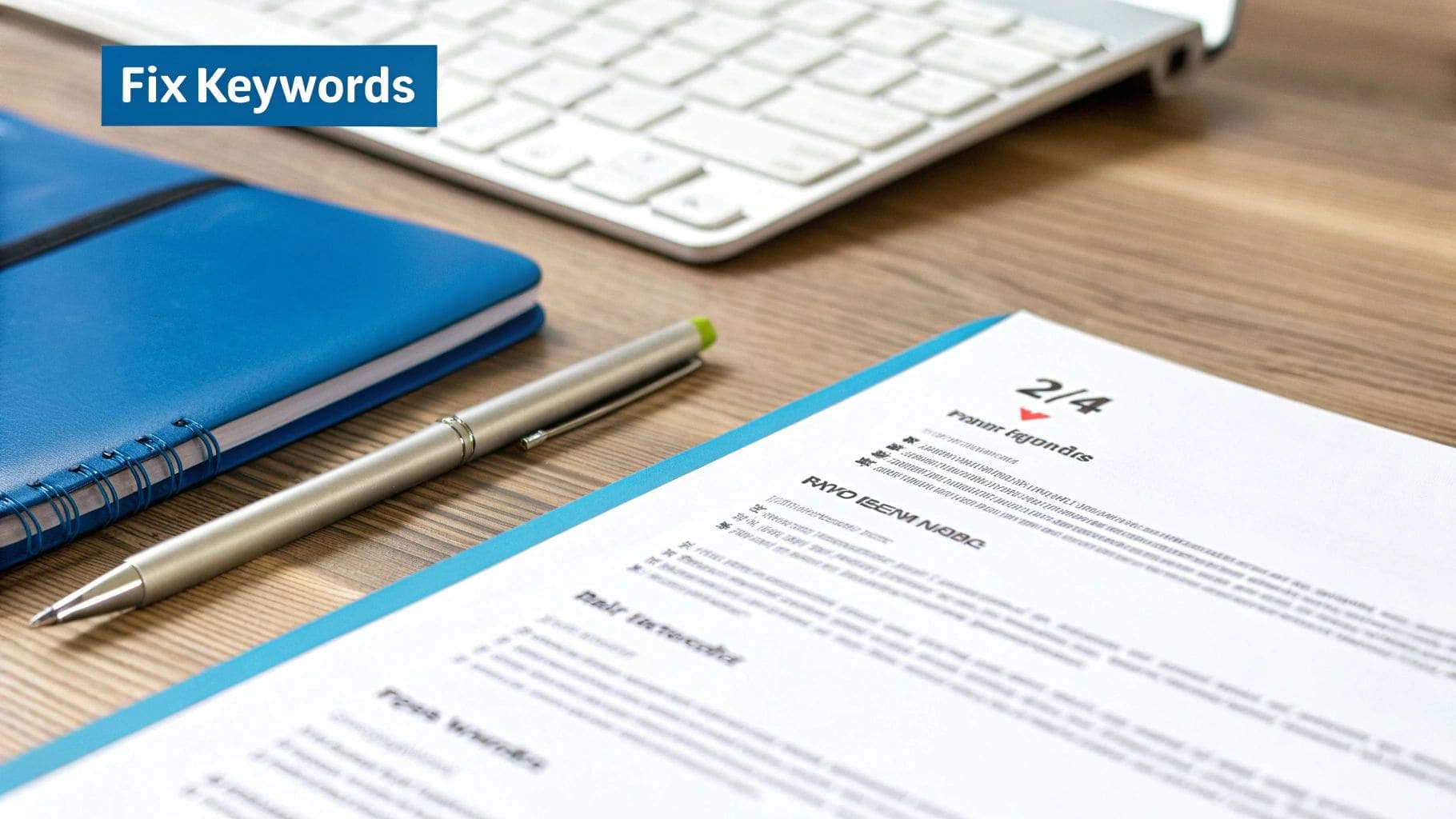
Your ATS report will likely give you a clear list of keywords and skills from the job description that are missing from your resume. This is your first and most important task. But don't just cram these words into your summary. The trick is to weave them into your experience bullets where they feel natural and add context.
Let's walk through a real-world example. Imagine a marketing manager's report flags a low match for "omnichannel marketing strategy" and "customer lifecycle management."
- Original Bullet Point: "Developed marketing campaigns for new product launches."
- Optimized Bullet Point: "Led the design and execution of a new omnichannel marketing strategy, increasing engagement across the full customer lifecycle management process by 22%."
See the difference? The second version doesn't just include the keywords; it ties them to a quantifiable result, making it infinitely more powerful for the hiring manager who will eventually read it.
Remember, the goal isn't just to beat the bot. The keywords should feel natural and be supported by your actual experience. A keyword-stuffed resume that reads like gibberish will get you rejected by the hiring manager.
Below is an example of what a keyword analysis from a JD Fit Checker might show you. It gives you an instant checklist of terms to work into your resume.
Fixing Common Formatting Warnings
Beyond keywords, your report might flag some formatting issues. The good news is that these are usually quick fixes that dramatically improve how an ATS parses your document.
Keep an eye out for these common formatting red flags:
- Information in Headers/Footers: Many systems completely ignore anything you put in the header or footer. Your contact info needs to be in the main body of the resume.
- Use of Tables or Columns: Multi-column layouts can confuse the parsing software, scrambling your information into nonsense. Always stick to a clean, single-column format.
- Non-Standard Fonts: Fancy fonts might look nice, but an ATS can't always read them correctly. Stick to the classics like Arial, Calibri, or Georgia to ensure every character is recognized.
By tackling both the keyword gaps and formatting errors, you transform the feedback from a simple check into a much more powerful application. For a deeper dive into this process, check out our complete guide on how to tailor your resume to a job description.
Don't Forget the Human on the Other Side
Getting past the initial software scan is a huge win, but your work isn't done. The prize for beating the bots is landing your resume in front of a human recruiter, who will probably give it less than ten seconds of their time.
This is where manual checks become non-negotiable. An ats resume checker free tool is brilliant at spotting technical flaws, but it can't tell you if your resume is actually easy to read or visually appealing. Remember, the software filters candidates, but a person makes the hiring decision. You need a document that works for both.
The Recruiter's 10-Second Scan Checklist
Before you hit "submit," put yourself in the recruiter's shoes and run through a quick visual check. These simple elements make a surprisingly big difference in whether you look like a pro or an amateur.
Here's what to look for:
- Font Choice: Stick to the classics. You can't go wrong with Arial, Calibri, Georgia, or Times New Roman in a readable 10-12 point size. Stay away from scripty or overly creative fonts that make a recruiter squint.
- Clear Headings: Use simple, bolded headings for each section—think "Work Experience," "Education," and "Skills." This acts like a roadmap, helping a recruiter find the information they care about in seconds.
- File Format: Unless the application specifically asks for a .docx file, always submit a .pdf. A PDF locks your formatting in place, ensuring it looks exactly how you designed it on any screen. A Word doc can be a formatting gamble.
Your resume must serve two masters: the machine and the human. Optimizing for the ATS gets you through the gate, but optimizing for readability is what gets you the interview. Don't sacrifice one for the other.
The "Plain-Text Test": A Recruiter's Secret Weapon
Want to see exactly what an ATS sees? The plain-text test is one of the best tricks in the book. It strips away all your careful formatting and shows you the raw data the software is trying to parse.
It's simple. Open your final resume file, select all the text (Ctrl+A or Cmd+A), copy it, and paste it into a bare-bones text editor like Notepad (on Windows) or TextEdit (on Mac).
Does it look like a jumbled mess? If your contact info is scrambled, your bullet points have morphed into weird symbols, or your dates are all over the place, that's a red flag. The ATS is seeing that same chaos. For example, a bullet point that should be "• Led a team of five" might become "? Led a team of five," which signals a parsing error you need to fix.
After running these final human-centric checks, you'll have a resume ready for both bots and people. Digging into what recruiters look for in resumes can give you even more insight to help sharpen your document and land that interview.
Using Smart Tools and Templates to Boost Your Pass Rate
Technology is your best ally when you're up against a mountain of other applicants. The real trick is combining the diagnostic power of a free resume checker with AI-powered builders and properly formatted templates. This isn't just about fixing typos; it's about building a fundamentally stronger resume from the ground up, and doing it faster than you ever could on your own.
Think of smart resume builders, like the one we have here at CV Anywhere, as your personal writing assistant. These tools can help you draft a polished, ATS-friendly document from scratch, often suggesting powerful, keyword-rich phrases for your summary and experience sections. This helps you map your skills directly to the job description, making your qualifications impossible for the software—and the recruiter—to miss.
What Makes a Template Truly ATS-Friendly
Not all resume templates are created equal. Far from it. A lot of the flashy, visually complex designs you see online can actually cause an ATS to garble your information, sending your application straight to the digital rejection pile. A truly ATS-friendly template prioritizes clean structure over fancy graphics every single time.
Here's a quick rundown of what to look for and what to run away from:
- Stick to a Simple Layout: The software reads your resume from left to right, top to bottom. Complicated columns, tables, and text boxes can confuse it, scrambling your work history into an unreadable mess.
- Use Standard Fonts: Don't get creative here. Stick to the classics like Calibri, Arial, or Georgia. Custom or obscure fonts might not be readable, leaving blank spots in your resume.
- Ditch the Graphics and Images: Logos, photos, and those little skill-rating bars are completely invisible to an ATS. Worse, they can cause parsing errors that get your resume thrown out.
This has become critically important as more companies lean on AI for screening. A staggering 83% of companies now plan to use AI to review resumes. Interestingly, research shows that a clean single-column and a well-structured double-column resume perform almost identically in ATS scans, with only a 4% difference in parsing scores. This proves that solid keyword optimization matters way more than the layout choice alone.
Combining an ATS Check with a Smart Builder
The most powerful workflow involves two distinct steps: diagnosis and creation.
First, run your current resume through a free resume checker. This gives you a baseline score and, more importantly, a list of specific keyword gaps and formatting errors. Once you have that report, you can use a smart resume builder to implement those fixes and refine your content.
This one-two punch ensures you're building a resume that is not only technically compliant but also compelling to the human recruiter who sees it next. For example, your ATS check might reveal you're missing the phrase "stakeholder communication." An AI-powered builder can then help you rephrase a bullet point to include it naturally while highlighting a key achievement.
The easiest way to get started is by using a proven, clean foundation, like a dedicated ATS-friendly resume template.
Think of it this way: the ATS check is your diagnostic report, telling you what's wrong. The smart builder is your toolkit, giving you the exact instruments needed to fix it quickly and effectively.
Beyond dedicated resume tools, a whole ecosystem of other free job search tools can help you with things like interview prep and networking. By using these resources together, you create a system that ensures your application is seen by the right people, moving you from just applying to actually getting interviews.
Common Questions About Free ATS Resume Checkers
It's smart to have questions about free resume checkers. After all, you're trusting them to help you get past the first major hurdle in your job search. Getting straight answers is key to building a strategy that actually works, especially as you start relying on an ats resume checker free of charge to make headway in the US job market for 2026 and beyond.
Let's clear up some of the most common uncertainties.
Are Free ATS Resume Checkers Really Accurate?
Yes, for the most part. Many free tools are surprisingly good at giving you a solid baseline of how your resume will perform. They're designed to mimic the way major systems like Workday or Taleo scan your document for keywords, formatting, and essential skills.
While they can't perfectly replicate the unique settings of every single company's ATS, a quality checker will absolutely catch the common, high-stakes errors that get most resumes automatically rejected. Think of it as your first line of defense—a crucial check-up to ensure your resume is competitive before it ever lands in front of a real person.
How Often Should I Use an ATS Checker?
The short answer? For every single job application. Seriously.
One of the biggest mistakes job seekers make is creating a "master resume" and blasting it out everywhere. That's a recipe for disappointment. Every job description is a unique puzzle, with its own specific keywords and priorities.
Instead, get into the habit of running a fresh check for each role. It only takes a couple of extra minutes to scan your resume against the new job description. This lets you tailor your content specifically to that job, which dramatically boosts your odds of catching a recruiter's eye.
What Is a Good ATS Match Score?
You should be aiming for a score of 80% or higher. Hitting that mark is a strong signal that your resume is closely aligned with the core requirements listed in the job description. If you're consistently scoring below 70%, it's a red flag that you have some significant gaps to fill.
But don't get obsessed with just the number. The real gold is in the feedback. Use the detailed report to see exactly which keywords you're missing. Then, you can make meaningful edits that honestly reflect your experience while improving your score.
Can I Use a Creative Resume and Still Pass an ATS?
It's a huge gamble, and I almost always advise against it for online applications. The reality is that most Applicant Tracking Systems are pretty basic. They choke on things like tables, columns, images, text boxes, and unusual fonts. All that creative formatting can cause your information to be misread, scrambled into nonsense, or just plain ignored.
The best strategy, especially for creative roles, is to have two different resumes:
- A clean, traditionally formatted, ATS-friendly version for all online portals.
- A beautifully designed, portfolio-style version you can email directly to a hiring manager or bring with you to an interview.
This two-resume approach gives you the best of both worlds. You get past the initial bot screening without sacrificing the opportunity to showcase your design chops to a human.
Ready to stop guessing and start getting interviews? The CV Anywhere platform includes a powerful JD Fit Checker that gives you an instant match score and actionable feedback. Build your winning resume for free today!