How to Track Job Applications in the US Job Market (2026 Guide)
Learn how to track job applications with a simple, effective system. This guide shows you how to organize your search to get more interviews and offers.

Knowing how to track job applications is the key to transforming a chaotic, stressful job hunt into a controlled, strategic campaign. The most effective method is to create a single source of truth—either a detailed spreadsheet or a dedicated job tracking app—where you log every application. This central system should capture the company name, job title, application date, current status (e.g., Applied, Interviewing, Rejected), and a link to the original job description. By organizing this data, you can follow up on time, tailor your resume effectively, and identify which application strategies are actually working.
In the competitive US job market, managing multiple applications without a system is a recipe for disaster. You risk missing follow-up deadlines, forgetting crucial details for an interview, or even applying for the same role twice. Getting organized is more than just tidying up; it's a strategic move that turns a high-stress process into a manageable project you can control, helping you land more interviews and, ultimately, a job offer.

From Chaos To Clarity
The minute you start properly tracking your job applications, you'll feel the benefits. Crucial details stop slipping through the cracks, and for the first time, you get a bird's-eye view of your entire search. You can see exactly where each application stands, which ones are moving forward, and where you need to double down on your efforts.
This kind of clarity is a game-changer. For example, Huntr's Job Search Trends Report for Q3 2026 found that job seekers on their platform tracked a mind-boggling 375,000 job applications. The average user was sending out 16 applications a week.
When you're dealing with that kind of volume, guessing just doesn't cut it. Effective tracking becomes non-negotiable.
The Problem With Basic Spreadsheets
A spreadsheet is often the first tool people reach for, and it's a decent starting point. But many job seekers eventually hit a wall with it. The manual data entry is a huge time-sink and ridiculously prone to typos and errors.
More importantly, a spreadsheet won't send you a reminder to follow up on an application you sent last week. As your search grows, that simple grid quickly turns into a monstrous, unwieldy document that creates more anxiety than it solves. If this sounds familiar, you might find our post explaining why job seekers quit spreadsheets insightful. A dedicated system is often what's needed to truly master how to track job applications without the headache.
Building Your First Job Application Tracker
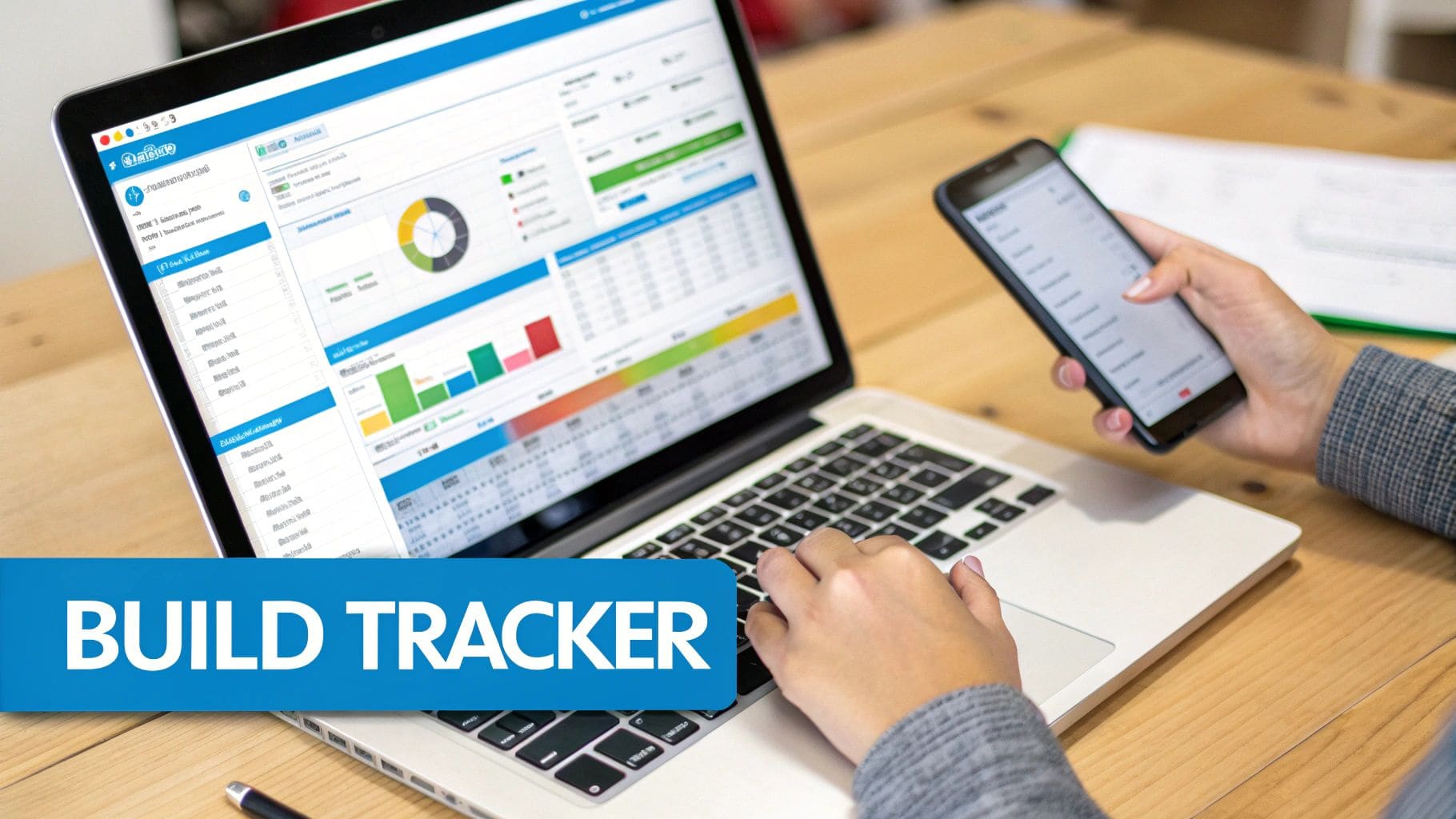
Alright, you're ready to get organized. Let's build your command center. When you're figuring out how to approach your job search, you really have two main paths you can take: the old-school spreadsheet or a modern, dedicated app.
Most people start with a simple spreadsheet. It's free, you have total control, and it gets the job done. But as you ramp up your search, tools built for the job hunt—like CV Anywhere—can automate the tedious stuff and prevent you from dropping the ball. We'll walk through how to get started with both.
A quick pro tip before we dive in: if you're using something like Google Docs to take notes or draft outreach, learning how to voice type on Google Docs can be a massive time-saver for getting your thoughts down quickly.
The Spreadsheet Starter Pack
For many job seekers, a simple spreadsheet in Google Sheets or Excel is the natural first step. It's accessible, endlessly flexible, and it costs nothing. The trick is setting up the right columns from day one so you capture all the information you'll need later.
Your starter spreadsheet should have these fields at a minimum:
- Company Name: The name of the organization.
- Job Title: The exact role, as it appears on the listing.
- Application Date: The day you hit "submit."
- Status: Create a dropdown menu with options like 'Applied,' 'Interviewing,' 'Followed Up,' 'Rejected,' or 'Offer.'
- Link to Job Posting: This is critical. Job descriptions often disappear once the role closes, and you'll want to refer back to it before an interview.
- Recruiter/Contact Person: The name and email of anyone you've talked to.
- Salary Range (if available): Helps you compare opportunities at a glance.
A well-built spreadsheet is more than just a list; it's your personal career dashboard. Use conditional formatting to automatically color-code rows based on their status. For example, make interviews green, follow-ups yellow, and rejections red. This one small tweak gives you an instant, visual snapshot of your progress.
Upgrading to a Dedicated Tracking App
While spreadsheets get the job done, they have their limits. The manual data entry can become a serious grind, and they lack the smart features that give you a real edge in a competitive market. This is where dedicated tracking tools completely change the game.
Platforms like CV Anywhere are designed specifically for the job hunt. They do so much more than a static grid ever could by automating many of the painful tasks that come with managing applications. For a deeper look at how to bridge the gap between manual and automated systems, check out our guide on creating a job application tracker with Google Sheets.
Here's a glimpse of what a purpose-built tracker like CV Anywhere offers. It's a clean, organized dashboard that puts all your applications in one place, making it easy to see statuses, next steps, and key dates at a glance.
Moving to an app like this turns your job search from a series of disconnected tasks into a smooth, manageable project. It's the difference between juggling and executing, ensuring no opportunity ever falls through the cracks.
Stop losing track of job applications
Every application, interview and follow-up in one place — no more messy spreadsheet columns.
Free. Built for job seekers, not spreadsheets.
Mastering Status Updates and Follow-Ups
A job application tracker is only as good as the information you put into it. The real magic in knowing how to track job applications isn't the tool itself, but the daily habits you build around keeping it alive. This means consistently updating your statuses and being smart about your follow-ups.
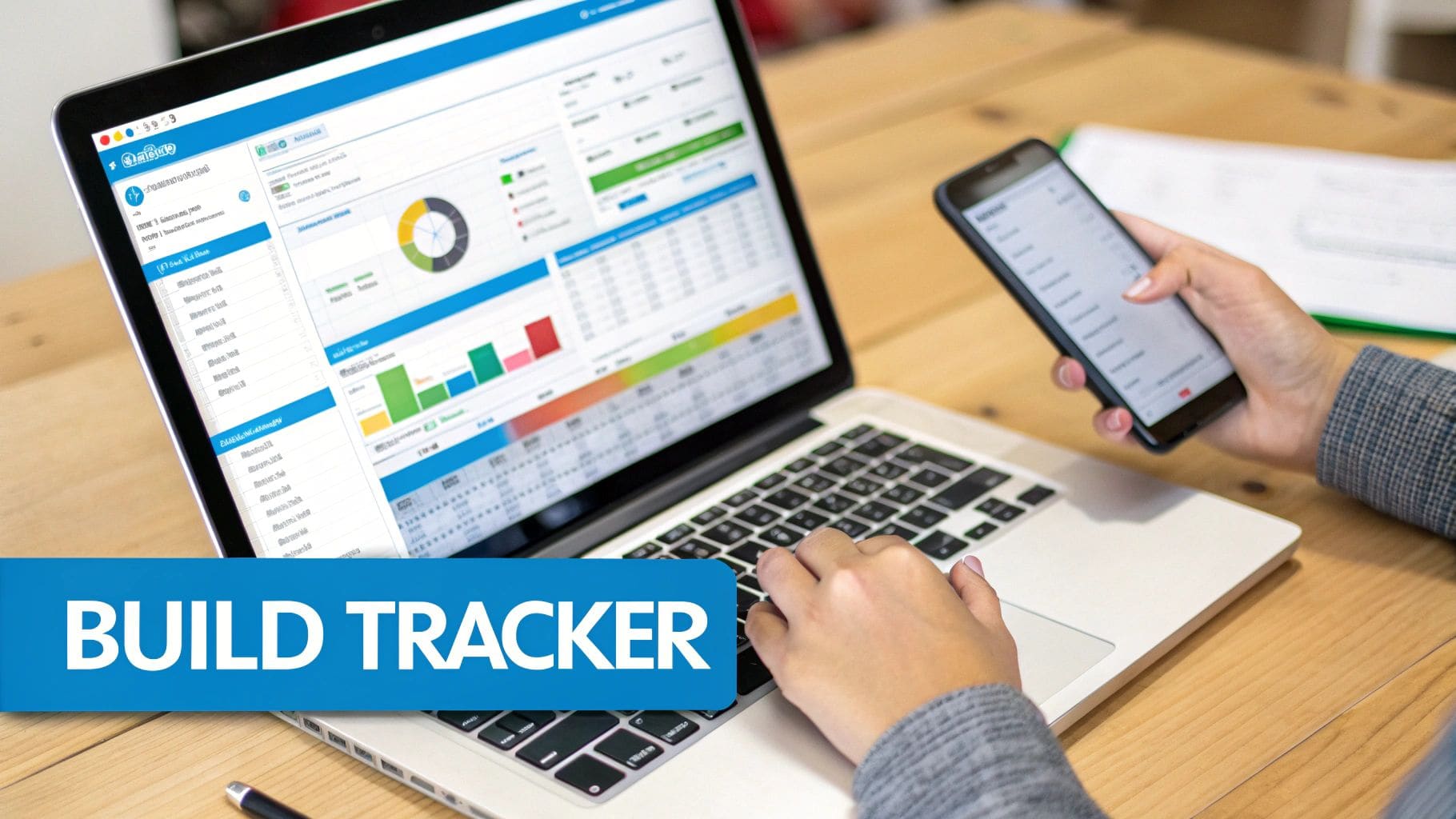
When you make this a habit, your tracker transforms from a passive list into an active command center for your job search. It helps you spot problems early. For example, if you see a dozen applications stuck in the "Applied" column with zero response, that's a glaring sign your resume or cover letter might need a tune-up.
Establishing a Clear Workflow
First thing's first: you need to define your status categories. The key here is to keep them simple and actionable. You don't need twenty different labels to feel organized; a handful of core statuses is all it takes to bring clarity to the chaos.
Think of it as the journey every application takes. Here are the essential stages:
- To Apply: Your curated list of promising roles you plan to go after.
- Applied: You've hit submit and are now waiting for that first sign of life.
- Interviewing: You've officially moved on to any interview stage—phone screen, video call, or in-person meeting.
- Followed Up: You've sent a follow-up email, either after applying or after an interview. This is a crucial step!
- Offer: The moment you've been working for—a verbal or written job offer is on the table.
- Closed (Rejected/Withdrawn): The opportunity is no longer active, either because they went with someone else or you decided to pull out.
This straightforward workflow lets you see exactly where to focus your energy at a glance. It stops great opportunities from going cold just because you lost track of them.
The Art of the Professional Follow-Up
Following up is a delicate dance. You want to stay on the recruiter's radar without coming across as pushy or desperate. Done right, a well-timed, professional email can be the tiebreaker, showing just how enthusiastic and detail-oriented you are.
The numbers back this up. With time-to-hire in the US often stretching 40-60 days, a proactive follow-up is your best tool for staying top-of-mind. It's what keeps your application from getting buried in a digital pile.
For an even clearer picture, we've broken down the statuses and corresponding actions into a simple table.
Application Status Categories and Follow-Up Actions
This table breaks down common application statuses and suggests a corresponding action or follow-up email cadence to maintain momentum in your job search.
| Application Status | Definition | Recommended Action |
|---|---|---|
| Applied | Your application has been submitted, but you haven't received a response. | Wait 5-7 business days, then send a brief, polite follow-up email to confirm receipt and reiterate your interest. |
| Interviewing | You've completed an interview (phone screen, video call, etc.). | Send a personalized thank-you email within 24 hours of the interview. This is non-negotiable. |
| Interviewing (Post-Thank You) | You've sent a thank-you note but haven't heard back by the timeline they provided. | If a decision timeline was given and has passed, wait 1-2 business days before following up. If no timeline was given, wait about a week. |
| Offer | You've received a verbal or written job offer. | Acknowledge receipt immediately, express thanks, and state when they can expect your decision. |
| Closed (Rejected) | You received a rejection notice. | If you interviewed, consider sending a brief, professional email thanking them for their time and asking to stay connected for future opportunities. |
This systematic approach takes the guesswork out of the process, ensuring you're always moving forward.
A simple check-in can make a world of difference. For instance, after you apply, give it about a week. If it's just crickets, a quick email can bring your name right back to the top of the inbox.
Pro Tip: When following up after applying, keep it short and sweet.
Subject: Following up on my application for the Marketing Coordinator position
Hi [Hiring Manager Name],
Hope you're having a great week. I'm writing to quickly follow up on my application for the Marketing Coordinator role I submitted last Tuesday.
My background in [mention a key skill or achievement] seems like a strong match for the responsibilities you described, and I'm really excited about the possibility of joining your team.
Please let me know if there's anything else I can provide. Looking forward to hearing from you.
Best regards,
[Your Name]
And after an interview? The follow-up isn't just a good idea—it's essential. Get that thank-you note sent within 24 hours. It's a simple act that powerfully reinforces your professionalism and interest. For more specific templates and timing strategies, check out our complete guide on how to follow up after a job interview.
Turn Your Tracker Data Into Job Offers
Your job application tracker is so much more than a glorified to-do list. Think of it as your personal analytics dashboard. When you learn to track your applications the right way, you stop guessing and start seeing exactly what's working—and what's a waste of time.
It all starts with spotting patterns. Are you getting more bites from applications sent through LinkedIn, a niche job board, or directly on company websites? Your tracker has the answer. This simple insight alone helps you double down on the channels that actually get you noticed.
Are Your Applications Converting?
To really level up your strategy, you need to look at your conversion rates. It sounds a bit technical, but it's just a simple way to measure how well you're moving from one stage to the next.
Let's break down the two most important numbers:
Application-to-Interview Rate: This is the big one. It's the percentage of applications that turn into an actual interview. Just divide the number of interviews you've landed by the total applications you've sent. If that number is low—say, below 5% in the US market—it's a massive red flag that your resume or cover letter isn't getting past that first screen.
Interview-to-Offer Rate: This number tells you how effective you are once you get in the room. If you're getting interviews but no offers, your interview skills might need some polish. On the other hand, a high rate here means you're closing the deal when you get the chance.
These metrics give you a brutally honest look at where you stand. A low application-to-interview rate means you need to rework your resume. A low interview-to-offer rate means it's time to practice your interview answers.
If you really want to get granular with this stuff, you can explore the advanced analytics features in a tool like CV Anywhere that calculates these rates for you.
Your tracker doesn't just tell you what you've done; it shows you where the bottlenecks are. Use that data to fix the leaks in your job search pipeline and turn a frustrating hunt into a targeted campaign.
Keeping a Pulse on the Market
Your personal data becomes even more powerful when you see how it fits into the bigger picture. The job market is always in flux, and what worked six months ago might be completely useless today.
For example, The World Economic Forum's 2026 Future of Jobs Report predicts a 25% surge in digital roles by 2030. But at the same time, we saw over 50,000 tech layoffs by mid-2026.
This is where your tracker is indispensable. It shows you which industries and roles are actually responding to your profile right now. You might discover that while you've been targeting SaaS companies with no luck, fintech or health tech companies are responding like crazy. That's a real-time signal to pivot your strategy. This is how a smart job tracker helps you stay agile and ahead of the curve. You can learn more about these global hiring trends and how they affect your search.
Time to Upgrade? When Your Spreadsheet Cries for Help

While spreadsheets are a fantastic starting point, they hit a wall once you're juggling dozens of applications. Manual data entry becomes a soul-crushing chore, and the risk of a critical follow-up slipping through the cracks goes way up.
This is the point where upgrading to an integrated platform isn't just a nice-to-have; it becomes a strategic advantage in figuring out how to manage your job search without losing your mind.
Tools like CV Anywhere's Application Tracker are built to seamlessly import your existing spreadsheet data. In minutes, that static list transforms into a dynamic career command center, unlocking powerful features that a simple grid just can't touch.
Beyond the Spreadsheet
Imagine getting instant, AI-powered feedback on how well your resume matches a job description before you even hit "apply." Picture automated reminders for follow-ups pinging you at the perfect moment, so you never miss a chance to stay top-of-mind with a recruiter.
This is the power of a dedicated system. For those looking to really level up their tracking, exploring an automated job application system can reveal just how much efficiency is possible.
The real goal here is to spend less time on admin and more time on high-impact stuff like networking and interview prep. An integrated platform puts everything—notes, contacts, documents, and deadlines—in one place so you can focus on what matters.
A Central Hub for Your Search
A proper tracker does more than just list your applications; it creates a central hub for every single part of your job hunt. Instead of scattered notes and files, you get a single source of truth connecting your resume to specific applications and tracking your progress from start to finish.
This level of organization is non-negotiable for anyone serious about mastering their job search process.
This seamless integration doesn't just save you time. It gives you the data-driven insights you need to refine your strategy on the fly. You can see which versions of your resume perform best and spot patterns in your application success. Before you customize your next application, you can use a tool like our Smart CV Builder to make sure it's perfectly aligned with the role.
Ultimately, upgrading your system is about moving from simply logging data to actively using it to land your next job offer.
Common Questions About Tracking Your Applications
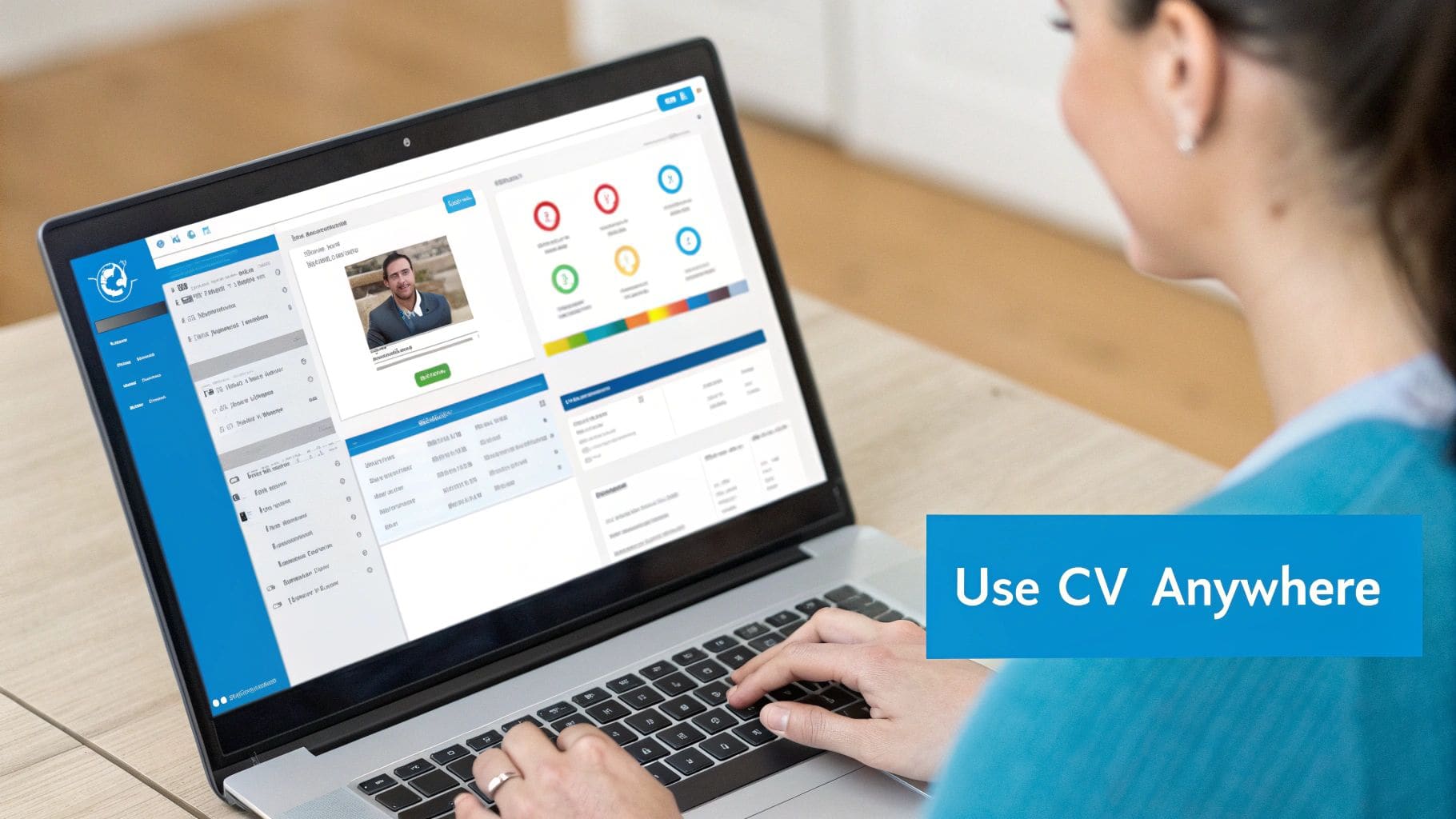
Even the most organized job seekers run into questions. Getting your tracking system right can be the difference between a tool that launches your search forward and one that just creates more busywork. Let's tackle some of the most common questions I hear from people trying to get a handle on their job hunt.
How Often Should I Update My Tracker?
The short answer? In real-time.
The moment you hit "submit" on an application, log it. When a recruiter emails you, change the status and add a quick note. This isn't about being obsessive; it's about discipline. This habit is the secret sauce to a tracker that actually works for you.
If real-time isn't possible, at least block out 15 minutes at the end of each day to get everything up to date. This tiny commitment ensures you're always working with accurate information, preventing key details from slipping through the cracks. Consistency is everything here.
What's the Biggest Mistake People Make?
Hands down, the most common pitfall is inconsistency. People start a tracker with the best intentions, meticulously logging everything for a week, and then... they stop. This creates a half-baked, unreliable system that causes more confusion than it solves. You're left wondering, "Did I apply to that one? When was that?"
Another critical error is not logging enough detail. Just listing the company and title isn't going to cut it when you get an unexpected call for an interview.
- Save the job description link: Postings get taken down all the time. You'll need it to prep for your interview.
- Record every contact: Log the name and email of every recruiter or hiring manager you speak with. This is your network.
- Jot down quick notes: A brief summary of key points from a phone screen can be a lifesaver later on.
Neglecting these details will leave you scrambling for information right before a crucial call. A well-maintained tracker keeps all this context in one place, ready when you need it. A little effort upfront saves a ton of stress later.
Is a Spreadsheet Good Enough?
A spreadsheet is a fantastic starting point. If you're applying for a handful of roles, it's free, flexible, and gets the basic job done. But as your search ramps up, you'll start to feel its limitations pretty quickly.
The biggest drawbacks are the complete lack of automation and integration. Spreadsheets can't nudge you with reminders to follow up. They don't talk to your calendar. And they definitely can't store different versions of your resume alongside the application it belongs to. The manual data entry becomes a real time-suck as you manage more opportunities.
This is where a dedicated tool like CV Anywhere comes in. It's built to automate the tedious parts of tracking, centralize all your job-related info, and give you useful insights into your search. The whole point is to save you administrative headaches so you can focus on what actually matters—nailing interviews and landing the offer.
Ready to stop juggling spreadsheets and start managing your job search with a powerful, integrated tool? CV Anywhere brings your CV builder, application tracker, and interview prep tools into one seamless workspace. Start tracking your applications for free and see the difference it makes.
Tags
Related articles
How a Job App Tracker Will Land Your Next Role
How a Job App Tracker Will Land Your Next Role A job app tracker is the central hub you build to organise every moving part of your job search, taking you from a chaotic mess of scattered notes and a ...
How to Use an AI CV Checker to Land More Interviews
You've probably done this already. You find a role that fits, tweak a few lines on your CV, send it off, then hear nothing. An ai cv checker helps you spot the gap between what you meant to say and wh...
Get the Best Template for Resume Success in the US for 2026
Choosing the perfect template for resume creation is the most important first step in your job search; it's a strategic move that determines whether you get noticed or ignored by recruiters and hiring...
Your Ultimate Guide to a Winning Resume Resume in 2026
The key to a winning resume resume in the US job market is creating a document that beats automated filters and impresses a human in seconds. The most effective approach is to build a one-page, ATS-fr...
Popular Articles
How a Job App Tracker Will Land Your Next Role A job app tracker is the central hub you build to organise every moving part of your job search, taking you from a chaotic mess of scattered notes and a ...
You've probably done this already. You find a role that fits, tweak a few lines on your CV, send it off, then hear nothing. An ai cv checker helps you spot the gap between what you meant to say and wh...
Choosing the perfect template for resume creation is the most important first step in your job search; it's a strategic move that determines whether you get noticed or ignored by recruiters and hiring...
The key to a winning resume resume in the US job market is creating a document that beats automated filters and impresses a human in seconds. The most effective approach is to build a one-page, ATS-fr...