
The best cv builder free options for UK jobseekers are the ones that still let candidates download an ATS-friendly PDF without hitting a paywall. Right now, the safest shortlist is CV Anywhere, Europass, and Resume.com, and this guide compares 10 tools that are available to UK users.
That matters because online recruitment in the UK is large, competitive, and digital-first. The UK unemployment rate for people aged 16+ was 4.5% in March to May 2024, while vacancies still stood at 904,000 in the same period, which means a lot of applicants are competing for a still-substantial but tighter pool of roles (ONS labour market figures cited here). In that environment, a cv builder free tool isn't just a convenience. It's often the fastest way to produce a clean CV that matches UK hiring norms and gets through applicant tracking systems.
Most "free" CV tools fail at the last step. They let users build everything, then block PDF export, watermark the file, or push them into a trial. That's where this comparison is different. It focuses on the limits of each free tier, what can be downloaded, and which tools are safe for UK-style, ATS-friendly applications.
For anyone handling CV uploads or job application documents on their own site, this guide to secure file inputs is also worth bookmarking.
1. CV Anywhere
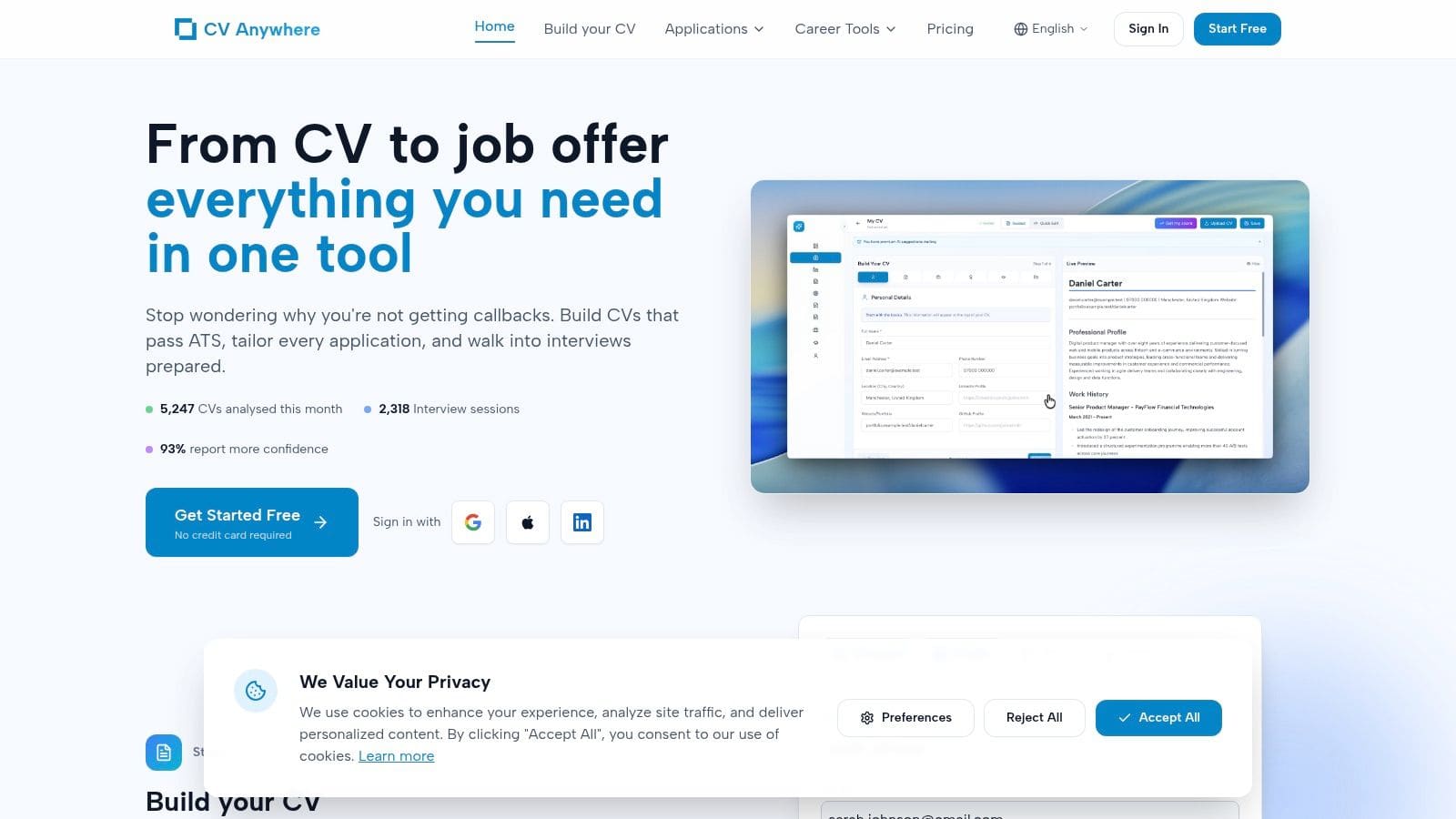
CV Anywhere suits jobseekers who need more than a blank CV template. It combines an ATS-friendly builder with two tools that solve the next problems in the process: tailoring and follow-up.
That makes it more useful than many free builders I test, because the friction usually starts after the first draft. Candidates can produce a decent CV in plenty of tools. The harder part is adjusting it for each role, then keeping applications organised once they start sending them out.
Why it stands out
The Smart CV Builder keeps the layout plain and readable. For UK applications, that is usually the right trade-off. Fancy templates may look stronger on screen, but they often create parsing problems or add visual clutter that does nothing for office, retail, admin, or graduate hiring.
The bigger differentiator is the Job Description Fit Checker. It compares the CV against a target role and points to missing keywords, weak alignment, or sections that need rewriting. Used properly, it speeds up tailoring without pushing candidates into the usual cycle of copying bullet points by hand for every application.
Practical rule: A free CV tool earns its place when it helps after the draft is written, not only while the document is being formatted.
The Application Tracker is the other feature that changes how useful the free tier feels in practice. Instead of leaving candidates to manage deadlines, versions, and follow-ups in separate spreadsheets or inbox folders, it keeps that admin attached to the application process itself.
Best for
- Graduates and early-career applicants: Clear prompts reduce blank-page hesitation.
- Career changers: The Fit Checker helps reframe older experience around a new target role.
- High-volume applicants: The tracker helps prevent duplicate applications, missed follow-ups, and version confusion.
There are limits. The free tier covers the core workflow, but paid plans go further on coaching and AI support. Candidates still need to check phrasing themselves, especially in regulated sectors, technical roles, or any application where accuracy matters more than speed.
For a cv builder free option, CV Anywhere is unusually practical. It helps write the CV, test it against a live vacancy, and track what happens after submission. That is much closer to how real job applications work than a builder that stops at PDF creation.
Build a CV that actually gets interviews
Start from your current CV — or from scratch — with step-by-step guidance so you do not get stuck.
Free. No blank page. No templates to wrestle with.
2. Europass
Europass is the easiest recommendation for anyone who wants a fully free builder with no surprise at download stage. It is run by the European Commission, and that shows in the product. The design is structured, conservative, and more standardised than stylish.
That standardisation is exactly why some candidates like it. The prompts are clear, the sections are predictable, and the resulting CV is generally easy for both people and systems to read.
Where Europass works well
It suits students, recent graduates, multilingual applicants, and anyone applying across more than one European market. It also includes a cover letter editor, which is useful when a candidate wants a matching document set without juggling separate tools.
The main upside is simple. It doesn't tease the user with a "free" build then lock the export behind payment. Candidates can create multiple versions and keep refining them without worrying about a paywall appearing at the end.
Europass is one of the few tools where "free" behaves like free all the way through.
Its main limitation is flexibility. The formatting is rigid compared with commercial builders, and candidates won't get much visual control. For most UK office roles, that isn't a problem. For creative jobs, it may feel too plain.
Best use case
Europass is a safe choice when the priority is reliability over branding. It works best for:
- Beginners: The guided structure helps users who don't know what to include.
- Cross-border applications: Language support is useful.
- Low-risk ATS formatting: The output is straightforward and readable.
Candidates can try it directly at Europass.
3. Indeed Resume Builder
Indeed's builder is one of the fastest ways to get from blank page to usable CV. It isn't trying to be a design platform. It exists to help users create a simple document and apply for jobs quickly inside the Indeed ecosystem.
That simplicity is a strength. For jobseekers who already search on Indeed UK, building a CV there reduces friction. The formatting stays basic, which usually helps ATS compatibility rather than hurting it.
What to expect from the free plan
The free experience is straightforward. Users can build and download a PDF without being pushed into a design upgrade path. It also works reasonably well on mobile, which matters for candidates applying during commutes or outside working hours.
The downside is that Indeed doesn't offer much depth once the first CV draft is finished. It won't do much advanced tailoring, and the template choices are limited. Candidates who want polished custom branding will outgrow it quickly.
A practical way to use it is to create the base CV inside Indeed, then refine the wording for target roles elsewhere if needed. That keeps the format clean while avoiding the over-designed layouts that often trip up ATS parsing.
Best use case
- Fast job board applications: Strong fit for applicants already using Indeed.
- Basic ATS-safe documents: Minimal formatting means fewer parsing issues.
- Mobile-first users: The workflow is simple on phone and desktop.
Indeed is useful when speed matters more than customisation. The builder is available at Indeed Resume Builder.
4. LinkedIn Resume Builder
LinkedIn Resume Builder works best for candidates who already keep their profile current. If the profile is strong, the tool can turn it into a CV very quickly. If the profile is weak, the CV will be weak too.
That makes LinkedIn different from guided builders like Europass. It doesn't do much hand-holding. It mostly repurposes what's already there.
The real trade-off
The good part is speed. Someone with a solid headline, clear role descriptions, and complete work history can generate a usable CV in minutes. The output is usually simple enough to stay ATS-friendly if the profile content itself is clear and not overloaded with buzzwords.
The weak point is control. Candidates don't get many layout choices, and the structure depends heavily on how LinkedIn organises profile data. That can leave some CVs feeling generic.
A LinkedIn-generated CV is only as good as the profile behind it.
For UK users, this is often a useful backup builder rather than the main one. It works well when a quick version is needed for an application deadline, but less well when a candidate needs careful tailoring for a public sector role, graduate scheme, or career pivot.
Best use case
- Active LinkedIn users: Best for candidates with a fully maintained profile.
- Quick exports: Handy for fast turnaround.
- Simple formatting: Better than heavily designed template builders.
Candidates can access it through LinkedIn.
5. Reed.co.uk Free CV Builder
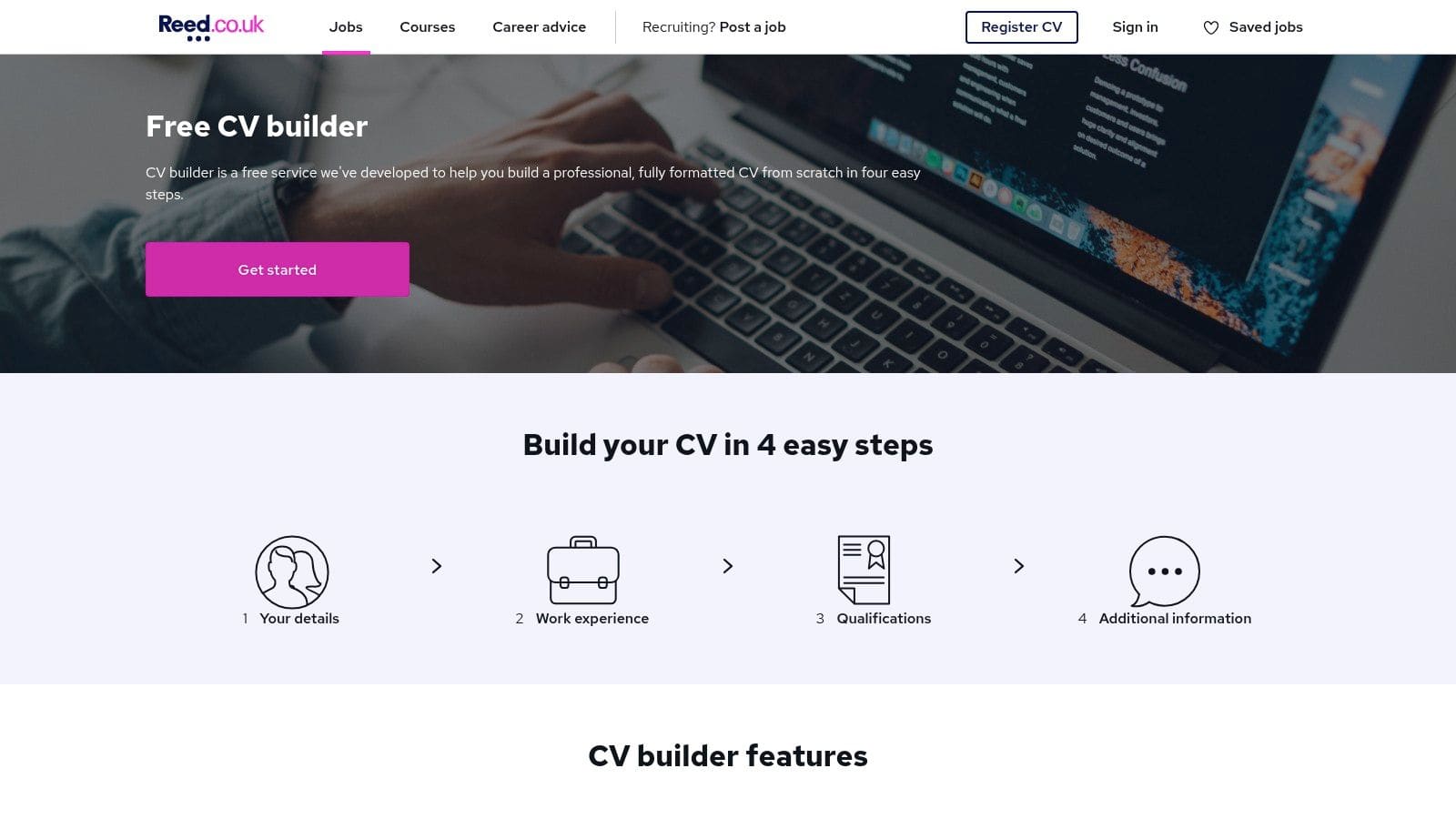
Reed's builder feels more UK-native than many global tools. The section structure and wording fit what UK recruiters expect, and that matters when a candidate wants to avoid importing US-style resume conventions into a UK CV.
This is especially useful for users who don't want to second-guess formatting choices. Reed keeps things familiar and straightforward.
Why UK focus helps
A lot of free builders are generic. They can still work, but they don't always reflect UK norms around concise profiles, employment dates, and practical layout. Reed does a better job of keeping the CV aligned with local expectations.
It also connects naturally to Reed's own jobs platform, which is convenient for candidates already searching there. That cuts down the number of accounts and tools they need to manage.
The main compromise is visual variety. Reed isn't for candidates who want custom design control. It is for candidates who want a sensible CV quickly and don't need the document to look unique.
Best use case
- UK-first applications: Good fit for local formatting expectations.
- Beginners: Easy workflow and sensible prompts.
- Functional job board use: Strong option when applying on Reed.
For a candidate searching "cv builder free" with a clear UK focus, Reed deserves a place on the shortlist. The tool is available at Reed.co.uk Free CV Builder.
6. Resume.com
Resume.com earns its place for one simple reason. It gives users a free path to build and download without much drama. That alone makes it more useful than many prettier competitors.
The templates are plain, but plain is often a good thing for ATS screening. Candidates can usually export a PDF or text version and move on.
What it does well
Resume.com is good for creating a quick, clean master CV. The text-based export option is particularly useful for online application forms that mangle formatting when candidates paste from a PDF or Word file.
It also benefits from being simple to revisit later. Candidates can save versions and edit them without navigating a complicated dashboard or premium upsell flow every few steps.
There isn't much design freedom, and there are few advanced optimisation features. No one should choose Resume.com for creative presentation. It is a practical utility tool.
If the goal is "build it, download it, send it", Resume.com does that better than many more polished platforms.
Best use case
- No-paywall downloads: One of the safest free options.
- ATS-friendly layouts: Clean templates and TXT export help.
- Utility over design: Strong fit for mainstream office roles.
Candidates can use it at Resume.com.
7. Canva Resume CV Builder
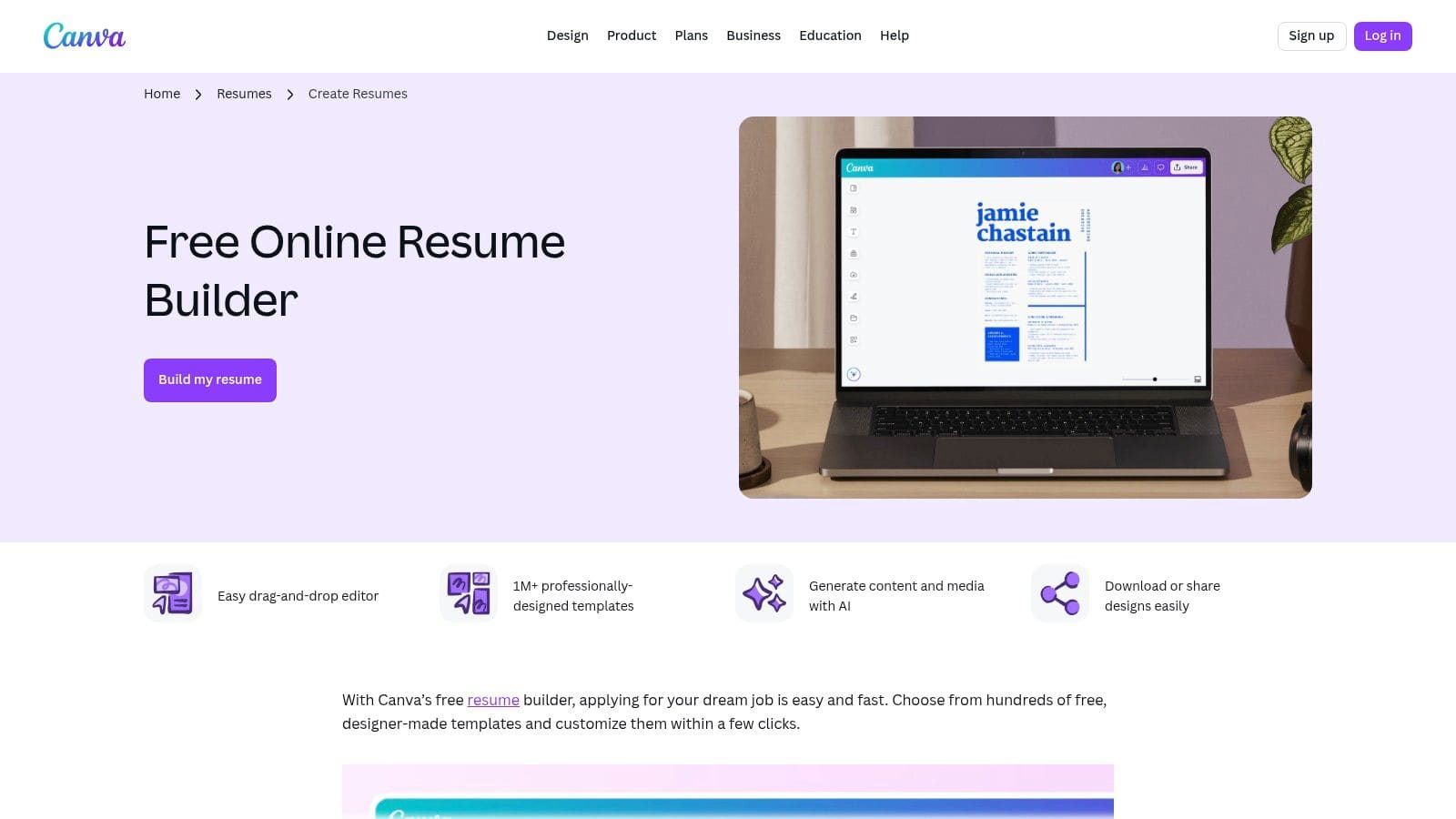
Canva is the most visually flexible tool on this list, and that flexibility is both its advantage and its risk. It can produce attractive CVs fast. It can also produce documents that look excellent and perform badly in ATS screening.
That trade-off matters because one of the biggest gaps in the free-builder market is the lack of clear guidance on whether a polished template will still work for ATS and UK employer expectations. Design-heavy layouts with graphics, columns, or photos can cause parsing problems, especially for graduates and career changers who really need a simple compliant CV instead of a portfolio-style document (ATS and formatting gap in free builders).
When Canva works
Canva works best when users deliberately choose a simple, single-column template and resist the platform's more decorative options. In those cases, it can produce a clean CV with better visual polish than most free builders.
It also helps candidates who want stronger control over spacing, fonts, and branding. For creative roles, that can be useful. For standard corporate or public sector roles, restraint matters more than style.
Best use case
- Creative users with self-control: Good if the layout stays simple.
- Branded documents: Strong visual editing tools.
- Collaborative editing: Useful when someone else is reviewing the CV.
Candidates should avoid icons for key information, text boxes for main content, and multi-column templates unless the role specifically rewards portfolio-style presentation. The builder is available at Canva Resume CV Builder.
8. FlowCV
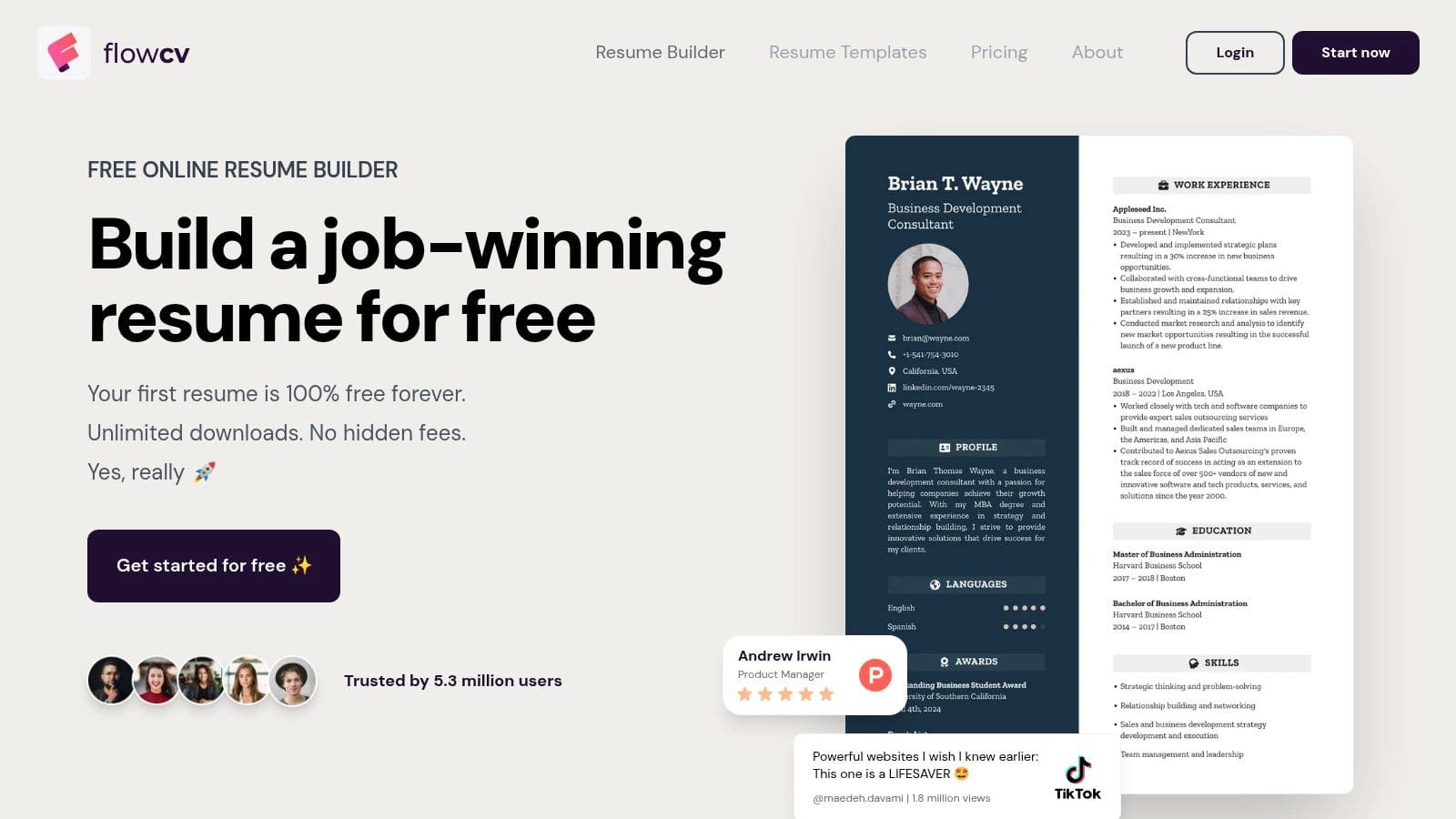
FlowCV is one of the better-looking builders that still feels practical. Its free offer for a first CV is clear enough to make it worth testing, especially for students and job changers who want more layout control without jumping straight into a subscription.
The templates tend to look modern without drifting too far into design-first territory. That balance is harder to find than it should be.
Why it appeals to careful applicants
FlowCV gives users more control over layout than the very basic builders, but it usually keeps the underlying structure simple enough for ATS use. That's the sweet spot many candidates want.
It also avoids one of the most annoying free-tier traps, where the candidate only discovers the limits after finishing the document. The free positioning is clearer than many competitors.
For anyone building a broader career service or advisory site around this process, this create a coaching website resource may also be relevant.
Best use case
- One polished main CV: Good when a single strong version is enough.
- Students and career changers: Useful layout control without too much complexity.
- ATS-conscious design: Cleaner than many template marketplaces.
The limitation is scale. Users who want several CV variants or deeper extras may hit paid features sooner than expected. Candidates can try it at FlowCV.
9. Novorésumé
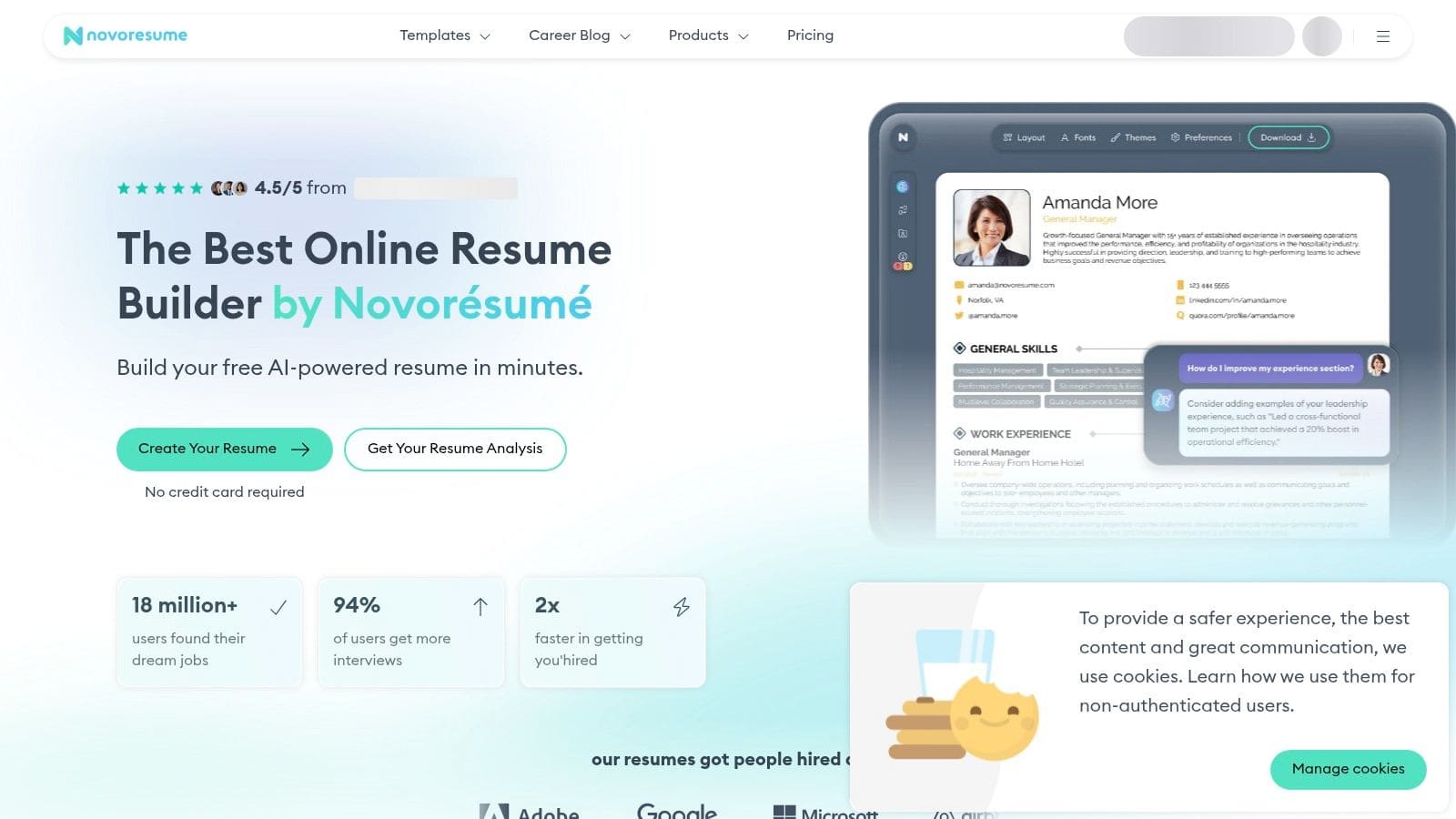
Novorésumé is a good example of a free plan that is usable, but tightly fenced. It works well for candidates who can fit their case into a concise one-page CV and don't mind removing premium elements to stay within the free tier.
That makes it especially suitable for early-career users. People with longer work histories may feel boxed in quickly.
Where the free tier succeeds
The platform gives strong content prompts, and that helps candidates who struggle more with what to write than where to type it. The structure is clean, and premium-only features are usually marked clearly enough that users can adjust before downloading.
This can make Novorésumé a better writing assistant than some simpler builders. It nudges users toward a readable, concise document rather than a wall of text.
Its weakness is obvious. The free plan has limits that many experienced professionals will hit fast. If the candidate needs more than a compact summary, the tool starts pushing them toward payment.
Best use case
- One-page CVs: Strong fit for graduates and junior applicants.
- Prompt-led writing help: Useful for users who need content guidance.
- Neat readability: Good for simple, focused applications.
Novorésumé is available at Novorésumé.
10. Resume.io
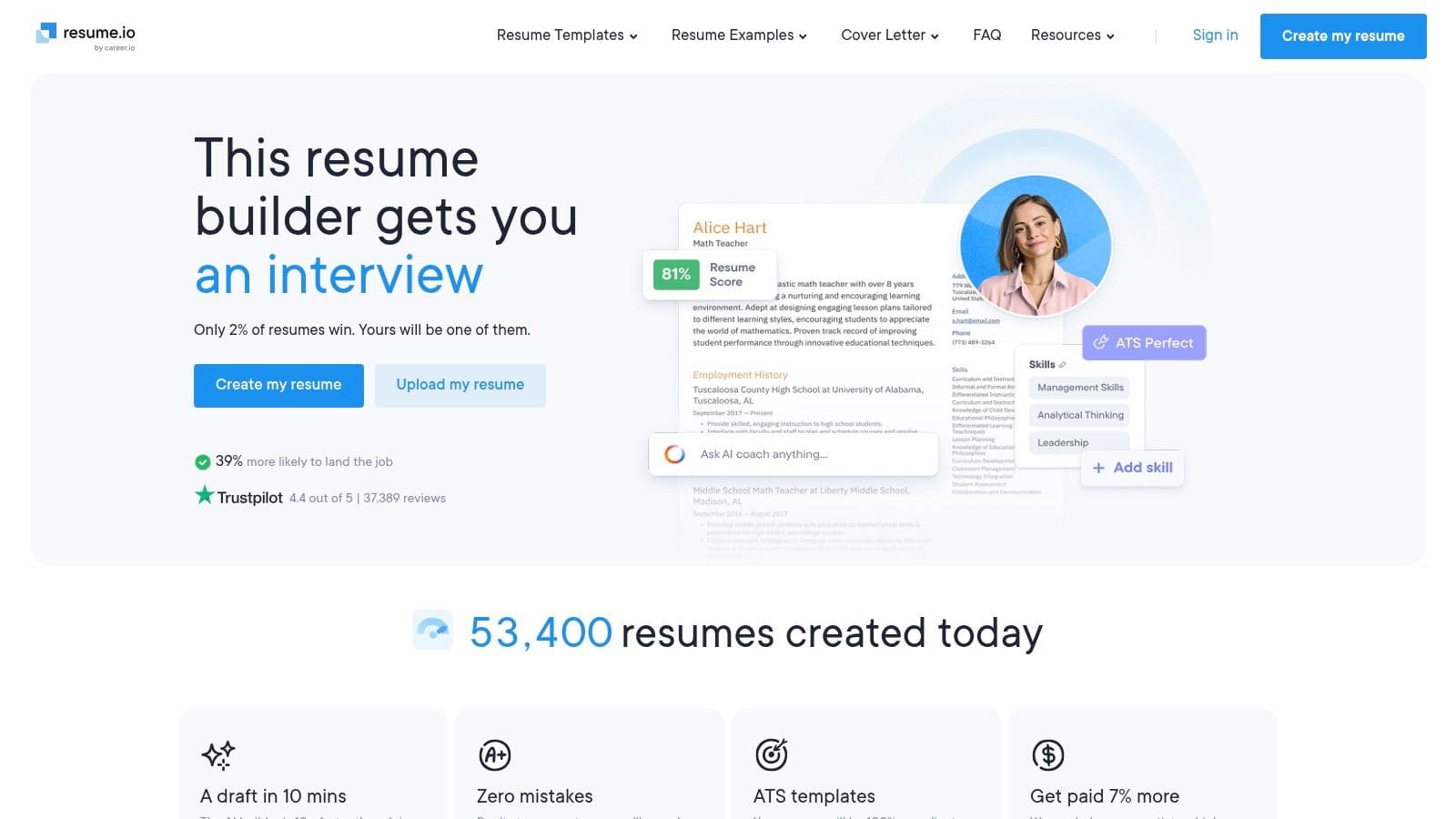
Resume.io is a capable builder, but it needs more caution than some other tools in this list. The editor is smooth, the guidance is decent, and at least one ATS-friendly export path is available. The issue isn't whether it works. The issue is whether the user understands the limits before investing time.
This is a common problem in the category. A builder may feel free during setup but become selective at export stage or around template choice.
What to watch
Resume.io can work well if the candidate sticks to the free-compatible option and confirms the download path early. That "check before writing everything" habit saves a lot of frustration.
Its templates are generally clean, and the workflow is easy to follow. For someone who wants a guided editor and is willing to accept some restrictions, it's still a viable pick.
Check the export rules before filling every section. That's the difference between a useful free builder and a wasted hour.
Best use case
- Guided editing: Helpful for users who want structure.
- One-off free export: Fine if the free-compatible template is enough.
- Fast drafting: Good for speed, less good for transparency.
Candidates should be more careful here than with Europass or Resume.com. The builder is available at Resume.io.
Top 10 Free CV Builders, Quick Feature Comparison
| Product | Core features | Quality (★) | Price / Value (💰) | Target (👥) | Unique selling points (✨) |
|---|---|---|---|---|---|
| 🏆 CV Anywhere | Smart CV Builder, JD Fit Checker, Application Tracker, Interview & AI Career Coach | ★★★★★, 93% report more confidence; high usage metrics | 💰 Free tier · Next Move $9/mo · Lifetime $99 | 👥 Recent grads, early‑career, career changers, recruiters | ✨ AI match scores & gap analysis; integrated end‑to‑end workflow; mock interviews |
| Europass | Structured ATS CV, multilingual export, cover letter editor | ★★★★, official EU format, reliable parsing | 💰 Free | 👥 Students, EU applicants, beginners | ✨ Recognised European format; multilingual support |
| Indeed Resume Builder | Quick ATS CV creation, store versions, mobile/Indeed app | ★★★, very fast, basic features | 💰 Free | 👥 Jobseekers applying on Indeed | ✨ Direct Indeed integration for fast applications |
| LinkedIn Resume Builder | Convert profile to CV, editable before download | ★★★★, convenient for active users | 💰 Free (requires LinkedIn account) | 👥 LinkedIn users, professionals with updated profiles | ✨ One‑click CV export from profile |
| Reed.co.uk Free CV Builder | UK‑styled templates, quick apply with Reed listings | ★★★, UK‑aligned formatting | 💰 Free | 👥 UK jobseekers, beginners | ✨ UK‑specific sections & Reed integration |
| Resume.com | Build online, free PDF/TXT downloads, save & edit | ★★★, simple and dependable | 💰 Free | 👥 Users needing quick, no‑cost resumes | ✨ Truly free downloads with mobile support |
| Canva Resume/CV Builder | Large template library, drag‑and‑drop editor, collaboration | ★★★★, excellent visual control (ATS depends on template) | 💰 Free tier; paid assets/templates available | 👥 Creative professionals, branding‑focused users | ✨ Extensive design templates & branding control |
| FlowCV | Clean single‑column ATS templates, granular layout controls | ★★★★, attractive, ATS‑friendly | 💰 Free for first resume; paid for extras | 👥 Students, grads, job changers | ✨ “Free forever” first resume; fine layout control |
| Novorésumé | 1‑page free resume, prompts, clear premium markers | ★★★★, polished guidance | 💰 Free Basic (1‑page); Premium paid | 👥 Early‑career candidates, concise CV needs | ✨ Strong content tips and easy 1‑page export |
| Resume.io | Fast editor, content suggestions, cover letter builder | ★★★★, guided workflow | 💰 Limited free export; paid for full templates/exports | 👥 Users wanting guided templates & quick exports | ✨ At least one free ATS PDF (Vancouver) and cover letter tool |
Final Thoughts
A free CV builder only counts as free if it lets you finish the job. In testing, that is the line many tools fail. Some give useful templates but block PDF export. Some allow one resume but charge for edits, extra versions, or better layouts. That matters once applications start stacking up and each role needs a customized version.
The strongest option depends on the constraint. Europass remains the safest choice for a fully free, standard CV. Resume.com is still one of the simplest ways to get a clean export quickly. Reed works well for UK applicants who want familiar formatting and a direct route into Reed listings. Canva can produce a strong-looking CV, but only if the user keeps layout choices conservative enough for ATS parsing.
The market is shifting toward builders that do more than format text. Analysts at Research and Markets describe ATS-friendly optimisation and AI-assisted creation as major drivers in the resume builder market report. Market Intelo points to the same direction in its AI resume builder market projection. For applicants, the practical lesson is straightforward. Essential value now sits in tailoring, fit checking, and follow-up discipline, not just template variety.
A workable job search process usually looks like this:
- Create one strong base CV: Start with a builder that gives a usable export without friction.
- Keep the format ATS-safe: Single-column layouts and restrained styling remain the safer choice for most roles.
- Tailor before each application: Adjust headline, skills, and achievement wording to match the job description.
- Track every submission: Log dates, stages, contacts, and follow-up notes so applications do not disappear into a spreadsheet graveyard.
- Prepare from the same materials: Review the CV and target job description together before interviews.
That workflow is why CV Anywhere stands out as more than a document builder. It combines an ATS-friendly CV builder with Fit Checker and Application Tracker features, so candidates can write the CV, test how well it matches the role, and keep the whole application process organised in one place.
Free tools earn their place when they respect the applicant's time. The useful ones let people build, edit, and export without hidden friction. The stronger setup adds role matching and application tracking after the CV is written, which is where many job searches are won or lost.