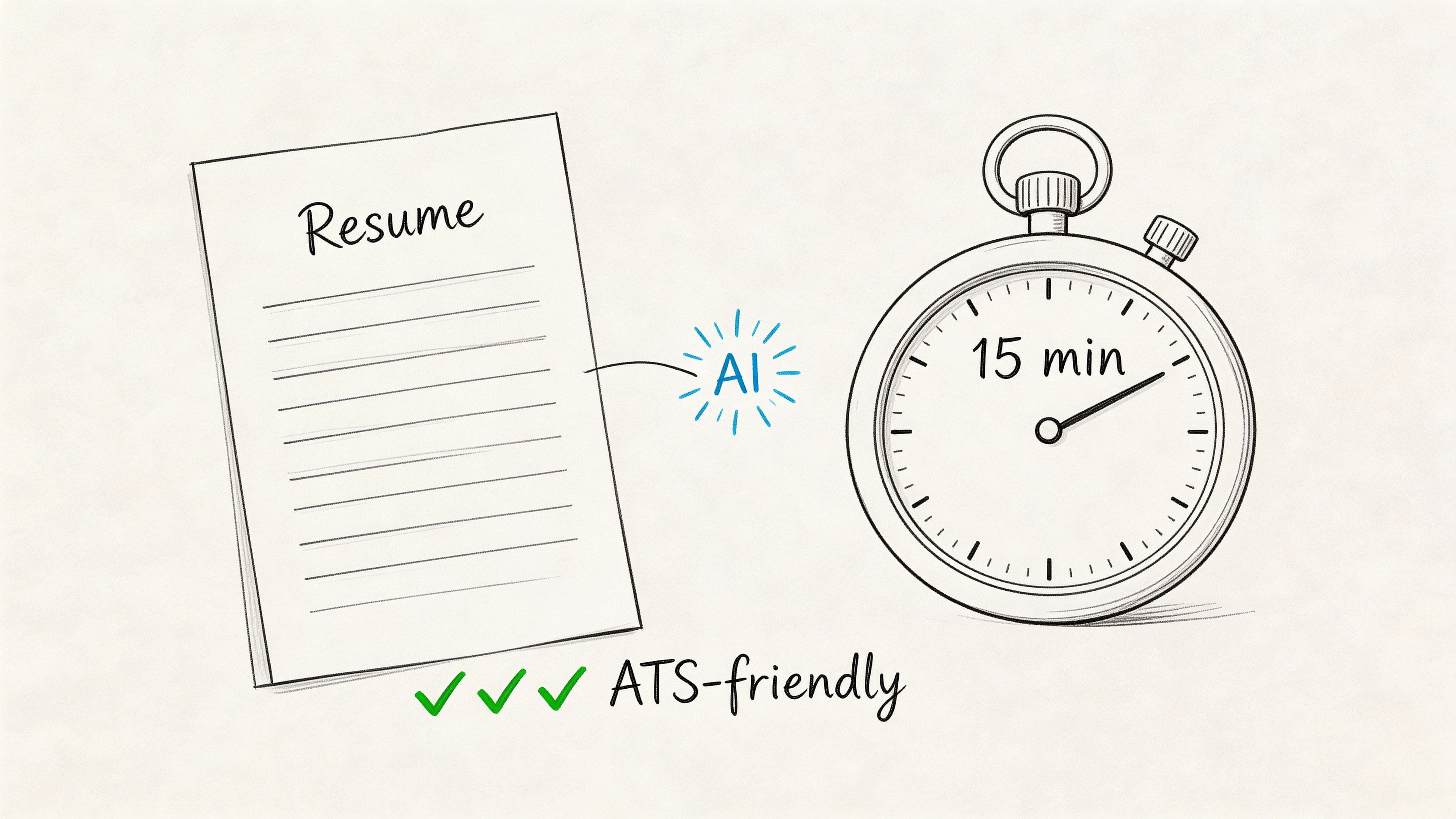
The fastest way to create a high-quality, professional resume is with a quick easy resume builder. These tools use pre-vetted templates and AI-powered suggestions to help you build an ATS-friendly resume in under 15 minutes, skipping the frustration of formatting and writer's block. This guide shows you exactly how to use one to land more interviews, faster.
Step 1: Choose an ATS-Friendly Template
The first step in any modern resume builder is choosing a template. Instead of wrestling with a blank document, you start with a library of professionally designed, recruiter-approved layouts. Your choice sets the tone: a clean, single-column template is ideal for corporate roles, while a more creative design might suit a marketing position.
A quick easy resume builder ensures every template is optimized for Applicant Tracking Systems (ATS), the software that screens over 90% of resumes. This means using clean fonts, clear headings, and a structure that machines can easily parse.
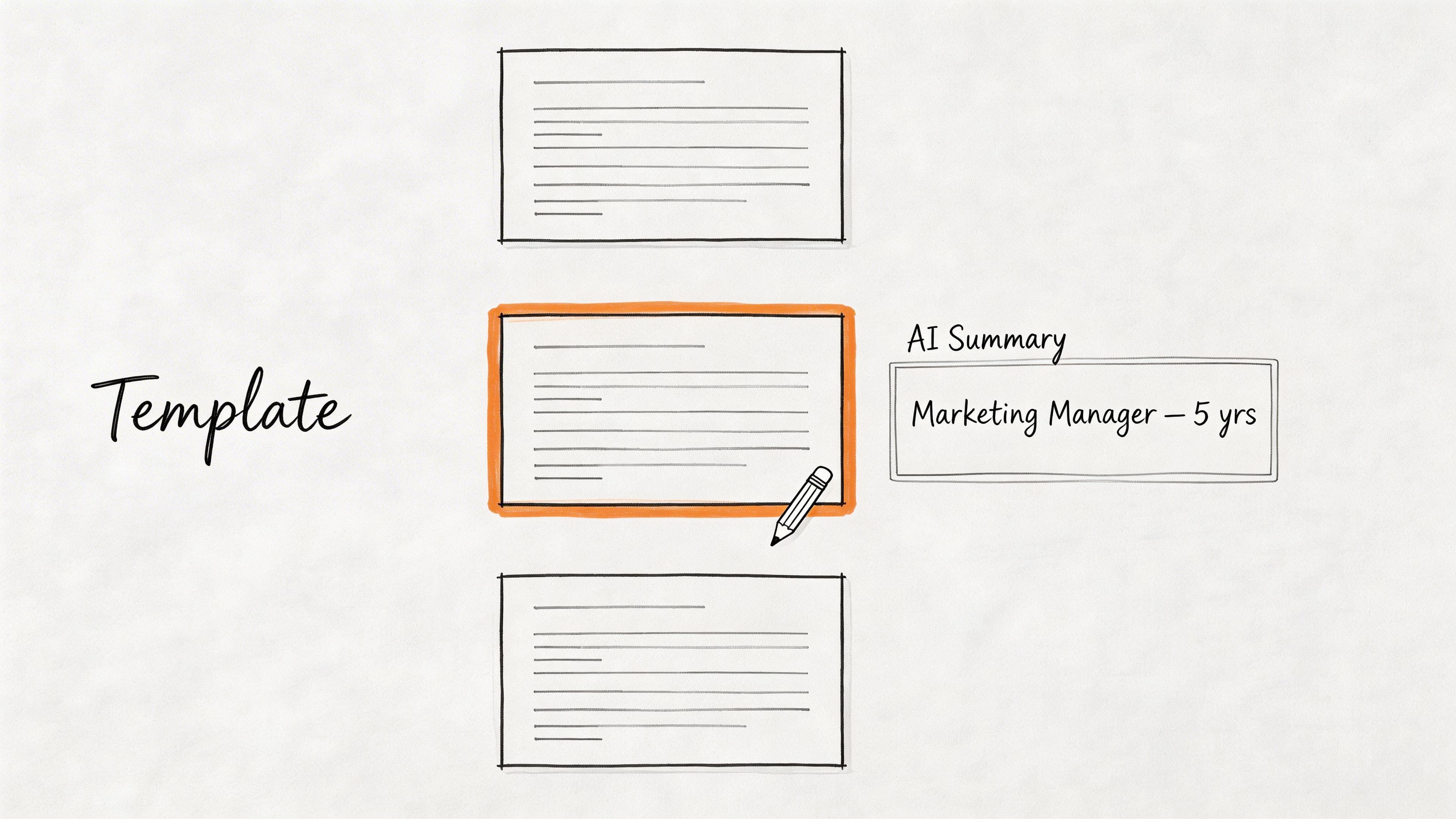
Action: Select a template that matches your industry and career level. Don't worry about perfection; you can always switch templates later without losing your content.
Build a resume that actually gets interviews
Start from your current resume — or from scratch — with step-by-step guidance so you do not get stuck.
Free. No blank page. No templates to wrestle with.
Step 2: Generate an AI-Powered Professional Summary
The professional summary is the hardest part to write. A good resume builder solves this in seconds. Simply enter your target job title and years of experience, and the AI will generate a powerful, keyword-rich summary for you.
This isn't a generic, robotic paragraph. It's a targeted starting point you can refine. Here are a few examples:
- For a Recent Graduate: "Driven and ambitious recent graduate with a Bachelor's in Marketing and hands-on internship experience in social media management and content creation. Eager to apply academic knowledge and a strong work ethic to a fast-paced marketing role."
- For a Project Manager: "Results-oriented Project Manager with 8+ years of experience leading cross-functional teams to deliver complex projects on time and within budget. Proven expertise in Agile methodologies, stakeholder communication, and risk management."
Action: Generate your AI summary, then review and edit it to add a specific, quantifiable achievement. For more tips, learn more about how to write a resume summary in our detailed guide.
Step 3: Optimize Your Skills with a Job Description Matcher
Tailoring your resume to every job is crucial but time-consuming. A modern resume builder automates this with a Job Description (JD) Fit Checker. This tool turns a tedious chore into a quick, strategic move.
The process is simple:
- Copy the entire job description for a role you want.
- Paste it into the checker.
- The tool instantly analyzes it against your resume, providing a match score.
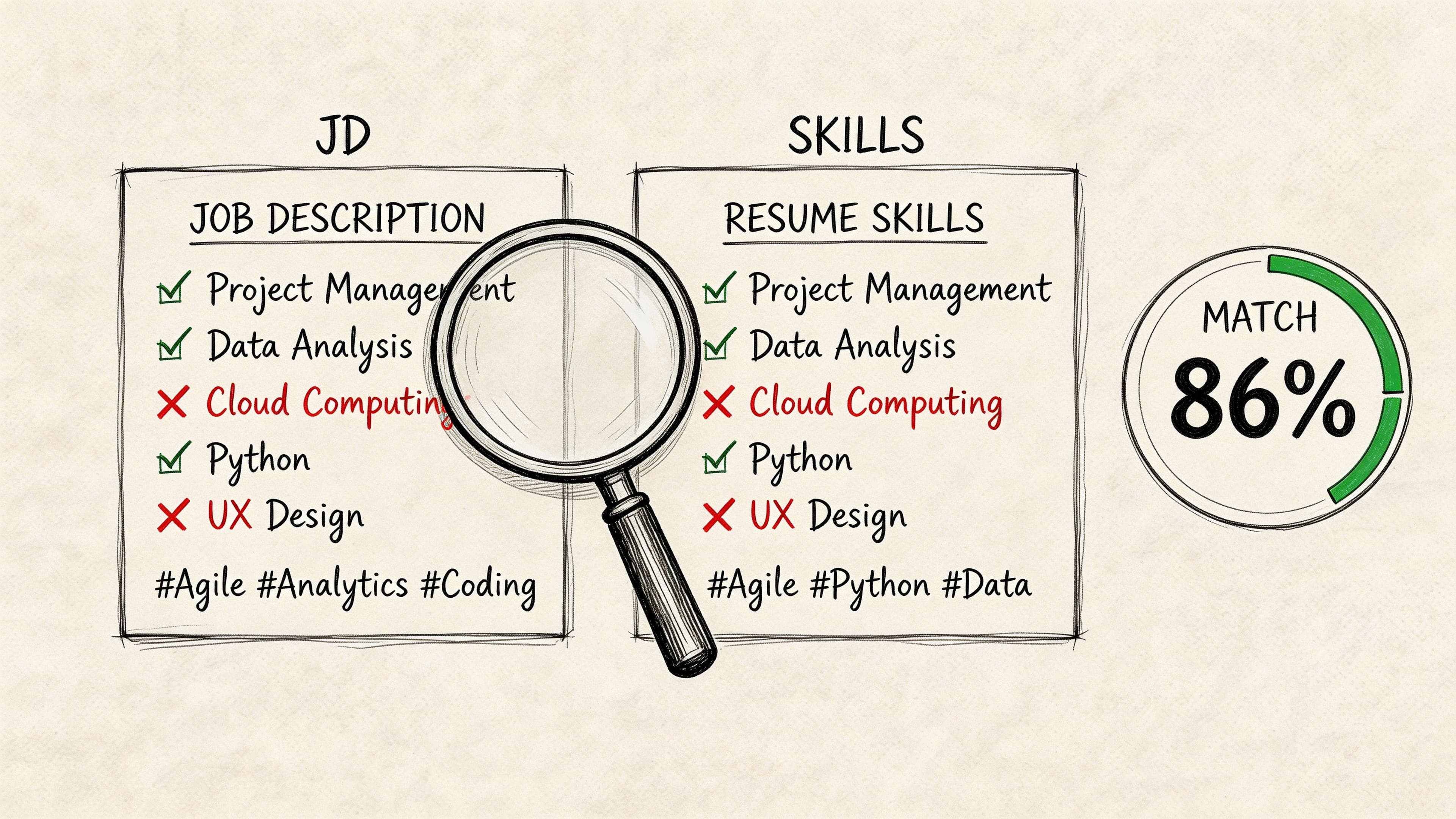
The real value is in the actionable insights. The tool highlights:
- Missing Keywords: Crucial skills mentioned in the job ad that you have but forgot to list (e.g., "stakeholder management," "Asana").
- Identified Gaps: Clear areas where your resume falls short, giving you a to-do list for improvement.
Action: Use the JD Fit Checker for your target job. Add the suggested missing skills to your resume to instantly increase your match score and beat the ATS scan. If you want to master this, check out our guide on how to tailor your resume to a job description.
Step 4: Finalize and Export to PDF
A key benefit of using a quick easy resume builder is that it handles all the tedious formatting. Margins, fonts, and spacing remain consistent and professional across your entire document.
Before exporting, do one final review:
- Read your resume out loud to catch typos or awkward phrasing.
- Double-check dates and company names.
- Ensure every bullet point highlights an achievement, not just a duty.
Once it's perfect, export it as a PDF. This is non-negotiable. A PDF locks in your formatting, ensuring the hiring manager sees exactly what you designed, regardless of their device or operating system.
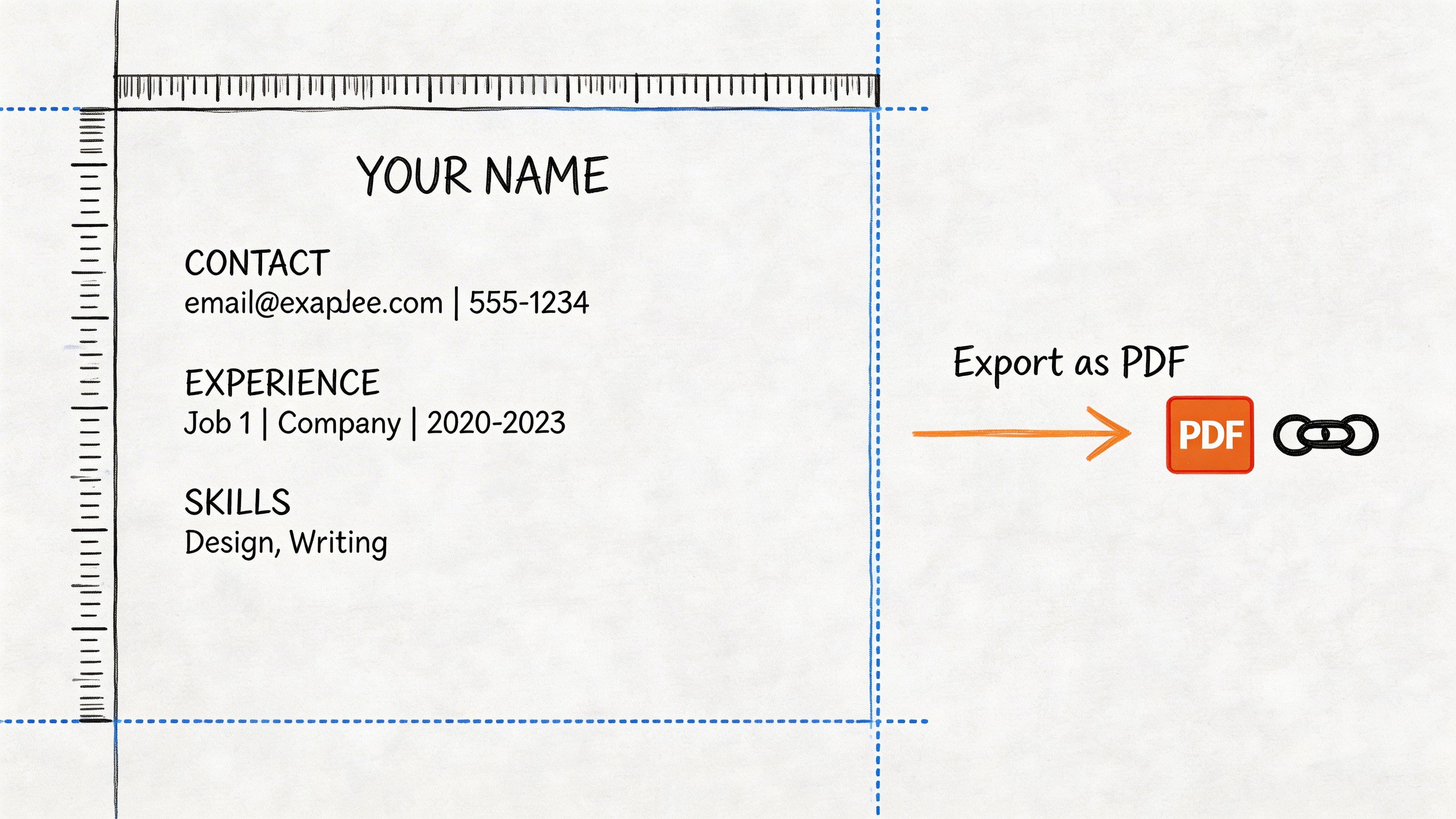
Action: Export your finished resume as a PDF and give it a final check before attaching it to an application. For more on layout, see our guide to US resume formatting rules.
Common Mistakes to Avoid
Even with a great tool, it's possible to make mistakes. Here are the most common pitfalls to avoid when using a resume builder:
- Trusting the AI Blindly: The AI provides a fantastic starting point, but it's not a substitute for your personal touch. Always review and edit AI-generated content to add your unique voice and specific, quantifiable achievements.
- Using a Generic, "One-Size-Fits-All" Resume: The biggest mistake job seekers make is sending the same resume to every employer. Use the "duplicate resume" feature to create tailored versions for each application in minutes.
- Ignoring the JD Fit Checker: Not using the job description matching tool is like applying with a blindfold on. It's the single most effective way to ensure your resume aligns with what the recruiter is looking for.
- Exporting as a .docx File: Word documents can render differently on other computers, breaking your carefully crafted layout. Always submit your resume as a PDF to preserve its formatting.
Practical Tips for Getting the Most from Your Builder
A resume builder is more than just a document creator; it's a job search command center. Use these power-user tips to stay organized and efficient.
Create a Master Resume
Build one comprehensive "master" resume that includes all your skills, experiences, and projects. Don't worry about length. When you find a job you want to apply for, simply duplicate this master version and trim it down, keeping only the most relevant information for that specific role. This saves you from starting from scratch every time.
Use the Integrated Application Tracker
Forget messy spreadsheets. A built-in application tracker helps you manage your job hunt from one central dashboard.
- Log every application: Keep track of the company, role, and date you applied.
- Track your status: Move jobs from "Applied" to "Interviewing" to "Offer."
- Set follow-up reminders: Never miss an opportunity to check in after an interview.
This organized approach turns a chaotic process into a manageable project, helping you stay on top of every opportunity. It helps to understand how applicant tracking systems use resume parser solutions to process your data.
Frequently Asked Questions (FAQ)
Here are answers to the most common questions about using a quick and easy resume builder.
Can I really build a good resume in 15 minutes?
Yes. A resume builder automates the most time-consuming tasks: formatting, layout design, and initial content writing. Your 15 minutes are spent on high-value activities like refining AI suggestions and tailoring your content, not fighting with Microsoft Word's margins. The demand for these resume building tools is driven by this efficiency.
Are resumes from a builder ATS-friendly?
Absolutely. This is a core feature. Reputable builders use single-column layouts, standard fonts, and clear structures that are designed to be easily read by Applicant Tracking Systems (ATS). This prevents your resume from being rejected due to formatting errors before a human ever sees it.
Is it better to use a free or paid resume builder?
A free builder is great for creating a single, basic resume. However, if you are actively job searching, a paid plan is a smart investment. Paid plans typically unlock premium features like unlimited downloads, the full template library, and the critical JD Fit Checker, which directly increases your chances of getting an interview.
Can I edit my resume after I build it?
Yes. Your resume is a living document saved to your account. You can log in anytime to update your experience, change a template, or tailor your content for a new job application. Then, you can export a new PDF in seconds. This flexibility is a major advantage over static templates. Our resume maker guide explains these features in more detail.
--- Ready to stop wrestling with formatting and start landing more interviews? With CV Anywhere, you can build a professional, ATS-friendly resume in minutes. Try our quick easy resume builder for free today!