To create a resume fast, use a proven template and an AI resume builder to generate a first draft in minutes. Then, spend your time tailoring that draft with keywords from the job description and adding specific, measurable achievements. This focused workflow is the secret to building a high-quality, job-winning resume in under an hour.
Here's exactly how to do it.
Your 60-Minute Playbook for a Job-Winning Resume
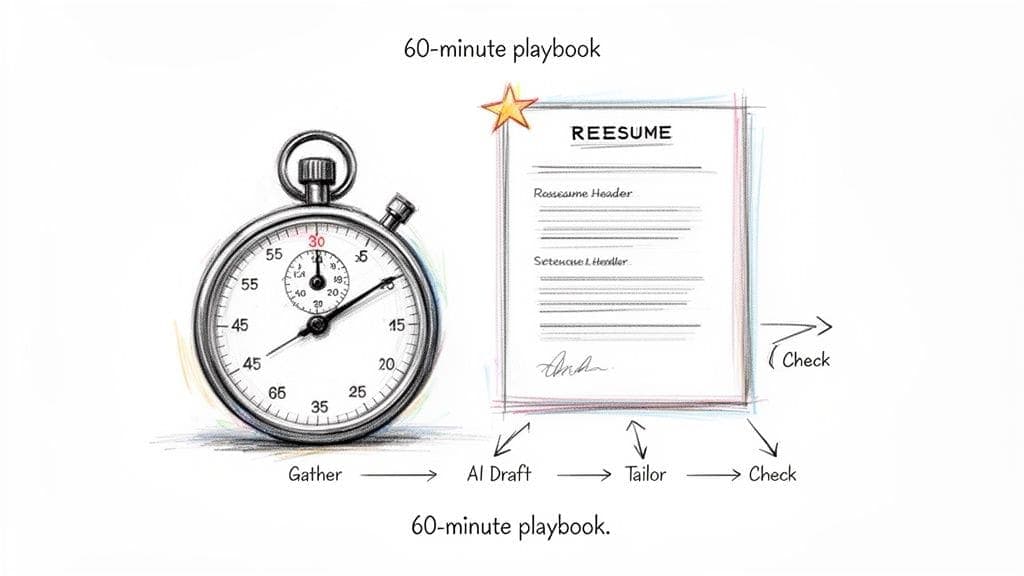
Yes, you can turn this stressful task into a focused, 60-minute sprint. This isn't about cutting corners; it's about being strategic and prioritizing the details that get you past automated filters and grab a recruiter's attention.
Recruiters spend an average of just 7.4 seconds on their first scan of a resume, and 75% of resumes are rejected by an Applicant Tracking System (ATS) before a human ever sees them. Speed and optimization must go hand-in-hand.
This process is about leverage. You're using proven templates for structure and smart AI for content generation. Your job shifts from being a writer to an editor, which is the only way to build a quality document on a tight deadline.
Our rapid-fire playbook is built on three pillars:
- Smart Prep: Getting all your career data ready upfront.
- AI Automation: Using an advanced resume maker to handle formatting and generate first drafts.
- Quick Targeting: Swiftly tailoring your content to mirror the specific job you're applying for.
The 60-Minute Resume Creation Playbook
Ready? The table below breaks down exactly how to allocate your time. Think of it as your minute-by-minute guide.
| Time Allotment (Minutes) | Task | Key Objective |
|---|---|---|
| 0-5 | Gather & Prep | Collect your work history, key achievements, and the target job description. |
| 5-15 | Build the Foundation | Choose an ATS-friendly template and import your core information. |
| 15-30 | AI-Assisted Writing | Generate a professional summary and draft achievement-focused bullet points. |
| 30-45 | Tailor & Target | Refine the AI content to match keywords from the job description. |
| 45-55 | Review & Proof | Run a quick checklist for spelling, grammar, consistency, and clarity. |
| 55-60 | Export & Send | Download as a PDF and get ready to apply. |
Sticking to this schedule keeps you focused on high-impact activities. You're not just writing faster; you're building a smarter, more effective resume.
Build a resume that actually gets interviews
Start from your current resume — or from scratch — with step-by-step guidance so you do not get stuck.
Free. No blank page. No templates to wrestle with.
Step 1: Gather Your Core Career Data (15 Minutes)
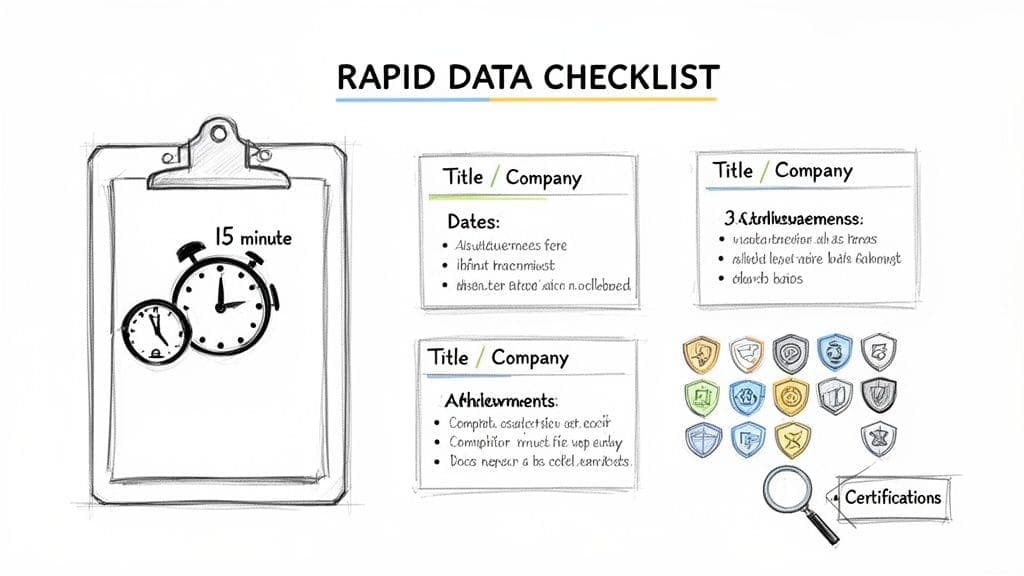
Before you touch a template, you need your raw materials. The biggest time-waster in resume writing is trying to remember key dates, metrics, and job titles while you're also trying to be creative. This is a 15-minute data sprint.
The Rapid-Fire Data Checklist
Set a timer for 15 minutes. Grab this info from your LinkedIn profile, old performance reviews, or memory. Don't worry about perfect phrasing.
- Your Last 2-3 Roles: Jot down the official job title, company name, and the start/end dates (month and year).
- 3-5 Quantifiable Achievements: For each role, find the proof. Instead of "managed projects," write "Led 5 projects to completion 10% under budget." Numbers talk.
- Your Top 10 Skills: List your most valuable hard skills (e.g., Python, Google Analytics) and soft skills (e.g., project management, cross-functional communication) that your target job requires.
- Essential Credentials: Note any degrees or key certifications. The name and institution are enough for now.
This prep work gives you the core building blocks for the rest of the process. For a deeper look at what to include, check our guide on the core components of a resume.
Step 2: Use AI to Write the First Draft (15 Minutes)
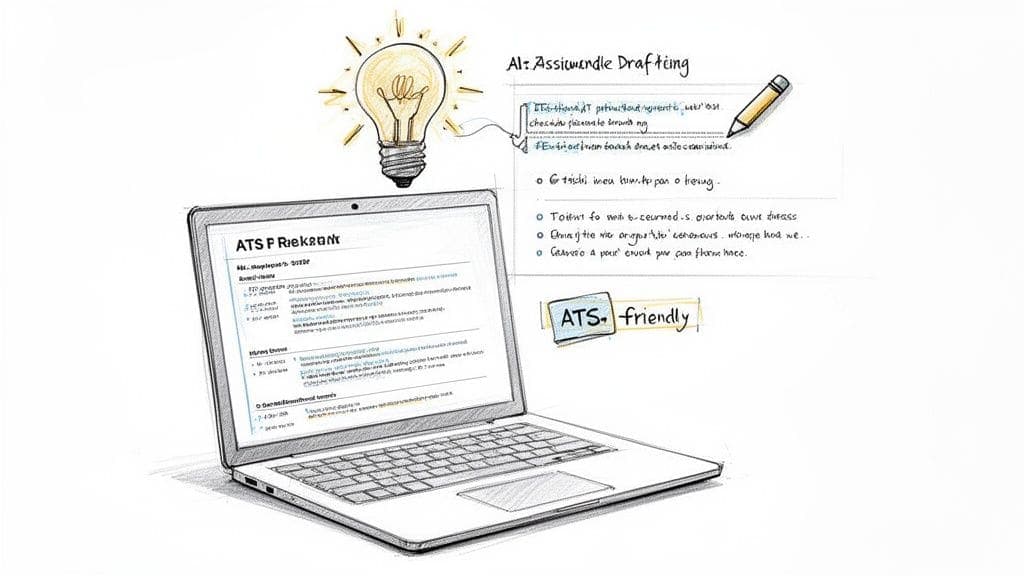
Staring at a blank page kills momentum. Instead, let an AI-powered resume builder handle the initial drafting. This is about working smarter, not harder.
First, pick a clean, single-column template—it's what recruiters and scanning software read best. Then, let the AI do the heavy lifting.
Generate Your Toughest Sections in Seconds
With the career info you just gathered, you can now generate the most time-consuming parts of your resume instantly. This changes your job from writer to editor.
- Your Professional Summary: Give the AI your job titles, experience level, and top skills. It will draft a sharp, compelling summary that immediately grabs attention.
- Your Experience Bullet Points: Provide a job title and your main duties. The AI will create achievement-focused bullet points, which you can then polish with your specific numbers.
While general AI assistant chat tools can help with brainstorming, using a tool like the one built into the CV Anywhere resume builder keeps everything in one place, saving you time.
The goal isn't for AI to write your entire resume. The point is to get 80% of the draft done in minutes. Your job is to add the final 20%—the human touch, specific metrics, and personal accomplishments that make it uniquely yours.
Step 3: Tailor Your Resume to the Job (15 Minutes)
You have a solid first draft. Now for the step that turns a good resume into an interview-winning one: tailoring. Sending a generic resume is the fastest way to get ignored.
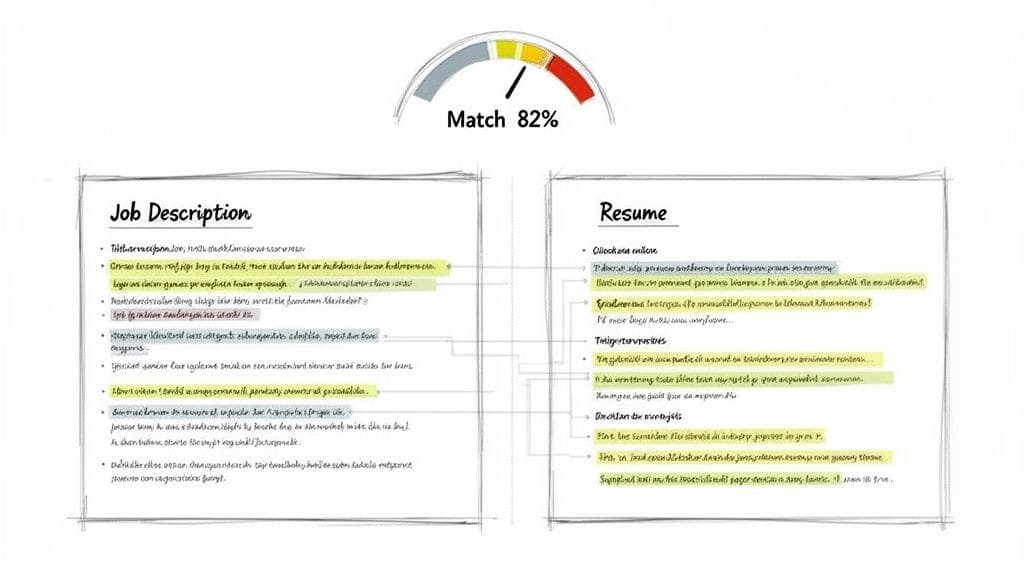
But customizing doesn't have to be a manual task. Modern tools can instantly compare your resume against a job description, showing you exactly where the gaps are. This is your fast track to beating the Applicant Tracking Systems (ATS).
Close the Gap with a JD Fit Checker
Tools like the JD Fit Checker from CV Anywhere give you an instant match score and highlight the specific keywords and skills the employer is searching for. Your job becomes simple: take those highlighted terms and weave them into the resume you've already built.
This targeted method only takes a few minutes per application and is the most effective way to make your resume hyper-relevant. Learn more about how to tailor your resume to any job description.
This isn't about fabricating experience. It's about using the employer's own language to describe the skills you already possess.
For example, if the job description asks for "Agile project management" and "stakeholder communication":
- Before: "Managed several software development projects."
- After: "Led software development projects using Agile project management methodologies, improving team velocity by 15% while maintaining clear stakeholder communication."
The "After" version uses keywords from the job description and adds a measurable result. A few of these tweaks can dramatically boost your resume's relevance.
Step 4: Conduct a Final Quality Check (10 Minutes)
Don't let a simple mistake sink your hard work. Before hitting "send," take ten minutes for a rapid-fire quality check. This final scan is your last line of defense against common errors that make recruiters wince.
Your Rapid-Fire Checklist
Set a timer and blast through these points.
- Consistency Scan: Are all job titles formatted the same? Is your verb tense correct (past tense for old jobs, present for your current one)?
- Fact-Check Names & Dates: Quickly double-check that every company name is spelled correctly and your employment dates line up.
- Run One Last Spell Check: Use a built-in checker, but don't blindly trust it. It won't catch correctly spelled but wrong words (e.g., "manger" instead of "manager").
Pro Tip: Read your resume out loud. Your ears will catch awkward phrasing and typos that your eyes skim over. For a final check, run it through a free ATS resume checker to spot any hidden formatting errors.
Common Mistakes to Avoid When Building a Resume Fast
When speed is the priority, it's easy to make critical mistakes. Here's what to watch out for:
- Skipping the tailoring step: Sending a generic resume is the #1 reason applications fail. It tells the recruiter you didn't care enough to customize it.
- Forgetting to quantify achievements: "Increased sales" is weak. "Increased sales by 25% in Q3 by implementing a new CRM" is powerful.
- Using a fancy, unreadable template: Complex designs with multiple columns, graphics, or unusual fonts often fail ATS scans. Stick to clean, single-column layouts.
- Not proofreading: A typo or grammatical error suggests a lack of attention to detail, which is a major red flag for any role.
FAQ: How to Create a Resume Fast
Can a resume made in under an hour actually be good?
Yes, but the secret is to assemble and polish, not write from scratch. Use an AI-powered template for the heavy lifting and a tool like a JD Fit Checker for rapid tailoring. Your role shifts from writer to editor, which is far more efficient.
For speed, is it better to use a template or build from scratch?
A professionally designed, ATS-friendly template is always the right call for speed and quality. Building from scratch wastes time on formatting and risks creating a document that can't be read by automated systems. A good template handles the layout rules for you.
What's most important if I only have 30 minutes?
Focus on the work experience section. This is the first place recruiters look. Use AI to generate a quick professional summary, then write 3-4 bullet points for your most recent job that are packed with measurable results (e.g., "Grew Q3 leads by 15%"). Sprinkle in top keywords from the job description, and you're done.
How can AI help me build a resume fast without sounding generic?
Treat AI as your first-draft intern, not the final author. Let it generate the initial summary and bullet points. Then, you spend a few minutes editing: add specific numbers, project names, and details that only you would know. The AI builds the frame; you hang the masterpiece.
Ready to put these strategies into action? The CV Anywhere smart builder combines professional templates, AI-powered writing, and a JD Fit Checker to help you create a job-winning resume in minutes, not hours. Start building for free and see how fast you can land your next interview.