
A quick resume builder matters most when a candidate needs a solid application fast, without sacrificing ATS compatibility or relevance to the role. The fastest effective approach isn't just filling in a template. It's building one strong base CV, using AI to sharpen the wording, tailoring it to each job description, and keeping each version organised so applications don't turn into a mess.
That matters because employers scan quickly. In the UK, 24% of hiring managers review a resume in under 30 seconds according to these resume screening statistics. A quick resume builder only helps if it produces a CV that can survive both that first scan and software screening.
The Modern Resume Workflow for Fast Results
Most job seekers think a quick resume builder is just a faster document editor. That's too narrow. The useful version is a high-speed application workflow that handles four jobs at once: capture background information, generate stronger wording, tailor to each vacancy, and keep track of what was sent.
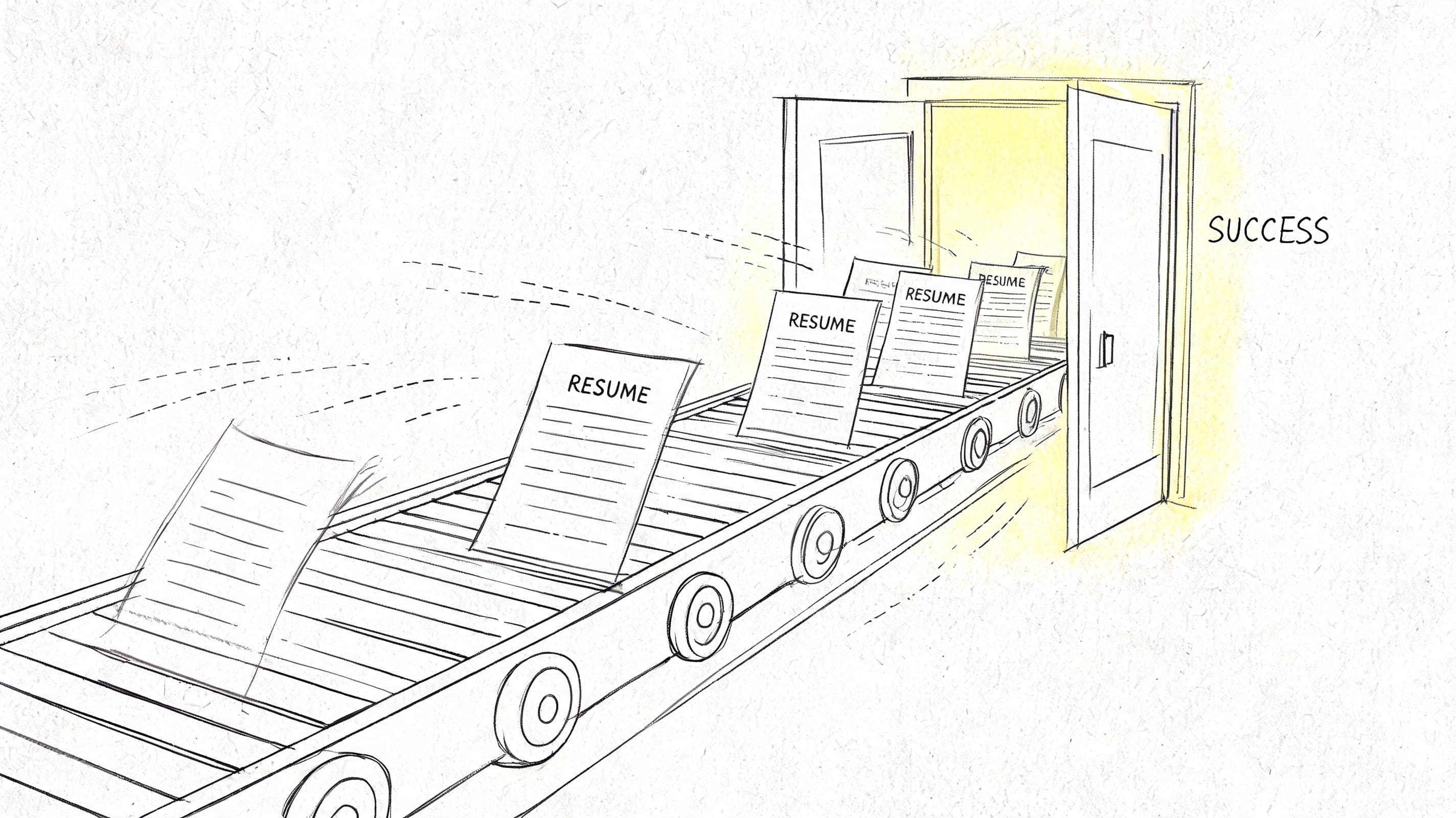
A modern quick resume builder should create an asset that can be adapted repeatedly, not a one-off file that gets overwritten every time a new application appears. That means working from a master CV with all relevant roles, skills, projects, certifications, and achievements already stored in one place.
What fast actually looks like
The fast workflow has three practical parts:
- Solid input first. The candidate imports an old CV, LinkedIn profile, or manually enters career history once, then cleans it up properly.
- AI for drafting, not blind writing. The tool helps turn rough notes and duties into sharper summaries and bullet points.
- Tailoring before export. The final version is adjusted to match the language and requirements of the target role.
That's the difference between speed that helps and speed that creates weak applications.
Practical rule: A quick resume builder should reduce repeat work, not encourage sending the same generic CV everywhere.
Many candidates lose time because they keep starting from scratch. Others move quickly but apply with nearly identical CVs that don't reflect the wording of the vacancy. Both approaches fail for the same reason. They treat the CV as a static document rather than a versioned application tool.
For candidates who need help framing evidence in achievement language, tools built around structured examples can be useful. A resource like free resume builder for STARs is helpful because it pushes users to think in outcomes rather than duties, which is often where rushed CVs fall apart.
The format still matters
A polished CV doesn't need visual complexity. In fact, cleaner usually performs better. A single-column layout, straightforward headings, and readable section order make it easier for both recruiters and software to parse the document.
Candidates comparing styles can also review a modern format for resume examples page to see how clean structure supports speed and readability.
The core point is simple. A quick resume builder works best when it shortens the full path from blank page to customized application, not just the typing.
Build a resume that actually gets interviews
Start from your current resume — or from scratch — with step-by-step guidance so you do not get stuck.
Free. No blank page. No templates to wrestle with.
Onboarding and Inputting Your Core Information
The fastest CV build starts with disciplined input. Rushing this step creates poor AI output later, because the tool can only work with what it's given. A candidate who enters vague job titles, incomplete dates, and generic responsibilities will usually get vague content back.
A good setup phase creates a reusable base. That base should include every relevant part of the candidate's background, even if some of it won't appear on every final CV version.
The quickest ways to load a base CV
There are usually three practical input methods:
| Method | Best use | Trade-off |
|---|---|---|
| Upload an old CV | Fastest for experienced candidates | Old formatting and weak wording may carry over |
| Import from LinkedIn | Useful when profile is current and detailed | Often too broad, and LinkedIn phrasing can read badly on a CV |
| Manual entry | Best for control and clarity | Takes longer upfront |
Uploading an old CV is usually the quickest start. It gives the builder content to parse straight away. The problem is that old CVs often contain stale summaries, repetitive bullet points, and formatting habits that shouldn't survive into the new version.
LinkedIn import is useful when the profile is reasonably complete. Still, LinkedIn and CV writing aren't the same thing. LinkedIn tends to reward breadth and public-facing language. A CV needs tighter evidence and cleaner relevance.
What needs to be entered properly
The base profile should cover:
- Work history with job title, employer, dates, location, and concise evidence of what changed or improved
- Education including degree, institution, dates, and UK-specific details where relevant
- Skills that can be matched to job descriptions later
- Certifications and memberships especially where regulated or professional sectors expect them
- Projects or placements if the candidate is early-career or changing fields
A rushed input stage usually creates generic summaries later. Strong tailoring starts with structured raw material.
Candidates writing their first proper CV often need a simpler checklist before they begin. This how to make a CV for the first time guide is a sensible supporting resource because it helps clarify what belongs in the base version before any AI refinement starts.
Input quality beats speed hacks
Three habits make this stage more effective:
- Use precise verbs. "Supported operations" says little. "Processed customer orders, resolved billing issues, and updated stock records" gives the builder something usable.
- Separate duties from wins. Routine tasks belong in the record, but positive outcomes should be captured distinctly so they can become stronger bullet points later.
- Keep the master broad. The final CV should be selective. The base profile should be fuller.
A quick resume builder saves the most time after the first setup. That only happens when the foundation is complete enough to support repeated tailoring without constant rebuilding.
Using AI to Generate Summaries and Bullet Points
AI is most useful when the candidate already has solid raw material and needs help turning it into concise, credible CV language. It shouldn't invent achievements, and it shouldn't replace judgment. Its job is to help shape evidence into a format that recruiters can scan quickly.
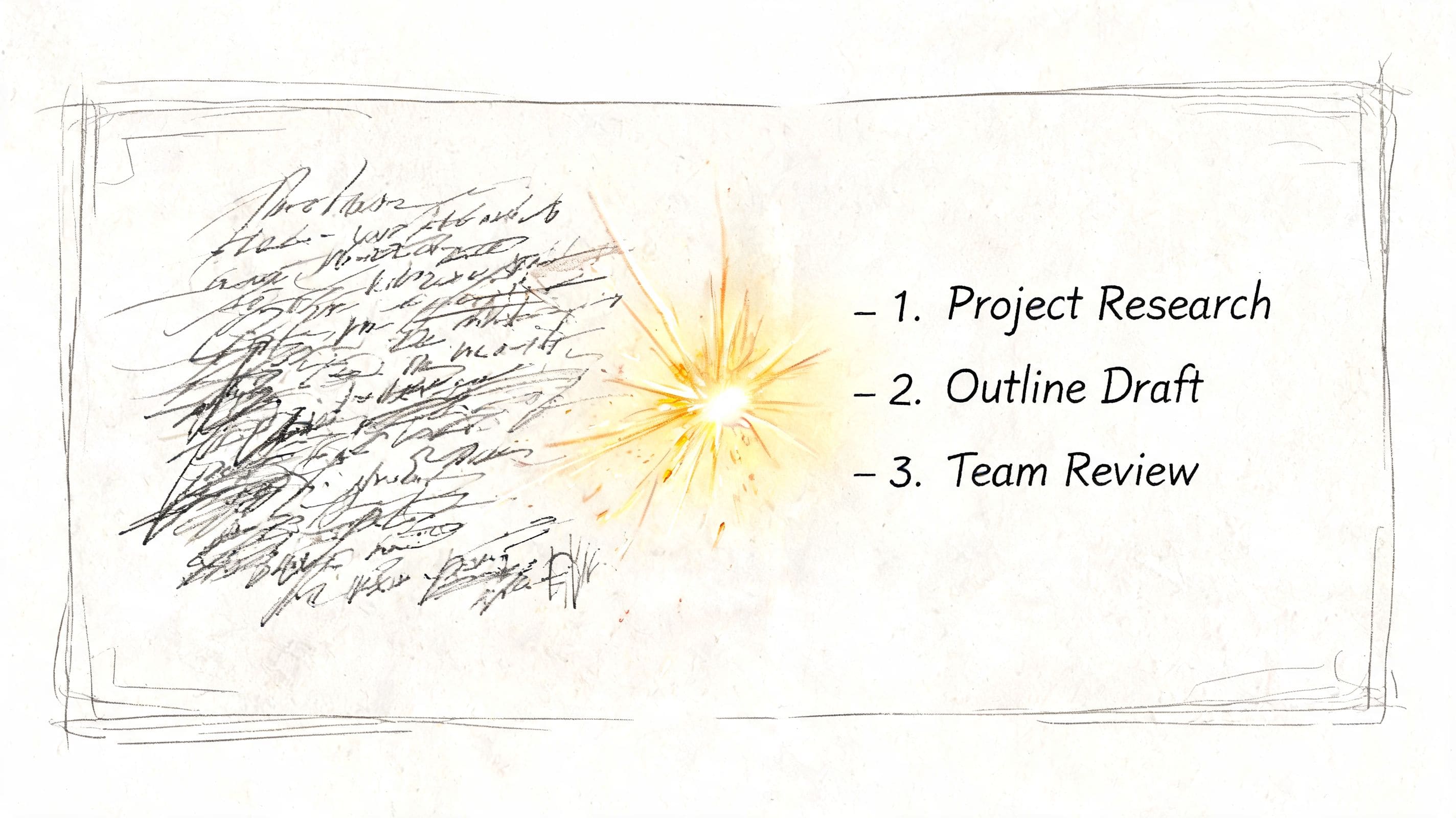
That's where a quick resume builder becomes truly useful. According to JobSwift's comparison of AI resume builders and traditional methods, AI builders can reduce CV creation time by up to 75% while improving ATS pass rates through keyword optimisation, and customized AI-generated professional summaries can increase hiring-manager engagement by 2.8x versus traditional resumes.
Where AI helps most
The strongest use cases are usually:
- Professional summaries that need to sound focused instead of generic
- Experience bullet points that currently read as task lists
- Skills alignment where phrasing needs to mirror the target role more closely
AI tends to struggle when candidates ask it to "write a great CV" with little context. The output often sounds polished on the surface but empty underneath. The better prompt is specific and grounded in facts already entered.
For example, a candidate might ask the tool to:
- write a two or three line summary for an operations administrator applying for a project support role
- rewrite bullets using stronger action verbs
- prioritise evidence related to stakeholder coordination, reporting, and process improvement
Before and after examples
Here's the kind of shift that improves a CV.
Before
- Responsible for customer service and admin tasks
- Helped with team reporting
- Worked with different departments
After
- Handled customer enquiries and administrative workflows, keeping records accurate and responses organised
- Supported recurring team reporting by compiling updates, maintaining documentation, and preparing information for review
- Coordinated with internal teams to resolve issues and keep routine processes moving
The second version is better because it's clearer, more specific, and easier to match to real vacancies.
Good AI output still needs editing. The test is simple. If the bullet could belong to almost anyone, it isn't finished.
Use STAR logic without writing like an interview answer
Candidates don't need full STAR paragraphs on a CV, but the structure helps produce stronger bullets. The builder should pull out:
- the context,
- the task or responsibility,
- the action taken,
- and the result, when the candidate can verify it.
That's especially useful in technical hiring, where readers want to see evidence of actual contribution. For candidates applying to engineering or developer roles, Evaluating technical resumes with Talantrix is a useful companion resource because it shows how technical reviewers interpret substance versus filler.
A related supporting resource is this overview of resume builder AI tools, which helps candidates understand what AI drafting can and can't fix.
What to cut before exporting
AI-generated text usually needs three edits:
| Problem | What it looks like | Fix |
|---|---|---|
| Generic claims | "Highly motivated professional with strong communication skills" | Replace with role-specific evidence |
| Inflated tone | "Dynamic leader delivering transformative excellence" | Use plain language |
| Empty achievements | "Improved processes" with no context | Add what process, what action, what result if known |
The best quick resume builder doesn't remove the candidate from the process. It speeds up the hardest drafting work, then leaves room for judgment, accuracy, and role-specific editing.
Tailoring Your Resume with a JD Fit Checker
A generic CV usually fails for a simple reason. It doesn't use the language the employer is using. Even when the candidate is qualified, the document can still look less relevant than it should because the terminology, priorities, and evidence aren't aligned to the vacancy.
That's why job-description matching matters more than template choice. A builder can look polished and still underperform if it produces weak alignment. Structure matters too. A commercial ATS benchmark reported an 18-percentage-point spread in ATS pass rates across builders, with the best-tested output reaching 91% on one ATS platform versus 73% for the weakest. That's a reminder that the builder's underlying structure can affect screening outcomes.
How a JD fit check should be used
The practical workflow is straightforward:
- Paste the job description into the checker.
- Compare the target language against the current CV.
- Identify missing or underused terms.
- Rewrite only the sections that influence relevance most.
The highest-impact sections are usually the headline, summary, skills section, and top half of recent experience. Candidates often waste time editing every line. That isn't necessary. The aim is alignment, not total reconstruction.
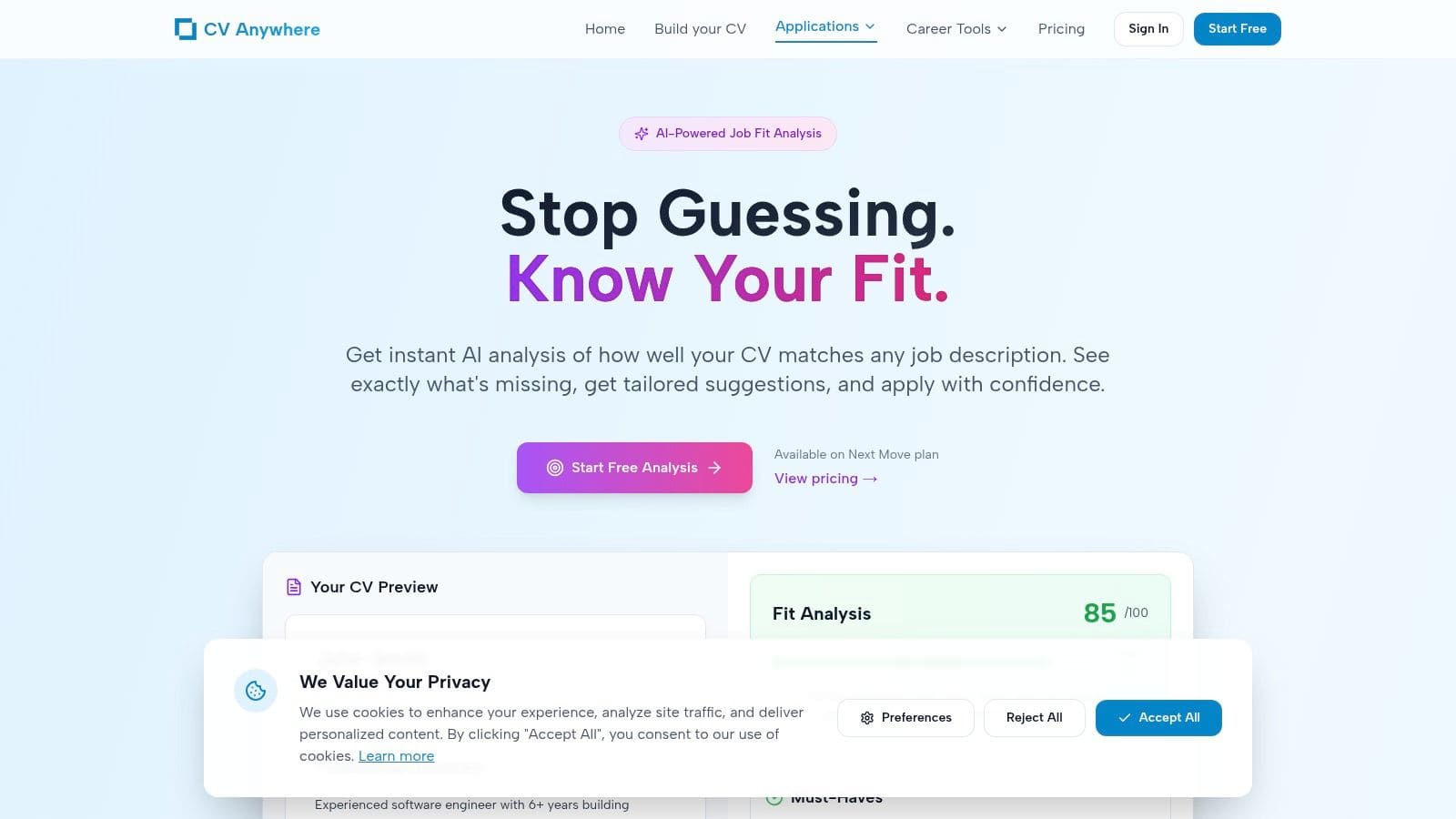
One option in this category is CV Anywhere's JD Fit Checker, which analyses a job description for match signals and content gaps. The practical value of any checker is the same. It should show where the CV is underselling experience or missing the employer's phrasing.
What to look for in the match analysis
A useful analysis should surface several types of gap:
- Exact terminology gaps such as "stakeholder management" appearing in the advert while the CV only says "worked with teams"
- Missing tool or platform references when the candidate has used them but failed to list them
- Priority mismatch where the CV leads with less relevant experience
- Weak summary language that doesn't mirror the scope of the role
The fastest tailoring happens when the candidate edits the top third of the CV first. That's where both ATS and recruiters get the clearest signal.
For example, if a job description repeatedly refers to coordination, reporting, and process improvement, a CV that only says administration and support work may still be true but will sound less aligned. The candidate doesn't need to force jargon. They need to use accurate terms the employer recognises.
Tailoring without keyword stuffing
Candidates often overcorrect and turn the CV into a keyword dump. That creates a different problem. The document may contain the right terms, but the writing becomes unnatural and thin.
A better edit process looks like this:
| CV area | Weak version | Better tailored version |
|---|---|---|
| Summary | General and broad | Names the target function and strongest matching strengths |
| Skills | Long mixed list | Prioritised around the vacancy |
| Experience bullets | Duty-led | Rewritten to reflect the role's main requirements |
The strongest specific CV feels precise, not manipulated. It uses the employer's language where it naturally fits, keeps the layout readable, and avoids stuffing disconnected phrases into the page.
Formatting, Exporting, and Managing Applications
Formatting should serve readability first. A quick resume builder isn't the place to chase visual flair if the result becomes harder to scan or parse. For most candidates, a single-column, text-based CV is the safer choice, especially when applying through online systems.
What to export
The final version should be checked for:
- Consistent headings so sections are easy to follow
- Clean spacing that avoids crowding
- No critical information in headers or footers
- No tables or graphics carrying essential content
Those choices support better parsing and reduce formatting failures when the file is opened on different systems.
PDF, naming, and version control
PDF is often the safest export because it preserves layout. The file name should also make sense at a glance. Something simple such as candidate name plus target role is easier to manage than vague names like FinalCVNew2.
The bigger issue isn't exporting. It's what happens after export. Candidates often create multiple customized files and then lose track of which version was sent where.
That's why integrated application management is becoming more common. According to Coherent Market Insights' resume building tool market report, one industry estimate projects the global resume building tool market will grow from USD 1.80 billion in 2026 to USD 3.10 billion by 2033, a CAGR of 9.5%. For job seekers, the practical takeaway is simpler than the market projection. More tools now combine document creation with tracking because applications are easier to manage when they live in one workflow.
Keep each application tied to the right CV
A workable tracking routine includes:
- Role record with company, title, source, and date applied
- Stored version of the exact CV used for that role
- Status notes such as applied, interview booked, rejected, or follow-up due
- Reminder dates so applications don't disappear into an inbox
Candidates who want one place to log versions and statuses can use a job application tracker instead of relying on spreadsheets and scattered downloads.
A quick resume builder is most effective when it closes the loop. Build the CV, tailor it, export it, and attach it to the application record immediately. That removes confusion later when interview invites start arriving.
Common Questions About Quick Resume Builders
Are free quick resume builders enough
Sometimes. Free tools can be enough for a simple CV, especially if the candidate already has strong content. The limitation usually isn't the template. It's whether the tool supports proper tailoring, version control, and clean exports without pushing the user into awkward formatting.
Will AI make a CV sound generic
It can, if the candidate accepts the first draft untouched. The fix is to edit for specificity. Replace broad claims with real responsibilities, tools, and evidence from actual work. If the wording could fit hundreds of applicants, it needs another pass.
Is tailoring really necessary for every application
For roles the candidate wants, yes. The edit doesn't need to be massive every time, but the summary, key skills, and most relevant bullets should reflect the vacancy. That's usually the difference between a CV that looks generally competent and one that looks directly relevant.
Do UK candidates need a builder that understands UK conventions
Yes, because not all builders are built with UK CV norms in mind. As noted by ResumeBuilder's discussion of UK and US resume differences, many builders focus on US-centric ATS keywords, while UK job seekers often need different terminology and CV conventions. That matters when education, professional memberships, and local hiring language need to be presented clearly.
What else helps improve the application process
Candidate feedback is often ignored, but it can reveal where applications or hiring interactions are breaking down. For teams or employers reviewing their process, Candidate feedback templates for SaaS teams offer a useful reference for collecting structured responses from applicants.
--- A quick resume builder is most useful when it helps candidates do the whole job properly: build a strong base CV, tailor it fast, and keep every application organised. CV Anywhere supports that workflow by combining CV building, job-description matching, and application tracking in one place.