Create a CV Free — Step-by-Step in 5 Minutes
Create a CV free in minutes with an ATS-friendly template, AI-guided sections, and instant PDF export. No credit card. Step-by-step UK guide.

You do not need Word, a template hunt, or a blank page staring back at you. If you have a job advert open and twenty minutes before the deadline, you can create a CV free that is clear, ATS-safe, and ready to send — using CV Anywhere's guided builder from first template to final export.
This is a step-by-step walkthrough of that workflow. No competitor roundups, no generic advice you will forget by tomorrow. Just what to do inside the builder, in what order, and why each step matters for UK applications.
Create your CV in 4 steps
The fastest CVs are not typed faster — they are built in the right order. Follow these four steps inside CV Anywhere's CV builder.
Step 1 — Pick an ATS-friendly template (1 min)
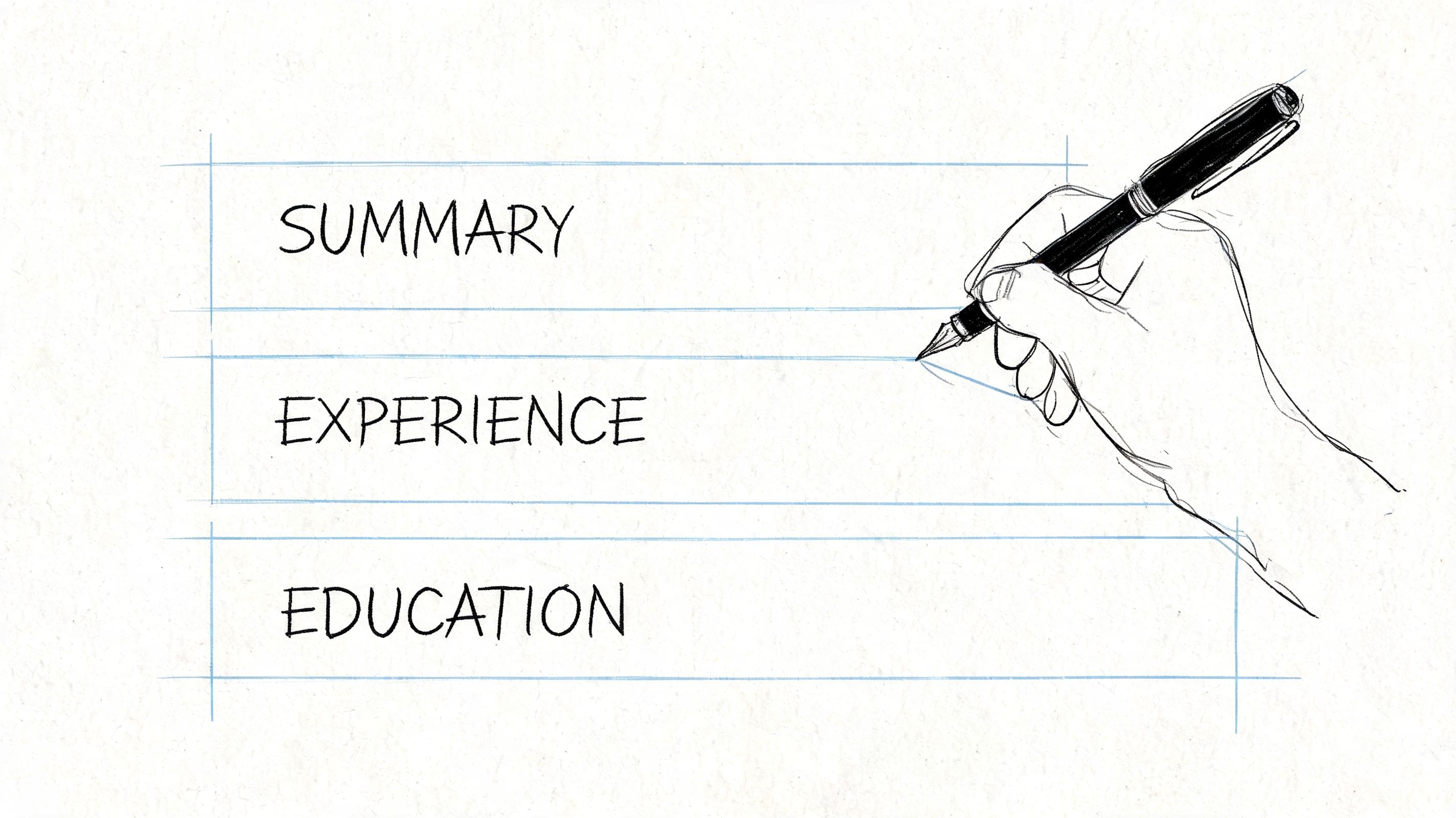
Start with a single-column template using standard UK headings: Profile, Work Experience, Education, Skills. Recruiters scan in seconds; ATS software reads top to bottom. Fancy sidebars and graphics break both.
In the builder, choose a clean template and enter your name, phone, email, city, and LinkedIn URL. If you are targeting a specific role, set your headline to match the job title in the advert — for example, "Marketing Coordinator" rather than "Seeking opportunities."
Step 2 — Add your experience (2 min)
List roles in reverse chronological order — most recent first. For each job, write three to five bullets using Action + Metric + Outcome:
- Weak: Responsible for admin support and reports
- Stronger: Coordinated weekly reporting for senior staff, improving visibility of open actions across teams
- Strongest (with evidence): Managed meeting schedules and follow-up actions for three project teams, helping delivery stay on track during peak periods
You can upload an existing CV and let the builder parse your history, or start fresh section by section. Either path lands you in the same guided editor.

Step 3 — Let AI polish your summary and bullets (1 min)
AI is useful when you are stuck on wording — not when you need it to invent experience. Use it to tighten your profile summary, rephrase passive duties into outcomes, and check that keywords from the job advert appear naturally in your Skills section.
Always verify dates, job titles, and claims. The builder suggests; you approve.
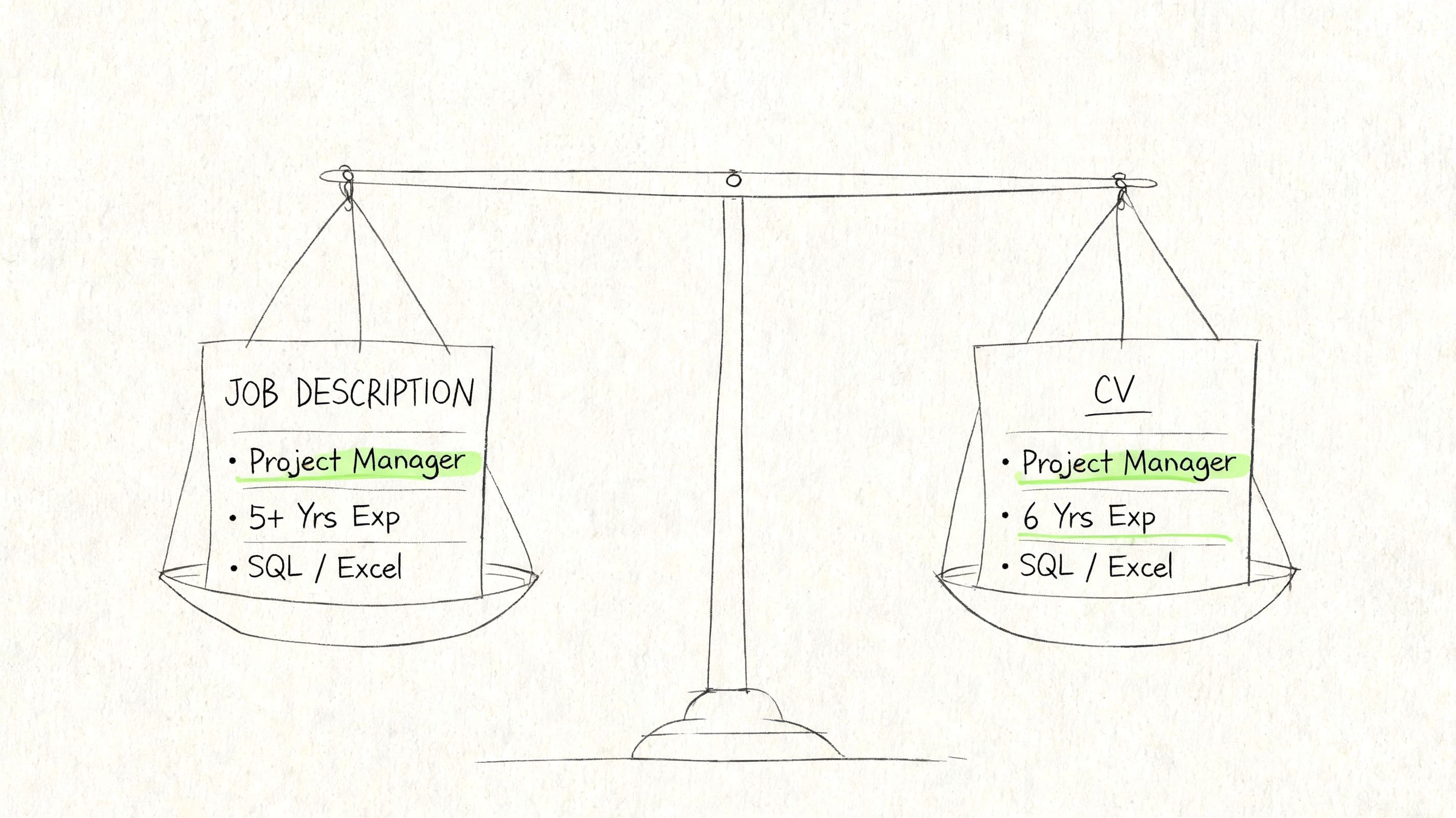
Once your base CV is done, paste the job description into the JD Fit Checker to see which keywords and skills you should emphasise before you apply.
Step 4 — Export and apply (1 min)
Save as PDF with a clean filename: Firstname-Lastname-CV.pdf. Open the file once to confirm spacing and line breaks look correct on screen.
Log the application in the job application tracker so you know when to follow up — role title, company, date sent, and status in one place.

Create your CV free in 5 minutes
Pick a template, add your experience, and let AI polish the wording — no Word, no blank page.
Free to start. No credit card required.
Who this works for
- First job or graduates — see CV examples for a first job for section ideas, then build yours in the builder
- Career changers — reframe transferable skills; our career change CV profile guide shows how
- Experienced professionals — refresh an outdated CV without rebuilding from scratch; upload and restructure
- Anyone applying through ATS-heavy employers — banks, corporates, public sector, and large recruiters all use automated screening
What makes a CV worth sending
Before you hit send, a strong CV checks these boxes:
- Length: One page for most UK candidates; two pages if you have 10+ years of relevant experience — see how long should a CV be
- Keywords: Terms from the job advert woven into your summary, skills, and top bullets — not stuffed, but present
- Format: No tables, text boxes, icons, or multi-column layouts that confuse ATS — see common ATS CV mistakes
- Evidence: Bullets that show outcomes, not just duties
A CV that passes these checks gets read. One that fails formatting or relevance gets filtered before a human sees it.
Create a CV free vs paid — what you actually get
CV Anywhere is free to start. Here is an honest breakdown:
| Free | Standard ($5/mo) | |
|---|---|---|
| Guided CV builder | Yes | Yes |
| ATS-friendly templates | Yes | Yes |
| Web CV hosting | Yes | Yes |
| PDF export | Basic | Full |
| JD Fit Checker | Limited | Unlimited |
| AI polish | Limited | More generations |
See pricing for current plan details. You can create and refine your CV on the free tier; upgrade when you want unlimited tailoring and exports for an active job search.
Frequently asked questions
Can I create a CV completely free?
Yes. The guided builder, ATS templates, and web CV are free. Some export and AI features have limits on the free tier; you can upgrade if you need more during a heavy application period.
How long does it take to create a CV?
With the guided builder, most people finish a solid first draft in 5 to 15 minutes if they have their job history to hand. Writing from scratch in Word often takes hours because formatting fights you the whole way.
Do I need Word or Google Docs?
No. The builder handles layout, headings, and spacing. You focus on content; export to PDF when you are ready.
Is an online CV maker ATS-friendly?
Only if the template is simple. Single-column layouts with standard headings work. Design-heavy templates with graphics and columns often fail ATS parsing — which is why we default to plain, scannable structures.
Can I upload my existing CV?
Yes. Upload a PDF or Word file and the builder parses your sections. You then edit, polish, and tailor — much faster than retyping everything.
CV vs resume — which do I need?
In the UK, employers expect a CV. In the US, the term resume is standard — same purpose, slightly different conventions. See CV and resume difference if you are applying internationally.
Should I use AI to write my whole CV?
Use AI to draft and rephrase, not to invent roles or skills. You verify every fact. Recruiters can tell when experience does not match the conversation in an interview.
Ready to start? Follow the four steps above in the CV builder — template, experience, AI polish, export.
Comparing other tools first? See our free CV maker comparison for a full roundup. When you are ready to build, come back here and create yours in minutes.
Tags
Related articles
Rezi vs CV Anywhere: Which is Best for UK CVs in 2026?
Most advice on rezi gets the decision wrong. It treats this as a feature contest, when the fundamental choice is simpler: do you need a tool to optimise one CV thoroughly, or a system to manage the wh...
Best CV Builder Free Tools: 10 Options Compared (2026)
The best cv builder free options for UK jobseekers are the ones that still let candidates download an ATS-friendly PDF without hitting a paywall. Right now, the safest shortlist is CV Anywhere, Europa...
Quick Resume Builder: Create a Polished Resume in 15 Minutes
A quick resume builder matters most when a candidate needs a solid application fast, without sacrificing ATS compatibility or relevance to the role. The fastest effective approach isn't just filling i...
How to Write a Career Change CV Profile: 2026 Guide
The best career change CV profile uses a simple formula. It leads with the target role, bridges the gap with 2 to 3 transferable skills, and proves credibility with one quantified achievement. In the ...
Popular Articles
Most advice on rezi gets the decision wrong. It treats this as a feature contest, when the fundamental choice is simpler: do you need a tool to optimise one CV thoroughly, or a system to manage the wh...
The best cv builder free options for UK jobseekers are the ones that still let candidates download an ATS-friendly PDF without hitting a paywall. Right now, the safest shortlist is CV Anywhere, Europa...
A quick resume builder matters most when a candidate needs a solid application fast, without sacrificing ATS compatibility or relevance to the role. The fastest effective approach isn't just filling i...
The best career change CV profile uses a simple formula. It leads with the target role, bridges the gap with 2 to 3 transferable skills, and proves credibility with one quantified achievement. In the ...