Need a cover letter template for Google Docs? Copy the free layout below into a blank Google Doc and replace the prompts with details from the job advert and your own experience. You do not need another website or a paid file to get started.
Free cover letter template to copy into Google Docs
[YOUR NAME]
[City, State] | [Phone] | [Professional email]
[Date]

[Hiring manager's name, if known]
[Organisation]

Dear [Hiring manager's name or Hiring team],

I am applying for the [Job title] role at [Organisation]. My experience in [relevant area] matches your need for [requirement from the job advert].

In my role at [Employer], I [describe one action you personally took]. This led to [accurate, specific outcome]. I would bring the same [relevant skill] to [task or priority in the advertised role].

I am also interested in [specific reason for this organisation or role]. My experience with [second relevant example] would help me [contribution you could make].

Thank you for considering my application. I would welcome the chance to discuss how my experience fits this role.

Sincerely,
[YOUR NAME]
Keep it to one page, check every claim and tailor the examples to the vacancy. Save your own copy before editing. If you want drafting help based on your experience, try the cover letter builder.
The 12 sources below offer other designs. Some open directly in Google Docs; others require importing a Word file or paying for an export. Check the current access terms on each provider's site. Choose a layout that keeps your letter readable, then focus on the evidence in the letter itself.
Turn this example into your own cover letter
Add the job description and create a draft for the role. Review the wording and check every claim before sending.
A starting draft you can edit in your own voice.
1. Google Docs Template Gallery
Your first and most direct source for a Google Docs templates cover letter is Google's own native gallery. Accessible directly from the Docs home screen, this option provides the fastest way to start writing without any downloads, sign-ups, or third-party access. It's an ideal choice for job seekers who prioritize speed, simplicity, and guaranteed ATS compatibility.
The gallery includes several clean, professional letter formats like "Spearmint," "Serif," and "Modern Writer." A significant advantage is that these designs have matching resume counterparts. This allows you to create a visually consistent application package with minimal effort. While the design options are more basic compared to specialized template sites, their reliability is a key benefit. You never have to worry about formatting errors or conversion issues.
Best for: Job seekers needing a fast, no-fuss, and reliable template that pairs with a matching resume.
Pro-Tip: To access the templates, go to the Google Docs home page and look for the "Template gallery" button in the top right. If you don't see it, your Google Workspace settings might be hiding it; try accessing it from a personal Google account instead. You can find more tips on how to effectively use these native templates in our guide to Google Docs resume templates.
2. ResumeGenius – Google Docs Cover Letter Templates
ResumeGenius serves as a curated library, compiling over 20 distinct Google Docs cover letter templates into one convenient hub. Instead of just offering downloads, the platform provides direct "use this template" links that immediately open a copy in your Google Docs account, making the process exceptionally smooth. This makes it a great resource for job seekers who want a wider selection than Google's native gallery but still demand one-click convenience.
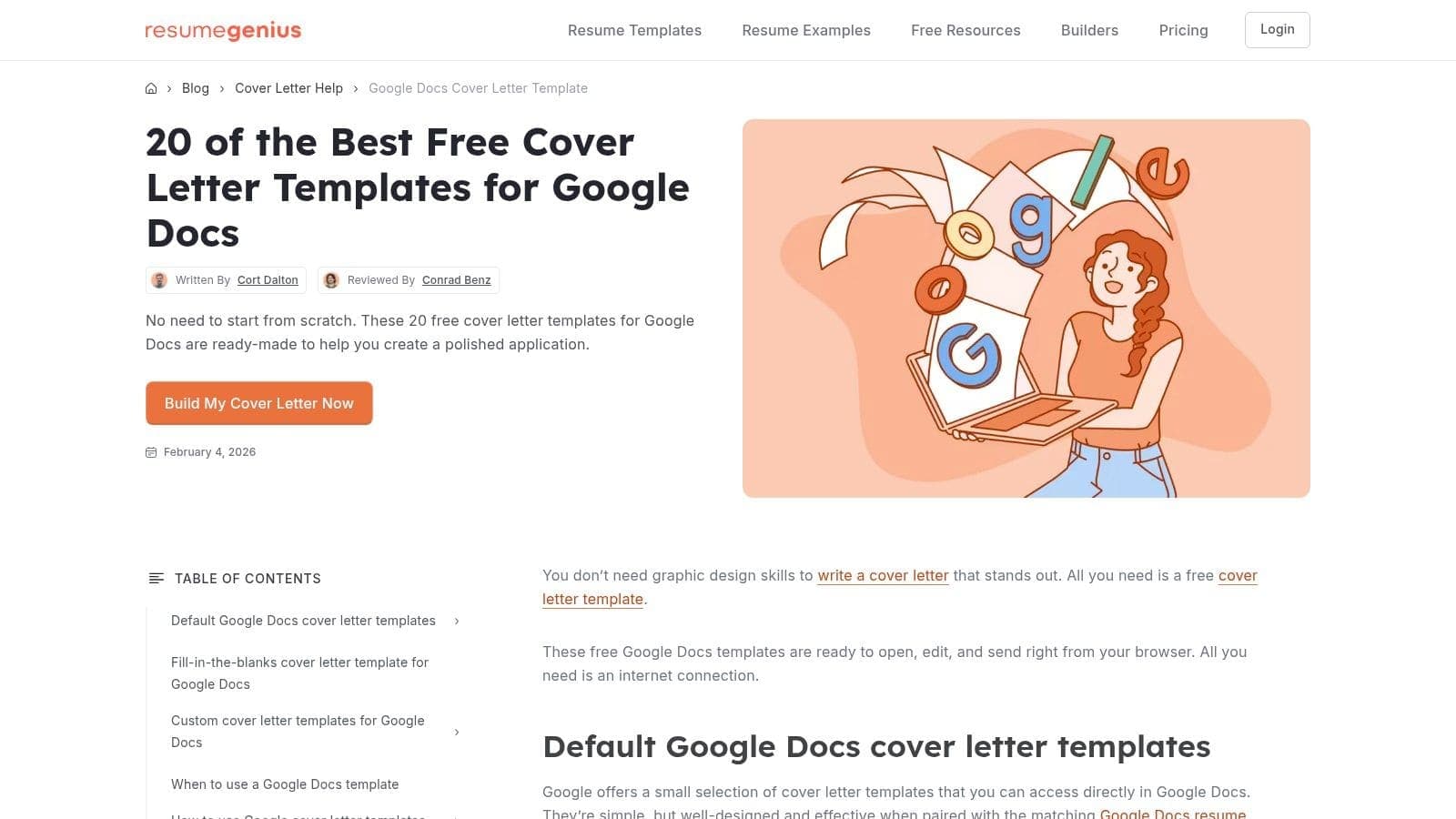
The collection includes both Google's own designs and custom creations, giving you a broader aesthetic range. A key advantage is the inclusion of step-by-step instructions on how to access and modify styles within Google Docs, a feature especially helpful for users less familiar with the software. While some designs require you to click through a site page first, the added guidance and easy-to-browse layout provide real value. This extra support helps you craft a polished document, and you can find more writing strategies in our complete guide to crafting a standout cover letter.
Best for: Job seekers who want a curated, expanded selection of free templates with clear instructions on how to use them.
Pro-Tip: Use the on-page previews to quickly compare styles before committing. Once you find a design you like, clicking the link creates an independent copy in your Google Drive, so feel free to experiment with multiple options without cluttering your original source.
3. Hloom – Cover Letter Templates
Hloom offers a large gallery of professionally designed cover letter files that are explicitly documented as compatible with Google Docs. While the templates are downloaded as Microsoft Word files, Hloom provides clear instructions on how to upload and edit them in your Google Drive, making it a strong source for a quality google docs templates cover letter. This process adds an extra step, but in return, you gain access to a wider variety of designs than what Google offers natively, from conservative to creative styles.
A key benefit of Hloom is the emphasis on ATS-friendly design and the availability of matching resume styles for most templates. This allows you to build a cohesive and professional application package. The site mixes its free offerings with premium, gated designs, so you may need to browse carefully. However, for those willing to take the extra step of uploading a DOCX file, Hloom provides a significant expansion of stylistic choices without sacrificing professional standards.
Best for: Job seekers who want a broader selection of professional designs and are comfortable with the download-and-upload process to get them into Google Docs.
Pro-Tip: After downloading a DOCX template from Hloom, simply go to Google Drive, click "+ New" > "File upload," and select the file. Once uploaded, right-click and choose "Open with > Google Docs." This converts it into an editable format. Learn more about the essential structure of a cover letter with our guide on the proper format for a job application cover letter.
4. TheGoodocs – Free Cover Letter Templates
TheGoodocs stands out by offering a large, free collection of stylish Google Docs templates for cover letters that you can open and edit with a single click. This platform is an excellent middle ground, providing more design variety than the native Google Docs gallery while maintaining a simple, direct-to-Docs workflow. Many of their templates are part of a coordinated set, including a matching resume, which is perfect for creating a cohesive and professional application package.
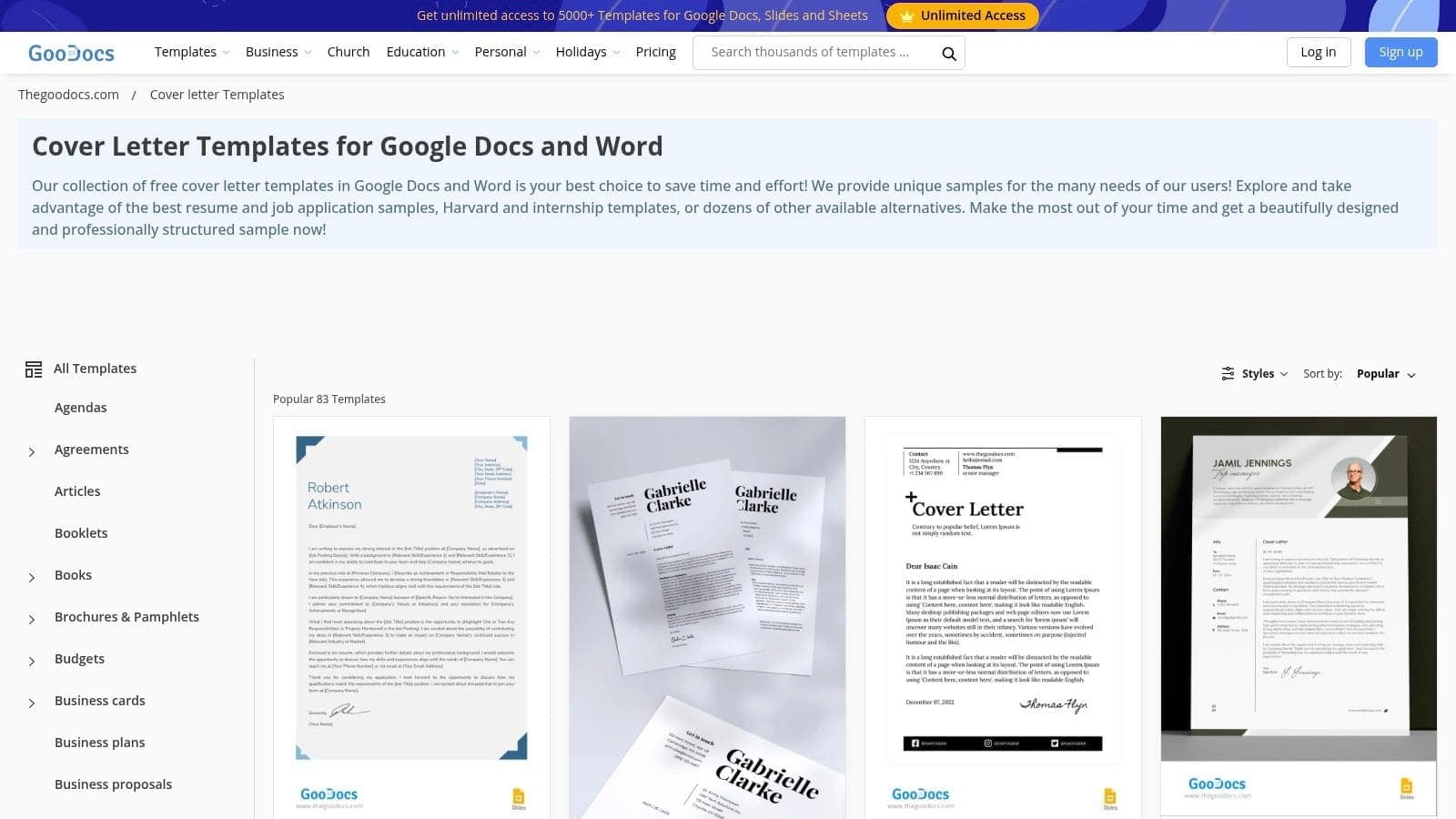
The primary benefit is the combination of modern aesthetics and immediate usability. When you find a template, an "Edit in Google Docs" button takes you directly to a new, editable copy in your own Google Drive. This eliminates the hassle of downloading files, dealing with zip folders, or figuring out conversion issues. While the catalog is extensive, quality can vary, and some free templates require attribution. However, their well-designed options are a significant step up for job seekers wanting a professional look without a price tag.
Best for: Job seekers who want modern, design-forward templates with the convenience of direct Google Docs editing.
Pro-Tip: Pay attention to the license when you select a template; some require a link back to TheGoodocs if used for free. Also, use their filter options to sort by color or style to quickly find a design that fits your personal brand and avoids the common pitfalls of generic cover letters. You can learn more about how AI views generic applications and why generic cover letters fail to impress.
5. gdoc.io – Free Google Docs Cover Letter Templates
Specializing exclusively in Google Docs formats, gdoc.io offers a focused library of free google docs templates cover letter options. The site is a standout choice for those who value minimalist aesthetics and an incredibly direct workflow. Its main appeal lies in its role-specific templates, such as those for teachers or administrative assistants, which provide a targeted starting point for your writing process.
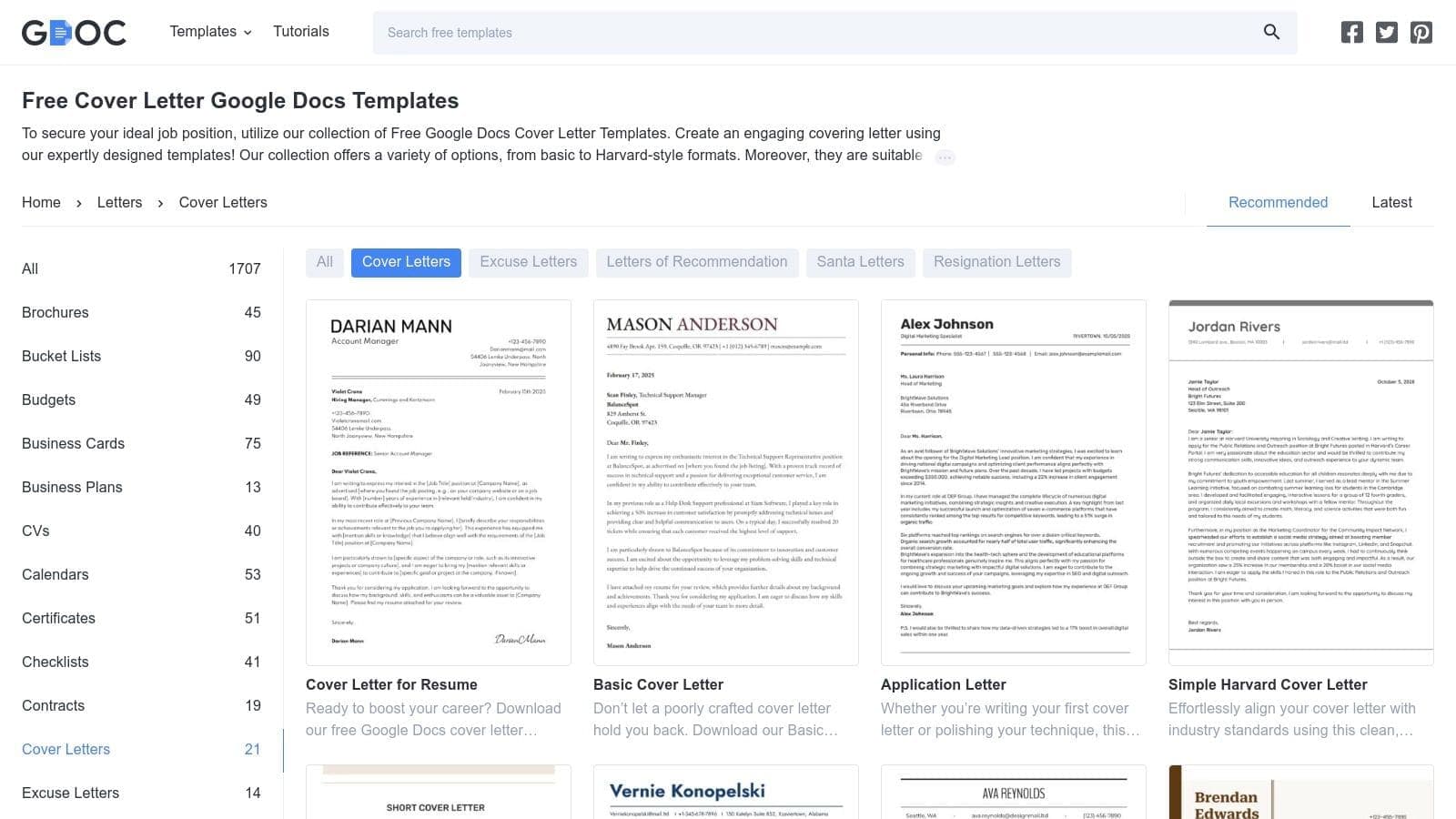
Unlike larger marketplaces, gdoc.io focuses on a clean and simple user experience. The templates are professional, easy to customize, and ATS-friendly due to their straightforward layouts. While the design variety isn't as wide as some competitors, the quality of what is offered is consistent. The quick 'copy and edit' process means you can have a new document ready in your own Google Drive in seconds, bypassing any sign-up or download requirements.
Best for: Job seekers in specific professions (like teaching) who want a clean, minimalist template with a fast, copy-to-drive workflow.
Pro-Tip: Some of the best designs are categorized by job role. Before settling on a general template, browse the role-specific categories to find a layout that might already be aligned with your industry's conventions.
6. Template.net – Google Docs Cover Letter Templates
Template.net is a massive resource for finding a Google Docs templates cover letter if you need something specific to your industry. The platform stands out due to its sheer volume and powerful filtering system, allowing you to narrow down thousands of options to find designs created specifically for Google Docs. This makes it a great choice if you're in a niche field and want a layout that speaks directly to that role's conventions.
The primary benefit of Template.net is its deep categorization. You can find cover letters for everything from a "Restaurant Manager" to a "Software Engineer," often with content prompts tailored to that profession. However, the user experience can be a mixed bag. While many templates are available, a significant number are locked behind a Pro subscription, and even free downloads often require creating an account, which adds a bit of friction. Despite this, its extensive, preformatted catalog for Docs makes it a worthy stop for those who need more specialized choices than generic galleries offer.
Best for: Professionals in specific or niche industries who need a purpose-built template and don't mind navigating a subscription-based platform.
Pro-Tip: Use the search bar with specific keywords like "marketing cover letter" and then apply the "Google Docs" filter on the left-hand sidebar to quickly find relevant, ready-to-edit documents. Always preview the template to ensure the design elements are fully editable in Docs before committing to a download or subscription. Find more options by exploring the template selection at Template.net.
7. Career Reload – Simple Google Docs Cover Letter Template
Career Reload is an excellent resource for those new to Google Docs or anyone seeking a straightforward, modern, and free template. The platform provides a single, minimalist design that prioritizes clarity and ATS-friendliness, making it a reliable choice for job applicants who want to avoid complex formatting. Its main strength lies in its simplicity and the step-by-step guidance provided, which is perfect for first-time users.
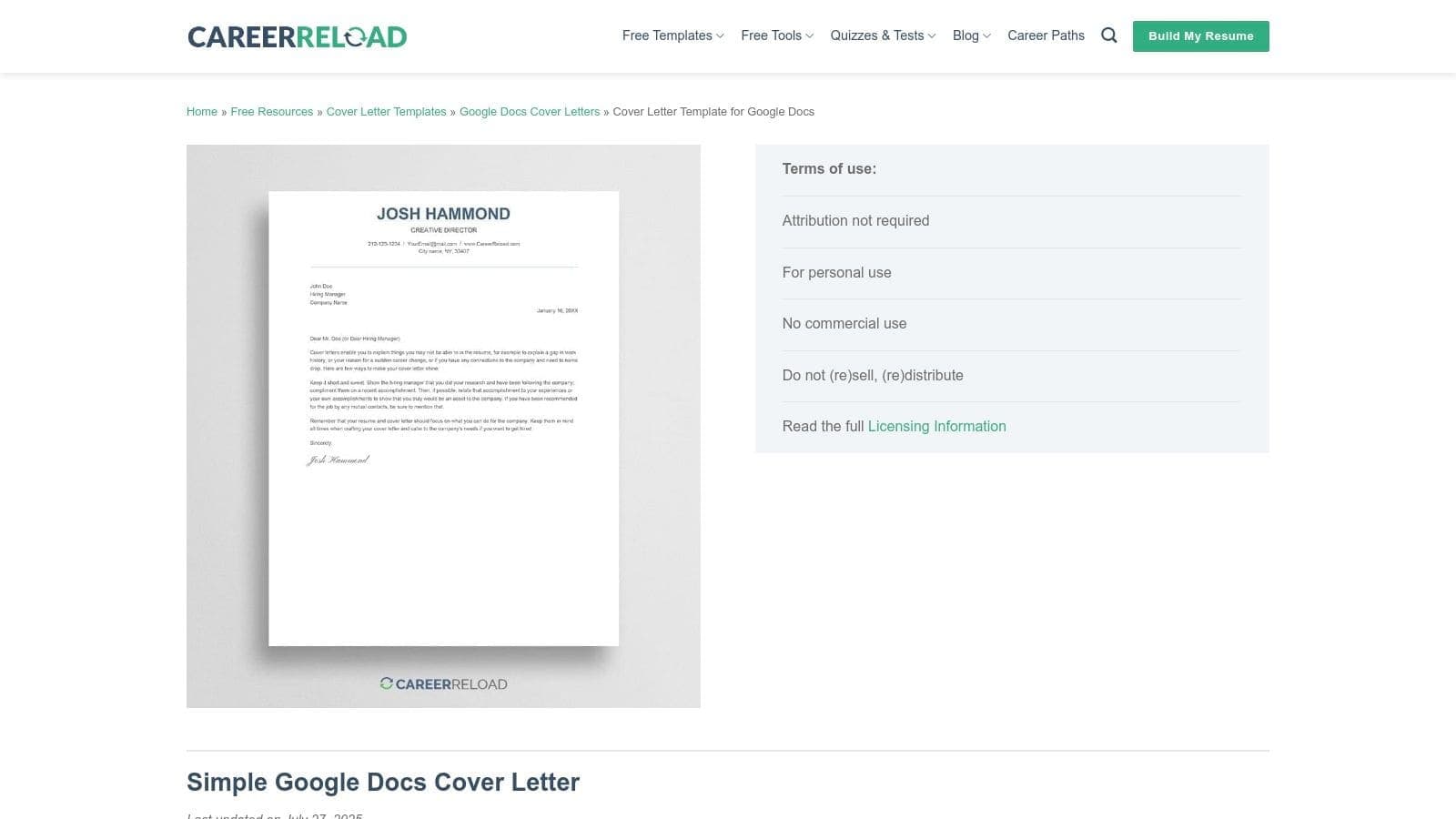
The template features proper margins and standard system fonts, ensuring your document looks professional on any device and parses correctly through applicant tracking systems. A notable downside is the lack of variety, as there is only one primary style available on the page. However, the design is versatile enough for most professional roles. The inclusion of a coordinating Microsoft Word download adds flexibility, although the platform is clearly geared towards a great experience with a google docs templates cover letter.
Best for: First-time Google Docs users, entry-level professionals, and anyone needing a clean, no-cost, ATS-friendly template.
Pro-Tip: The website offers very clear "Make a copy" instructions. Follow them precisely to create your own editable version in your Google Drive. This prevents you from requesting edit access to the original file and allows you to start customizing your document immediately. You can find this simple template on Career Reload's page.
8. Resume.io – Google Docs Cover Letter Templates (via Builder)
Resume.io offers a different approach for those seeking premium designs with AI assistance. Instead of editing directly in Google Docs, you use its polished builder to create your letter from a library of over 20 professional styles. Once complete, the document can be exported as a DOCX file, which you can then open and fine-tune in Google Docs. This method is excellent for job seekers who want a high-end design and AI writing support before moving the final product into their Google Drive ecosystem.
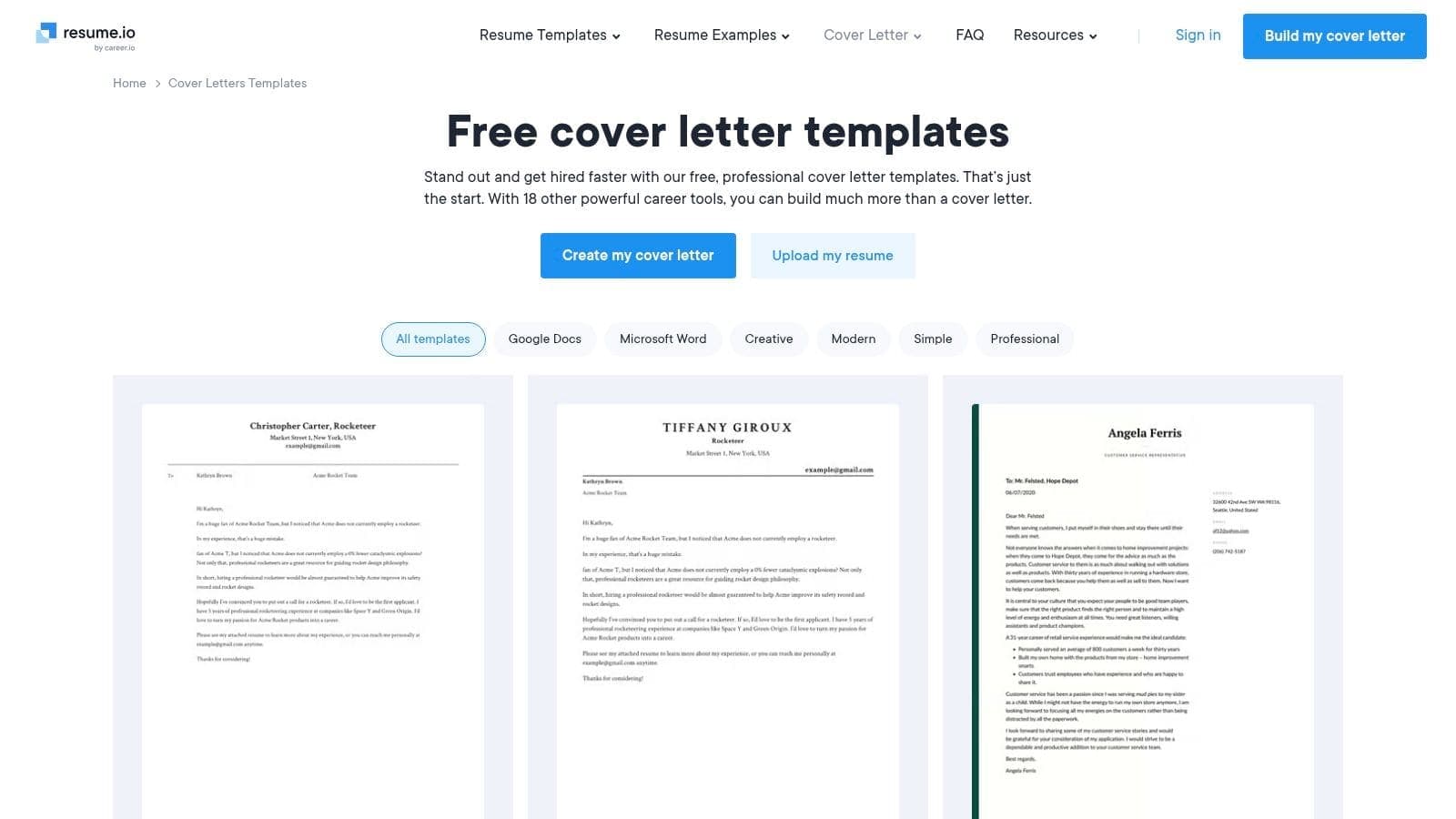
The platform's strength lies in its high design quality and coordinated application sets; every cover letter template has a matching resume. The AI-powered writing tools can help you overcome writer's block with pre-written phrases and suggestions. However, the main drawback is the indirect workflow. You are not working natively with a google docs templates cover letter from the start, and a paid subscription is required to download the final document without a watermark. This makes it a premium choice for those prioritizing design and guided content creation.
Best for: Professionals wanting AI writing assistance and a premium, coordinated design before exporting to Google Docs.
Pro-Tip: Use the builder to finalize your layout and core content, as rearranging elements is much easier there than in Google Docs. Once you export the DOCX file, only make minor text edits in Google Docs to avoid accidentally breaking the sophisticated formatting. You can find their builder-based cover letter templates at Resume.io.
9. SmashingDocs – Free Google Docs Cover Letter Templates
SmashingDocs provides a curated collection of contemporary and free Google Docs templates for cover letters, standing out for its simple, copy-paste workflow. Instead of overwhelming you with options, it offers a focused set of stylish yet professional designs, like "Simple Pro" and "Bold Red," that can be transferred to your Google Drive with just a few clicks. This makes it an excellent choice for job seekers who value modern aesthetics but want to avoid the hassle of sign-ups or complex downloads.
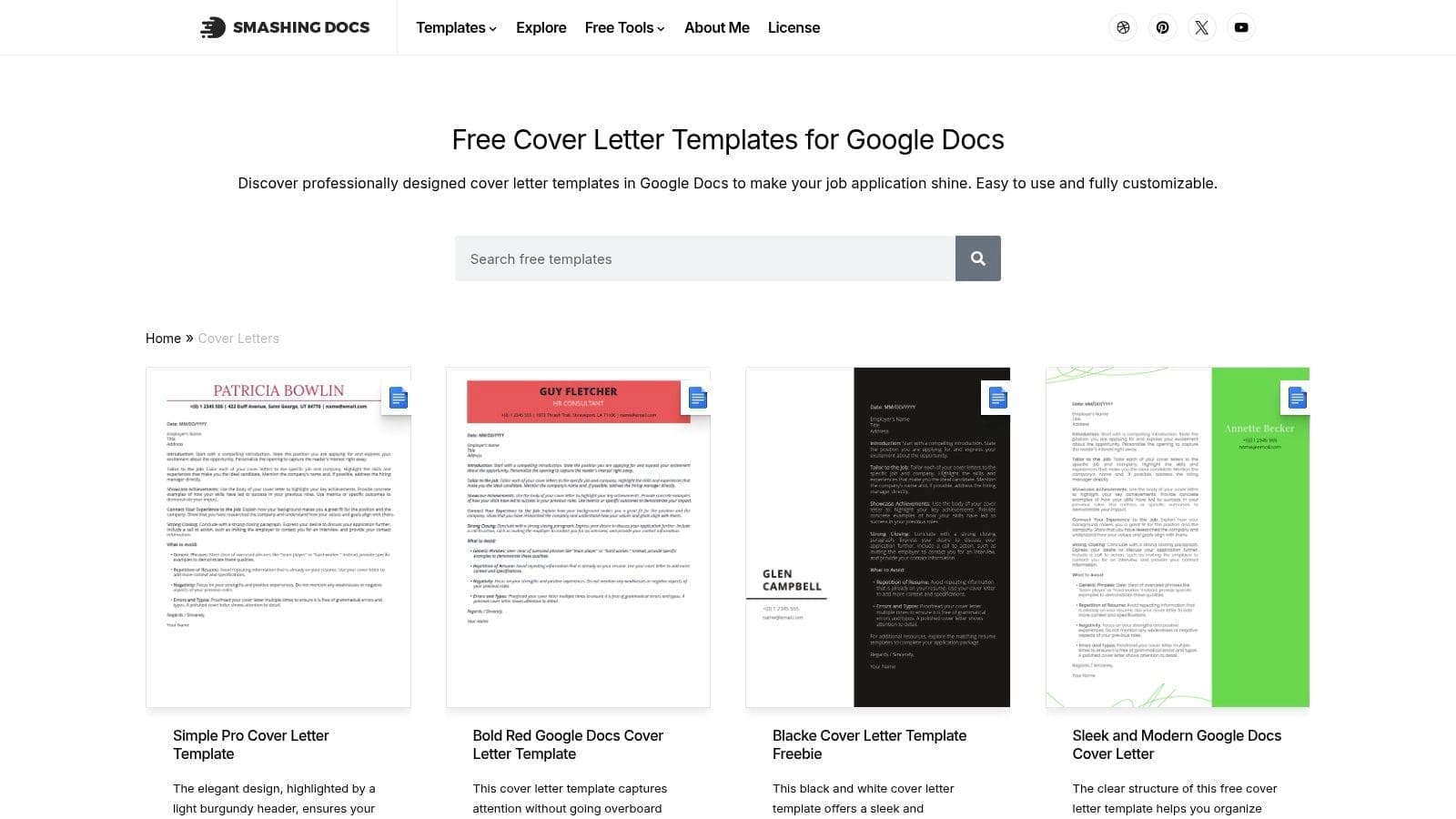
The platform is built specifically with Google Docs users in mind. Each template features a clean page structure, good spacing for readability, and modern color-accented headers that help your application stand out visually. While the library is smaller compared to giant marketplaces, the quality and ease of use are its main draws. The direct-to-Docs process is exceptionally fast, though you might occasionally find a broken preview link if a file was recently updated. Overall, it's a reliable source for a polished and up-to-date look.
Best for: Professionals who want a modern design with a pop of color without needing to register for an account.
Pro-Tip: To use a template, click the "Copy This Free Template" button on the SmashingDocs cover letter templates page. This will prompt you to make a copy directly into your own Google Docs account, creating an instantly editable version. No downloads are required.
10. GoogDocs.com – Free Cover Letter Templates for Google Docs
GoogDocs.com offers a dedicated gallery for those seeking a Google Docs templates cover letter, with a specific focus on matching resume and cover letter sets. This niche platform is designed entirely around Google's ecosystem, ensuring that every template is built from the ground up for easy editing within Docs. It's a great choice for job seekers who want a coordinated application package without the complexity of larger design marketplaces.
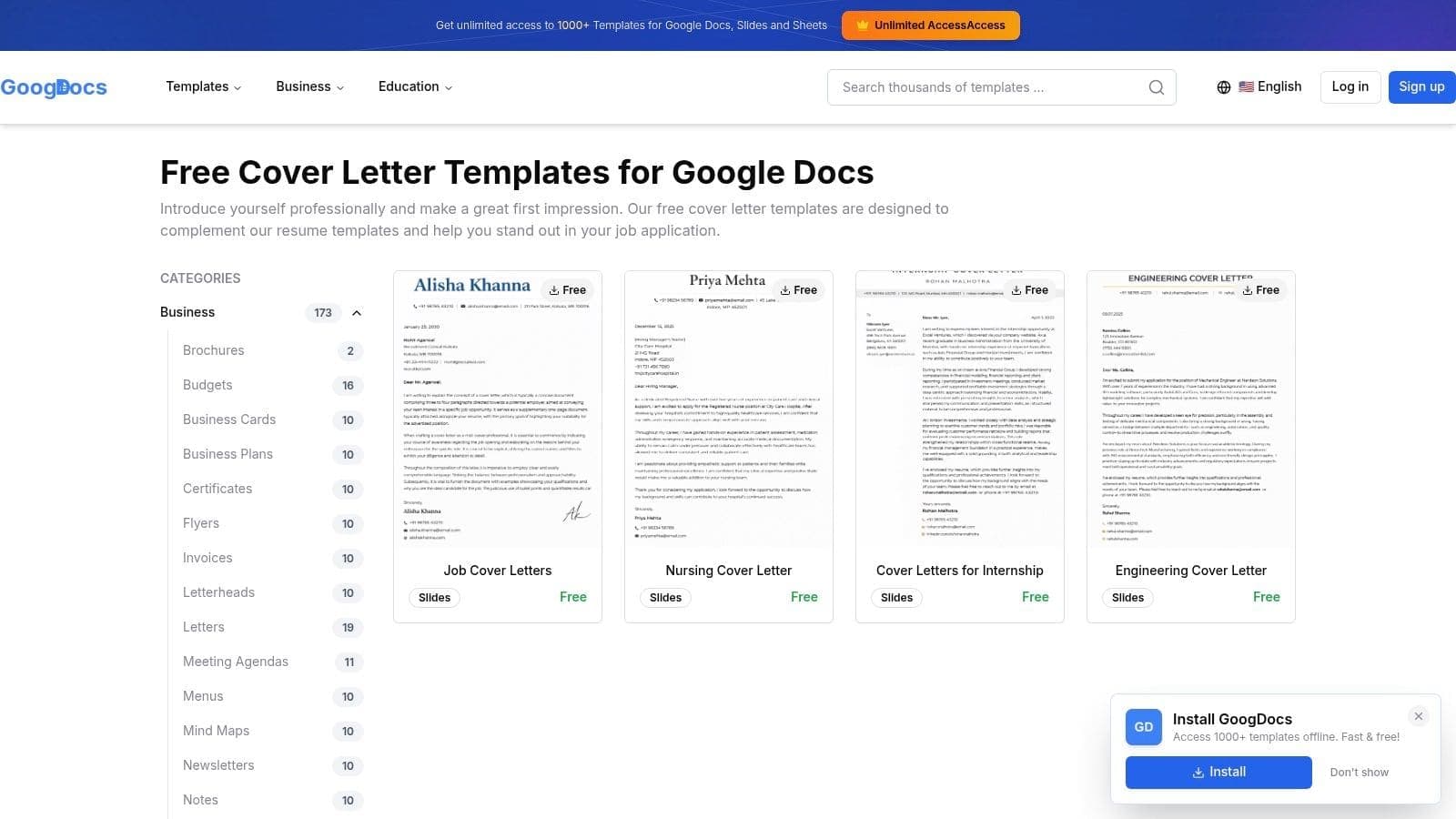
The site's main strength is its commitment to creating cohesive document pairs. By providing templates designed to work together, it simplifies the process of building a consistent personal brand for your job search. While the overall selection is smaller compared to major template hubs, the designs are clean, professional, and follow standard business letter formatting. The user experience is straightforward: find a design you like, click the link, and you are prompted to make a copy directly to your Google Drive, ready for immediate customization.
Best for: Job applicants who value a coordinated resume and cover letter design and prefer to work exclusively within the Google Docs environment.
Pro-Tip: Some templates may require a couple of clicks to get to the final Google Docs link. Be patient with the navigation. Once you find a set you like, open both the cover letter and resume templates in separate tabs to ensure you're happy with the entire package before you start writing. You can explore their free cover letter templates for Google Docs directly on their site.
11. TemplateRadar – Professional Cover Letter (Google Docs)
TemplateRadar offers a focused resource for job seekers who want more than just a file download. Instead of a large gallery, it provides a single, effective professional Google Docs templates cover letter paired with concise writing guidance directly on the page. This approach is perfect for individuals who value simplicity and actionable advice, helping them understand not just what to write, but why it works. It combines the template with a mini-tutorial, making it an excellent all-in-one stop.
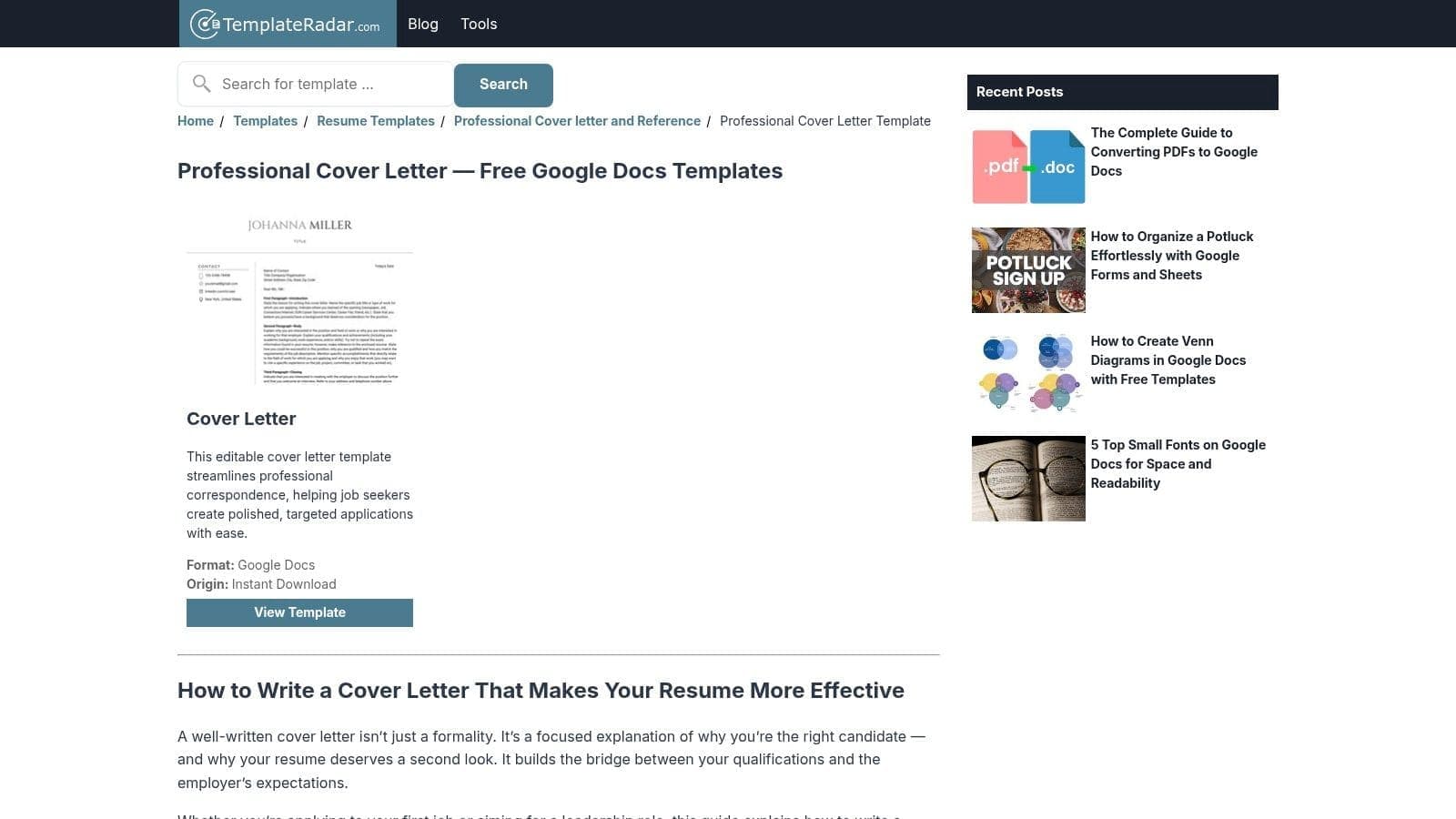
The design itself is clean and traditional, featuring a well-organized header and highly readable typography that ensures ATS compatibility. The true value comes from the included advice on structure, targeting, and content, which is presented alongside the template link. While the site has a very limited selection and fewer matching resume options compared to larger libraries, its strength is its directness. You get a solid template and the knowledge to personalize it effectively without needing to cross-reference other guides.
Best for: Job seekers who want straightforward writing guidance integrated with an easy-to-use, professional template.
Pro-Tip: Before you open the Google Docs file, read through the short guide on the TemplateRadar page for professional cover letters. It provides key pointers on structuring your introduction and body paragraphs that will help you tailor the content to the specific job you are targeting. This initial read-through can save you significant editing time.
12. Teach Simple – Resume & Cover Letter Template (Editable in Google Docs)
For educators and those in academic fields, Teach Simple provides a specialized resume and cover letter package that is fully editable in Google Docs. This resource is designed specifically for teaching professionals, moving beyond generic layouts to include guidance relevant to the education sector. It's an excellent choice for crafting a google docs templates cover letter that speaks directly to the needs and expectations of school administrators and hiring committees.
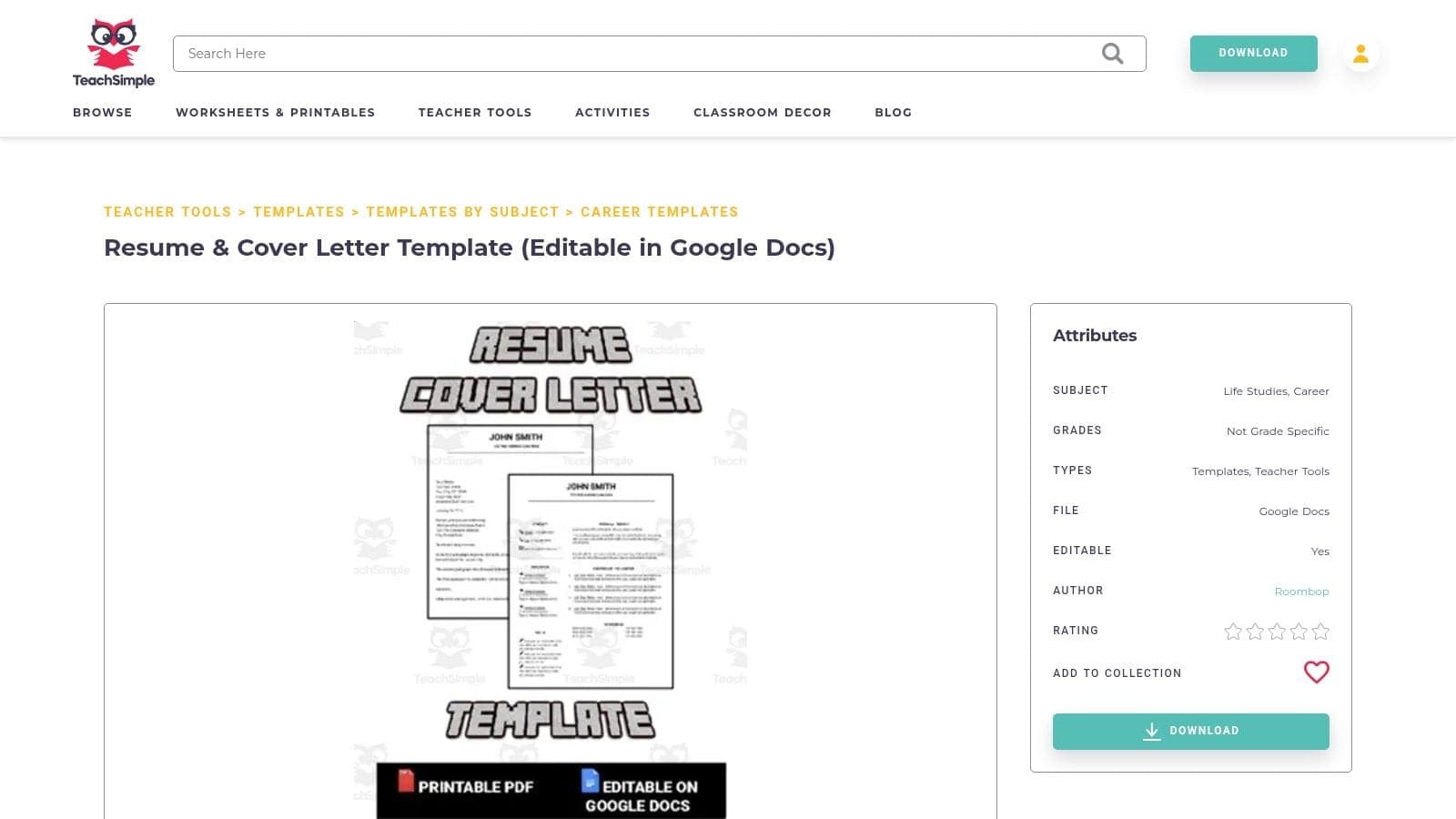
What makes this package stand out is its industry-specific content. Alongside the templates, it includes dedicated tip pages for writing your cover letter and, notably, a section for developing your teaching philosophy. This built-in guidance helps you articulate your pedagogical approach, a critical component of any education job application. While the marketplace includes some paid resources, this particular template bundle offers a modern, Docs-ready design tailored to an educator's unique career story. The focused approach, however, means it is less suitable for professionals outside of education.
Best for: Teachers, academic administrators, and education professionals needing a role-specific template with built-in writing guidance.
Pro-Tip: Make full use of the teaching philosophy section. Draft your philosophy statement directly in the provided space to ensure your application package presents a cohesive and thoughtful professional identity. You can find this education-focused template package on the Teach Simple website.
Top 12 Google Docs Cover Letter Templates Compared
| Provider | ✨ Core features / Unique perks | ★ Quality | 👥 Target audience | 💰 Pricing / Value | 🏆 Best fit |
|---|---|---|---|---|---|
| Google Docs Template Gallery | ✨ Native, official Docs templates; matching resume styles | ★★★★ | 👥 Quick‑start Google users | 💰 Free | 🏆 Zero‑setup, maintained by Google |
| ResumeGenius – Google Docs Cover Letter Templates | ✨ 20+ curated templates, one‑click Docs links + tutorials | ★★★★ | 👥 Users wanting curated choices + guidance | 💰 Free | 🏆 Curated hub + step‑by‑step help |
| Hloom – Cover Letter Templates | ✨ Large DOCX gallery, ATS guidance, matching resumes | ★★★ | 👥 Users needing wide style range & ATS focus | 💰 Free + premium | 🏆 ATS‑friendly options |
| TheGoodocs – Free Cover Letter Templates | ✨ One‑click "Edit in Google Docs"; coordinated sets | ★★★★ | 👥 Users who want modern designs & direct Docs edit | 💰 Free (some attribution) | 🏆 Straight‑to‑Docs workflow |
| gdoc.io – Free Google Docs Cover Letter Templates | ✨ Role‑targeted templates and quick copy‑to‑Drive | ★★★ | 👥 Job‑specific tailoring (e.g., teacher) | 💰 Free | 🏆 Role‑specific, minimalist layouts |
| Template.net – Google Docs Cover Letter Templates | ✨ Large, filterable catalog by Docs format & industry | ★★★ | 👥 Power users needing niche/industry templates | 💰 Freemium (Pro for many) | 🏆 Deep category filtering |
| Career Reload – Simple Google Docs Cover Letter Template | ✨ Single modern ATS‑friendly page + step‑by‑step guide | ★★★★ | 👥 First‑time Google Docs users | 💰 Free | 🏆 Easiest for beginners |
| Resume.io – Google Docs Cover Letter Templates (via Builder) | ✨ AI‑assisted writing & formatting; export to DOCX/PDF | ★★★★ | 👥 Users seeking AI help and polish | 💰 Paid for full export/features | 🏆 AI writing + high design quality |
| SmashingDocs – Free Google Docs Cover Letter Templates | ✨ Contemporary color‑accented designs; quick copy | ★★★★ | 👥 Users wanting modern visual options | 💰 Free | 🏆 Modern, professional variety |
| GoogDocs.com – Free Cover Letter Templates for Google Docs | ✨ Niche Docs gallery with matching resume sets | ★★★ | 👥 Users assembling coordinated resume+cover packages | 💰 Free | 🏆 Consistent theme matching |
| TemplateRadar – Professional Cover Letter (Google Docs) | ✨ Clean professional template + concise writing guidance | ★★★ | 👥 Users wanting structure & short tips | 💰 Free | 🏆 Clear writing guidance included |
| Teach Simple – Resume & Cover Letter Template (Editable in Google Docs) | ✨ Education‑oriented bundle + teaching philosophy tips | ★★★★ | 👥 Educators & teaching candidates | 💰 Free/paid mix | 🏆 Tailored for education roles |
From Template to Offer: Streamline Your Job Search
This guide has showcased a wide array of options, proving that the perfect google docs templates cover letter exists for every professional need, from the bold designs at TheGoodocs to the classic simplicity offered by Career Reload. We've explored how a well-chosen template not only saves time but also provides the foundational structure for a document that can capture a recruiter's attention. The key is to see these templates not as a final product, but as a starting point for personalization and strategic storytelling.
The most critical takeaway is that selection must be intentional. A recent graduate might benefit from a visually modern template that highlights potential, while a senior professional changing careers should opt for a format that clearly articulates transferable skills. Your choice of a google docs templates cover letter is the first step in communicating your professional brand. Remember to always adjust the content to mirror the specific language and priorities found in the job description, ensuring it passes through Applicant Tracking Systems (ATS) and resonates with human readers.
Once you have crafted your document, the next phase of your job search begins. To truly move 'From Template to Offer,' you'll need a robust platform to find suitable opportunities, especially if you're looking for flexible arrangements. Searching for high-quality, vetted remote jobs can significantly expand your options and help you find a role that fits your life. A successful search requires both excellent application materials and a smart strategy for finding and managing opportunities.
Ultimately, your goal is to create an efficient and organized system. This involves:
- Selecting the Right Foundation: Choose a Google Docs template that aligns with your industry, experience level, and personal brand.
- Customizing with Precision: Go beyond filling in the blanks. Integrate keywords from the job description, quantify your achievements, and write a unique opening that hooks the reader.
- Maintaining Organization: Avoid the chaos of a disorganized search. Track every application, follow-up date, and interview in a central location.
By combining an outstanding google docs templates cover letter with a methodical approach to managing your applications, you transform a typically stressful process into a controlled and effective career-building project. You are now equipped with the resources to present yourself professionally and manage your job hunt with confidence, putting you on the direct path to your next offer.
Tired of juggling spreadsheets and lost notes? After perfecting your cover letter with these templates, use CV Anywhere to manage your entire job search. Its integrated Application Tracker helps you organize every role, set reminders, and keep your applications on track, all in one place. Get organized and land more interviews with CV Anywhere.