12 Best Free CV Templates for Google Docs
Download 12 free CV templates for Google Docs. ATS-friendly designs for UK job seekers with direct links and customisation tips.

Need a free CV template for Google Docs? This guide covers 12 reliable sources with direct links to help you get started quickly. You will find options ranging from simple, ATS-friendly layouts to more polished professional designs.
Google Docs templates work well for UK job seekers because they are free, easy to edit and accessible from anywhere. The best templates use clean formatting that parses correctly through Applicant Tracking Systems, giving your CV the best chance of reaching a hiring manager.
Below you will find templates from Google's official gallery, Template.net, Creative Market and other trusted platforms. For each source, we cover what makes it useful, any drawbacks and who it suits best. If you are applying for US roles and need a resume rather than a CV, see our resume templates for Google Docs guide instead.
What this guide covers:
- 12 CV template sources with direct download links
- ATS compatibility notes for each option
- Tips for customising without breaking formatting
- When a dedicated CV builder might be a better choice
1. Google Docs Template Gallery (official)
The most direct way to get a CV template in Google Docs is the official, built-in gallery. It's a fast, free option for anyone with a Google account. Simply go to File > New > From template gallery.
However, this convenience comes with a major drawback. The designs are generic and used by thousands of other applicants, making it hard to stand out. More critically, you're on your own when it comes to content and formatting. A CV builder, in contrast, guides you through writing compelling, job-specific content and handles the formatting automatically, resulting in a far more effective document.
Key Features & Assessment
- Access: Completely free for all personal Google accounts and Google Workspace users.
- Experience: Seamless. A template opens as a new document, ready for immediate editing.
- Selection: A small collection of professional but basic designs like "Serif" and "Spearmint."
For a quick look, explore the official Google Docs Template Gallery.
Build a CV that actually gets interviews
Start from your current CV — or from scratch — with step-by-step guidance so you do not get stuck.
Free. No blank page. No templates to wrestle with.
2. Template.net
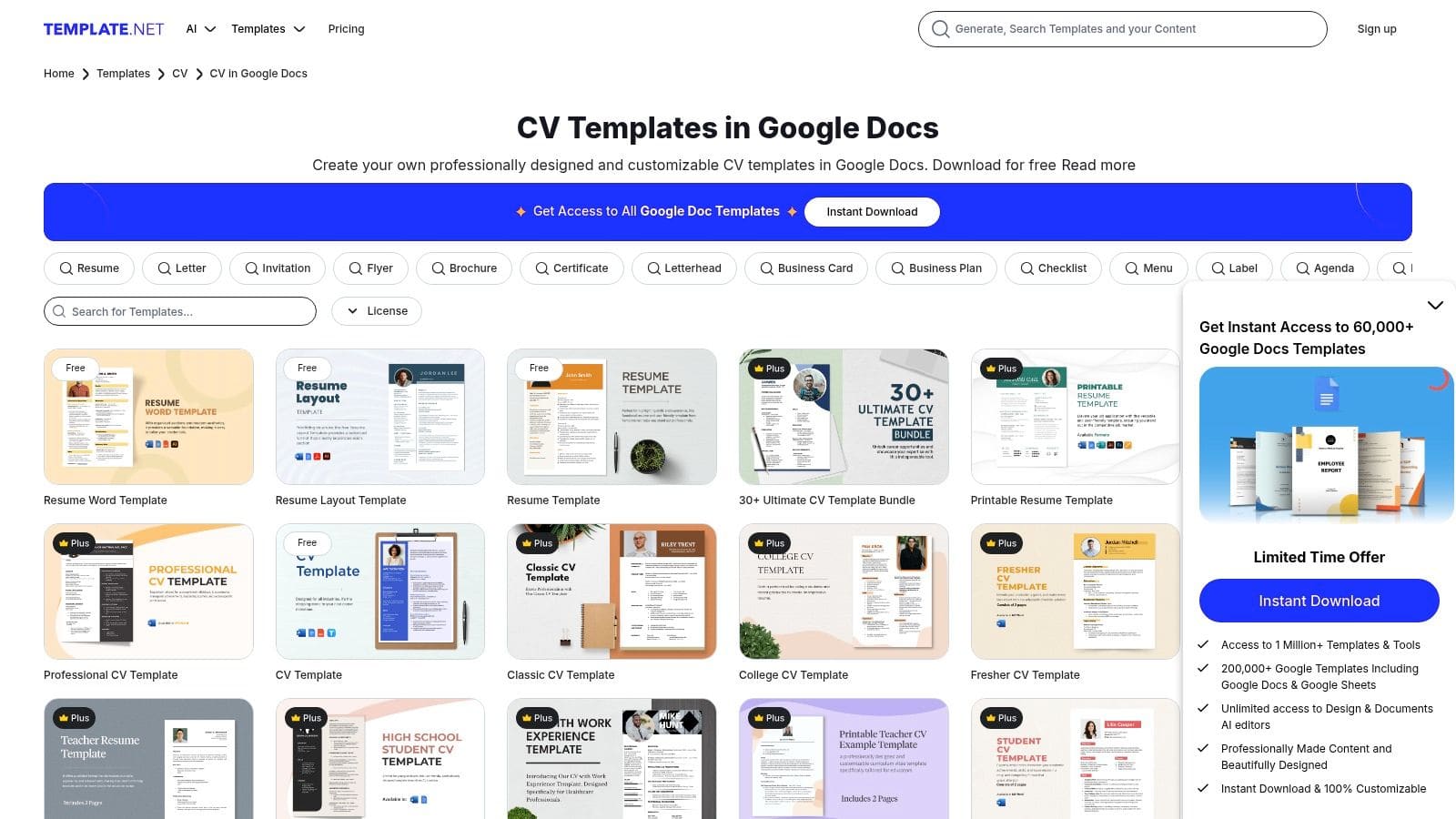
Template.net offers a huge library of designs, making it a step up from the native Google Docs gallery. It simplifies the search with dedicated categories for Google Docs files and a one-click process to open a template in your account.
Whilst the variety is impressive, it highlights the core issue with templates: you're still just filling in a static document. The best designs are often locked behind a subscription, and even with a great template, you risk formatting errors and inconsistencies. A dedicated CV builder like CV Anywhere eliminates these risks by providing a structured, error-proof environment for creating a professional CV. You can explore additional resume templates for more options.
Key Features & Assessment
- Access: Offers a mix of completely free templates and premium designs available through a Pro subscription.
- Experience: Straightforward. Each template has a clear "Edit Online / Google Docs" button.
- Selection: An enormous collection covering countless job roles and styles, with both US Letter and A4 size options.
For direct access to their Google Docs collection, visit the Template.net CV section.
3. Etsy
Etsy is a marketplace where independent designers sell unique CV template Google Docs packs, often bundled with matching cover letters and reference sheets. This is a great option if you want a highly stylised, creative document that reflects your personal brand.
Whilst visually appealing, these templates can be a gamble. Quality varies by seller, and complex designs often break when you start editing or are not optimised for ATS scanners. You pay for aesthetics but get no help with the content, which is what truly matters to recruiters. A CV builder offers professionally designed, ATS-compliant templates and helps you write the content, providing a much better return on your investment.
Key Features & Assessment
- Access: Prices vary by seller, but most templates are a one-time purchase.
- Experience: After payment, you typically receive a PDF with instructions and a link to copy the template to your Google Drive.
- Selection: An unmatched volume of creative, colourful, and industry-specific layouts.
To browse the huge collection of templates available, visit the Etsy marketplace for Google Docs resume templates.
4. Creative Market
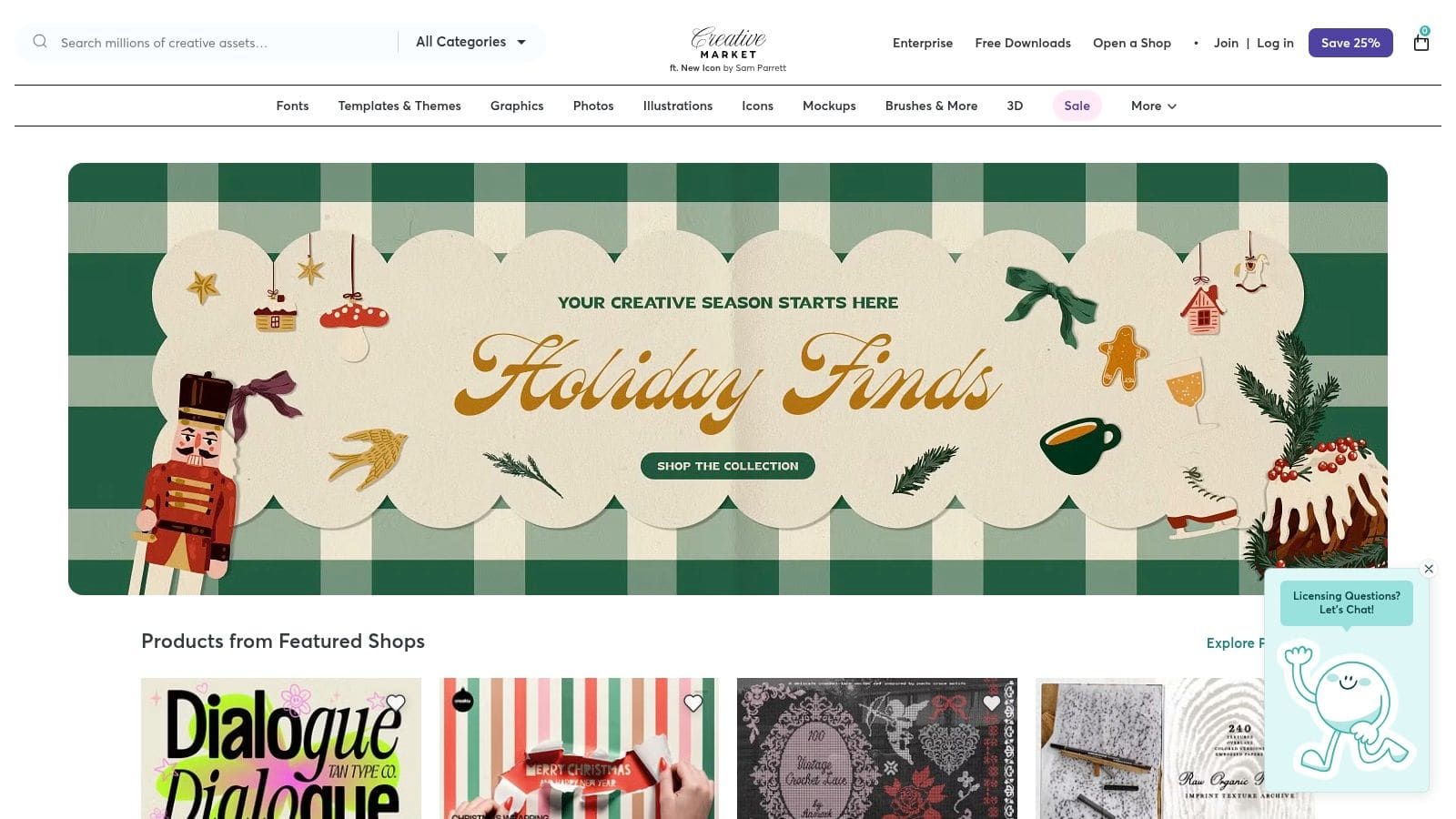
Creative Market is a curated marketplace for premium design assets. Here, you'll find professionally crafted CV bundles that include matching cover letters, icon packs, and comprehensive user guides. These are ideal for a polished, designer-grade look.
However, these premium templates still suffer from the same fundamental flaw: they are static. You're left to handle all the writing, tailoring, and formatting yourself. For a similar price, a subscription to a CV builder like CV Anywhere provides a more powerful solution. It combines great design with smart tools that guide you through content creation and ensure your CV is perfectly optimised for every job application.
Key Features & Assessment
- Access: Premium templates are available for a one-time purchase.
- Experience: Product pages clearly state compatibility, and many templates are designed to work without needing font installations.
- Selection: A diverse range of modern, creative, and professional designs with a high standard of quality.
For a look at their premium options, explore the listings on Creative Market.
5. Vertex42
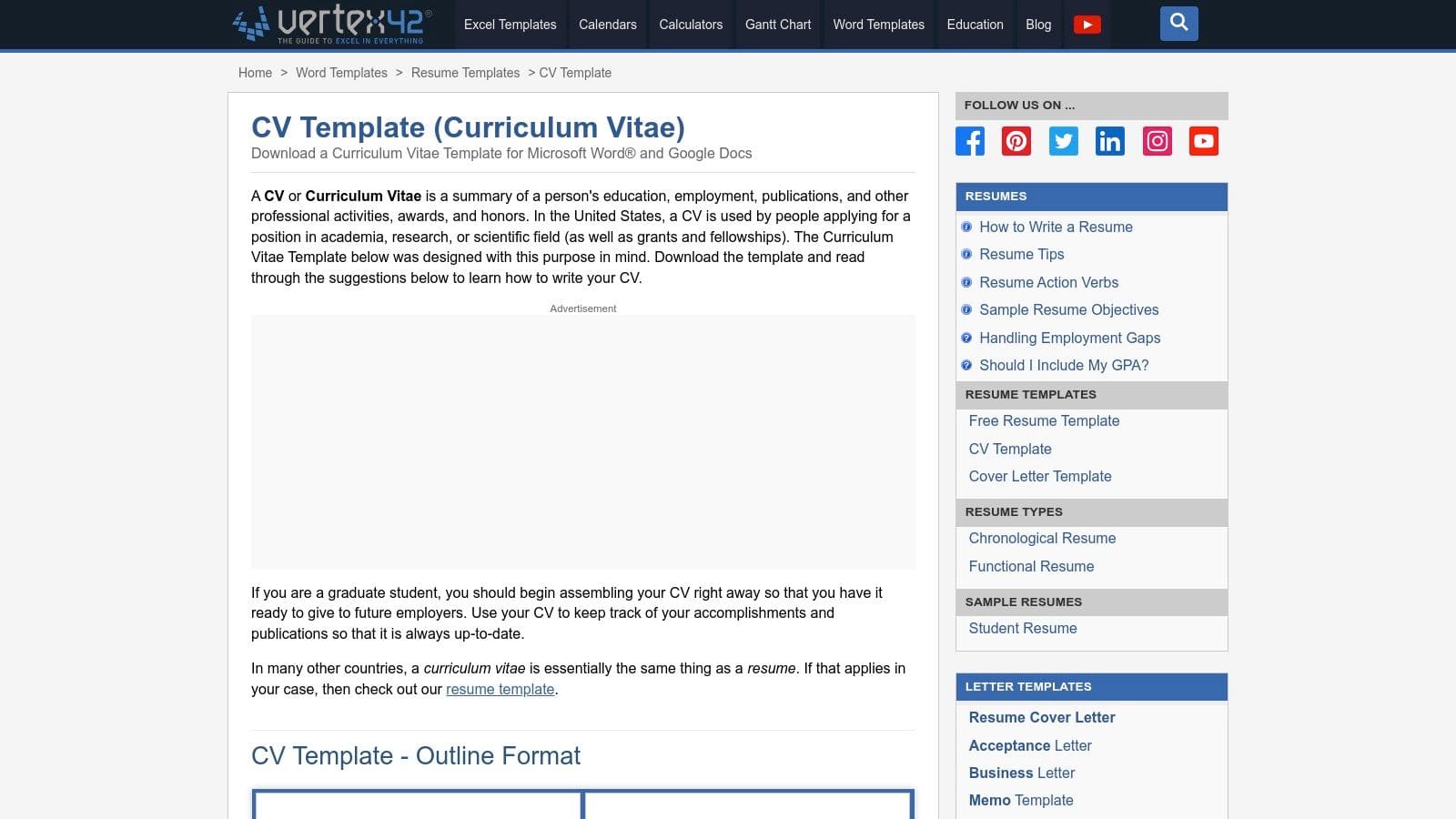
Vertex42 focuses on functional, no-frills templates that are practical and ATS-friendly. It's a good choice for conservative industries where content clarity is more important than flashy design. The site also provides helpful writing tips alongside each template.
Whilst expertly structured, these templates are visually basic and still require significant manual work. A CV builder is a more advanced tool that achieves the same goal—an ATS-friendly document—but with less effort and more professional results. It automates formatting and offers content suggestions, saving you time and reducing the chance of errors.
Key Features & Assessment
- Access: Completely free. Templates are available via a direct Google Docs link.
- Experience: Simple. You select a template, click the Google Docs link, and are prompted to "Make a copy."
- Selection: A collection of clean, professional layouts focused on traditional, ATS-compliant designs.
You can find their full range of options on the Vertex42 CV templates page.
6. Hloom
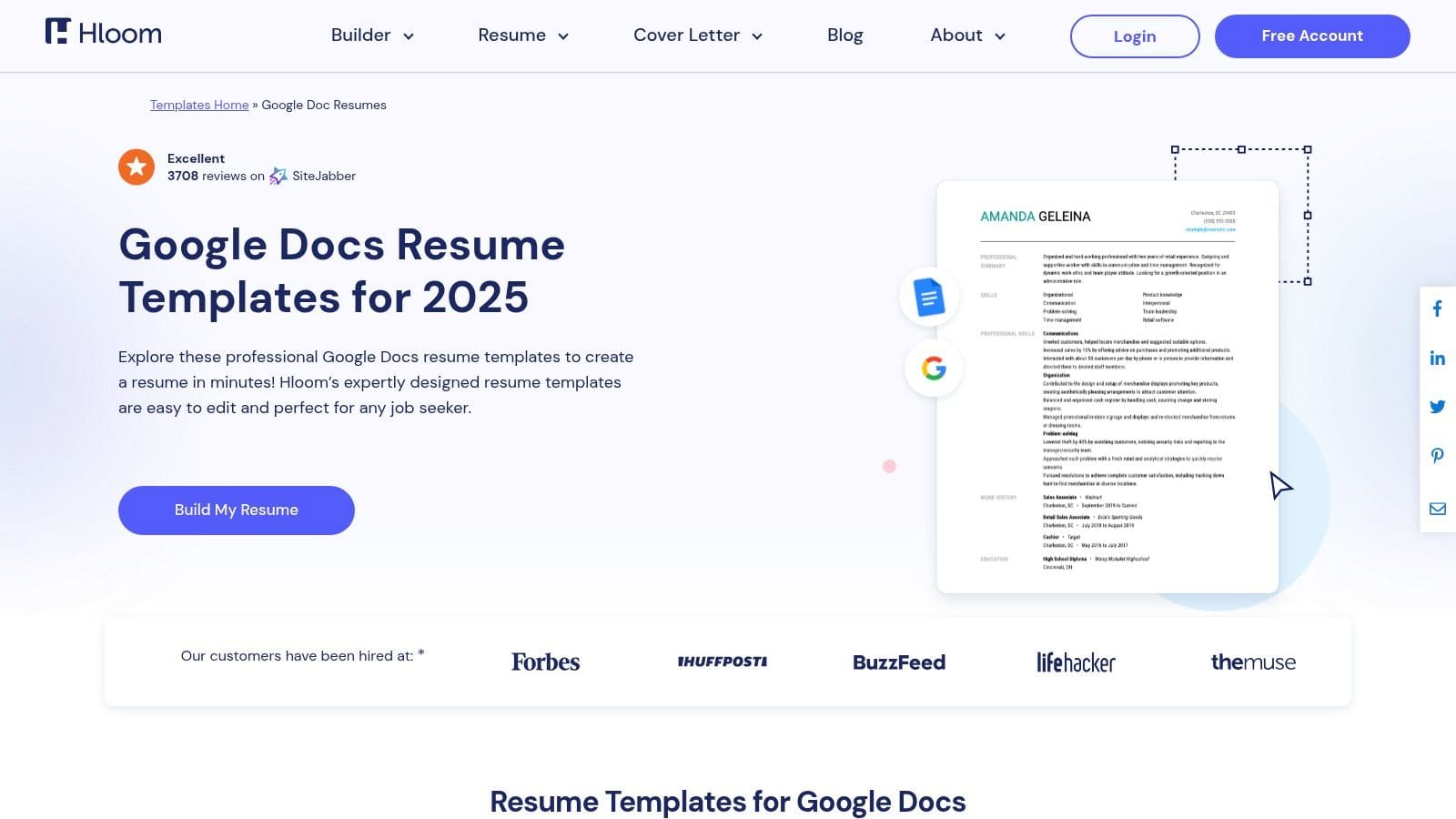
Hloom offers a mix of downloadable templates and a guided resume builder. The site provides clear instructions and valuable tips on ATS formatting, making it a practical resource for users who want a template and the knowledge to use it effectively.
The platform itself recognises the limitations of static files by pushing users towards its builder. Whilst their free templates are a decent starting point, the real value lies in a guided creation process. This hybrid model shows that for a truly effective, modern job application, a dynamic tool is superior to a simple template. Understanding what makes a resume truly ATS-friendly is crucial.
Key Features & Assessment
- Access: A mix of free, direct-download templates and premium designs accessible through their proprietary resume builder.
- Experience: The website is straightforward, with templates categorised for easy browsing and helpful tutorials.
- Selection: A solid range of traditional and modern layouts suitable for various industries.
Explore their collection and resources directly on the Hloom Google Docs Templates page.
7. gdoc.io
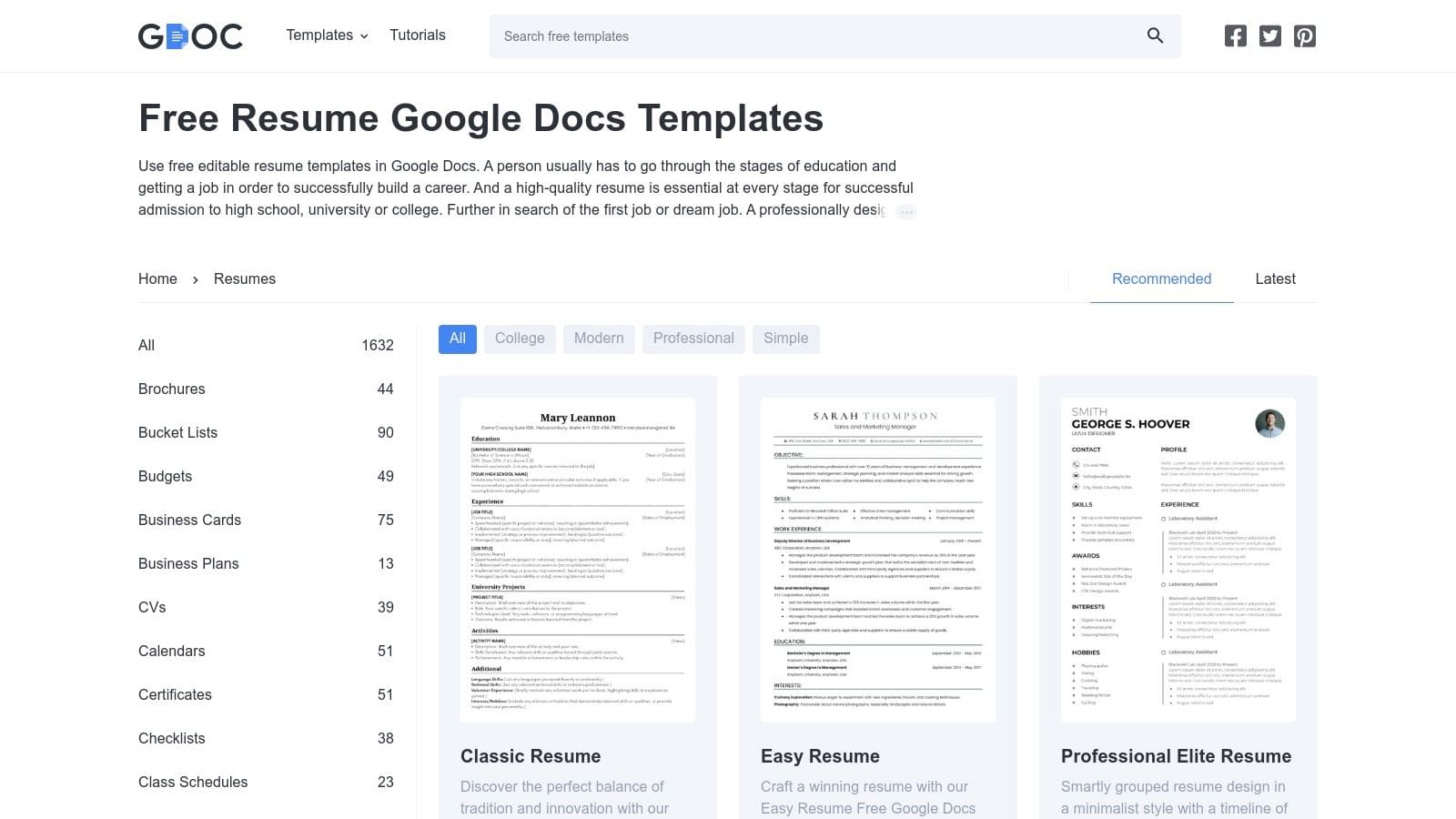
gdoc.io offers a streamlined catalogue of free, one-click CV templates. The platform is designed for speed, with direct "Make a copy" links that instantly open your chosen design in Google Docs, ready for editing.
Whilst the convenience is great for quickly grabbing a layout, it doesn't solve the bigger challenges of CV writing. You still face the tedious task of tailoring content for each application and worrying about formatting mistakes. A purpose-built tool like the CV Anywhere CV Builder automates this customisation process, allowing you to generate multiple, perfectly tailored CVs in minutes.
Key Features & Assessment
- Access: Completely free with no sign-up required.
- Experience: Exceptionally fast and intuitive. Clicking a template adds it to your Google Drive in seconds.
- Selection: A focused range of designs categorised by style, including options specifically created to be ATS-friendly.
Explore the convenient one-click options on the official gdoc.io resume templates page.
8. SmashingDocs
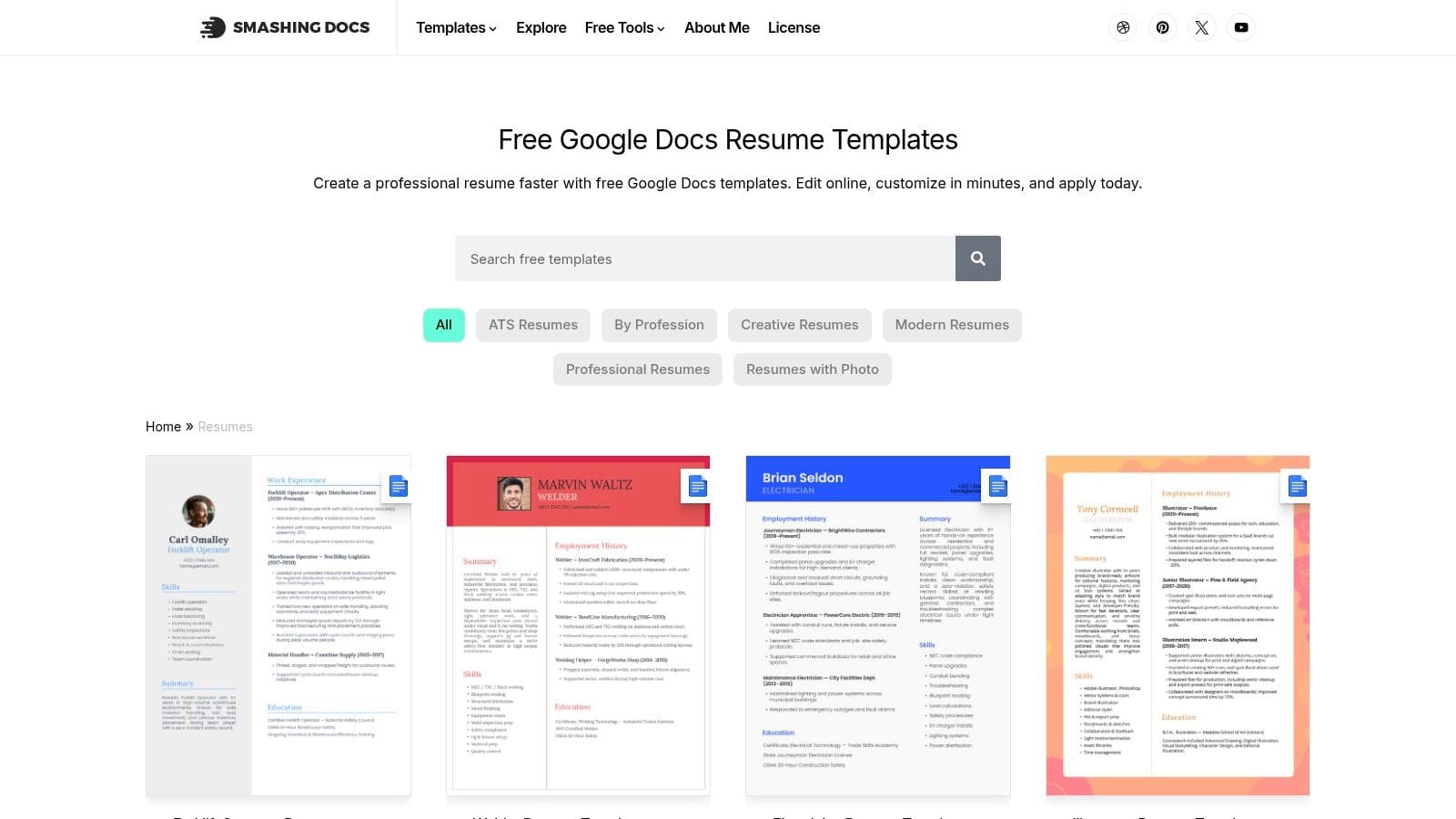
SmashingDocs offers a curated collection of free templates with direct "Open-in-Google-Docs" links, simplifying the process of getting a template into your Drive account. With dozens of designs, it's a valuable resource for finding a visually appealing layout without a price tag.
The sheer volume is an advantage, but it can also lead to choice paralysis. More importantly, a great design doesn't guarantee a great CV. The content you write is what gets you the interview. A CV builder forces you to focus on the substance by providing a structured framework and expert guidance, ensuring your final document is not only beautiful but also effective.
Key Features & Assessment
- Access: Completely free, with templates accessible via direct Google Docs links.
- Experience: The "Open-in-Google-Docs" links create a straightforward workflow.
- Selection: With over 60 designs, the library caters to a wide range of professions and styles.
Explore the collection of free designs on the official SmashingDocs resume templates page.
9. Novorésumé (guides + curated picks)
Novorésumé functions as an educational hub, curating and reviewing various CV template Google Docs options in detailed blog posts. This is an excellent resource for understanding the pros and cons of different styles before choosing one.
Tellingly, Novorésumé's primary product is its own resume builder. Their guides highlight the many formatting pitfalls of Google Docs, implicitly making the case for a more controlled, specialised tool. Whilst their curated lists are helpful for research, they ultimately point to the superiority of a builder over a static template for creating a professional, error-free CV.
Key Features & Assessment
- Access: The guides and most linked templates are free. Novorésumé's own resume builder tool operates on a freemium model.
- Experience: The blog is well-organised, but users must click through external links to access the actual template files.
- Selection: The guides feature a diverse mix of templates sourced from various creators.
Explore their curated lists and tips on the Novorésumé career blog.
10. Resume.io

Resume.io is a dedicated resume builder where you can create your CV and then export it for use with Google Docs. This is for job seekers who prefer a structured, wizard-like process to build their content first.
This workflow separates content creation from formatting, which can be helpful. However, it still requires you to export and manage a separate file for Google Docs. An integrated builder like CV Anywhere keeps everything in one place, allowing you to edit, tailor, and track your applications seamlessly without juggling different files and platforms. You can discover more about how Resume.io compares in our analysis of resume templates on cvanywhere.com.
Key Features & Assessment
- Access: Building a resume is often free, but downloading the file typically requires a subscription.
- Experience: The interface is clean and guides you through each section, but exporting to Google Docs adds an extra step.
- Selection: A curated library of modern, classic, and creative templates designed with ATS compatibility in mind.
Explore their Google Docs-related offerings and builder at Resume.io.
11. Google Workspace Marketplace: "Templates for Google Docs"
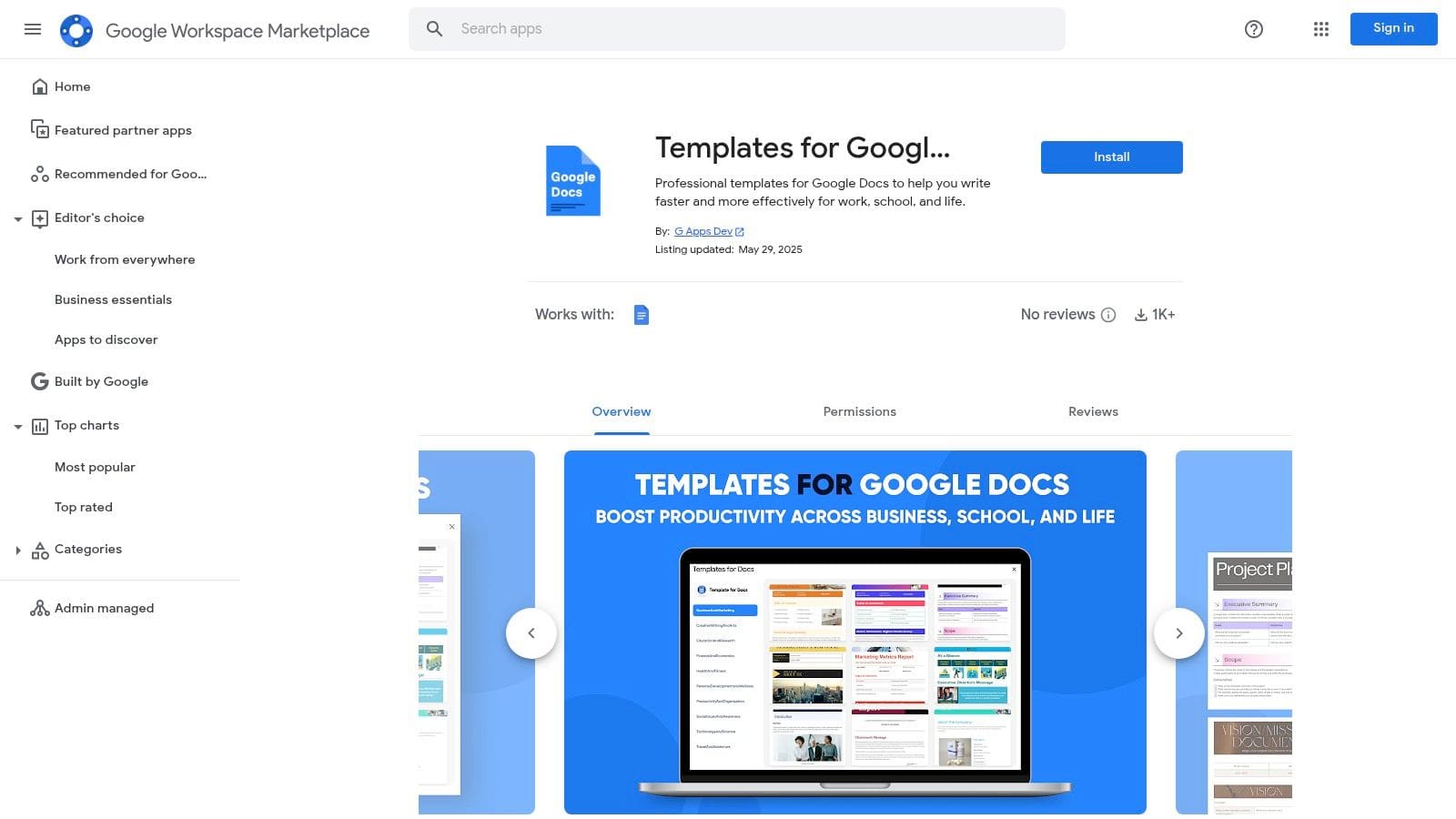
This Workspace Marketplace add-on integrates directly into Google Docs, providing a new source of templates without leaving your workflow. It's a convenient way to find a fresh design with a single click.
Whilst the integration is slick, the selection is limited. This tool offers more of the same: basic, static templates that place the full burden of content creation, customisation, and ATS optimisation on you. A CV builder is designed to lift that burden, providing the structure and guidance needed to create a high-impact application efficiently.
Key Features & Assessment
- Access: The add-on is free to install from the Google Workspace Marketplace.
- Experience: Installation is simple, and templates are accessed directly via the Extensions menu in Google Docs.
- Selection: A small collection of professional documents with a dedicated category for resumes and cover letters.
To enhance your Google Docs experience, you can install the add-on from the official Google Workspace Marketplace.
12. UpResume on Gumroad
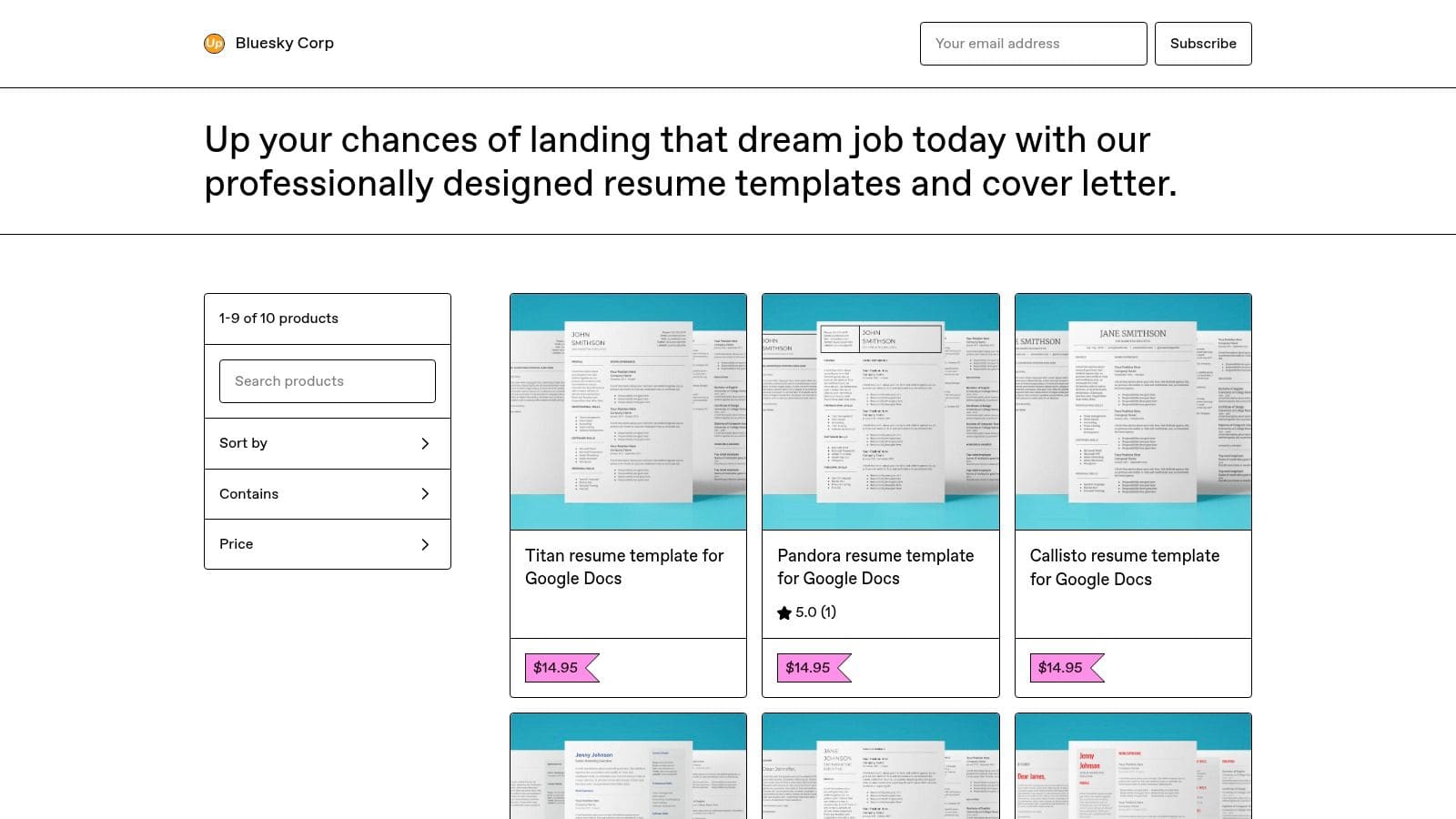
UpResume is a seller on the Gumroad marketplace offering high-quality, modern resume designs. These templates provide a polished, clean aesthetic for a one-time purchase, often bundled with cover letters.
The designs are strong, but they represent the peak of what a static template can offer. You get a beautiful shell, but the engine—the content and strategy—is entirely up to you. For a more complete and effective solution, a CV builder provides both a professional design and the tools to fill it with interview-winning content, tailored perfectly to each job you apply for.
Key Features & Assessment
- Access: Affordable, one-time payments for individual templates via the Gumroad platform.
- Experience: The process is simple. After purchase, you receive a link to create your own editable copy in Google Docs.
- Selection: Several distinct, modern designs that often include photo and no-photo versions.
You can find their unique Google Docs CV template offerings on the UpResume Gumroad storefront.
Google Docs CV Templates: 12-Source Comparison
| Source | Core features | UX / Quality (★) | Price & Value (💰) | Target (👥) | Unique selling point (✨/🏆) |
|---|---|---|---|---|---|
| Google Docs Template Gallery (official) | One‑click "Use template", native Docs files | ★★★★ | 💰 Free | 👥 Quick starters, Google users | 🏆 Instant native Docs access; no conversion ✨ |
| Template.net | Large catalogue, free + Pro, open‑in‑Docs links | ★★★ | 💰 Mix (free + subscription) | 👥 Role/industry seekers | ✨ Broad role coverage; many designs |
| Etsy | Independent designer packs, instant delivery | ★★★ | 💰 Paid per listing (varied) | 👥 Buyers wanting unique styles | ✨ Huge style variety; seller reviews |
| Creative Market | Curated premium templates, bundles & guides | ★★★★ | 💰 Premium one‑time purchases | 👥 Designers & professionals | 🏆 High design quality and documentation ✨ |
| Vertex42 | Conservative, ATS‑friendly templates + tips | ★★★★ | 💰 Mostly Free | 👥 Traditional/professional applicants | ✨ Clean, ATS‑focused layouts and guidance |
| Hloom | Templates + resume builder, ATS guidance | ★★★ | 💰 Mix (free + builder premium) | 👥 Users needing tutorials | ✨ Strong how‑to content and FAQs |
| gdoc.io | One‑click Make‑a‑copy links, categorised styles | ★★★★ | 💰 Free | 👥 Entry‑level & ATS‑conscious users | ✨ Fast, free direct Docs links |
| SmashingDocs | 60+ free designs, Open‑in‑Docs links | ★★★ | 💰 Free | 👥 Users wanting many free options | ✨ Large free variety; easy access |
| Novorésumé (guides + picks) | Curated lists, step‑by‑step Docs workflows | ★★★ | 💰 Free guides; builder paid | 👥 Learners and template choosers | ✨ Educational guidance for Docs resumes |
| Resume.io | Guided builder, ATS‑optimised exports (PDF/DOCX) | ★★★★ | 💰 Free trial; paid for exports | 👥 First‑time builders & guided users | 🏆 Content suggestions + export workflow ✨ |
| Google Workspace Marketplace: "Templates for Google Docs" | Add‑on integration, in‑Docs insertion | ★★★ | 💰 Free add‑on | 👥 Workspace users wanting integration | ✨ Inserts templates from inside Docs |
| UpResume on Gumroad | Single‑seller templates, copy‑into‑Docs links | ★★★★ | 💰 Affordable one‑time buys | 👥 Minimalist design buyers | ✨ Clear instructions + instant delivery |
Beyond the Template: Why a CV Builder Is the Smarter Choice
Choosing a cv template google docs is just the first step. The real challenge is creating compelling, tailored content that gets past automated screeners and impresses recruiters. This is where static templates fall short and a dedicated CV builder excels.
A Google Docs template is a passive tool. It provides a layout, but you're left to do all the heavy lifting: writing, editing, formatting, and customising for every single job application. This manual process is time-consuming and riddled with potential for costly errors, like inconsistent formatting or forgetting to tailor a key section.
The Strategic Advantage of a CV Builder
A CV builder like CV Anywhere is an active partner in your job search. It transforms the CV creation process from a tedious chore into a strategic advantage.
- Effortless Customisation: Instead of manually copying and pasting, a builder lets you store all your information and generate perfectly tailored CVs for different roles in seconds.
- Expert Guidance: Get suggestions for powerful action verbs and skills, ensuring your content is impactful and relevant.
- ATS Optimisation: Every template is designed to be ATS-friendly, so you don't have to worry about your application being rejected by software before a human sees it.
- Error-Free Formatting: The builder handles all the design and layout, guaranteeing a professional, consistent look every time, with no frustrating formatting glitches.
Whilst a cv template google docs can give you a starting point, a CV builder provides a complete system for managing your job search effectively. It saves you time, reduces stress, and ultimately increases your chances of landing the interview. After finalising your document, running it through an AI-powered resume checker can provide an extra layer of confidence by scanning for ATS compatibility and common errors.
Want More Than a Template?
A Google Docs CV template gives you a starting point. CV Anywhere gives you a complete CV builder — with ATS scoring, job description matching, and a free DOCX export so you can still edit in Google Docs if you want.
Try CV Anywhere free — no credit card needed
Ready to move beyond the limitations of static templates? CV Anywhere offers a dynamic CV builder that streamlines the entire job application process, from creating multiple tailored versions to tracking your submissions. Stop juggling dozens of document files and start managing your job search intelligently with CV Anywhere.
Tags
Related articles
7 UK CV Template Examples for Every Career Stage in 2025
Finding the right format can make all the difference in your job search. A great layout helps your skills and experience stand out, while the wrong one can get your application dismissed before a huma...
Quick CV Builder: Create Your Professional CV in Minutes
A quick CV builder works fastest when you stop writing each application from scratch. The most effective process is to keep a master CV, choose an ATS-friendly template, generate a strong summary with...
AI CV Guide: Create a Smarter CV with Examples
You're probably looking at an old CV, a job description, and a blank cursor, wondering whether an ai cv tool will help or just produce polished nonsense. The short answer is yes, it can help, if you u...
UK AI CV Builder: Get Hired in 2026 with an ATS-Friendly CV
Let's be direct: to get ahead in the 2026 UK job market, using a UK AI CV builder is your most effective strategy for creating tailored, optimised CVs built to beat screening software and grab a recru...
Popular Articles
Finding the right format can make all the difference in your job search. A great layout helps your skills and experience stand out, while the wrong one can get your application dismissed before a huma...
A quick CV builder works fastest when you stop writing each application from scratch. The most effective process is to keep a master CV, choose an ATS-friendly template, generate a strong summary with...
You're probably looking at an old CV, a job description, and a blank cursor, wondering whether an ai cv tool will help or just produce polished nonsense. The short answer is yes, it can help, if you u...
Let's be direct: to get ahead in the 2026 UK job market, using a UK AI CV builder is your most effective strategy for creating tailored, optimised CVs built to beat screening software and grab a recru...