If you're searching "make my CV better", you probably already have a CV, you've sent it out, and the response has been weak or inconsistent. That usually means the problem isn't effort. It's positioning, proof, and structure. A better CV doesn't just sound more professional. It makes your value obvious, matches the role you want, and gets through both ATS filters and quick recruiter scans.
Most CVs fail for predictable reasons. They're too generic, they bury the important bits, and they describe duties instead of results. The fix is practical. Audit what you've got, align it to the job advert, rewrite your achievements, clean up the formatting, and track which version goes where.
Your Quick 15-Minute CV Health Check
A frustrating job search often looks like this. You apply to solid roles, you know you're capable, but your CV keeps disappearing into silence.
Before rewriting anything, do a blunt audit. Open your CV and check for the red flags that make recruiters hesitate fast.
The fast checklist
Go line by line and mark anything that needs fixing.
- Header basics: Does your name, phone number, professional email address, and LinkedIn profile appear clearly at the top?
- Job target: Does the first third of the CV make it obvious what role you're going for?
- Summary quality: Does your summary say anything specific, or is it full of empty phrases like "hard-working team player"?
- Dates and gaps: Are your dates clear and consistent? If there's a gap, is there enough context to stop people guessing?
- Achievements: Do your bullet points show outcomes, or just responsibilities?
- Relevance: Have you included content that helps with the role you want now, not just everything you've ever done?
- Readability: Can someone skim it quickly and still understand your value?
- File name: Is the saved file professional and searchable?
Practical rule: If a recruiter can't tell what you do and why you're worth interviewing within a quick scan, the CV needs work.
What usually fails first
The biggest issues aren't subtle.
| CV element | Weak version | Better version |
|---|---|---|
| Professional summary | "Motivated professional seeking new opportunities" | "Project co-ordinator with experience supporting cross-functional teams, reporting, and stakeholder communication" |
| Experience bullets | "Responsible for customer service" | "Handled customer queries, complaints, and order issues across phone and email channels" |
| Email address | old nickname-based address | name-based professional email |
| Dates | inconsistent formats | one format throughout |
What to do after the audit
Don't try to fix everything at once. Prioritise in this order:
- Clarify your target role
- Replace vague summary language
- Rewrite weak bullets
- Add measurable proof where you can
- Tidy layout and formatting
If you want a second set of eyes before a full rewrite, a CV review guide can help you spot the weak sections faster.
Does your CV clearly show results for each role?
Turn a weak CV into a stronger one
Upload your CV → get stronger wording instantly → fix the weakest parts first.
No need to rewrite. Start with your current CV.
Align Your CV with the Job You Want
Many candidates claim to have customized their CV, but have only changed the title and rearranged a few bullet points. That isn't enough.
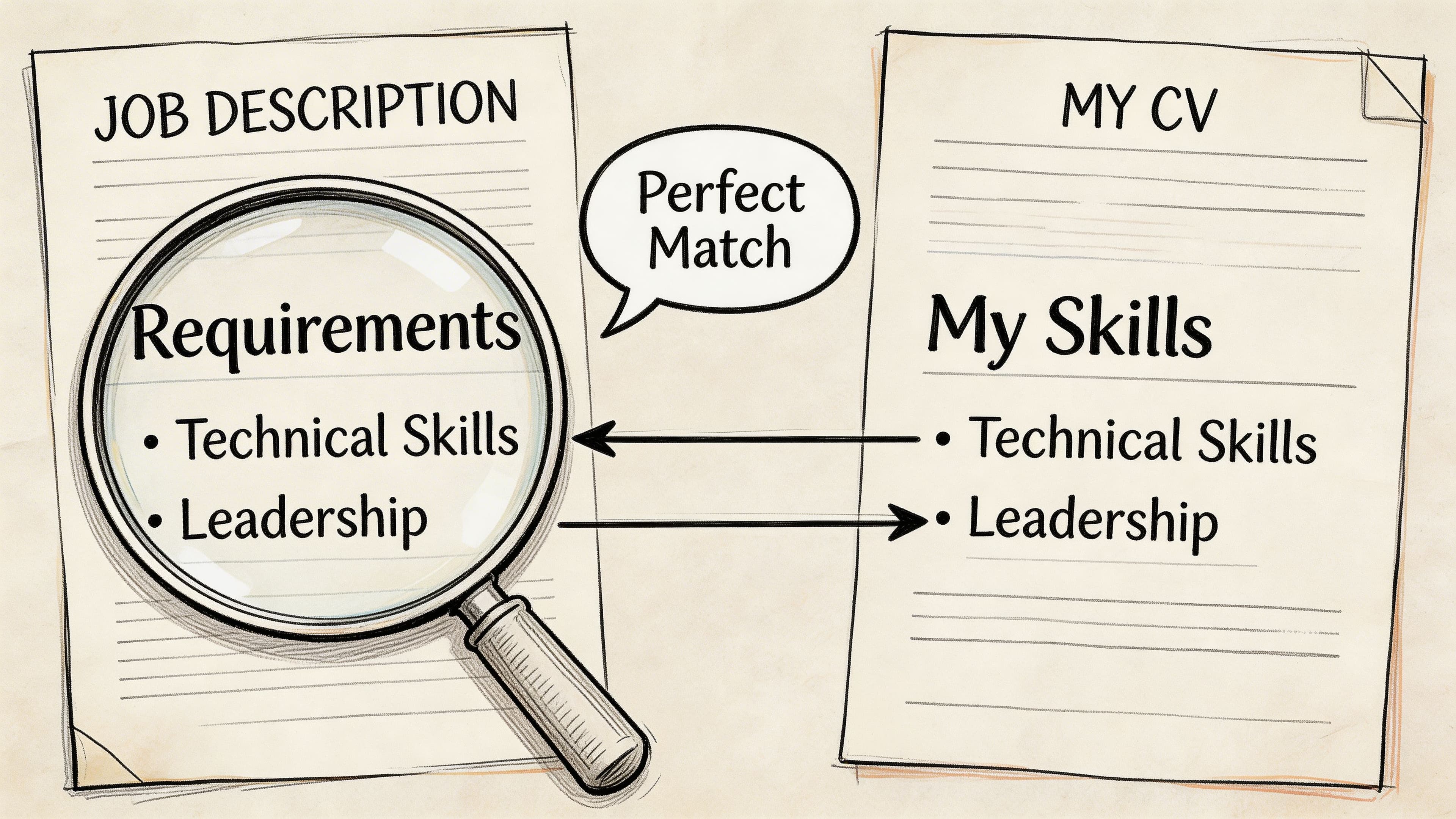
A strong CV starts with the job advert. The advert tells you what the employer values, what language their ATS is looking for, and what your CV needs to prove.
Pull the right signals from the job advert
Read the advert once for meaning, then again with a pen or notes app. Look for three things:
- Role-specific skills: software, methods, tools, or domain language
- Core responsibilities: what the person will do weekly
- Decision words: terms that appear repeatedly and signal priority
For example, if a UK marketing role mentions "campaign planning", "stakeholder management", "CRM", and "reporting", those terms should appear naturally in your CV if they reflect your actual experience.
The technical part matters. CVs need a 'Key Skills' section near the top with keywords from the job description, and CVs lacking proper keyword optimisation are rejected before human review in 40-60% of applications. The recommended method is to extract 8-12 core keywords from each job description and distribute them strategically across the CV (Intelligent People on ATS keyword optimisation).
Map the advert to your CV
This works best when you stop thinking in broad terms and start matching evidence.
Use this simple framework:
| Job advert says | Your CV should show |
|---|---|
| "Stakeholder management" | examples of working with teams, clients, suppliers, or leadership |
| "Reporting and analysis" | dashboards, reports, data handling, admin accuracy |
| "Project delivery" | deadlines, co-ordination, implementation, ownership |
| "Customer-facing" | service, account handling, issue resolution, communication |
Add the strongest matches in three places:
- Top summary
- Key Skills section
- Achievement bullets under relevant roles
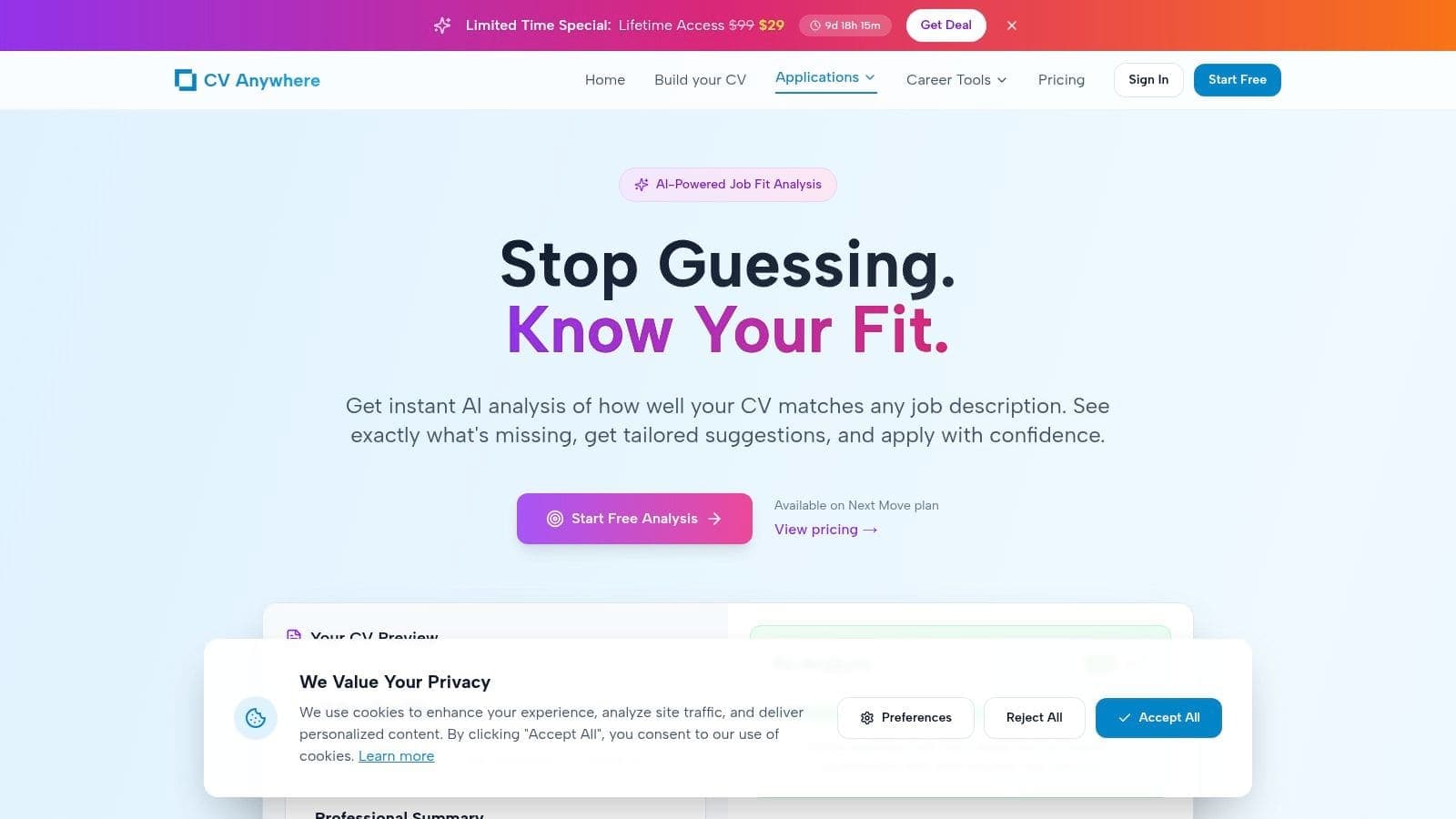
Here's what that process looks like visually.
Why this matters more for career changers
Career changers usually have enough ability, but their CV doesn't translate that ability into the language of the target role.
That's why generic "ATS-friendly" edits often fail. For career changers, AI-driven CV personalisation fails without integrated job description analysis. A 2025 LinkedIn Workforce Report notes 62% of job seekers are career changers, yet 78% report ATS rejections due to poor JD alignment. AI platforms with a JD Fit Checker can boost match scores by 40% and interview conversions by 30% by parsing JDs for precise skill gaps (Indeed career advice on improving your CV).
If your CV says what you've done, but the advert says what they need, your job is to close that language gap honestly and directly.
For a deeper walkthrough of tailoring line by line, use this guide on how to tailor your CV to a job description.
Rewrite Achievements to Showcase Impact
A mediocre CV lists tasks. A strong CV proves contribution.
That difference matters more than most candidates realise. Analysis of over 125,000 CVs shows that 36% had zero instances of measurable results or metrics. Including quantified achievements is a major differentiator, and recruiters report that numbered accomplishments can cut their review time by up to 40% (Cultivated Culture resume statistics).
If you've been writing bullets like "responsible for", "helped with", or "worked on", that's usually the weak point.
Use a simple writing formula
A reliable bullet usually has four parts:
- What the situation or task was
- What you did
- How you did it
- What changed as a result
That's basically the STAR method in bullet form. It stops your experience sounding passive.
Before and after examples
Here's what that looks like in practice.
| Weak bullet | Better bullet |
|---|---|
| Responsible for social media accounts | Managed social media content calendar across key channels, improving consistency and engagement through planned campaign delivery |
| Helped with monthly reporting | Produced monthly performance reports for senior stakeholders, combining campaign, sales, and channel data into clear summaries |
| Worked with customers | Resolved customer issues across email and phone, maintaining service quality while handling high volumes of queries |
| Assisted with projects | Supported project delivery by tracking deadlines, co-ordinating updates, and keeping documentation current |
Those better versions still work even without numbers. If you do have numbers, add them. If you don't, use scale, scope, frequency, or business relevance.
Where to find metrics if you think you have none
People often say, "I don't have achievements because I wasn't in a senior role." That's usually not true. You can often quantify impact from:
- Volume: customers served, cases handled, reports produced, projects supported
- Speed: turnaround times, deadlines met, response handling
- Quality: error reduction, process accuracy, audit readiness
- Scale: number of stores, regions, clients, systems, or stakeholders
- Ownership: training, onboarding, handovers, documentation, admin control
For example:
- Retail: handled high-volume customer interactions and supported stock control
- Operations: maintained scheduling, compliance records, or supplier co-ordination
- Admin: improved document flow, diary management, or reporting accuracy
- Graduate work: completed research, presentations, team projects, or placements with clear outputs
Better test: If the bullet could apply to thousands of people in the same job, it's too generic.
A stronger way to think about each bullet
Instead of asking, "What was I responsible for?", ask:
- What did I improve?
- What did I keep running smoothly?
- What was I trusted to handle?
- What result did my work support?
If you need inspiration for stronger wording, these achievement examples for CV bullet points are a useful reference.
Optimise Your CV for Recruiters and Robots
Good content still fails if the file is hard for ATS software to read.
This is the technical side of making your CV better. It's less about style and more about whether software can parse your document correctly before a recruiter ever sees it.
Keep the structure easy to parse
Use a standard format with clear section headings such as:
- Professional Summary
- Key Skills
- Work Experience
- Education
- Certifications if relevant
Avoid design elements that often cause problems:
- Tables for core content
- Text boxes
- Icons in place of labels
- Multi-column layouts
- Heavy graphics
Even image details matter. If you're adding visuals anywhere in a portfolio or web CV, make sure you understand alt text, because accessibility and clarity go together.
The Key Skills section isn't optional
Put a Key Skills section near the top. In this section, mirror the language of the advert naturally.
A weak version looks like this:
- Team player
- Hard-working
- Good communicator
- Microsoft Office
A stronger version looks role-specific:
- Stakeholder management
- Project co-ordination
- CRM administration
- Performance reporting
- Customer service operations
- Data entry accuracy
Those terms tell both software and recruiters what kind of role you fit.
Your ATS checklist
Use this before sending any CV.
- Choose a clean file format: If an employer asks for Word, send Word. If not, a clean PDF is often fine.
- Use standard fonts: Calibri, Arial, Helvetica, or similar.
- Write full headings: Don't get clever with branding labels.
- Match terms carefully: Use the exact language from the advert where it reflects your experience.
- Keep dates readable: Month and year format is usually safest.
- Skip keyword stuffing: Repeating phrases unnaturally hurts readability and credibility.
A CV can be both human-friendly and ATS-friendly. In fact, the best ones usually are.
If you want a more detailed technical checklist, this guide on how to optimise your CV for ATS is worth reviewing before your next application.
Refine Design and Layout for Readability
Once the content is strong, presentation decides whether anyone keeps reading.
Recruiters don't reward decorative CVs. They reward clear ones. A clean layout signals judgement, professionalism, and respect for the reader's time.
What a readable CV looks like
The best layouts are plain in the right way. They guide the eye without calling attention to themselves.
Use:
- Clear section breaks
- Consistent spacing
- One professional font throughout
- Bold for job titles, employers, and key information
- Bullet points instead of dense paragraphs
Don't use:
- Tiny font to cram in more text
- Several accent colours
- Long profile paragraphs
- Over-designed templates with sidebars doing all the work
Why layout changes perception
A cluttered CV feels harder than it is. That matters because effort is part of the hiring decision. If your strengths are buried, the recruiter may never find them.
Good layout creates a visual hierarchy. It tells the reader where to look first, what matters most, and how your career story fits together.
A simple structure often works best:
| Area | What should stand out |
|---|---|
| Top section | name, title, contact details, summary |
| Upper middle | key skills relevant to the role |
| Experience section | employers, dates, achievements |
| Final section | education, certifications, extra details |
Clean design doesn't make a weak CV strong. It makes a strong CV easier to trust.
If your current document feels crowded or awkward, reviewing different CV layout approaches can help you choose a cleaner structure.
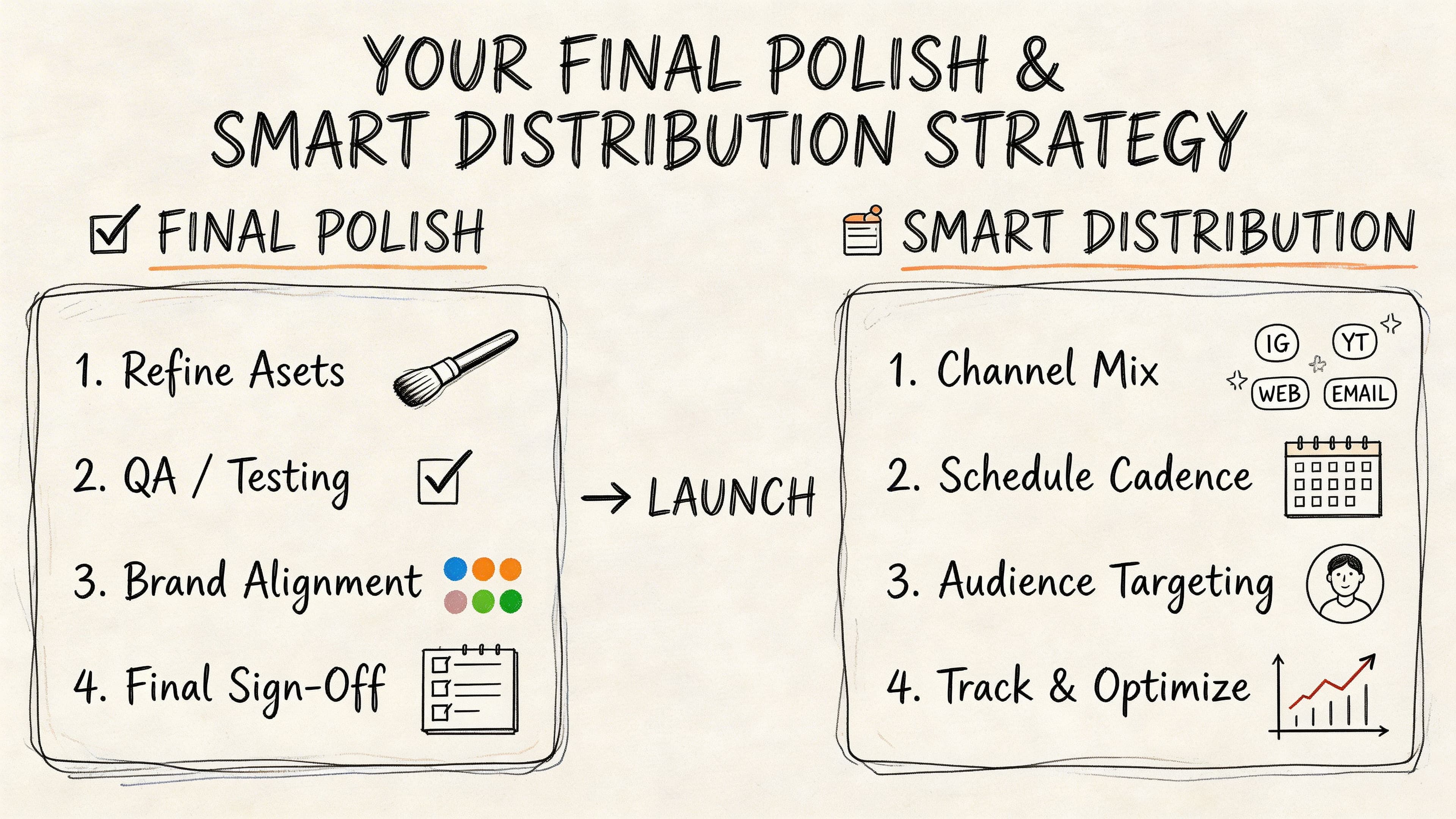
Your Final Polish and Smart Distribution Strategy
A better CV isn't just a document. It's part of a system.
The final stage is where good candidates often lose momentum. They fix the wording, export the file, and then send the same version everywhere. That wastes the work you've just done.
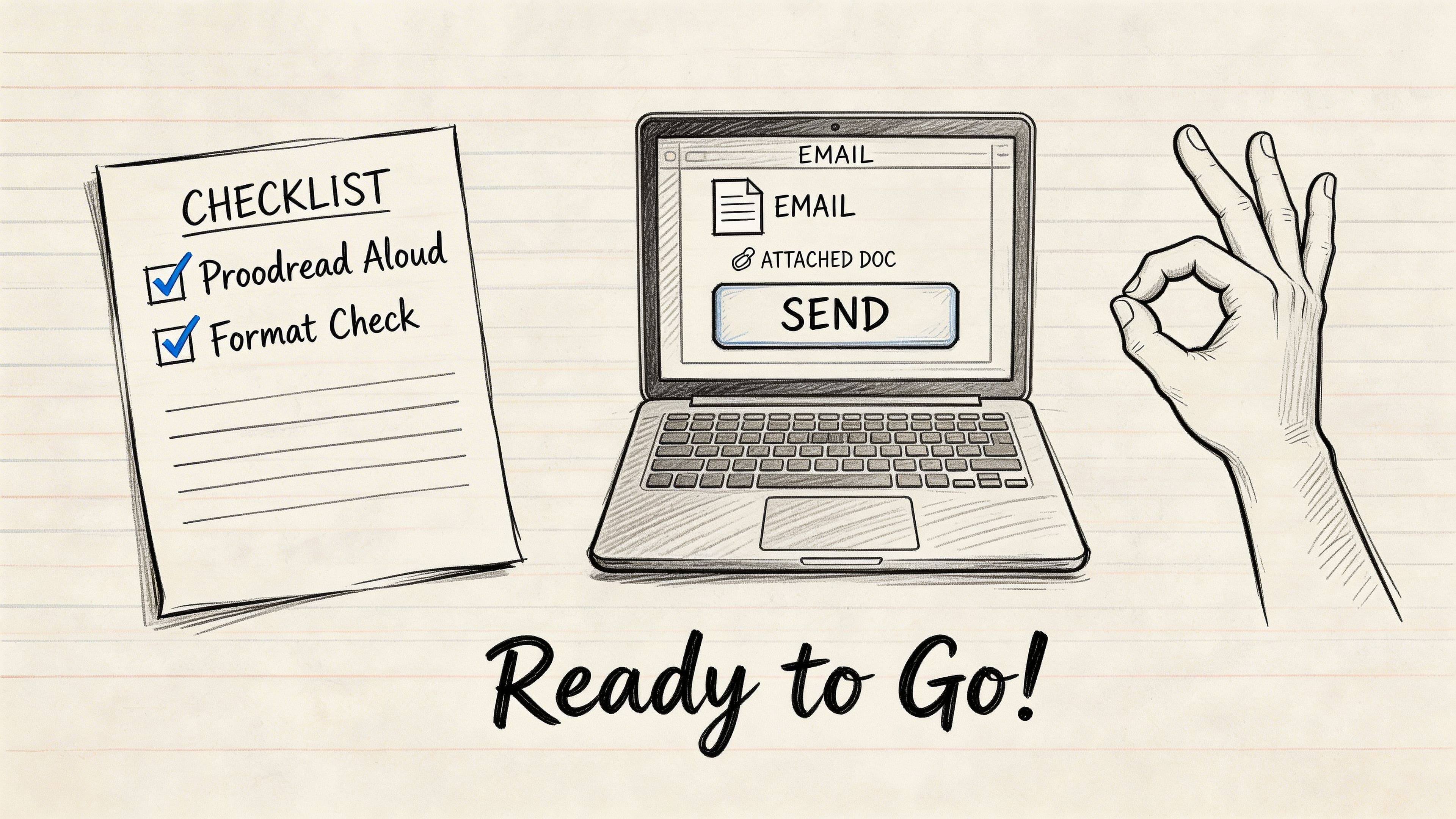
Do a proper final check
Before you send any version, run this short pre-flight list.
- Read it aloud: awkward phrasing becomes obvious when spoken
- Check names and dates: employer names, month ranges, qualifications
- Look for formatting drift: inconsistent bullets, spacing, bolding, line breaks
- Test the first scan: can someone understand your fit quickly?
- Use a proper file name: your name plus role is usually enough
A second pair of eyes helps, but ask the right question. Don't ask, "Does this look good?" Ask, "What kind of job do you think this CV is aimed at?" If they can't answer clearly, your targeting still needs work.
Stop treating every application the same
A better approach is to create a master CV, then save customized versions for specific role types.
For example:
- Operations CV
- Project support CV
- Customer success CV
- Graduate analyst CV
Each one should keep the same core facts but shift the summary, skills, and top achievements.
Track your applications properly
Once you start tailoring, organisation matters. Otherwise you'll forget which version went to which employer.
Track:
- Company name
- Role title
- Date applied
- CV version used
- Follow-up date
- Interview outcome
- Notes on what happened
This turns job hunting from guesswork into feedback. After a few applications, patterns become easier to spot. One version may get more responses. One type of role may consistently stall. One summary may be stronger than another.
That's the modern answer to "make my CV better". Improve it, test it, track it, and refine it based on what happens next.
Frequently Asked Questions About Improving Your CV
How long should a UK CV be
Usually one to two pages. Early-career candidates can often keep it to one page if the content is tight. More experienced professionals often need two. The right length is the shortest version that still proves fit for the role.
Should I put a photo on my CV
Usually no. In the UK, a photo is not standard for most roles and rarely helps. It takes up space that's better used for evidence, skills, and achievements.
Should I include a personal profile
Yes, if it says something specific. Keep it short. Focus on your role level, specialism, and strongest relevant value. Skip vague traits.
What if I don't have many achievements yet
Use evidence of scope, ownership, and contribution from coursework, placements, part-time work, volunteering, or internships. Strong bullet points don't always need hard numbers, but they do need clear value.
Can I use a CV template
Yes, if it's clean and readable. Avoid templates that rely on graphics, sidebars, or complicated formatting. If you want extra visual editing advice for images or polished presentation assets, browsing practical clipping.pro articles can be useful alongside your CV work.
If you want to improve your CV without juggling separate tools, CV Anywhere combines CV building, job description matching, and application tracking in one place. It's built for people who want a stronger CV and a more organised route from application to interview.