To get your ATS friendly CV UK employers will actually see, you need a CV that's simple, predictable, and incredibly easy for software to read. Applicant Tracking Systems (ATS) are software, not people, and they value clarity above all else. This means your first job is to build a CV that can be parsed perfectly before a human ever lays eyes on it.
For a practical pre-upload check, use the eight ATS formatting and file checks. They distinguish readable text and correct imported fields from an employer’s selection decision.
Building Your Foundation for ATS Success

The single biggest mistake candidates make is over-designing their CV. Flashy templates from the internet with columns, tables, images, or funky fonts might look great to you, but they are poison to an ATS. The software stumbles, misreads the information, or just gives up and rejects your file entirely.
Your goal is to tell your professional story in a way the machine can easily understand. Let's start with the basics.
Stick to Standard Fonts and Headings
Don't get creative here. Stick to universally recognised, web-safe fonts like Arial, Calibri, or Times New Roman. Keep your body text between 10-12 points—it's the sweet spot for readability for both the software and the human recruiter who will (hopefully) see it next.
The same rule applies to your section headings. The ATS is programmed to look for standard terms to categorise your information. Good, recognisable headings are your best friend:
- Professional Experience
- Education
- Skills
- Contact Details
Avoid quirky titles like "My Journey" or "What I Do Best." The system won't know what to do with them. If you want a deeper dive into the standard UK layout, our full guide on how to write a CV for the UK market has you covered.
The Alarming Reality of ATS Screening
It's hard to overstate how critical this is. Recent research shows that a staggering 75% of CVs submitted to UK employers get rejected by an ATS before a human ever lays eyes on them. Major players like the NHS, Tesco, and the UK Civil Service all use these systems. That means only a small fraction of applications ever make it through the first gate.
This table breaks down the simple choices that can make or break your CV's chances with an ATS.
ATS-Friendly vs. ATS-Unfriendly Formatting Choices
| CV Element | ATS-Friendly Approach (Do This) | ATS-Unfriendly Approach (Avoid This) |
|---|---|---|
| Layout | Single, linear column. | Multi-column layouts, tables, or text boxes. |
| Fonts | Standard, web-safe fonts (Arial, Calibri, Times New Roman). | Script, custom, or highly stylised fonts. |
| Headings | Conventional titles ("Work Experience," "Skills"). | "Creative" titles ("My Adventures," "My Superpowers"). |
| Contact Info | Placed at the top of the main body. | Placed in the header or footer section of the document. |
| Graphics | None. Use standard bullet points (•, ○, ▪). | Photos, logos, icons, charts, or skill-rating graphs. |
| File Type | .docx or .pdf (check the job ad for preference). | .jpg, .png, or other image-based formats. |
Getting these basics right is non-negotiable for a modern job search.
Your CV is a data document for a machine before it becomes a marketing tool for a human. If the machine can't read the data, the human will never see the marketing.
Of course, a perfect CV is just one piece of the puzzle. Proactive outreach can sometimes help you bypass the digital gatekeepers entirely. It's always worth exploring strategies like finding hiring manager emails directly.
But it all starts with a well-structured ATS friendly CV UK document. By focusing on a clean, single-column layout with standard fonts and clear headings, you build the foundation that gives your qualifications the best possible chance to be seen.
Is your CV actually getting responses?
Your CV might be missing something important
Upload your CV → see its weakest areas → fix them, one by one.
Free. Takes less than 2 minutes.
Integrating Keywords Like a Pro

If a clean format is the foundation of your document, then keywords are the actual language the system speaks. An ATS doesn't get nuance or read between the lines; it's a matching engine, plain and simple. It scans your CV for specific terms and phrases pulled directly from the job description to decide if you're a potential fit.
Your job is to dissect that job advert like a detective, hunting for the exact language the recruiter used. This means identifying the essential skills, tools, and qualifications they are explicitly asking for.
Deconstructing the Job Description
Before you even think about writing, get forensic with the job advert. I always recommend copying it into a separate document and literally highlighting the key terms as you go. You're looking for three main types of keywords:
- Hard Skills: These are the specific, teachable abilities. Think 'Data Analysis', 'Salesforce CRM', 'Google Analytics', or 'Python'.
- Soft Skills: These are all about your work style. You'll see things like 'Stakeholder Management', 'Team Collaboration', or 'Agile Methodologies'.
- Qualifications & Tools: This bucket covers certifications, software, and industry credentials. Look for 'ACCA Certified', 'Prince2 Practitioner', or 'Proficient in Adobe Creative Suite'.
By gathering these terms first, you create a vocabulary list to weave into your CV. It's about speaking the same language as the ATS and the recruiter. To really get ahead, it helps to understand how recruiters search. Learning about the Boolean search strings recruiters use gives you a peek behind the curtain.
Strategic Keyword Placement
Once you have your list, it's time to integrate them naturally. Whatever you do, avoid "keyword stuffing"—just listing skills randomly. Instead, embed them contextually where they make the most sense.
Your Professional Summary at the top is prime real estate. It's the first thing both the ATS and a human will scan. A generic summary is a wasted opportunity. You need to pack it with 2-3 of the most critical keywords you found.
Next up, your Professional Experience section is where you can really bring these keywords to life. Use bullet points for each role to describe your achievements, embedding the relevant terms within those statements.
Let's see a quick transformation:
- Generic: "Responsible for managing projects."
- Keyword-Rich: "Successfully managed the full project lifecycle for digital marketing campaigns using Agile methodologies, leading to a 15% increase in user engagement."
The difference is stark, isn't it? The second example not only uses the right keywords but also proves their impact with a tangible result. That's compelling for both software and a human reader.
Finally, a dedicated Skills section is your safety net. It allows you to list any important technical skills or tools that didn't fit naturally into your experience. It's a final sweep to ensure you've covered all your bases. For a more automated approach, tools like our JD Fit Checker can score your CV against a job description and pinpoint exactly which keywords you're missing.
This isn't just a "nice to have"—it's non-negotiable. Research from Jobscan's State of the Job Search 2025 report found that 99.7% of recruiters use keyword filters. The data also showed that CVs containing the exact job title from the posting were 10.6 times more likely to land an interview. This proves that mirroring the employer's language is one of the most powerful things you can do.
Structuring Your UK CV for Readability
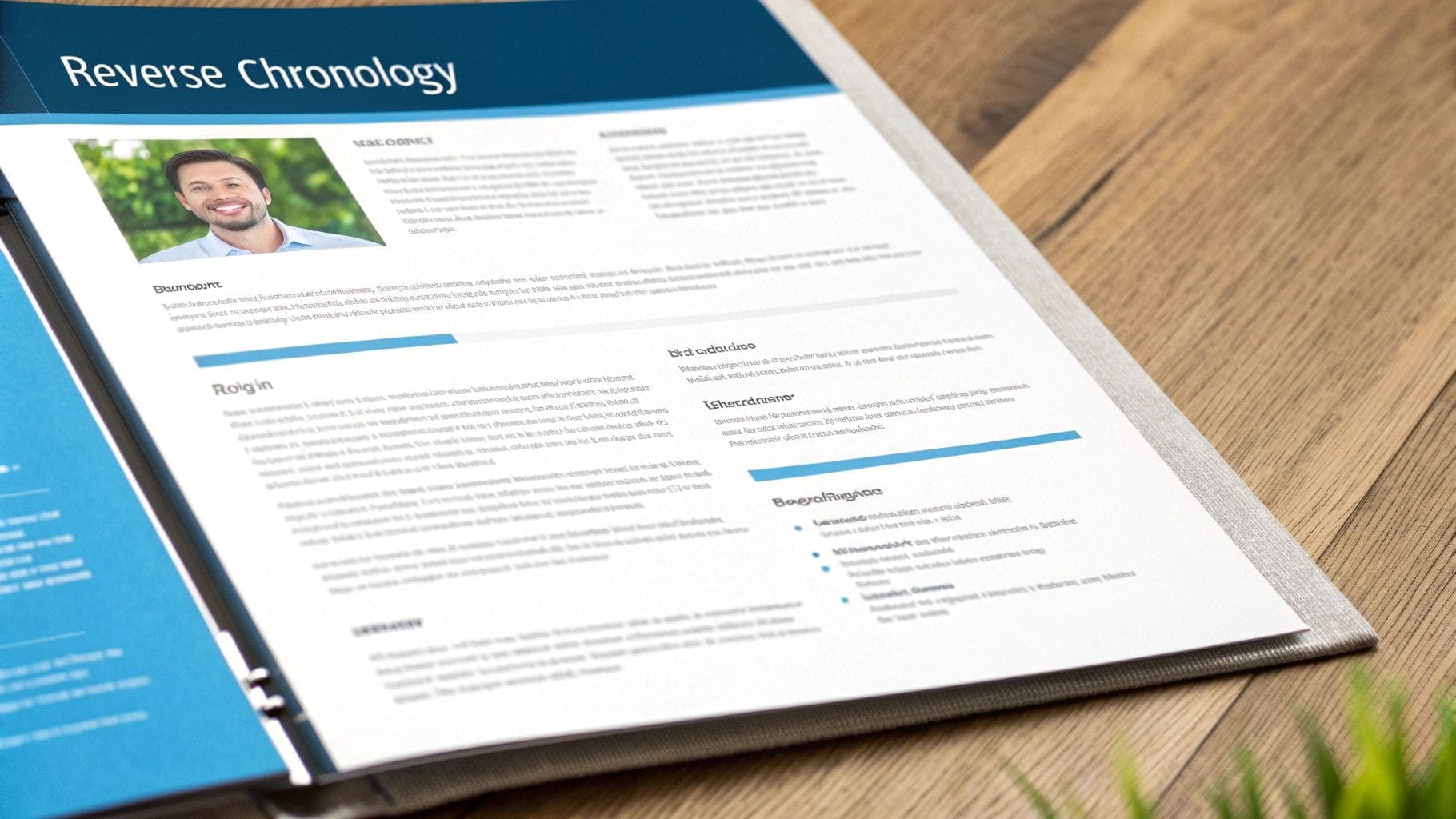
Think of your CV's structure as its backbone. A good one creates a clear, predictable path for both the ATS and the human recruiter to follow, making sure your most important information is impossible to miss. Get the layout wrong, and you risk your application being discarded before it's even read.
For ATS compliance, the reverse-chronological format is the undisputed champion. It's the standard here in the UK for a reason: it puts your most recent job first and works backwards, immediately showing a recruiter what you're doing now and how your career has progressed.
Start with a Powerful Professional Summary
Just below your contact details, you need a short, sharp paragraph known as your Professional Summary or Personal Statement. This isn't just a fluffy introduction; it's your elevator pitch, distilled into 3-4 powerful sentences. It has to be packed with your most relevant skills and achievements, all tailored to the specific job you're applying for.
Consider this the headline for your entire career. It needs to hook the reader instantly and make them want to know more. This is also the perfect spot to weave in 2-3 of the most critical keywords you've identified from the job description.
Get Your Experience Section Right
This is where you prove you can do the job. Don't just list what you were responsible for; focus on what you achieved. Each role should feature compelling, action-oriented bullet points that show the tangible impact you made.
Here's how to structure each entry for maximum clarity and ATS compatibility:
- Job Title: State your official title clearly.
- Company Name & Location: List the employer and the city.
- Dates of Employment: Use a consistent format like Month Year – Month Year (e.g., October 2020 – Present). This format is universally understood by ATS software.
Instead of saying you were "responsible for sales," quantify your success. For example: "Exceeded sales targets by 15% for three consecutive quarters by implementing a new client outreach strategy." Numbers speak louder than words to both software and people.
An achievement-focused bullet point answers the question, "What was the result of your work?" A responsibility-focused one just says, "What did you do?" Always aim to show the result.
Strategic Placement of Education and Skills
After your Professional Experience, you need to place your Education and Skills sections. The standard order in the UK is usually the best bet. However, if you're a recent graduate or your degree is a non-negotiable requirement for the role (like a specific engineering qualification), you might consider moving Education up before your Experience.
For most professionals, though, stick to this tried-and-tested order:
- Contact Details
- Professional Summary
- Professional Experience
- Skills
- Education
A dedicated Skills section is essential for an ats friendly cv uk document. It acts as a keyword-rich hub where you can cleanly list technical abilities, software expertise, and languages.
For a visual guide on how these sections come together in a clean, professional layout, it's worth exploring some UK CV template examples that follow these best practices. By organising your CV logically, you make it effortless for any system or person to see why you're the right candidate for the job.
Navigating Common ATS Formatting Traps
It's one of the most frustrating parts of a job search: crafting the perfect CV only to have it rejected by a machine before a human ever sees it. This often comes down to simple formatting mistakes that trip up Applicant Tracking Systems. But don't worry, they're easy to sidestep once you know what to look for.
Building a truly readable CV job seekers can count on means getting the small details right. The goal is to make your CV as clean and parsable as possible for the software.
The Header and Footer Dead Zone
A classic mistake is putting your contact information—name, phone number, email—inside the document's header or footer. It seems logical, but many ATS platforms are programmed to ignore these sections completely.
The result? The system might parse all your brilliant experience but have no idea who you are, leading to an instant rejection. Always, always put your contact details right at the top of the main body of the document.
Dodging Acronyms and Unreadable Bullets
Another common pitfall is using acronyms without context. You might be an expert in Enterprise Resource Planning, but the recruiter's ATS could be set to search only for the full phrase.
The safest bet is to cover all bases. Write out the full term first, then add the acronym in parentheses: Enterprise Resource Planning (ERP). This simple trick ensures you show up in searches for either term.
The visual elements you choose also matter more than you'd think. It's tempting to use custom bullet points like arrows (→) or ticks (✓) for a bit of visual flair, but these special characters can scramble your text in an ATS.
Stick to the basics that every system can read:
- A standard solid circle (●)
- A standard open circle (○)
- A standard square (■)
These simple choices guarantee your achievements are parsed correctly every single time. For a deeper dive into how layout affects both ATS and human readability, check out our guide on perfecting your CV layout.
Finalising Your File for Success
How you save and name your file is your final pre-flight check before hitting 'send'. Unless the job advert specifically asks for something else, your best options are .docx or a text-based PDF. These are the most universally compatible formats. Never use image-based files like .jpg or .png—an ATS can't read a single word.
Finally, give your file a professional, informative name. A generic 'CV.pdf' is a nightmare for recruiters and easily gets lost.
A clear naming convention is a small touch that shows professionalism. Use this format: 'YourName-JobTitle-CV.pdf'. For instance, 'John-Smith-Project-Manager-CV.pdf' is instantly identifiable and helps the hiring manager stay organised.
By sidestepping these common traps, you ensure your CV is clean, readable, and ready for review. This attention to detail is often what separates an application that gets seen from one that disappears into the digital void.
The Final Once-Over: Your ATS-Friendly CV Checklist
Before you hit that 'apply' button, it's time for one last, crucial step. This isn't about a quick spell check. This is your final line of defence—a methodical review to catch the small but fatal flaws that can get your CV instantly rejected by an Applicant Tracking System.
Think of it as your CV's pre-submission MOT. A thorough once-over ensures you haven't fallen at the final hurdle. Have you checked your contact details aren't hidden in the header? Are your section titles crystal clear? This final pass gives you the confidence that you've done everything possible to get your CV into a human's hands.
Core Formatting and File Checks
First, let's nail the technical basics. These are the foundational elements that determine whether an ATS can even open and read your CV in the first place. Get these wrong, and nothing else matters.
- File Type: Is it saved as a .docx file? This is the gold standard. A text-based .pdf is your next best bet, but avoid image-based PDFs at all costs.
- File Name: Look at how it's named. Something generic like 'CV.docx' looks unprofessional. Use a clear, standard format like 'YourName-JobTitle-CV.docx'.
- Font Choice: Stick to the classics. A standard, highly readable font like Arial, Calibri, or Times New Roman in size 10-12 points is perfect.
- Layout Simplicity: Have a final scan for anything that could confuse the software. Columns, tables, text boxes, and images are all common culprits that can scramble your information. Keep it clean and simple.
Content and Keyword Verification
With the technicals sorted, it's time to scrutinise the actual words on the page. This is all about confirming that your CV speaks the same language as the recruiter and the ATS.
This review isn't just about spotting typos; it's about making sure your CV tells a powerful, keyword-rich story that directly answers the hiring manager's needs.
Have you woven the essential keywords from the job description naturally into your personal statement and work experience? The best way to be sure is to run your CV through an analysis tool. Using a dedicated ATS CV checker for the UK market can give you a match score and flag any critical gaps before you submit. It's a final, data-driven check to make sure every single section is working as hard as possible to get you noticed.
The Ultimate ATS-Friendly CV Checklist
Use this quick table as a final sanity check. Run through each item to catch any potential red flags before you send your application off.
| Check Area | Action Item | Status (Done/To-Do) |
|---|---|---|
| File Format | Saved as .docx or text-based .pdf. | |
| File Name | Uses professional convention (e.g., Name-Role-CV). | |
| Contact Info | Included in the main body, not the header/footer. | |
| Layout | Single-column format with no tables, text boxes, or images. | |
| Fonts | Standard font (Arial, Calibri) at 10-12pt size. | |
| Headings | Uses standard titles like "Work Experience" and "Education." | |
| Keywords | Key terms from the job description are included naturally. | |
| Spelling | UK spelling conventions used consistently (e.g., 'organise'). | |
| Dates | Consistent format used throughout (e.g., 'Month Year'). | |
| Links | Hyperlinks are clean and direct to relevant profiles (e.g., LinkedIn). |
Once you've ticked off every item on this list, you can finally apply with the assurance that your CV is perfectly optimised to beat the bots and impress the person on the other side.
Your Top UK ATS CV Questions, Answered
Creating an ATS-friendly CV for the UK market can feel like navigating a minefield of conflicting advice. Should it be one page or two? Do creative designs work? What personal details are off-limits? It's confusing.
Let's cut through the noise. Here are straight answers to the most common questions I hear, focusing on the specific quirks of UK hiring and how Applicant Tracking Systems really work.
How Long Should a UK CV Be: One Page or Two?
For almost every professional in the UK, a two-page CV is the standard. It's what recruiters here expect to see.
Unlike the strict one-page rule you might hear about in the US, a two-page CV gives you the space to properly detail your experience, projects, and achievements. An ATS doesn't care about page count, so don't hamstring yourself by cutting out valuable, keyword-rich content just to fit everything onto a single sheet.
The only real exception? Recent graduates or those with very little work history. For them, one page can be enough. For everyone else, two pages is the sweet spot.
Can I Use a Creative CV Template for a UK Job?
It's tempting, I get it. You want to stand out. But unless you're applying for a job in a highly visual field like graphic design, you should steer clear of creative templates for any online application.
Those fancy templates often use tables, columns, images, and unusual fonts that completely trip up most ATS platforms. The software will either jumble your information into an unreadable mess or just reject the file entirely.
Your first priority is getting past the machine. Always submit a clean, text-based version of your CV for the initial online application. You can bring a more visually striking version to an in-person interview or pop a link to your online portfolio in your contact details.
Remember, your CV has to pass the bot before a human ever sees it. Getting this right is a non-negotiable part of building a successful application.
What Personal Details Should I Leave Off My UK CV?
In the UK, protecting your personal information and preventing unconscious bias is a big deal. You should never include these details on your CV:
- A photograph of yourself
- Your date of birth or age
- Your marital status
- Your nationality
This information has absolutely zero bearing on your ability to do the job, and including it can actually work against you. Keeping these details off your CV ensures the focus stays exactly where it should be: on your skills, qualifications, and experience.
So, what should you include in your contact section? Just the essentials:
- Your full name
- A professional email address
- Your phone number
- Your general location (e.g., "Manchester" or "London Area")
- A link to your LinkedIn profile
By keeping it concise, you present a professional and compliant CV that meets UK hiring standards.
Ready to build a CV that beats the bots and impresses recruiters? The Smart CV Builder from CV Anywhere creates polished, ATS-friendly documents in minutes, with AI-powered tools to align your skills and write powerful summaries. Start building your job-winning CV today.